
OpenAI Atlas AI Browser for Mac: Key Features You’ll Love
This overview of the OpenAI Atlas AI browser for Mac highlights its smartest features, faster workflows, and AI-powered tools—showing why it could become the most efficient browsing experience for Mac users.

Introduction
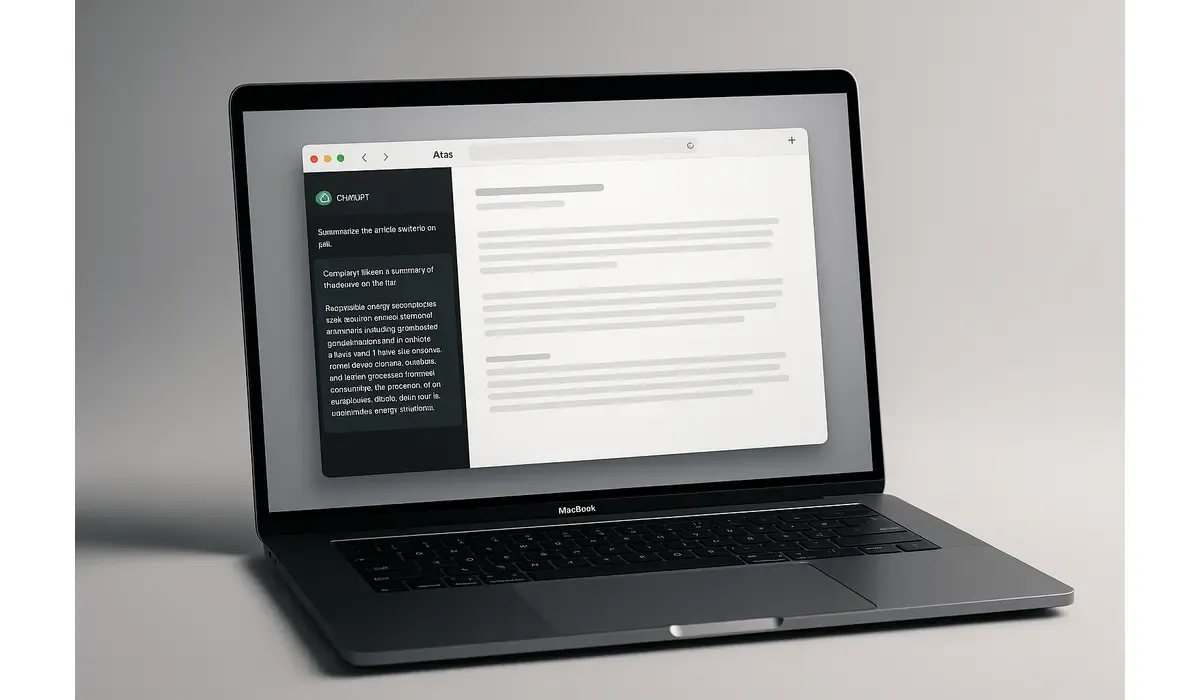
The OpenAI Atlas AI browser is finally here, and it’s already being called one of the smartest browsers ever built for Mac. Designed for modern users who multitask between research, creativity, and communication, Atlas blends the power of ChatGPT directly into your browsing experience.
- AI-driven browser designed specifically for macOS users.
- Features include built-in ChatGPT chat, memory mode, and Agent Mode.
- Promises faster, smarter, and context-aware web browsing.
What Is the OpenAI Atlas AI Browser?
The OpenAI Atlas AI browser is a next-generation web browser developed by OpenAI, purpose-built for macOS devices. Instead of simply loading web pages, Atlas actively helps users understand, summarize, and act on online information.
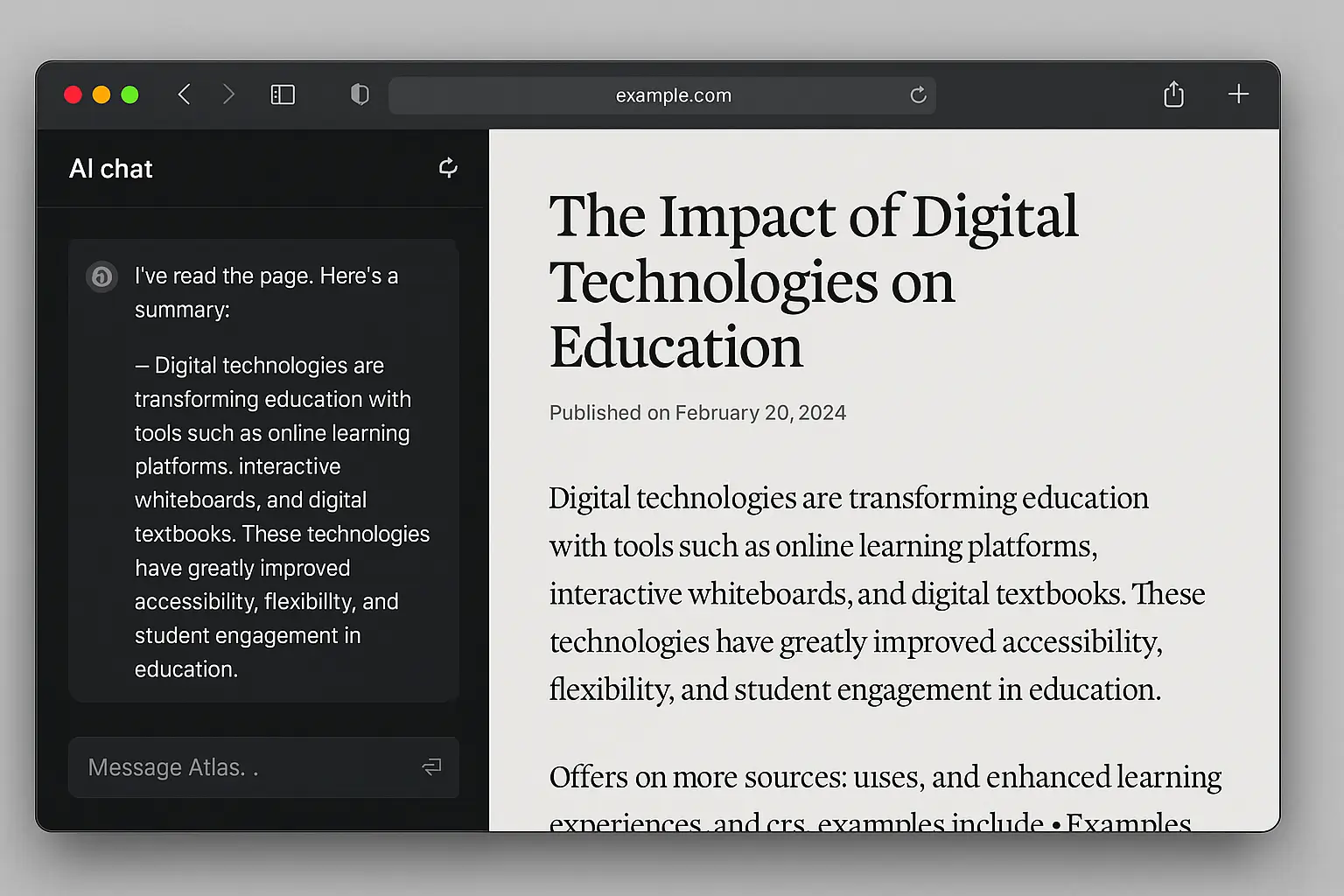
It integrates ChatGPT within a sidebar, letting users interact with webpages in real time — summarizing articles, rewriting text, explaining code, or extracting key insights — all without leaving the page.
Latest Update: Launch and Compatibility
The browser officially debuted in October 2025 and is currently available exclusively for macOS users. It’s optimized for Apple Silicon (M1, M2, M3) systems and supports macOS Monterey and newer versions.
OpenAI has hinted that future updates will expand support to Windows, iOS, and Android platforms. For now, Mac users are the first to experience this blend of AI and browsing innovation.

$500 PayPal Gift Card
A $500 PayPal Gift card may be available to select users. Checking eligibility is quick. You can check if you’re one of them.
Key Features of the OpenAI Atlas AI Browser
1. Built-In ChatGPT Sidebar
The ChatGPT sidebar is the centerpiece of the OpenAI Atlas AI browser. It allows users to:
- Summarize long articles or reports instantly.
- Generate ideas, outlines, or drafts while reading.
- Ask questions about the content on screen without switching tabs.
This transforms browsing into a two-way conversation — you don’t just read the web; you interact with it.
2. Memory Mode
Atlas introduces Memory Mode, an optional feature that lets the browser remember previous interactions and preferences. For example, it can recall your favorite research topics or content formats to tailor responses over time.
This gives users continuity between sessions, creating a personalized browsing experience that evolves with use.
3. Agent Mode (Pro Feature)
Exclusive to advanced plans, Agent Mode enables the browser to take basic actions on your behalf. For instance, it can help fill forms, organize research notes, or even book appointments online.
This feature marks the transition from a passive browser to an AI-powered assistant, automating tasks most users manually perform.
4. AI-Powered Page Understanding
The OpenAI Atlas AI browser can analyze page structure, extract summaries, or detect factual inconsistencies within the content you’re viewing. It can also rewrite or reformat text for easier readability — ideal for journalists, researchers, and students.
5. Chromium-Based Compatibility
Atlas is built on a Chromium engine, meaning it supports most existing Chrome extensions while maintaining high speed and stability. Users migrating from Chrome or Edge will find it familiar yet significantly smarter.
6. Optimized macOS Integration
Every visual and performance detail of Atlas was tailored for Mac users. The interface mirrors Apple’s minimalist aesthetic, supporting dark mode, touchpad gestures, and system-level energy efficiency.
It runs natively on Apple Silicon, ensuring faster load times and smoother multitasking compared to traditional browsers.
Latest Post
Why It Matters for Mac Users
Mac users have long valued simplicity, design, and performance — Atlas merges all three with artificial intelligence. Here’s why it’s a game changer:
- Streamlined Workflows: No need to toggle between ChatGPT and a browser — Atlas embeds AI where you already work.
- Improved Productivity: Research, summarization, and content drafting happen in real time within the browser window.
- Personalization: With features like memory and AI learning, Atlas adapts to your browsing behavior.
- Privacy Control: Users can decide whether to enable memory mode or keep sessions fully private.
Atlas effectively turns every Mac into a productivity powerhouse — part browser, part digital assistant.
OpenAI Atlas vs Other Mac Browsers
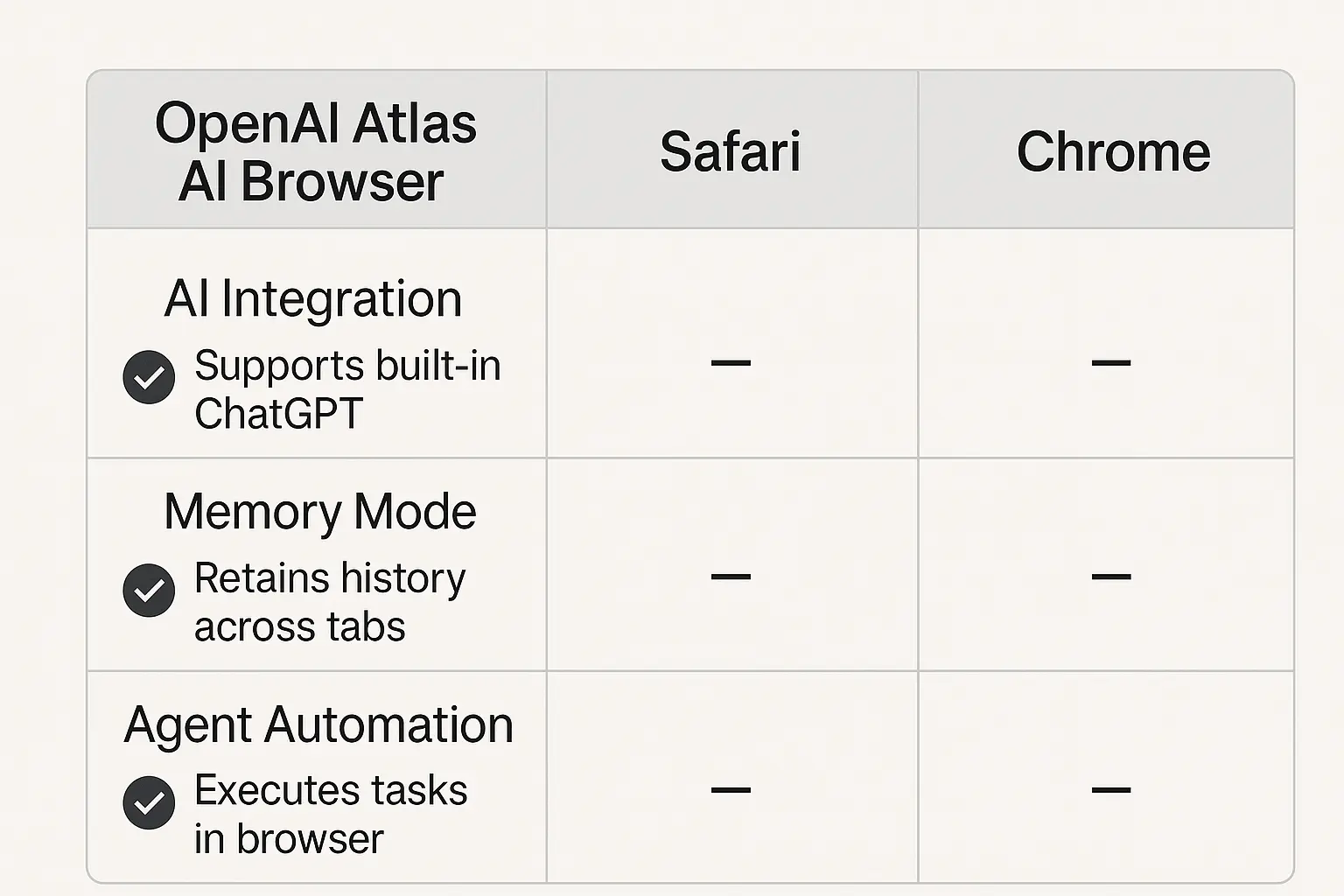
| Feature | OpenAI Atlas AI Browser | Apple Safari | Google Chrome |
|---|---|---|---|
| Built-in AI Assistant | Yes (ChatGPT) | No | Limited (via extensions) |
| Platform Integration | macOS optimized | macOS native | Cross-platform |
| Memory Mode | Available | No | No |
| Agent Mode | Available (Pro) | No | No |
| Speed & Performance | Optimized for Apple Silicon | High | Moderate |
While Safari focuses on ecosystem harmony and Chrome prioritizes compatibility, Atlas focuses on intelligence and productivity.
Practical Takeaways for Mac Users
- Download and explore: If you own an M-series Mac, try installing Atlas to experience AI-driven browsing firsthand.
- Use the sidebar actively: Summarize, rewrite, or extract insights without opening a new tab.
- Experiment with Agent Mode: Automate repetitive tasks to save time.
- Adjust privacy settings: Manage memory and data storage options under the Settings tab.

$750 Amazon Gift Card
Some users qualify for a $750 Amazon gift card. You can check if you qualify.
FAQs
Q1. What is the OpenAI Atlas AI browser for Mac?
It’s a new AI-integrated web browser that merges ChatGPT’s intelligence directly with the browsing interface for smarter navigation.
Q2. Is the OpenAI Atlas AI browser free?
Yes. The base version is free, while premium features like Agent Mode are available through paid plans.
Q3. Can I use the OpenAI Atlas AI browser on Windows?
Currently, it’s exclusive to macOS users. Support for other platforms is expected later.
Q4. Does Atlas store user data?
Only if you enable memory mode. Users maintain complete control over their privacy settings.
Key Takeaways
- The OpenAI Atlas AI browser introduces built-in ChatGPT functionality for Mac users.
- Features like memory mode, Agent Mode, and AI summarization make it a true productivity tool.
- Its macOS optimization ensures speed, efficiency, and a visually cohesive design.
- Atlas stands out as the first AI-native browser redefining how users interact with the internet.
Conclusion
The OpenAI Atlas AI browser reimagines what a browser can do — from reading and searching to creating and automating. For Mac users, it delivers an intuitive, AI-enhanced experience that fee like the future of web navigation.



