
How to Make an Appointment at the Apple Store: A Step-by-Step Guide
Learn how to make an appointment at the Apple Store with a simple walkthrough covering booking steps, service options, and preparation tips. This quick guide helps users save time and avoid common scheduling issues.

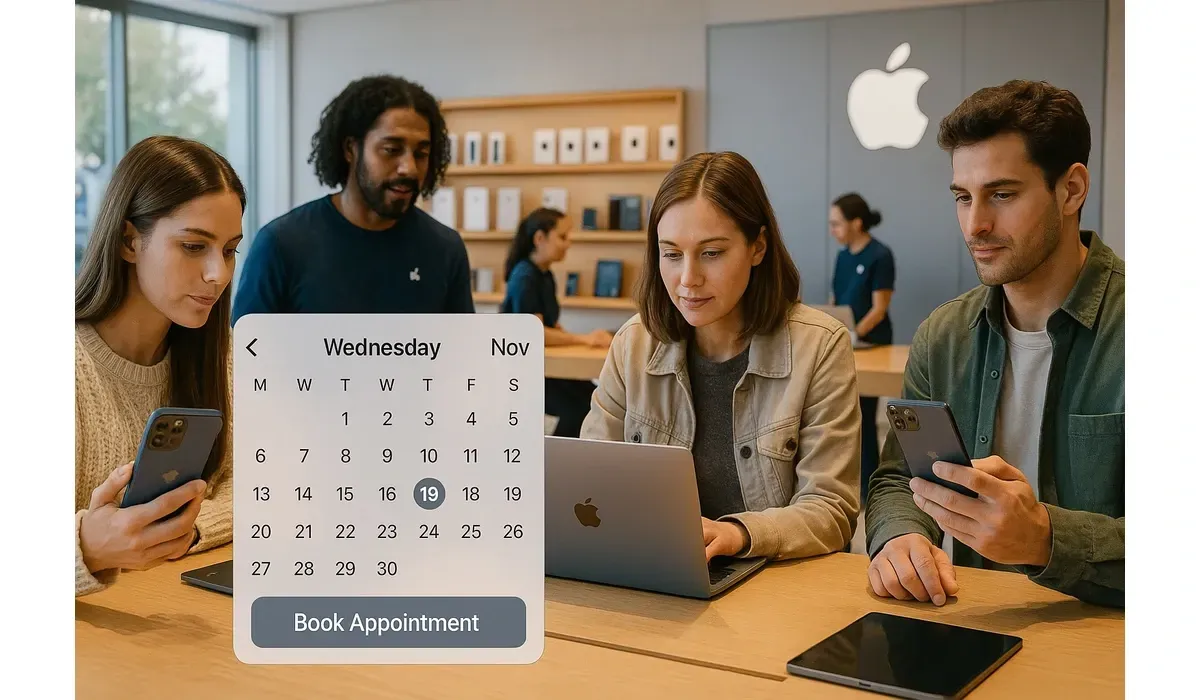
In today’s fast-paced digital world, Apple products play a central role in how we communicate, work, and stay entertained. But what happens when your iPhone screen cracks, your MacBook battery dies, or you simply need guidance setting up a new device? That’s where the Apple Store Genius Bar comes in. Customers often ask: how to make an appointment at the Apple Store? The process may seem daunting at first, but Apple has streamlined it across multiple platforms. Here’s a news-style breakdown of everything you need to know.
Background: Why Appointments Are Necessary at the Apple Store
Apple Stores are often busy hubs, serving hundreds of walk-ins daily. In the early days, customers could drop by for quick help. However, as Apple’s customer base grew, so did the demand for technical assistance.
– The Genius Bar concept, launched in 2001, introduced the idea of scheduling time with Apple-trained experts.
– Over the years, appointments became standard to avoid long wait times and ensure personalized service.
– Today, appointments are crucial for repairs, software issues, hardware upgrades, and device setup assistance.
The move toward appointment-based service reflects Apple’s broader commitment to a premium customer experience.

$750 Amazon Gift Card
Some users qualify for a $750 Amazon gift card. You can check if you qualify.
How to Make an Appointment at the Apple Store: Step-by-Step
1. Via Apple’s Support Website
– Visit Apple Support (support.apple.com).
– Log in with your Apple ID.
– Choose your product (iPhone, Mac, iPad, etc.).
– Select the issue you’re experiencing.
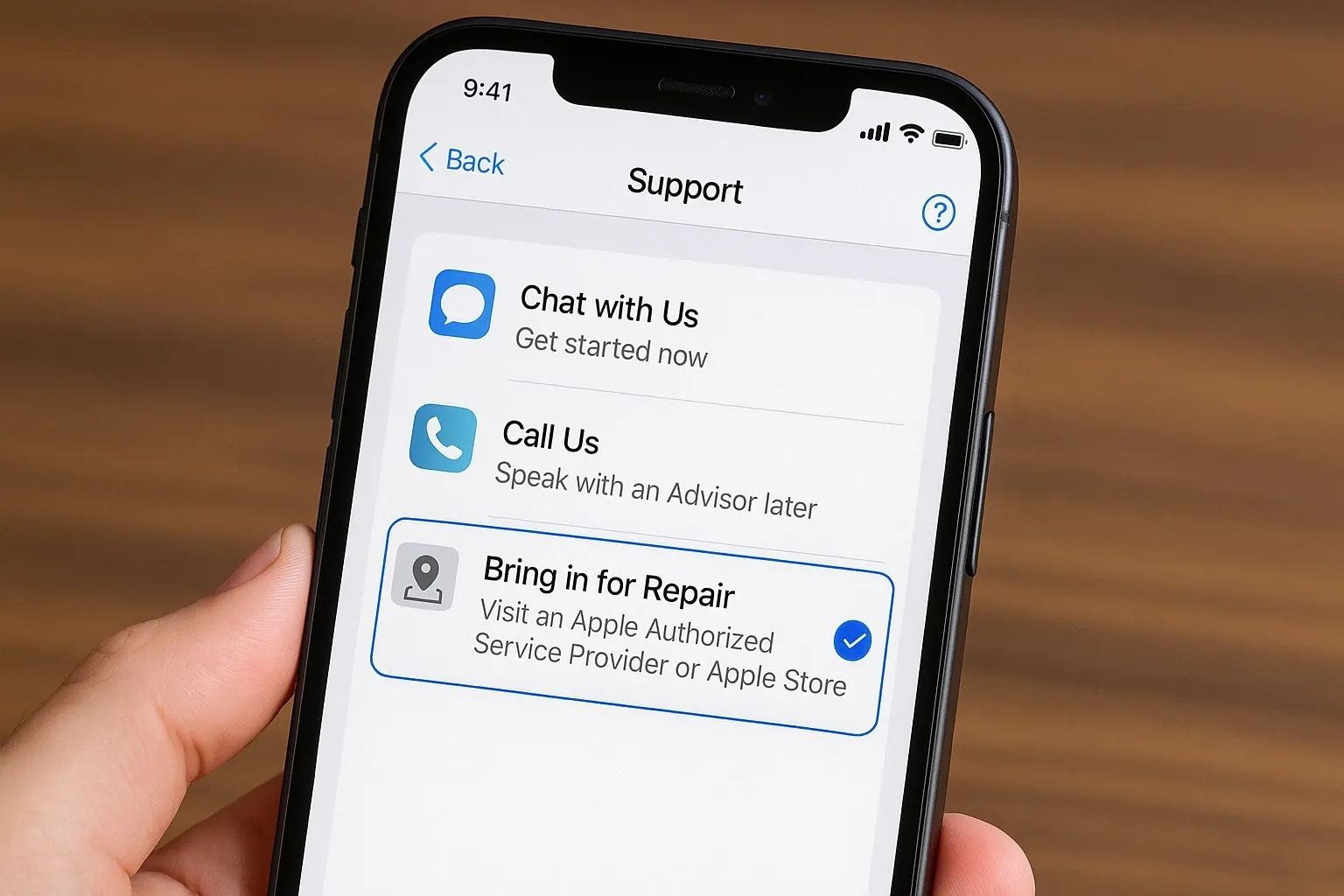
– Under support options, choose “Bring in for Repair.”
– Pick your nearest Apple Store and select an available time slot.
2. Using the Apple Support App
The Apple Support app (available on iOS) simplifies the booking process.
– Download or open the app.
– Sign in with your Apple ID.
– Select the device you need help with.
– Tap “Repairs & Physical Damage” or relevant issue.
– Choose “Bring in for Repair” and schedule your visit.
3. By Phone
If you prefer a direct approach:
– Call 1-800-MY-APPLE in the U.S. (numbers vary by region).
– Request a Genius Bar appointment.
– A representative will book the appointment for you.
4. Through the Apple Store App
While primarily designed for shopping, the Apple Store app also offers appointment features.
– Open the app and log in.
– Find your nearest store.
– Select the Genius Bar section.
– Book a time that works best for you.
Public Interest: Why Users Ask “How to Make an Appointment at the Apple Store”
Growing Dependence on Apple Devices
Apple users rely on their devices for everything from banking to schoolwork. With such dependence, even small issues feel urgent, driving demand for quick and reliable repair services.
Social Media Trends
On platforms like Reddit and X (formerly Twitter), threads about how to make an appointment at the Apple Store trend regularly, especially after product launches or major software updates that cause glitches.
Real-Life Experiences
Many users share frustration about unavailable time slots, while others recommend booking early mornings for better availability. This shows the growing importance of appointments as Apple’s customer base expands.
Future Impact: Apple’s Appointment Model
Apple’s appointment-based system could shape the broader retail industry. Here’s how:
– Efficiency First: Appointments streamline store operations, reducing chaos and improving satisfaction.
– Hybrid Service Models: Apple may expand virtual appointments, letting customers connect with specialists remotely.
– AI Integration: Future updates might include AI-driven booking that predicts user needs and auto-schedules appointments.
For customers, this means faster solutions and less waiting. For Apple, it strengthens brand loyalty by offering a predictable, premium service experience.

$750 Cash App Gift Card
Some users qualify for a $750 Cash App gift card. You can check if you qualify.
FAQs on How to Make an Appointment at the Apple Store
Q1. How to make an appointment at the Apple Store online?
Go to Apple Support (support.apple.com), log in with your Apple ID, choose your product issue, and select “Bring in for Repair” to book a slot.
Q2. Can I make an Apple Store appointment without the Support app?
Yes. You can schedule through Apple’s website, by phone, or the Apple Store app. The Support app is simply the easiest option for most iPhone users.
Q3. Do I need an Apple ID to make an Apple Store appointment?
Yes, in most cases. Your Apple ID ensures Apple has your device information and repair history, making the process faster.
Q4. How far in advance should I make an Apple Store appointment?
It’s best to book at least a few days in advance. Slots can fill up quickly, especially during new product launches or software updates.
Closing Takeaway
Knowing how to make an appointment at the Apple Store is essential for anyone relying on Apple devices. Whether you use the website, the Support app, or a phone call, the process is designed to be straightforward. As Apple continues refining its appointment system, expect even faster, more personalized service in the future. For now, booking early and being prepared ensures your experience at the Apple Store is as smooth as the devices it sells.



