
ChatGPT Atlas vs Safari on Mac: Key Differences Explained
This comparison of ChatGPT Atlas vs Safari on Mac breaks down performance, workflow differences, and real-world usability to help you decide which browser better fits your productivity needs.

Introduction
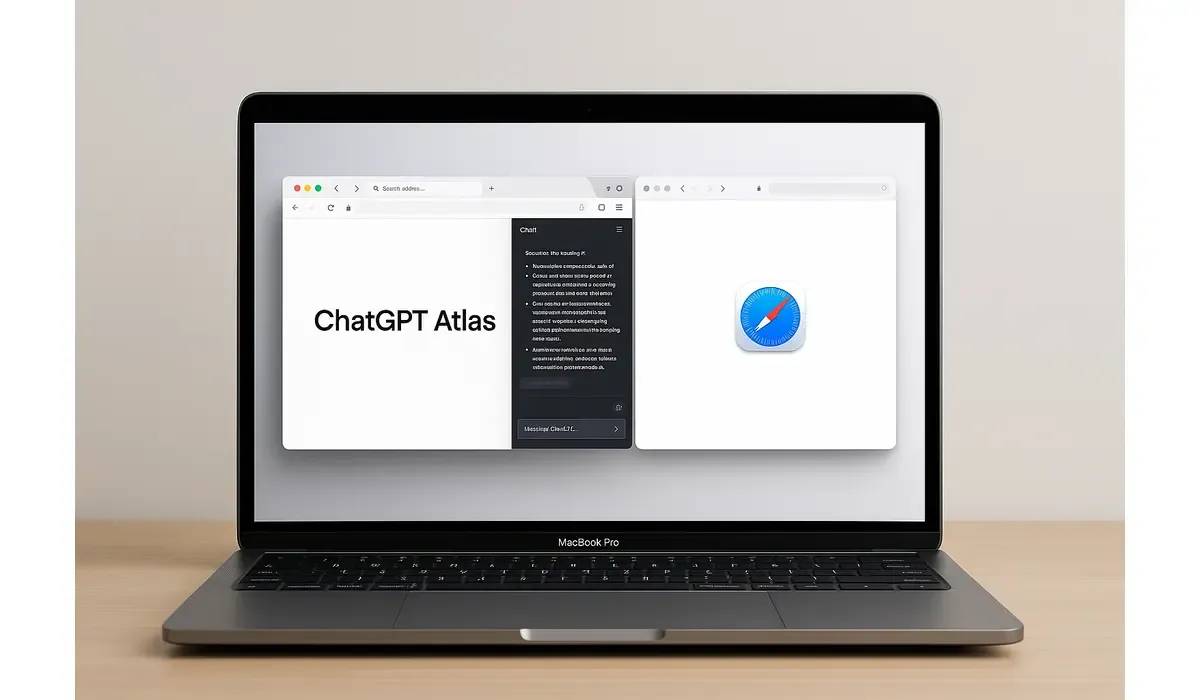
The ChatGPT Atlas vs Safari comparison has become a hot topic among Mac users. With OpenAI introducing its AI-powered Atlas browser and Apple continuing to refine Safari, many are asking which browser delivers a better, smarter experience.
- Atlas focuses on AI-driven productivity with built-in ChatGPT.
- Safari excels at speed, security, and system integration.
- Your choice depends on whether you value AI features or native Apple optimization.
What Are ChatGPT Atlas and Safari?
Both browsers serve the same basic purpose — navigating the web — but they come from completely different philosophies.
Safari is Apple’s long-standing native browser, built to integrate perfectly with macOS and deliver top-tier energy efficiency, privacy, and performance.
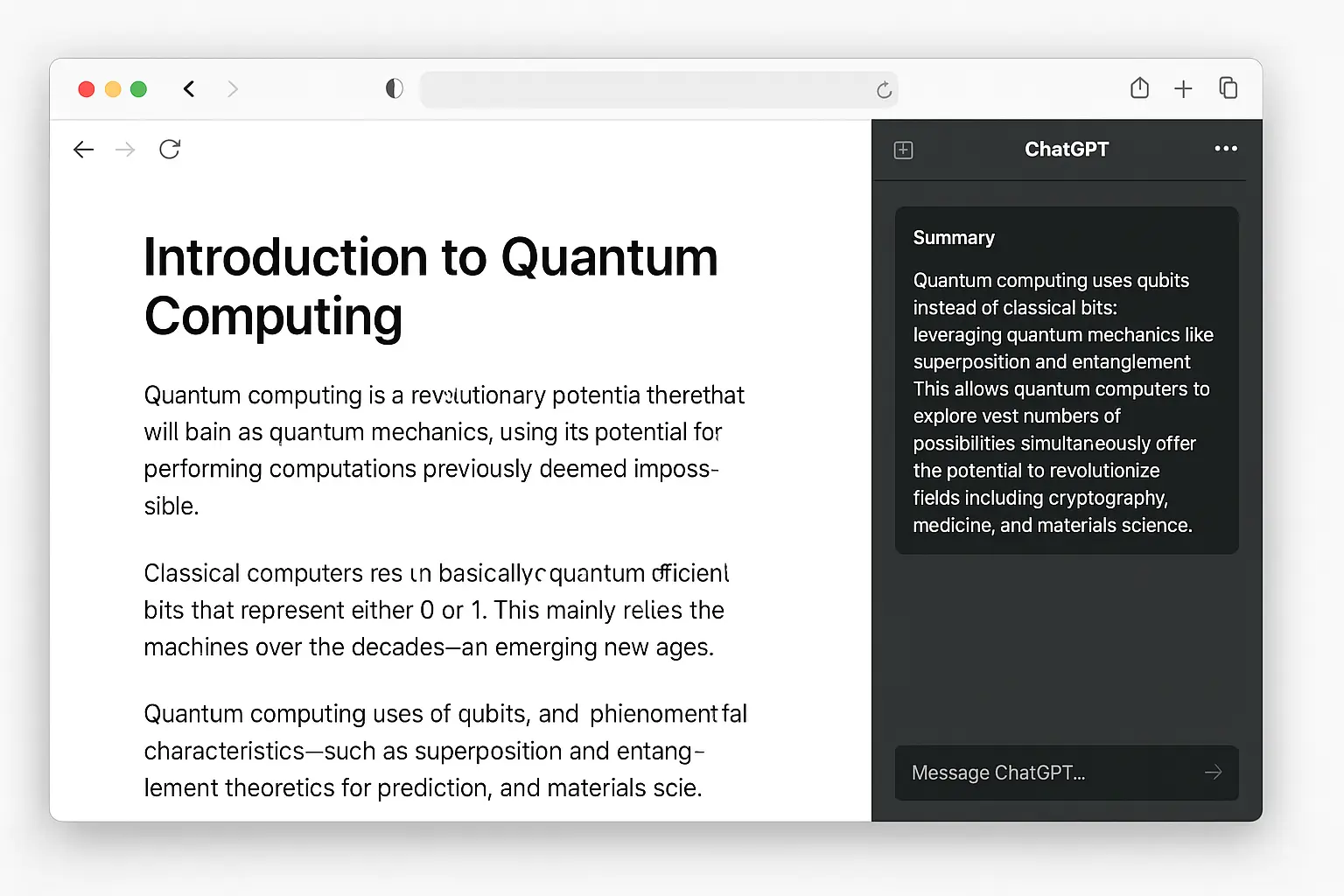
ChatGPT Atlas, on the other hand, is OpenAI’s first AI-integrated browser designed specifically for productivity. It blends standard browsing with intelligent assistance, making your workflow smarter and faster.

$500 Walmart Gift Card
Some users qualify for a $500 Walmart gift card. You can check if you qualify.
The Latest Development: OpenAI’s Atlas Launch on Mac
OpenAI released the Atlas browser exclusively for macOS users in late 2025. It’s optimized for Apple Silicon chips (M1, M2, M3 series) and takes advantage of macOS’s performance frameworks.
Meanwhile, Apple continues to enhance Safari with privacy features like Intelligent Tracking Prevention, Password Manager, and tighter ecosystem sync across iPhone, iPad, and Mac.
Both browsers now represent distinct directions in how the future of web browsing could evolve — AI-augmented experience vs native ecosystem efficiency.
Key Features Comparison
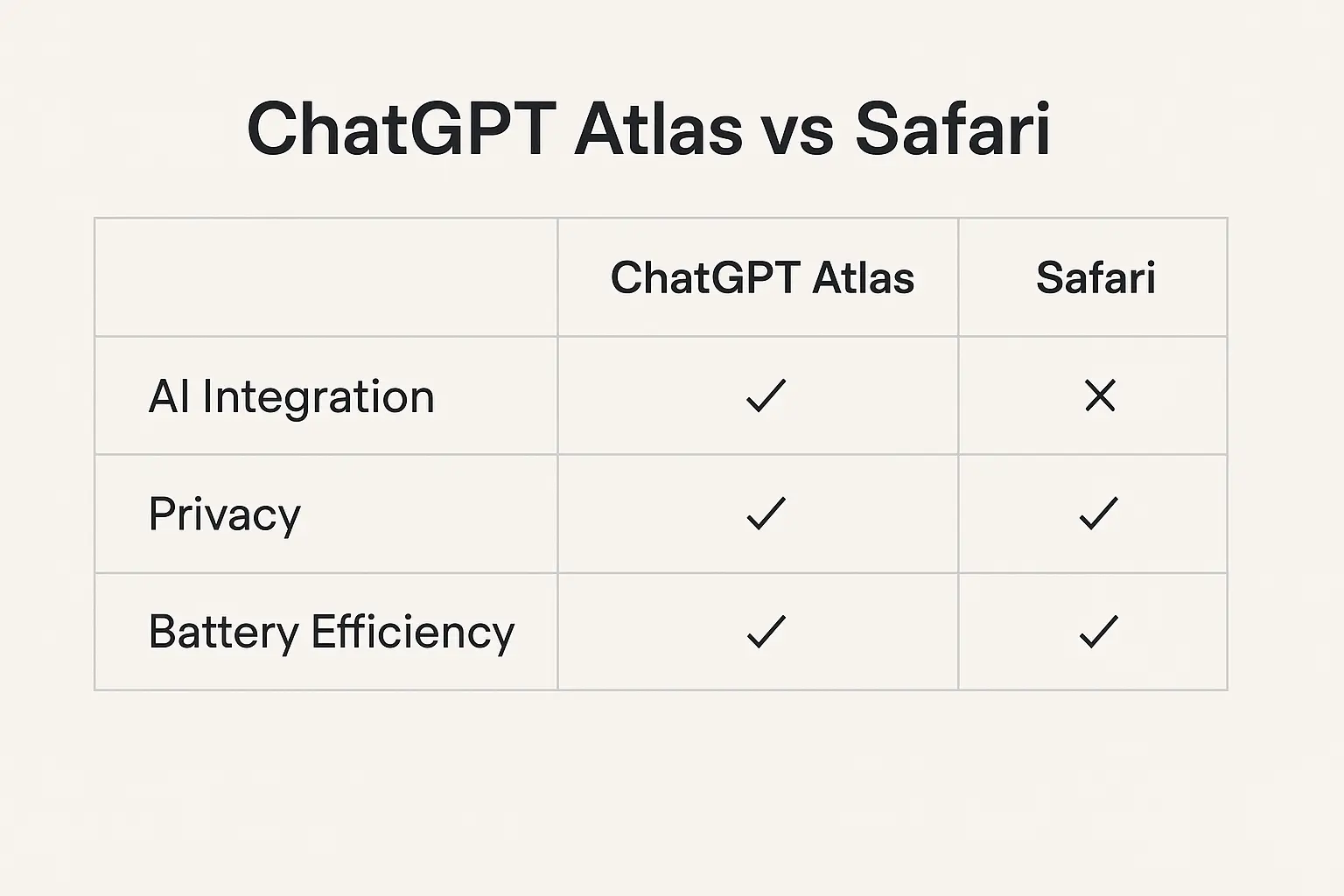
| Feature | ChatGPT Atlas (OpenAI) | Safari (Apple) |
|---|---|---|
| AI Integration | Built-in ChatGPT sidebar for summaries, rewrites, and automation | None (relies on Siri and Apple Intelligence features) |
| System Optimization | Optimized for Apple Silicon; slightly heavier resource usage | Extremely light and energy-efficient |
| Privacy Control | Optional AI memory and data storage settings | Strict privacy defaults; on-device protection |
| Customization | Chromium-based with extension support | Limited extensions; strong native design |
| User Interface | Minimalist with dark/light modes and chat panel | Native macOS design; Safari tab groups and reader mode |
| Automation (Agent Mode) | Performs tasks like filling forms, summarizing, or scheduling | No task automation |
| Use Case | Productivity and AI-enhanced research | Speed, battery efficiency, and system harmony |
Why the Difference Matters for Mac Users
1. Productivity vs Performance
If your workflow involves research, writing, or multitasking, the ChatGPT Atlas browser can revolutionize your experience. Its AI sidebar provides instant summaries, text generation, and even page-level explanations without switching tabs.
Safari, meanwhile, remains unmatched in raw performance. It’s faster, lighter, and conserves battery far better than most Chromium-based browsers.
2. Privacy and Control
Safari leads the way in privacy — blocking cross-site tracking, limiting fingerprinting, and securing passwords through Keychain.
Atlas, however, offers a customizable privacy model. Users can enable or disable AI memory, control what data is shared, and manage local vs cloud context.
3. Ecosystem and Compatibility
Safari fits seamlessly into Apple’s ecosystem — from Handoff and iCloud sync to integration with Apple Pay and Face ID.
Atlas, while not yet part of that ecosystem, stands out by offering AI-driven workflows and compatibility with Chrome extensions — something Safari users have long wished for.
How the Browsing Experience Differs
- ChatGPT Atlas: You can ask the browser to summarize a page, explain a concept, or draft an email while browsing. It turns web pages into actionable information sources.
- Safari: You get a clean, distraction-free reading experience with features like Reader Mode and Reading List, ideal for long-form reading and content consumption.
In short, Atlas is AI-active, Safari is user-focused.
Expert Perspective
Tech analysts view ChatGPT Atlas as a milestone in everyday AI adoption. By embedding ChatGPT directly into the browsing experience, OpenAI is redefining how users interact with the web.
Apple’s Safari, however, is expected to incorporate more Apple Intelligence features over time, possibly narrowing the AI gap in future macOS updates.
The real difference lies in who you are as a user:
- Atlas is for creators, researchers, and professionals.
- Safari is for casual users and Apple loyalists who prioritize speed and privacy.
Practical Takeaways: Which Browser Should You Use?
- Use ChatGPT Atlas if you:
- Need AI assistance for summarizing, writing, or research.
- Want productivity tools integrated into your browser.
- Prefer customization through Chromium extensions.
- Use Safari if you:
- Value privacy and battery life above all.
- Depend heavily on Apple’s ecosystem and continuity features.
- Want a fast, stable browser optimized for macOS.
- Test Both: Many users may benefit from using both — Safari for everyday browsing, Atlas for professional tasks.

$750 Cash App Gift Card
Not everyone qualifies for this $750 Cash App gift card. Checking only takes a moment. You can check if you’re eligible.
FAQs
Q1. What is the main difference between ChatGPT Atlas and Safari on Mac?
The main difference is that Atlas integrates ChatGPT AI directly into browsing, while Safari focuses on performance, security, and Apple ecosystem synergy.
Q2. Is ChatGPT Atlas available for all Mac users?
Yes, Atlas is currently available for Macs running macOS Monterey or later, optimized for Apple Silicon devices.
Q3. Does ChatGPT Atlas share personal data?
Only if you enable memory or cloud context features. Users can toggle privacy settings at any time.
Q4. Which browser is better for battery life — Safari or ChatGPT Atlas?
Safari is better optimized for energy efficiency, while Atlas consumes slightly more power due to real-time AI processing.
Key Takeaways
- ChatGPT Atlas vs Safari highlights two browsing philosophies — AI assistance versus ecosystem simplicity.
- Atlas excels at productivity and automation, while Safari leads in speed, privacy, and energy savings.
- Mac users can benefit from both, depending on their needs and usage patterns.
- The future of browsing on macOS will likely combine the best of both worlds — AI intelligence with Apple’s refined design.
Conclusion
The ChatGPT Atlas vs Safari debate reflects a new era of browsing on Mac. Atlas represents innovation through AI, while Safari stands as a benchmark of stability and privacy.



