
Top AI Tools for Data Analysis Without Coding
Discover the top AI tools for data analysis without coding, designed to help teams turn raw data into insights quickly. This concise guide highlights intuitive, no-code platforms built for faster decisions and smarter workflows.

Data powers modern business decisions. But not everyone can code in Python or SQL. That’s where AI tools for data analysis without coding come in—letting anyone explore insights, visualize patterns, and make decisions without writing a single line of code.
This article explores the best AI-powered, no-code platforms that turn complex data into simple dashboards and smart recommendations.
Why Use AI Tools for Data Analysis Without Coding?
Traditionally, analyzing data required advanced technical skills. Now, AI-powered tools lower the barrier.
– Accessibility: Business users can generate reports without IT support.
– Speed: AI automates cleaning, querying, and visualizing data.
– Accuracy: Reduces human error in repetitive tasks.
According to Gartner’s 2024 Analytics Report, 70% of businesses adopted no-code AI analytics tools to empower non-technical teams.
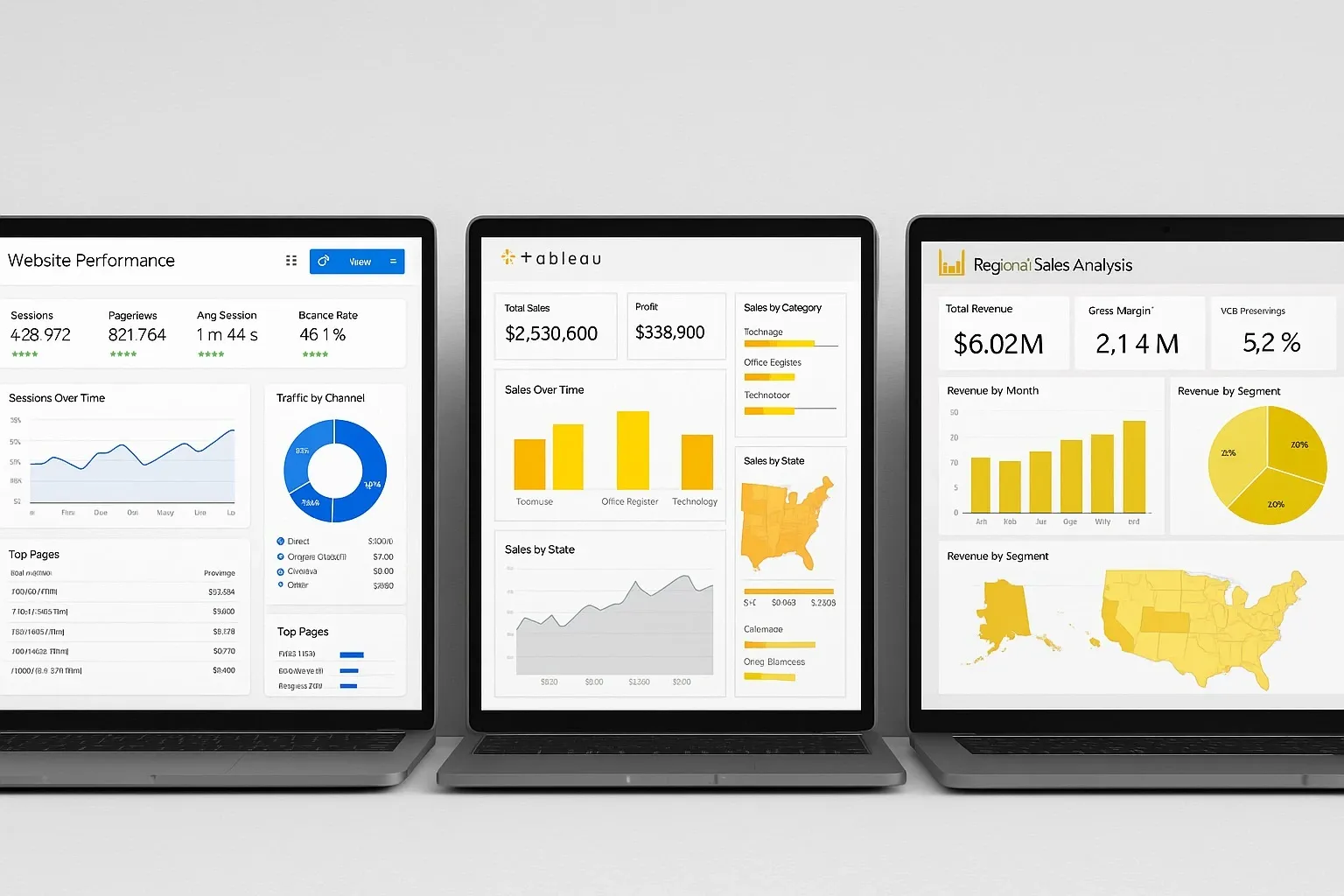
Top AI Tools for Data Analysis Without Coding
Google Looker Studio with AI
– How it works: Connects with Google Sheets, BigQuery, and third-party data; AI auto-suggests visuals and insights.
– Pros: Free, integrates with Google ecosystem.
– Cons: Limited advanced features without setup.
– Best for: Small teams and startups.
Tableau with Einstein AI (Salesforce)
– How it works: AI-enhanced dashboards provide predictions and explanations.
– Pros: Enterprise-grade, strong visualization.
– Cons: Higher cost; best with Salesforce ecosystem.
– Best for: Large enterprises and data-heavy organizations.
Microsoft Power BI with Copilot
– How it works: AI Copilot translates natural language queries into visuals.
– Pros: Seamless with Microsoft 365, strong security.
– Cons: Requires Microsoft subscriptions.
– Best for: Mid to large businesses already in Microsoft ecosystem.
Zoho Analytics
– How it works: AI assistant “Zia” answers natural language questions and suggests dashboards.
– Pros: Affordable, wide integration options.
– Cons: UI less polished than Tableau or Power BI.
– Best for: SMEs seeking cost-effective solutions.
MonkeyLearn
– How it works: Specializes in AI-powered text analysis, sentiment detection, and classification.
– Pros: Great for customer feedback and reviews.
– Cons: Niche focus on text data only.
– Best for: Customer service and marketing teams.
Comparison of Top AI Tools for Data Analysis Without Coding
| Tool | Best For | Pros | Cons |
|---|---|---|---|
| Google Looker Studio | Startups, small teams | Free to use, seamless Google integrations | Limited advanced analytics |
| Tableau + Einstein | Large enterprises | Predictive power, rich visualizations | High cost, steep learning curve |
| Power BI + Copilot | Microsoft ecosystem users | Natural language queries, strong data connectivity | Requires subscription, Microsoft-focused |
| Zoho Analytics | SMEs and mid-market teams | Affordable pricing, wide app integrations | Basic UI, less advanced features |
| MonkeyLearn | Text-heavy analysis | Sentiment analysis, text classification | Limited to text-based data |
Free vs Paid Options
– Free Tools: Google Looker Studio and limited Zoho Analytics plans offer strong features for startups.
– Paid Plans: Unlock AI-driven predictions, security features, and unlimited integrations.
Example: Power BI’s free tier works for small datasets, but AI Copilot is only available in premium versions.
Real-World Use Case
A retail startup used Zoho Analytics to analyze sales and customer feedback without hiring a data scientist.
– Setup time: 1 hour.
– AI-generated insights: Top-selling products, seasonal patterns, customer sentiment.
– Outcome: Increased campaign ROI by 18% within one quarter.
Pros and Cons of Using AI Tools for Data Analysis Without Coding
Pros:
– Enables non-technical staff to use data.
– Saves time on manual reporting.
– Scales easily for growing businesses.
Cons:
– Advanced users may find features limiting.
– Paid tiers can get costly.
– AI outputs need human review for accuracy.

Best Practices for Getting Results
– Start with a small dataset to test capabilities.
– Always validate AI-generated insights before making major decisions.
– Compare outputs across 2–3 tools for reliability.
– Train your team to ask clear, structured questions.
FAQ: AI Tools for Data Analysis Without Coding
Q1: Can AI replace data scientists?
A: No. AI tools simplify tasks but complex modeling still requires experts.
Q2: Are free AI analytics tools reliable?
A: Yes, for basic insights. Paid tiers are better for predictive analytics.
Q3: Which AI tool is best for beginners?
A: Google Looker Studio is the easiest to start with.
Q4: Can I use AI data tools securely for business data?
A: Yes, but always check compliance (GDPR, SOC 2) before uploading sensitive data.
Bottom Line
The rise of AI tools for data analysis without coding empowers teams to work smarter without technical barriers. Whether you’re a small business using Google Looker Studio or an enterprise leveraging Tableau AI, these platforms save time, reduce costs, and democratize data.
Start with free tiers, run real-world tests, and scale into paid plans as your needs grow.



