
Xbox Gaming Cloud: The Future of Gaming on the Go
Explore how the Xbox Gaming Cloud is redefining on-the-go gaming with instant access, powerful streaming tech, and expanding device support. A concise, insight-driven preview for players tracking the future of cloud play.

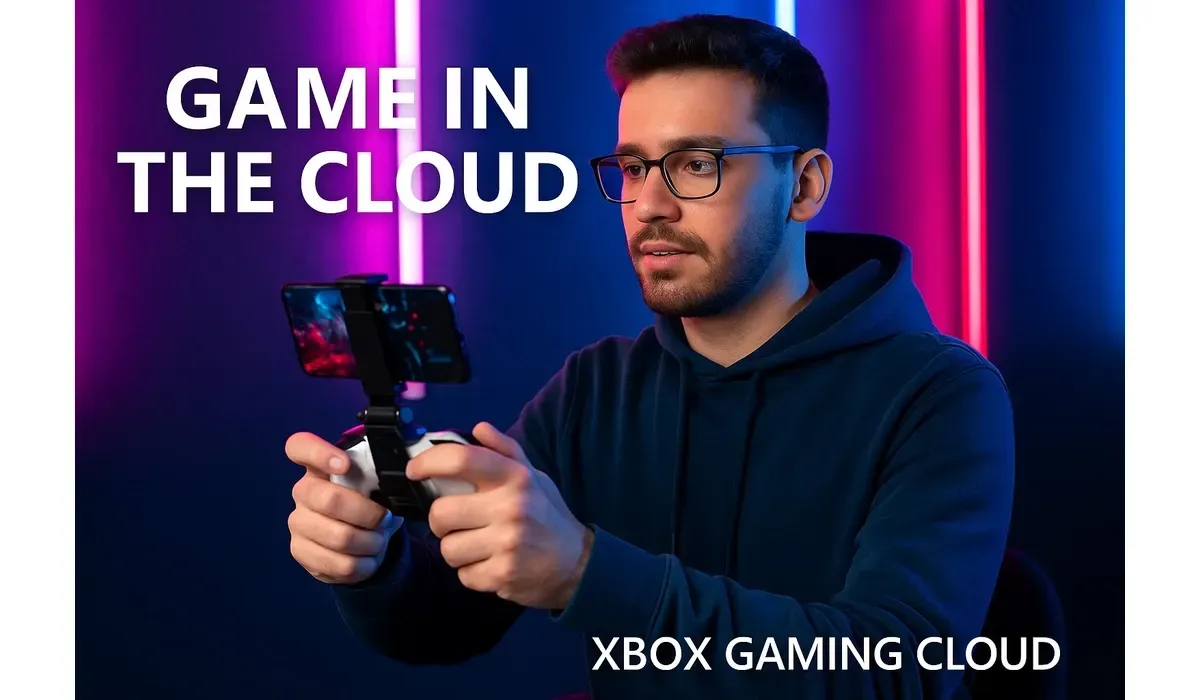
Breaking Free from Console Boundaries
For decades, gaming was tied to physical hardware — whether a high-end PC or the latest console. But with the arrival of Xbox Gaming Cloud, that boundary is dissolving. Players now have the ability to dive into AAA titles instantly, without downloads, installations, or even owning a console. This revolutionary leap offers the same immersive experience on smartphones, tablets, laptops, and smart TVs.
Background: What is Xbox Gaming Cloud?
Xbox Gaming Cloud, often referred to as ‘Xbox Cloud Gaming‘ or ‘xCloud,’ is Microsoft’s cloud-based game streaming service. It uses the company’s Azure data centers to run games remotely, sending the visuals and audio to the player’s device while capturing and transmitting inputs back in real time.
Integrated with Game Pass Ultimate
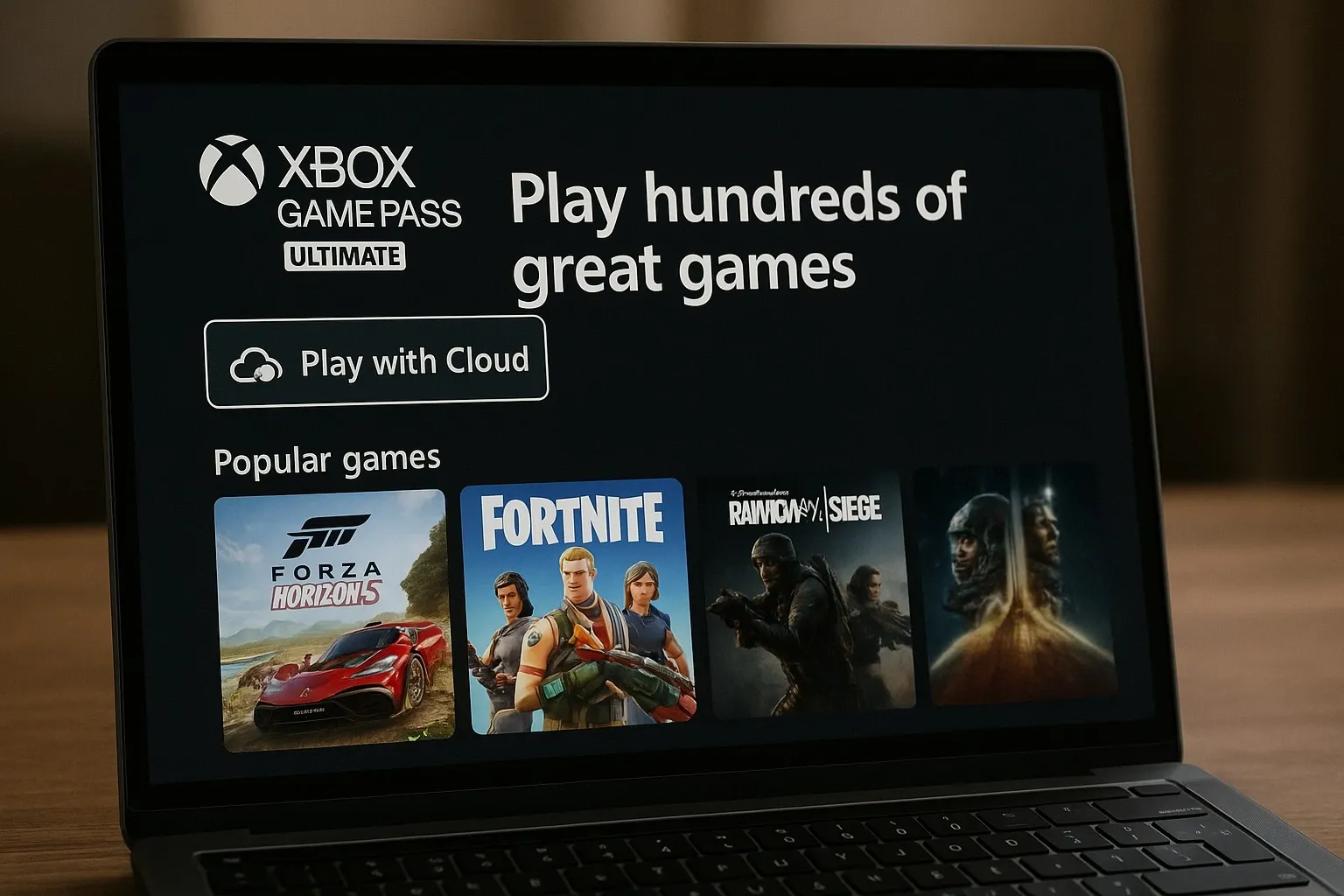
The service is bundled with Xbox Game Pass Ultimate, Microsoft’s subscription model that grants access to hundreds of games. Instead of purchasing individual titles, gamers enjoy a rotating library of blockbusters like Halo Infinite, Forza Horizon 5, and Starfield.
Console Power, No Console Needed
With Xbox Gaming Cloud, the heavy computational work is done by Microsoft’s servers. This means even a mid-range phone or an older laptop can play graphically intensive games, democratizing access to high-quality gaming experiences.
$500 PayPal Gift Card
Not everyone qualifies for this $500 PayPal gift card. Checking only takes a moment. You can check if you’re eligible.
How Xbox Gaming Cloud Works
Streaming Technology
The backbone of Xbox Gaming Cloud is Microsoft’s Azure cloud infrastructure, one of the largest server networks in the world. Games are hosted in data centers and streamed to devices over the internet in much the same way Netflix streams movies.
Supported Devices
Xbox Gaming Cloud is accessible on Android and iOS devices (via browser), Windows PCs and laptops, Xbox One and Xbox Series X/S consoles, smart TVs, and streaming sticks. This flexibility makes the service attractive to both hardcore and casual gamers.
Controller and Touch Support
Players can connect Bluetooth controllers, including the Xbox Wireless Controller, or use custom touchscreen controls for certain games on mobile devices.
Current Updates and Features
Expanding Game Library
Microsoft is continuously expanding the Game Pass Ultimate library with day-one releases from both Xbox Game Studios and third-party developers. Many of these games are cloud-enabled from launch.
Visual and Performance Enhancements
Streaming currently offers 1080p resolution at up to 60fps. However, Microsoft has been testing 4K support for select titles, alongside network upgrades to minimize latency.
Cross-Progression and Save Syncing
A standout feature of Xbox Gaming Cloud is cross-progression. Players can start a game on their console, continue on their phone, and finish on their laptop with saves syncing seamlessly.
Public Interest in Xbox Gaming Cloud
One of the biggest attractions of Xbox Gaming Cloud is accessibility. Gamers no longer need to spend hundreds of dollars on consoles to play new releases. A stable internet connection and a subscription are enough to start playing.
In markets where consoles are expensive or scarce, cloud gaming is filling the gap. Regions in Asia, South America, and Africa are seeing rising demand for cloud-based solutions, and Xbox Gaming Cloud is gaining traction there.
Future Impact of Xbox Gaming Cloud
The potential of Xbox Gaming Cloud stretches beyond convenience. Consoles may shift from being the central hub of gaming to just one of many access points. By embracing cloud, Microsoft expands its user base from millions of console owners to billions of connected devices worldwide. Developers may even design future titles with cloud-first experiences in mind, ensuring smoother streaming and performance across devices.
$500 Walmart Gift Card
Not everyone qualifies for this $500 Walmart gift card. Checking only takes a moment. You can check if you’re eligible.
FAQs on Xbox Gaming Cloud
What is Xbox Gaming Cloud and how does it work?
Xbox Gaming Cloud is Microsoft’s streaming service that lets you play console-quality games on multiple devices by running them on remote servers and streaming them to your screen.
Do I need an Xbox console for Xbox Gaming Cloud?
No. Xbox Gaming Cloud works on smartphones, tablets, PCs, and smart TVs. A console is optional, though it can still be used for cross-platform play and progression syncing.
Is Xbox Gaming Cloud included with Game Pass Ultimate?
Yes, Xbox Gaming Cloud is part of the Xbox Game Pass Ultimate subscription, giving you instant access to a vast library of games at no extra cost.
Conclusion: A Cloud-First Gaming Future
The arrival of Xbox Gaming Cloud signals a major shift in the gaming industry. By removing barriers tied to hardware and enabling gaming on virtually any device, Microsoft is democratizing access to world-class titles. Whether you’re a commuter playing on your phone, a student enjoying Game Pass on a laptop, or a family bonding over a smart TV, Xbox Gaming Cloud proves that the future of gaming isn’t tied to a console — it’s tied to the cloud.



