
Top No-Code Tools to Build Simple Apps in Days — Apps & Software
Discover the top no-code tools to build simple apps in days, with insights on drag-and-drop editors, automation, and deployment. This concise guide helps teams launch functional apps fast without coding expertise.

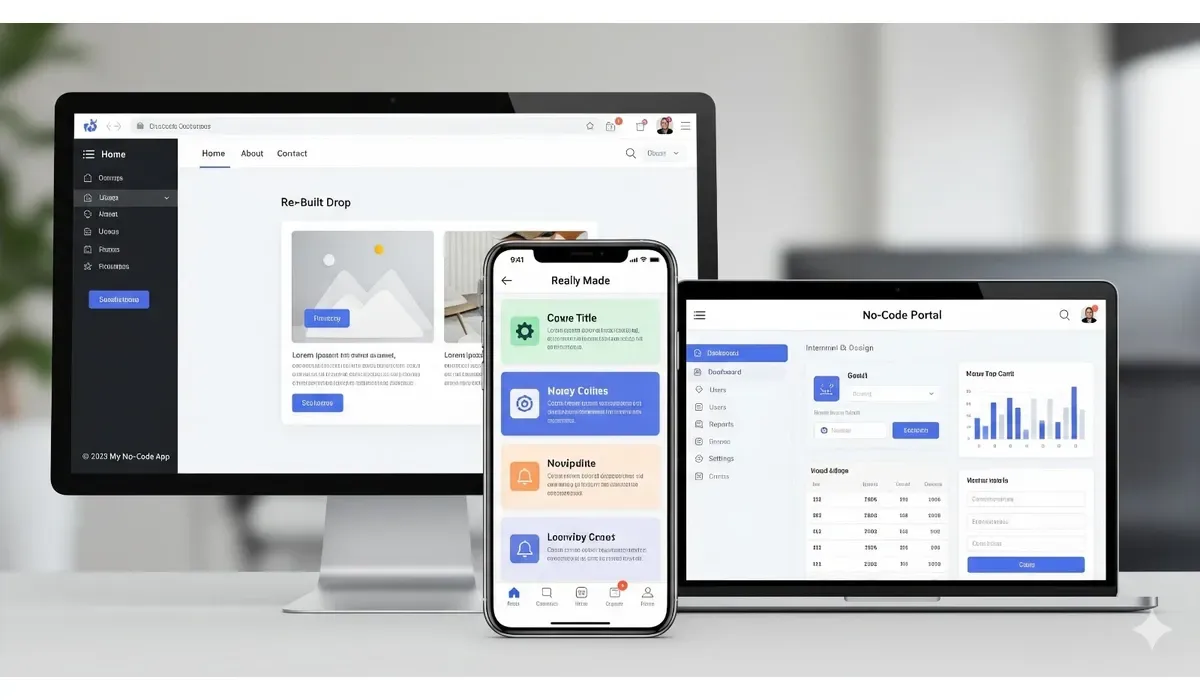
Building an app no longer requires years of coding experience. With no-code platforms, anyone can turn an idea into a working app in just days. In this article, we’ll highlight the top no-code tools to build apps, compare their strengths, and help you pick the right one.
Why Use the Top No-Code Tools to Build Apps
According to Gartner, by 2025, 70% of new applications will be developed using no-code or low-code technologies. These tools empower entrepreneurs, startups, and even non-technical teams to create apps faster and cheaper.
With the top no-code tools to build apps, you can: – Prototype ideas quickly – Launch apps without hiring developers – Save time and reduce development costs
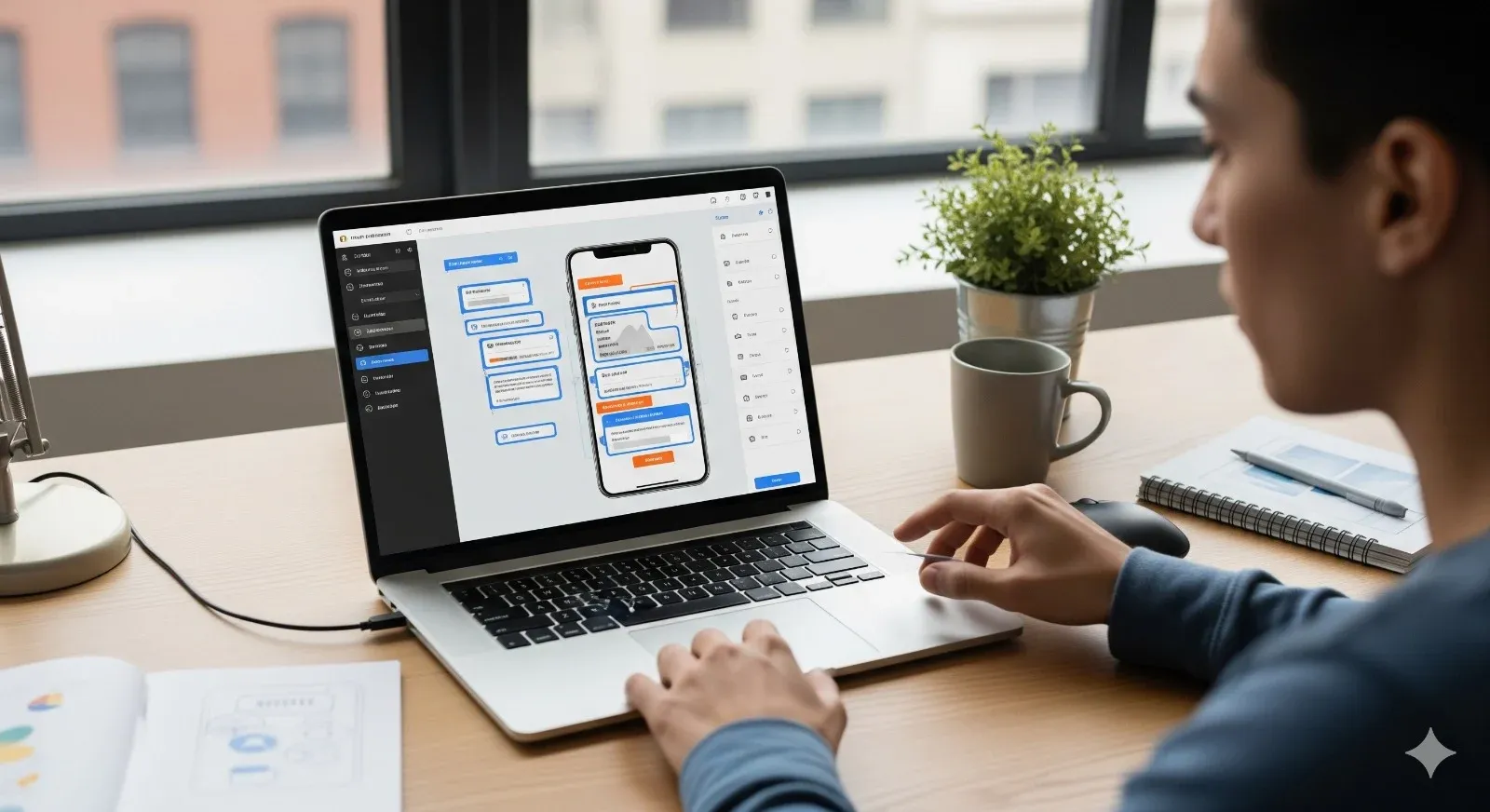
Top No-Code Tools to Build Apps
1. Bubble
How It Works: Bubble is a powerful no-code platform for building web apps. It lets you design interfaces, manage databases, and create workflows visually.
Pros:
– Highly customizable – Supports complex workflows – Large plugin marketplace
Cons:
– Steeper learning curve – Limited mobile optimization

$500 PayPal Gift Card
A $500 PayPal gift card may be available to select users. Checking eligibility is quick. You can check if you’re one of them.
Free vs Paid:
Free tier available. Paid plans start at $29/month.
Use Case Example: Startups use Bubble to launch MVPs and test their product ideas without coding.
2. Adalo
How It Works:
Adalo is designed for building mobile apps with drag-and-drop features. It allows publishing directly to the App Store and Google Play.
Pros:
– Mobile-first focus – Intuitive drag-and-drop editor – Database and API integration
Cons:
– Limited performance for complex apps – Free plan shows Adalo branding
Free vs Paid:
Free plan with branding. Paid plans start at $45/month.
Mini-Comparison with Bubble:
Bubble is stronger for web apps, while Adalo is ideal for mobile apps.
3. Glide
How It Works:
Glide transforms spreadsheets into mobile apps. Just upload Google Sheets or Excel, and it generates an app instantly.
Pros:
– Extremely fast setup – Great for data-driven apps – Easy customization
Cons:
– Limited for complex workflows – Relies on spreadsheet structure
Free vs Paid:
Free plan with basic features. Paid plans start at $25/month.
Use Case Example: Educators and small businesses use Glide to build scheduling or directory apps in minutes.
4. Thunkable
How It Works:
Thunkable lets you build cross-platform mobile apps visually. It supports drag-and-drop design and real-time testing.
Pros:
– Cross-platform publishing (iOS + Android) – Strong integration options – Beginner-friendly
Cons:
– Limited scalability for large projects – Occasional bugs in preview mode
Free vs Paid:
Free tier available. Paid plans start at $13/month.
Mini-Comparison with Adalo:
Thunkable is better for experimentation, while Adalo is stronger for polished, publish-ready apps.
5. Softr
How It Works:
Softr builds web apps and portals using Airtable or Google Sheets as a backend.
Pros:
– Perfect for data-driven apps – User-friendly design – Templates for quick launches
Cons:
– Dependent on Airtable/Sheets – Limited customization compared to Bubble
Free vs Paid:
Free tier with basic features. Paid plans start at $29/month.
Use Case Example: Nonprofits use Softr to create membership portals and event directories.
Quick Comparison of the Top No-Code Tools to Build Apps
| Tool | Best For | Free Plan | Starting Price |
| Bubble | Web apps & MVPs | Yes | $29/mo |
| Adalo | Mobile-first apps | Yes | $45/mo |
| Glide | Spreadsheet-based apps | Yes | $25/mo |
| Thunkable | Cross-platform apps | Yes | $13/mo |
| Softr | Data-driven portals | Yes | $29/mo |
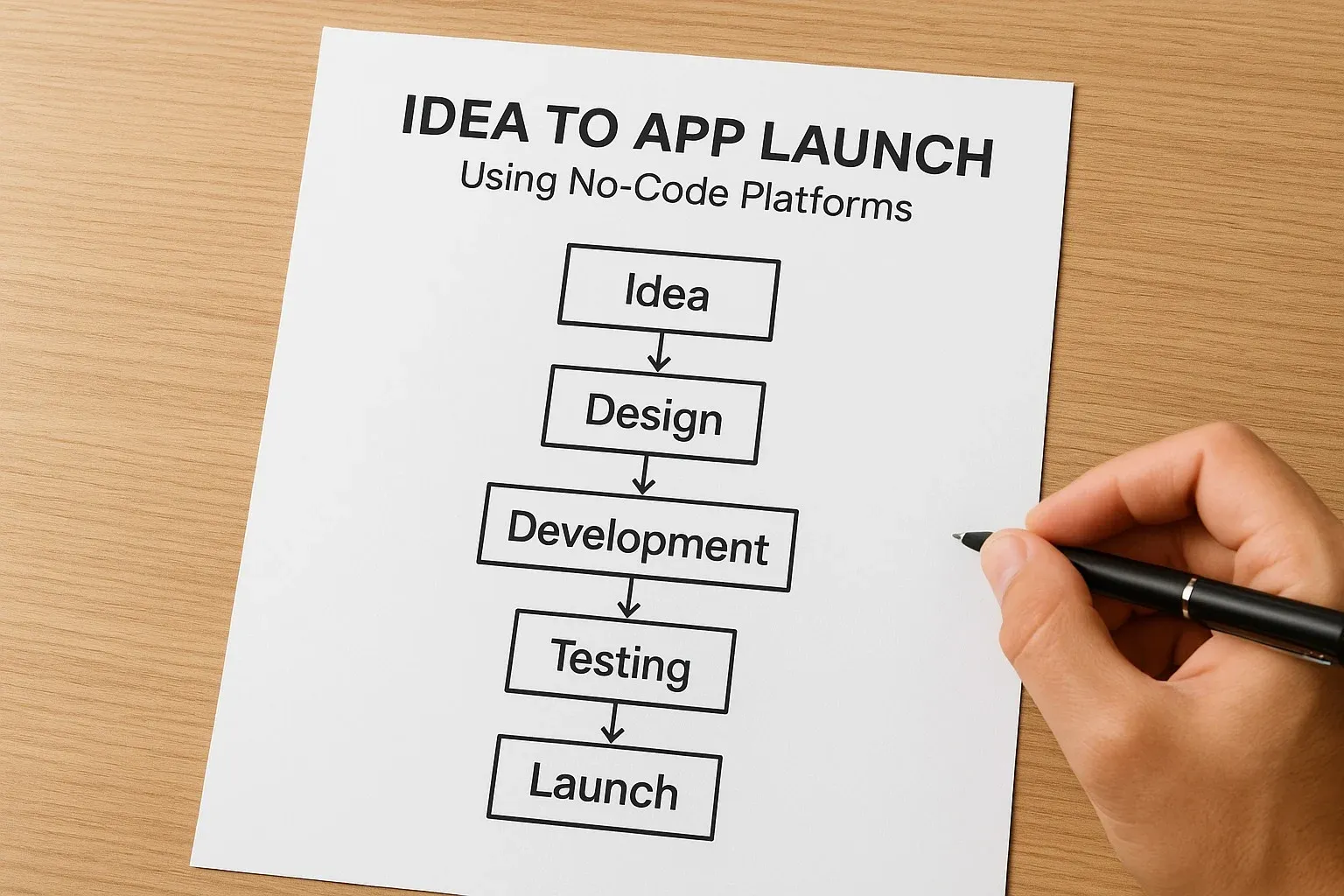
How to Choose the Top No-Code Tools to Build Apps
When selecting a platform, consider:
- Type of App – Do you need a mobile, web, or data-driven app?
- Budget – Will a free plan suffice, or do you need premium features?
- Ease of Use – Some platforms are drag-and-drop simple, while others need learning time.
- Scalability – Consider whether your app needs to handle growth.

$750 Amazon Gift Card
Some users qualify for a $1000 Walmart gift card. You can check if you qualify.
FAQs on the Top No-Code Tools to Build Apps
Q1. Can no-code tools build complex apps?
Some, like Bubble, handle complex workflows, but others are best for simple apps.
Q2. Which no-code tool is best for beginners?
Glide and Thunkable are easiest for beginners due to their simple setup.
Q3. Can I publish no-code apps on the App Store and Google Play?
Yes, tools like Adalo and Thunkable support direct publishing.
Q4. Are free no-code plans enough for business apps?
Free tiers work for prototypes, but serious apps usually need paid plans.
Bottom Line
The top no-code tools to build apps are changing how people create software. Whether you’re building a web portal, mobile app, or prototype, there’s a tool for your needs. By choosing the right one, you can bring your idea to life in days—not months.



