
Top Cloud Storage Options for Secure Backups — Apps & Software
Discover the top cloud storage options for secure backups, with insights on encryption, reliability, and long-term data safety. This concise guide helps users choose trusted services for protecting important files.

Data loss can happen anytime—whether from hardware failure, accidental deletion, or cyberattacks. That’s why secure cloud storage is a must. In this guide, we’ll explore the top cloud storage options for secure backups to keep your files safe and accessible.
Why Use the Top Cloud Storage Options for Secure Backups
According to IDC research, more than 60% of organizations now rely on cloud storage for primary data backup. The benefits include: – Data safety against system crashes or theft – Remote accessibility from any device – Scalability to fit your storage needs – Collaboration tools for teams

1. Google Drive
How It Works:
Google Drive offers 15GB free storage integrated with Gmail, Docs, and Sheets.
Pros:
– Generous free tier – Easy collaboration with Google Workspace – Strong security and encryption
Cons:
– Storage shared across Gmail, Drive, and Photos – Privacy concerns for sensitive data
Free vs Paid:
Free up to 15GB. Paid Google One plans start at $1.99/month.
Use Case Example: Great for students and small businesses already using Google services.
2. Dropbox
How It Works:
Dropbox syncs files across devices and offers advanced sharing features.
Pros:
– Fast file syncing – Strong file recovery options – Third-party app integrations
Cons:
– Only 2GB free storage – Pricing higher than competitors
Free vs Paid:
Free plan offers 2GB. Paid plans start at $9.99/month.
Mini-Comparison with Google Drive:
Google Drive offers more free space, but Dropbox is faster for syncing large files.
3. Microsoft OneDrive
How It Works:
OneDrive integrates with Microsoft 365, making it ideal for Office users.
Pros:
– Seamless integration with Word, Excel, and PowerPoint – 5GB free storage – Advanced security for enterprise users
Cons:
– Limited free storage – Can be confusing for non-Microsoft users
Free vs Paid:
Free plan includes 5GB. Microsoft 365 bundles start at $6.99/month with 1TB storage.
Use Case Example: Best for professionals who rely on Office apps daily.
4. pCloud
How It Works:
pCloud offers secure file storage with lifetime payment options.
Pros:
– One-time payment lifetime plans – Strong file encryption – Easy file sharing
Cons:
– No free unlimited plan – Interface less polished than Google Drive or Dropbox
Free vs Paid:
Free plan includes 10GB. Lifetime plans start at $175 (500GB).
Mini-Comparison with Dropbox:
pCloud is more cost-effective long-term with its lifetime pricing.
5. iCloud Drive
How It Works:
Apple’s iCloud Drive integrates seamlessly with iOS and macOS devices.
Pros:
– Perfect for Apple ecosystem – Automatic device backups – Affordable paid plans
Cons:
– Limited cross-platform support – Free storage capped at 5GB
Free vs Paid:
Free 5GB. Paid plans start at $0.99/month for 50GB.
Use Case Example: Best for iPhone and Mac users needing seamless backups.
6. Box
How It Works:
Box is a business-focused platform offering secure collaboration and file sharing.
Pros:
– Strong enterprise security – Advanced collaboration tools – Integrates with Slack, Zoom, and Microsoft 365
Cons:
– Free storage limited to 10GB – Paid plans targeted at businesses
Free vs Paid:
Free 10GB plan. Paid plans start at $7/month.
Use Case Example: Great for organizations managing large teams and workflows.
7. Mega
How It Works:
Mega is known for its generous free storage and end-to-end encryption.
Pros:
– 20GB free storage – Strong encryption and privacy – File sharing with link passwords
Cons:
– Interface less polished – Performance varies with large files
Free vs Paid:
Free 20GB. Paid plans start at $5.66/month.
Mini-Comparison with pCloud:
Mega offers more free storage, while pCloud wins for lifetime pricing.
8. Sync.com
How It Works:
Sync.com emphasizes security with zero-knowledge encryption.
Pros:
– Privacy-first design – Strong encryption – Affordable paid plans
Cons:
– No third-party integrations – Slower syncing compared to Dropbox
Free vs Paid:
Free plan offers 5GB. Paid plans start at $8/month.
Use Case Example: Best for users prioritizing security over integrations.
9. IDrive
How It Works:
IDrive combines cloud storage with full system backups.
Pros:
– Full PC and server backups – Affordable pricing – Continuous syncing
Cons:
– Interface less modern – Free plan only 10GB
Free vs Paid:
Free 10GB. Paid plans start at $59.62/year for 5TB.
Mini-Comparison with OneDrive:
IDrive is stronger for full system backups, while OneDrive excels in productivity integration.
10. Zoolz
How It Works:
Zoolz is designed for long-term cloud storage and backups.
Pros:
– Affordable cold storage – Scalable for businesses – Data redundancy
Cons:
– Slower file retrieval times – Not ideal for everyday use
Free vs Paid:
No free plan. Paid plans start at $14.99/month.
Use Case Example: Best for companies needing long-term archival storage.
11. Backblaze
How It Works:
Backblaze offers unlimited cloud backup for a flat rate.
Pros:
– Unlimited backup – Simple pricing – Strong reputation for reliability
Cons:
– No free tier – Focused only on backup, not collaboration
Free vs Paid:
No free plan. Paid plan is $7/month for unlimited backup.
Mini-Comparison with IDrive:
IDrive offers system-level backups, while Backblaze provides unlimited personal backups.
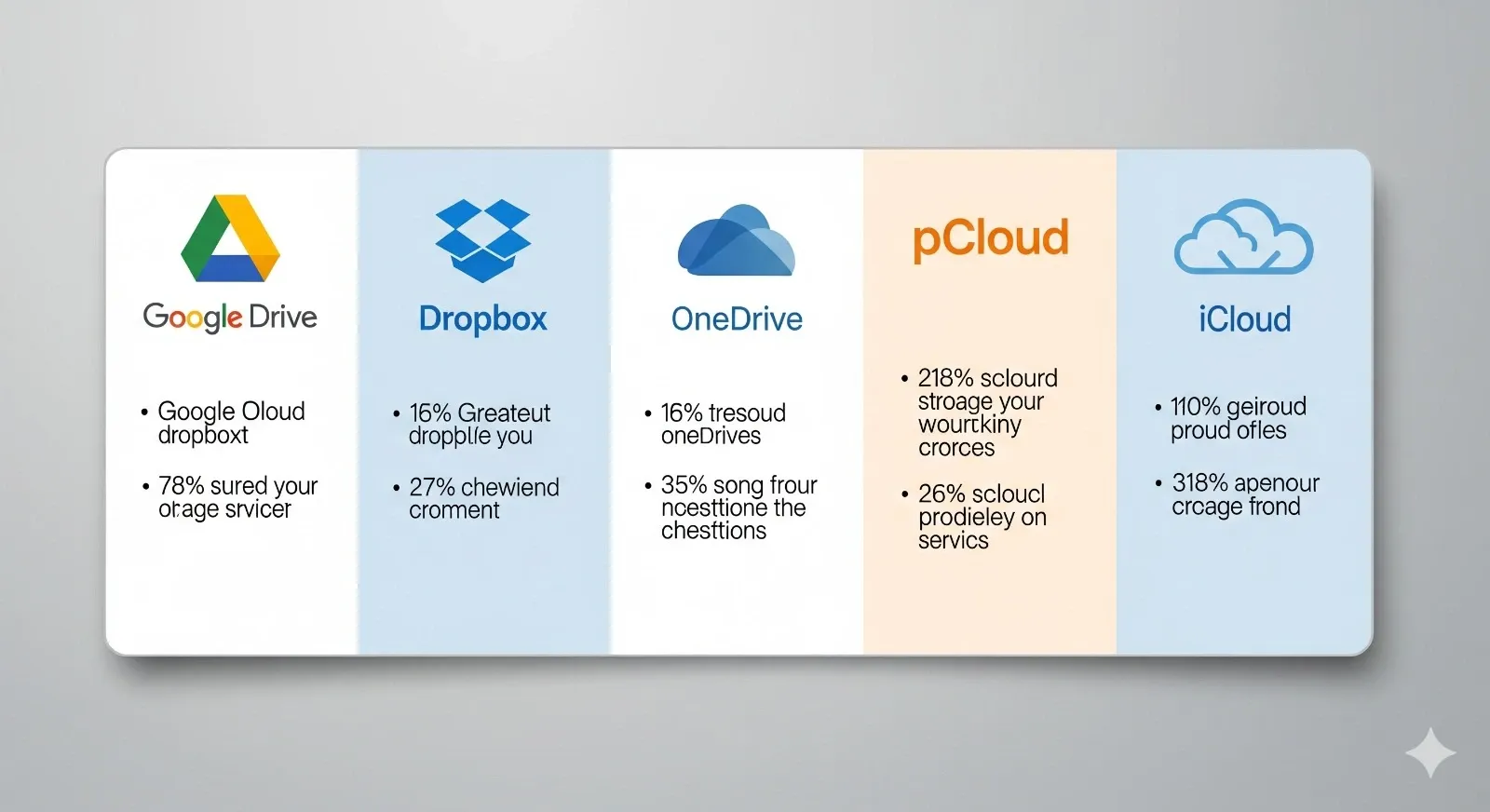
Quick Comparison of Top Cloud Storage Options for Secure Backups
| Service | Free Storage | Starting Price | Best For |
| Google Drive | 15GB | $1.99/mo | Google users |
| Dropbox | 2GB | $9.99/mo | Fast syncing |
| OneDrive | 5GB | $6.99/mo | Microsoft users |
| pCloud | 10GB | $175 lifetime | Long-term savings |
| iCloud Drive | 5GB | $0.99/mo | Apple users |
| Box | 10GB | $7/mo | Business collaboration |
| Mega | 20GB | $5.66/mo | Privacy & free storage |
| Sync.com | 5GB | $8/mo | Security-focused users |
| IDrive | 10GB | $59.62/year | Full system backups |
| Zoolz | None | $14.99/mo | Long-term archives |
| Backblaze | None | $7/mo | Unlimited personal backup |
FAQs on the Top Cloud Storage Options for Secure Backups
Q1. Which cloud storage gives the most free space?
Mega offers 20GB free, the most among major providers.
Q2. Which service is best for business collaboration?
Box and Google Drive are great for team-based projects.
Q3. What’s the most secure cloud storage?
Sync.com and pCloud offer zero-knowledge encryption for strong privacy.
Q4. Which is cheapest for long-term use?
pCloud’s lifetime plan is the most cost-effective over time.
Bottom Line
The top cloud storage options for secure backups provide peace of mind and accessibility. Whether you need unlimited storage with Backblaze, lifetime pricing with pCloud, or deep Office integration with OneDrive, there’s a solution for every need. Pick the one that matches your workflow and budget to protect your data.



