
One UI 7 vs One UI 8 India — 7 Key Upgrades Explained
Discover how **One UI 7 vs One UI 8 India** compares across performance, AI features, privacy tools, and battery efficiency, with a clear breakdown of the seven upgrades that matter most to Indian users.

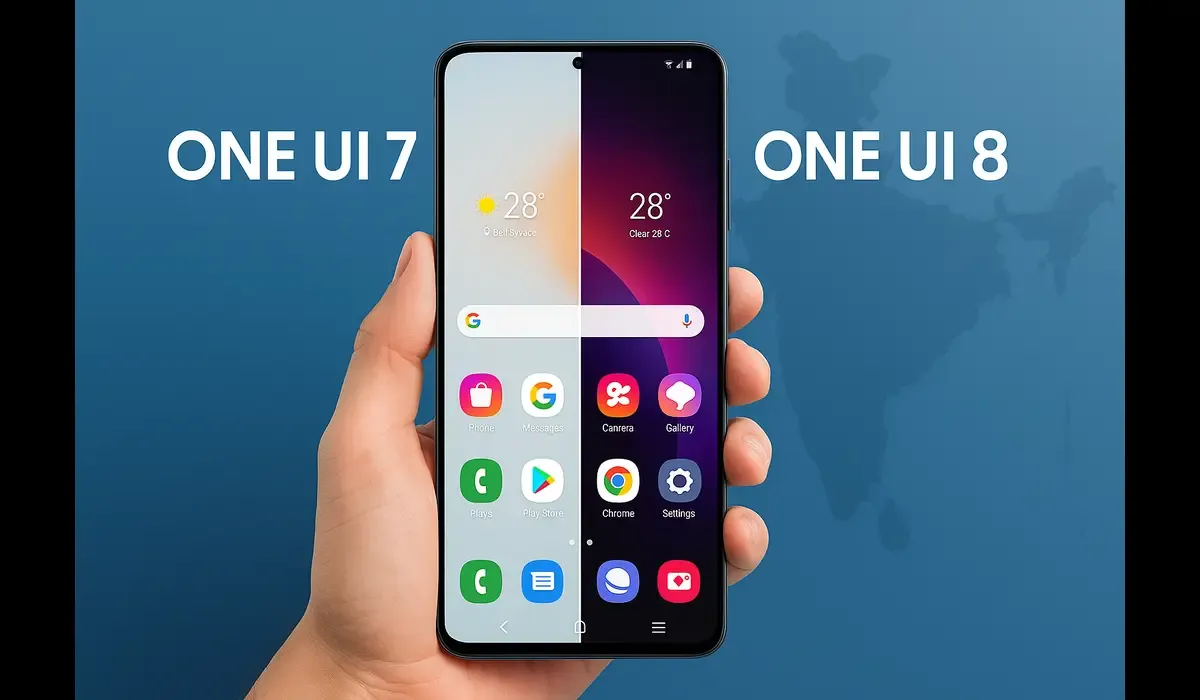
Differences between one ui 7 vs one ui 8 in India matter more than ever for Samsung users. The leap from One UI 7 to One UI 8 introduces refined visuals, enhanced features, and deeper integrations tailored for Indian users.
- Several UI elements receive polishing and smoother transitions.
- India-specific updates (language support, local services) gain importance.
- We’ll break down what’s new, what’s better, and what might not change much.
These differences between One UI 7 vs One UI 8 in India shape how Samsung users experience their phones.
What Is One UI 7 vs One UI 8? (Context)
One UI 7 is Samsung’s software skin based on Android 15, launched in early 2025. Meanwhile, One UI 8 is built on Android 16 and began rolling out to eligible devices starting mid-2025.
Together, they exemplify how Samsung evolves its user interface while preserving ecosystem consistency.
Latest Update: Rollout in India (One UI 8)
Samsung has begun the official rollout of One UI 8 to many devices. In India, models like Galaxy S25, S24, Z Fold/Flip series, and high-end A-series are among the first slated for updates. Some features may be region-locked or adjusted for local networks.
Users should check the Samsung India “One UI Software Update” page for their model.
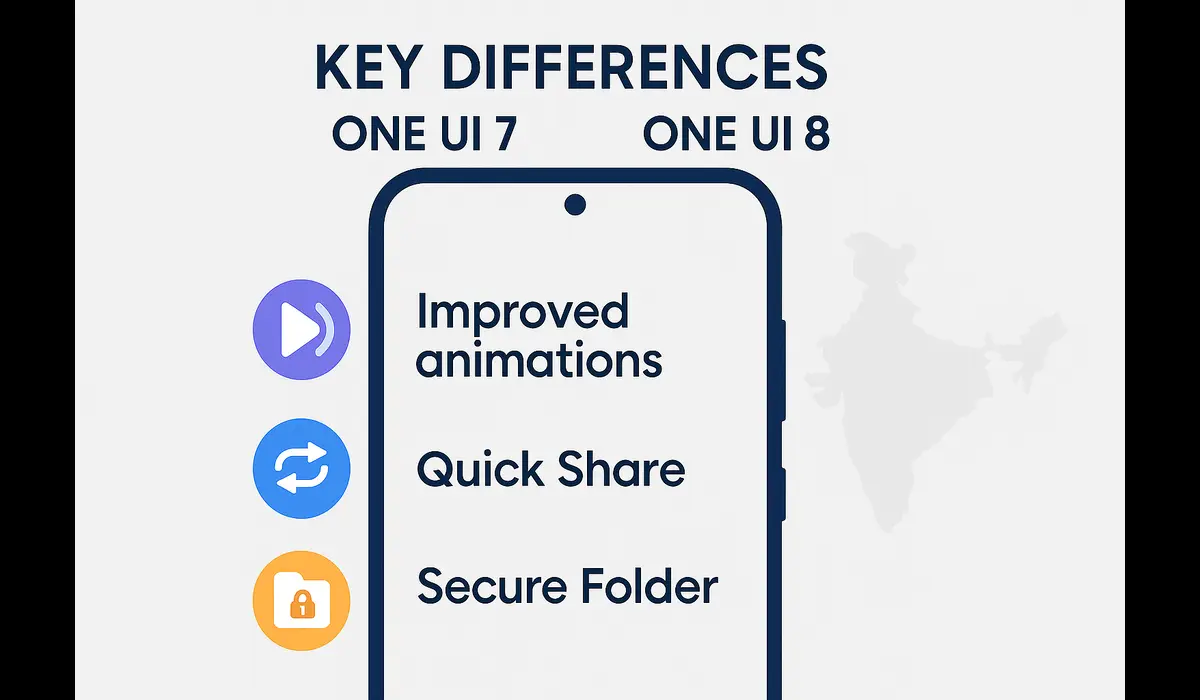
key differences between One UI 7 vs One UI 8 in India.
UI & Animations
One UI 8 refines the visual feel: transitions feel more fluid and less jarring. Icon borders are slightly thinner, and subtle effects appear in Quick Panel and Samsung Internet.
Now Bar & Live Integration
The Now Bar, introduced in One UI 7, gets deeper integration: it supports more third-party apps and shows live alerts (calls, DND status).
Customization & Personalization
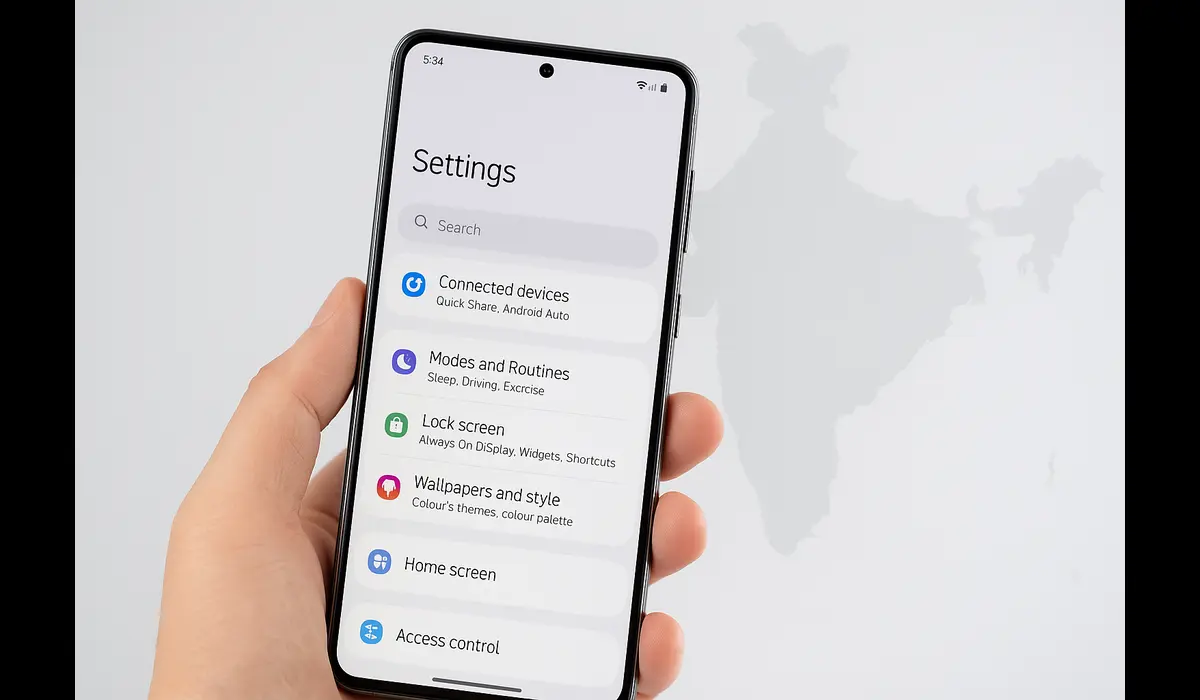
One UI 8 enhances per-app layouts, adds more modes and routines, and refines wallpaper and screenshot tools. A feature called “AI Select” helps convert screenshots to wallpapers.
File Handling, My Files, and Quick Share
The “My Files” app in One UI 8 gets improved filtering and sorting by app origin. Quick Share is redesigned: now shows file previews and better UX flow.
Secure Folder & Privacy
Secure Folder gets stricter controls: separate fingerprint registration and optional hiding of the folder icon/activity background.
Other App Upgrades
Core Samsung apps (Gallery, Weather, Internet) receive layout and UI polishing. The camera app also sees UI tweaks and alternative gestures.
Why These Differences Matter for Indian Users
- Localization: fonts, language settings, input tools for Indian languages may benefit from enhanced UI.
- Performance: smoother animations avoid lag on midrange Indian devices.
- Feature parity: users want features available globally (e.g., fingerprint in Secure Folder).
- Software support: the update cadence and device eligibility in India can differ greatly.
Comparisons: One UI 7 vs 8 in India
| Feature | One UI 7 | One UI 8 |
|---|---|---|
| Animations & fluidity | Good, but occasional stutters | Smoother, more polished |
| Now Bar | Basic live integrations | Deeper app support, live alerts |
| Customization | Widgets, routines | More granular layouts, modes |
| File management | Standard filtering | Advanced filters, sorting |
| Quick Share | Popup dialog | Full-screen UX, previews |
| Secure Folder | Shared fingerprint | Separate fingerprint, hiding options |
These differences show that One UI 8 builds on 7’s foundation rather than reinventing it.
Practical Tips for Indian Samsung Users
- Backup before upgrade: Always backup settings/data before installing One UI 8.
- Check eligible models in India: Many phones in India may not get One UI 8 due to support constraints.
- Explore new features gradually: Try the new filtering, routines, and Now Bar features step by step.
- Report bugs early: As rollout is still new in India, your feedback helps refine regional builds.
FAQs
Q1. Are there big changes in differences between One UI 7 vs One UI 8 in India?
Yes — UI polish, deeper Now Bar, file filtering, customization, and Secure Folder updates are notable differences.
Q2. When will One UI 8 come to Indian phones?
Samsung has begun rollout; first in South Korea and flagship models, then to India in phases.
Q3. Will older devices in India receive One UI 8?
Not all — eligibility depends on support policy and device hardware.
Key Takeaways
The differences between One UI 7 and One UI 8 in India include smoother UI and better security.
- The differences between one ui 7 vs one ui 8 in india include smoother UI, richer customization, enhanced file features, improved Quick Share, and stronger Secure Folder security.
- One UI 8 refines rather than overhauls — most changes are iterative and polished.
- Indian users benefit via localization, performance, and extended feature access.
- Always verify whether your device is eligible before expecting the update.
Conclusion
For Indian users of Samsung devices, understanding the differences between one ui 7 vs one ui 8 in india helps decide whether to upgrade immediately. The improvements are subtle but meaningful, refining experience and expanding control. If your device qualifies, try the update — and observe how these enhancements transform everyday use. Understanding the differences between One UI 7 vs One UI 8 in India helps decide if upgrading is worth it.



