
Notion vs Obsidian: Which One Wins for Creators?
A crisp breakdown of Notion vs Obsidian for creators, comparing workflow speed, flexibility, and long-term knowledge building to reveal which tool truly supports modern content workflows.


When it comes to note-taking and knowledge management, two tools stand out: Notion and Obsidian. Both are powerful, but they serve creators in very different ways. Which one should you choose in 2025? Let’s dive into the Notion vs Obsidian battle.
Notion vs Obsidian: Core Philosophy
Notion is an all-in-one productivity workspace, while Obsidian is a markdown-based knowledge base. Both tools excel at organizing information, but the way they do it appeals to different kinds of creators.

Notion for Creators
How Notion Works
Notion gives you building blocks—pages, databases, and blocks—that can be arranged into workspaces. It’s like digital Lego for your creative projects.

$750 Amazon Gift Card
Not everyone qualifies for this $750 Amazon gift card. Checking only takes a moment. You can check if you’re eligible.
Pros of Notion:
– All-in-one tool: notes, tasks, databases, and wikis.
– Rich media embedding (videos, images, code blocks).
– Collaborative features for teams.
Cons of Notion:
– Can feel overwhelming due to too many options.
– Offline access is limited compared to Obsidian.
– Performance slows with large databases.
Free vs Paid:
– Free plan: Unlimited pages, basic collaboration.
– Paid (starts at $8/month): Advanced permissions, more integrations, AI features.
Obsidian for Creators
How Obsidian Works
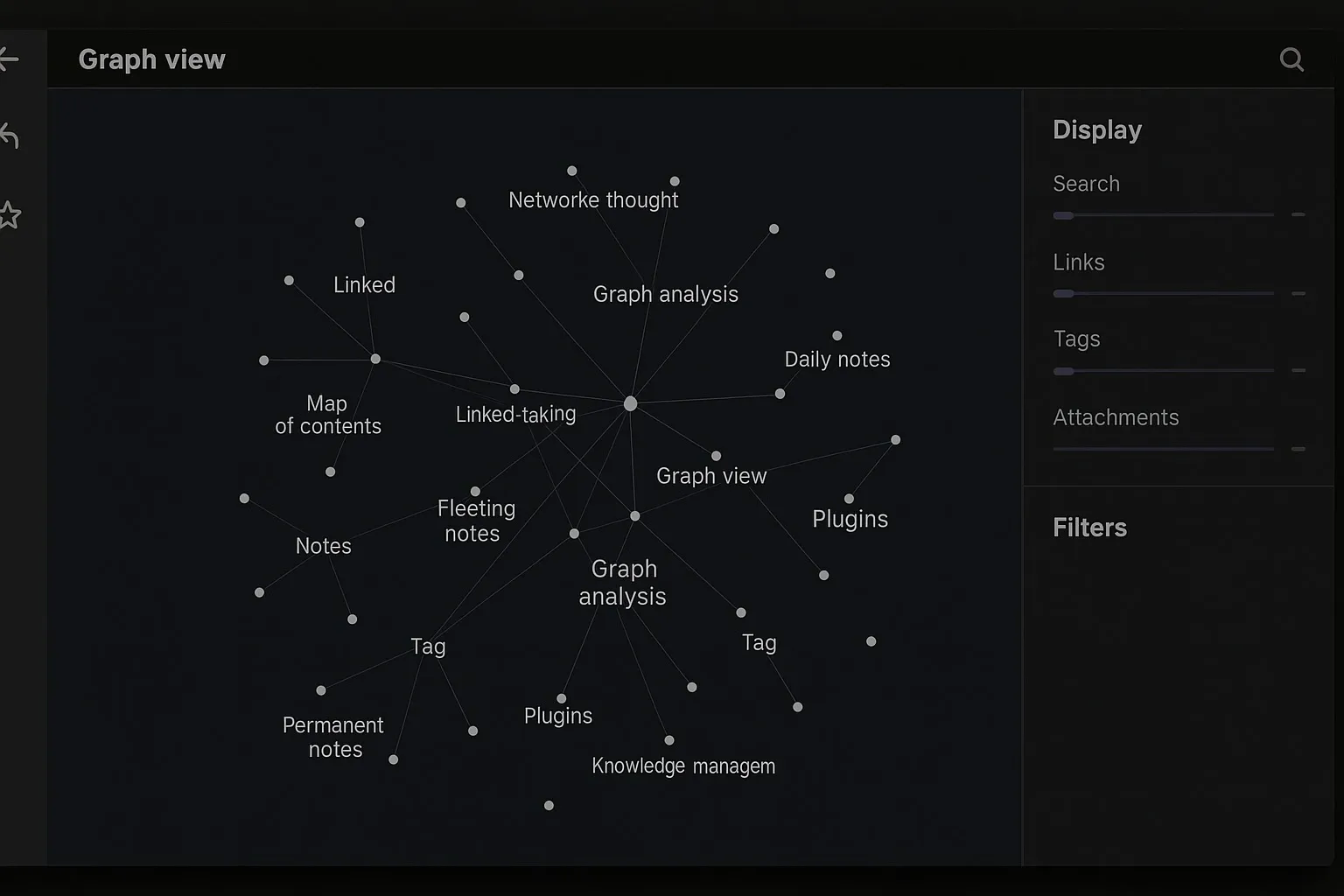
Obsidian is built around markdown notes stored locally. It shines when connecting ideas through backlinks and the graph view.
Pros of Obsidian:
– Local-first (your notes are yours).
– Graph view for visualizing connections.
– Hundreds of community plugins.
Cons of Obsidian:
– Steeper learning curve for beginners.
– Collaboration is limited compared to Notion.
– Interface feels less polished out of the box.
Free vs Paid:
– Free for personal use.
– Paid (from $25/year): Publish notes online, sync across devices.
Notion vs Obsidian: Side-by-Side Comparison
– Ease of Use: Notion wins with its polished UI and templates.
– Customization: Obsidian leads with plugins and markdown flexibility.
– Collaboration: Notion dominates with real-time teamwork.
– Offline Use: Obsidian wins since all notes are stored locally.
– Knowledge Management: Obsidian excels with backlinks and graph view.
– All-in-One Workspace: Notion covers tasks, notes, and databases in one place.
Real-World Use Cases
Notion Example: A YouTube creator managing scripts, tasks, and sponsorships in one workspace.
Obsidian Example: A writer building a second brain by linking research notes into a network of ideas.

$500 PayPal Gift Card
Some users qualify for a $500 PayPal gift card. You can check if you qualify.
FAQs on Notion vs Obsidian
Q1: Is Notion better than Obsidian for team projects?
Yes, Notion is better for collaboration thanks to shared workspaces and permissions.
Q2: Does Obsidian work offline?
Yes. Obsidian stores notes locally, making it perfect for offline use.
Q3: Which is easier for beginners: Notion or Obsidian?
Notion is easier due to templates and drag-and-drop features. Obsidian has a steeper learning curve.
Q4: Can I use both Notion and Obsidian together?
Yes. Some creators use Notion for project management and Obsidian for personal knowledge building.
Bottom Line
In the Notion vs Obsidian debate, the winner depends on your workflow. If you want collaboration and project management, go with Notion. If you want personal knowledge management and offline-first freedom, choose Obsidian. For many creators, the best answer might be: use both.



