
Mobile phone heating problem explained simply

Introduction
Many people notice their phone getting warm during use and worry something is wrong. Phone heating is more common today because smartphones handle heavier tasks than before. Understanding why it happens helps you decide when it’s normal and when action is needed. This article explains the causes, risks, and practical solutions in clear terms.
What Is the mobile phone heating problem?
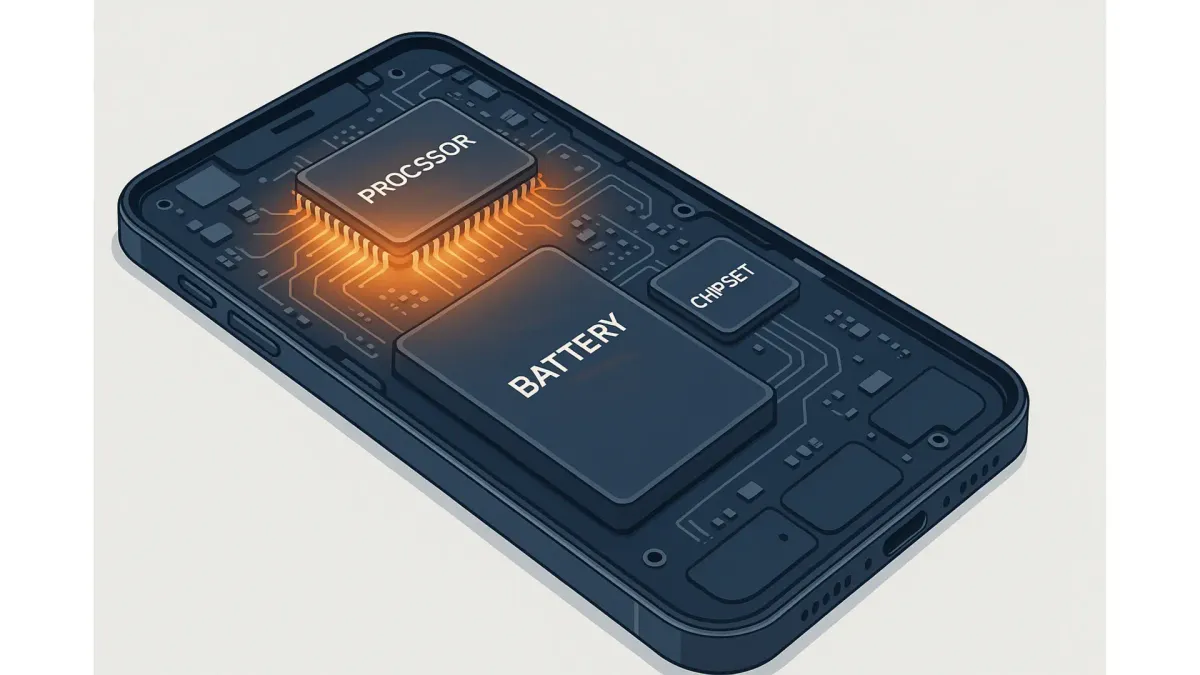
Mobile phone heating happens when internal components like the processor, battery, or display generate more heat than the device can release.
This usually occurs during heavy usage, charging, or poor ventilation.
A small amount of warmth is normal, but excessive or frequent heating signals stress on the phone’s hardware.
Heat, battery health, performance, and user behavior are closely connected.
Why this matters today
Modern phones run powerful apps, high-refresh screens, and constant background processes.
Fast charging, 5G networks, and gaming push processors harder than earlier devices.
Users also multitask more, often while charging, which increases heat buildup.
This topic matters because overheating can reduce performance, shorten battery life, and cause sudden shutdowns.
It does not cover rare manufacturing defects, which require service support.
Usage habits change over time, but basic heat generation from electronics remains constant.

$750 Cash App Gift Card
Not everyone qualifies for this $750 Cash App gift card. Checking only takes a moment. You can check if you’re eligible.
Step-by-step framework
Step 1: Identify when heating occurs
Notice if heating happens during gaming, video calls, navigation, or charging.
If it only happens during heavy tasks, it may be normal behavior.
If it happens during idle use, it needs attention.
Step 2: Check charging habits
Fast chargers and low-quality cables can raise temperatures quickly.
Charging while using demanding apps adds extra heat.
The outcome here is knowing whether charging is a key trigger.
Step 3: Review app and system load
Background apps, updates, or software bugs can overwork the processor.
Check battery usage to spot unusually active apps.
This step helps decide whether software changes are needed.
Step 4: Assess environmental factors
Using the phone in direct sunlight or hot rooms traps heat.
Thick cases can also limit heat dissipation.
This step clarifies whether external conditions are the cause.
Step 5: Decide on corrective action
Reduce usage intensity, update software, change charging habits, or remove the case temporarily.
If overheating persists, professional inspection is the next step.
Examples or real-world scenarios
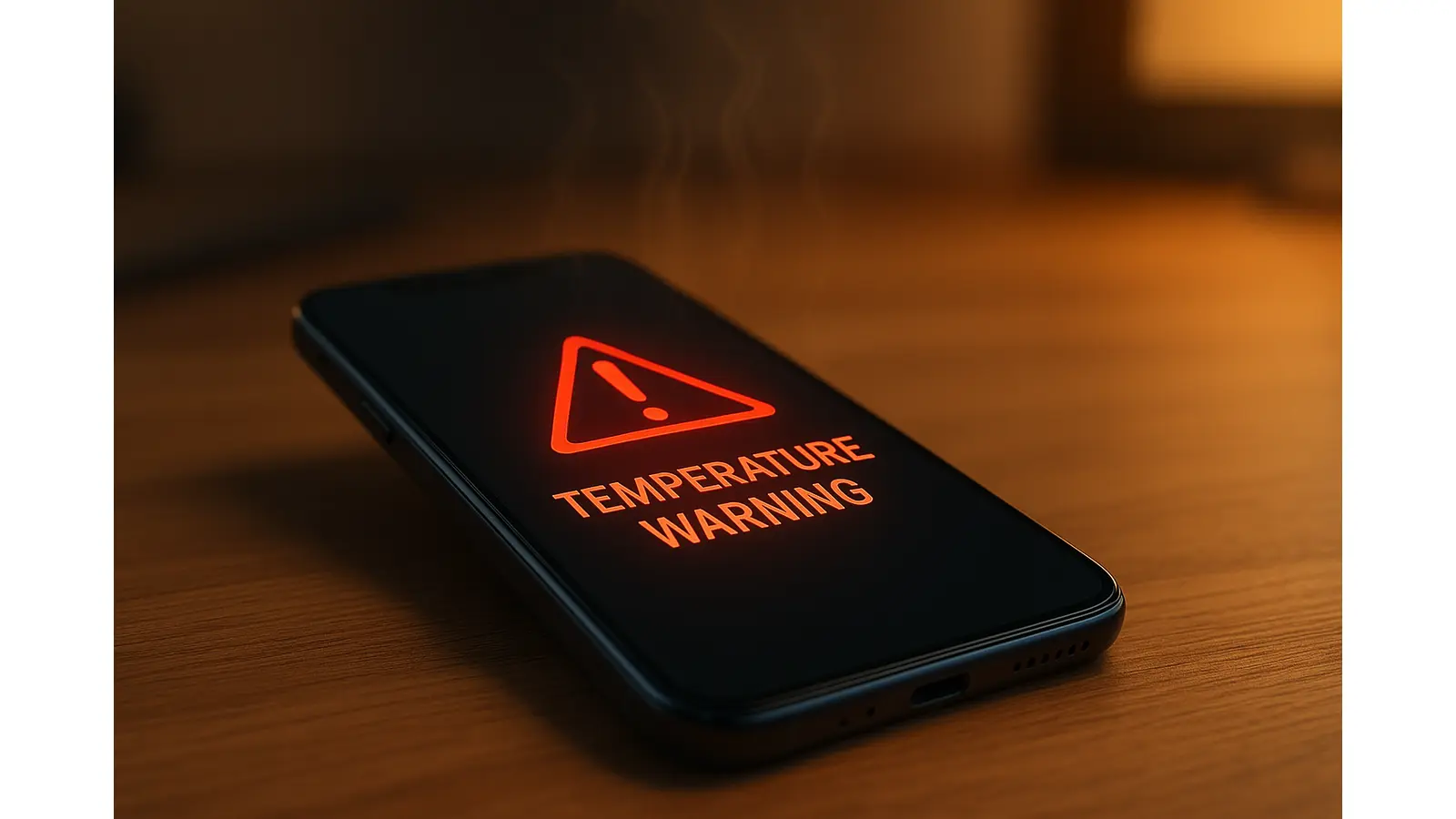
A user plays online games while charging with a fast charger. The phone heats up quickly and performance drops. Reducing game graphics and charging separately lowers the temperature.
Another user notices heating during simple browsing. Battery settings show a social app running constantly in the background. Restricting background activity resolves the issue.
Quick answer
Mobile phone heating is usually caused by heavy app usage, fast charging, background processes, or hot environments. Mild warmth is normal, but frequent or extreme heating can affect performance and battery life. Identifying when the phone heats up, adjusting usage habits, and checking apps or charging methods usually solve the problem without hardware repair.
Common mistakes to avoid
Assuming all heating means a defective phone.
Using the phone heavily while fast charging.
Ignoring software updates that fix performance bugs.
Using thick cases in hot conditions.
Letting unused apps run continuously in the background.

$500 PayPal Gift Card
Some users qualify for a $500 PayPal gift card. You can check if you qualify.
FAQs
Is it normal for a phone to heat while charging?
Yes, slight warmth is normal, especially with fast charging, but it should not become uncomfortably hot.
Can phone heating damage the battery?
Repeated overheating can reduce battery lifespan over time, even if no immediate damage is visible.
Does closing apps really reduce heating?
Yes, closing or restricting heavy background apps reduces processor load and heat.
Should I remove my phone case if it heats up?
If the case traps heat, removing it temporarily can help the phone cool down faster.
When should I seek professional help?
If the phone overheats during light use or shuts down often, professional inspection is recommended.
Conclusion
Phone heating is usually linked to usage patterns, charging habits, or environment.
Small changes often solve the issue, but persistent overheating should not be ignored.



