
Microsoft’s AI Windows Upgrade—Worth It or Not?
Thinking about the new Microsoft AI Windows Upgrade? This breakdown reveals what truly improves, what falls short, and whether the upgrade is worth your time and money. A must-read before installing.
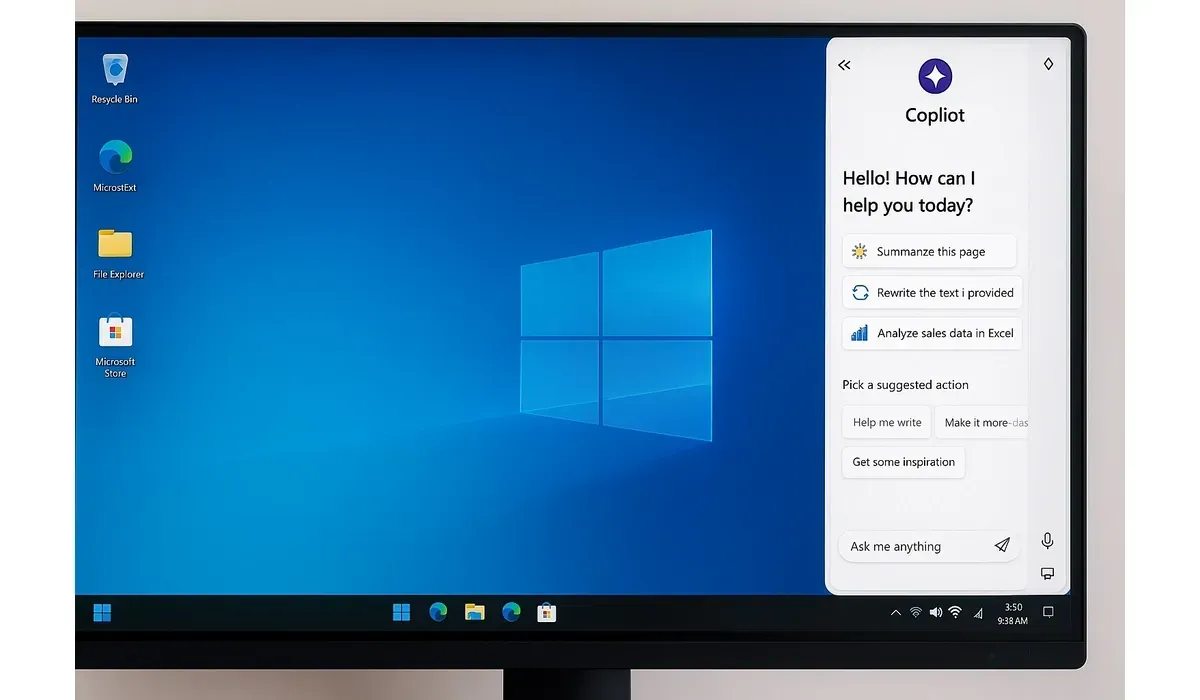
Microsoft has taken a bold step by baking artificial intelligence directly into Windows. The new Microsoft AI Windows upgrade is more than just a facelift—it’s a complete rethinking of how we interact with PCs.
But is it a genuine productivity boost or just another flashy add-on? We tested the update to help you decide if it’s worth switching.
What Is the Microsoft AI Windows Upgrade?
The upgrade integrates Microsoft’s AI assistant Copilot directly into the Windows interface. Instead of being just another app, AI is now woven into daily workflows, from file searches to content creation.
Key features include:
– Copilot for Windows: An always-available sidebar assistant.
– AI-Powered Search: Faster file and web searches with context.
– Smart Settings Recommendations: AI suggests system tweaks for better performance.
– AI-Enhanced Office Apps: Integrated directly with Word, Excel, and PowerPoint.
– Voice and Image Commands: Interact with your PC hands-free.
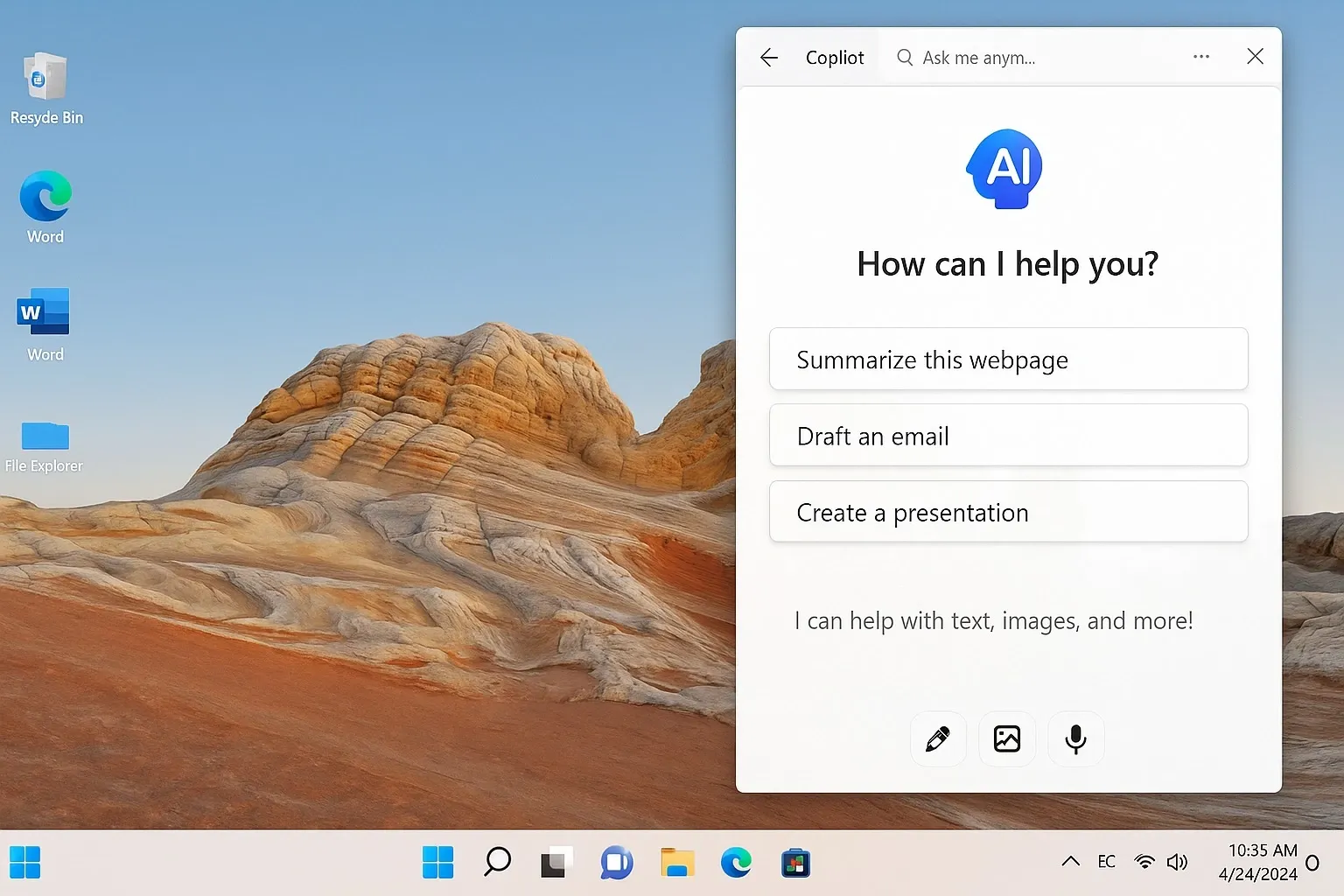
Microsoft Copilot in Windows
How It Works: Copilot lives in the taskbar and can summarize emails, draft documents, or even rewrite text. It connects directly to Office apps and Bing AI for extra context.
Pros:
- Always accessible
- Speeds up repetitive writing tasks
- Great for quick summaries and drafts
Cons:
- Internet-dependent
- – Sometimes produces generic responses
- Verdict: Extremely useful for knowledge workers but not flawless.
AI-Powered Search
How It Works: The upgraded search uses AI to understand intent. Instead of just file names, you can ask, ‘Find the budget spreadsheet I edited last week.’
Pros:
- Saves time digging through folders
- Works across local files and cloud storage
Cons:
- Still learning user context
- May show irrelevant results
Verdict: A big upgrade from standard search, but not yet perfect.
AI in Microsoft Office
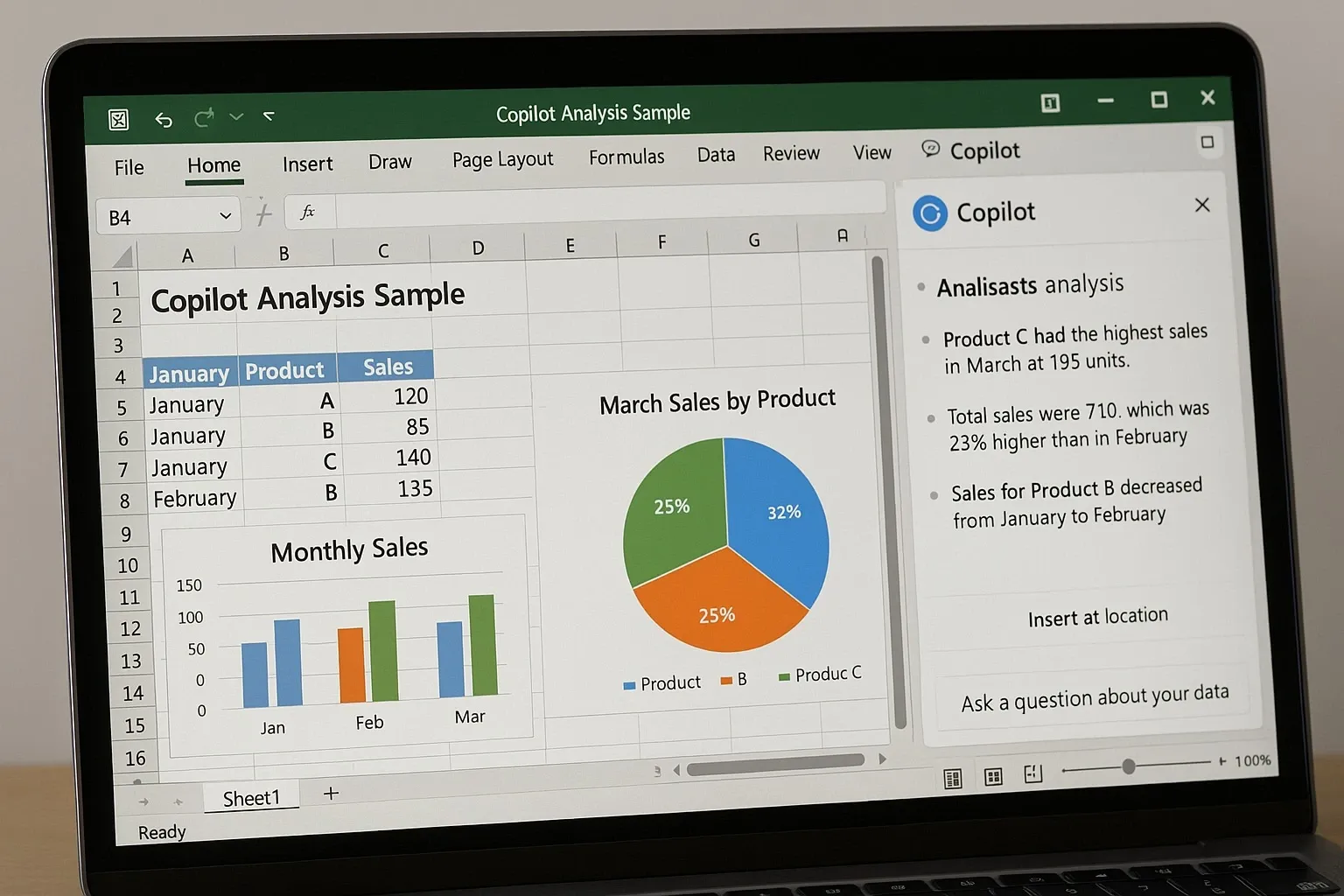
How It Works: Office apps now come with built-in Copilot features. In Word, it drafts reports; in Excel, it analyzes data; in PowerPoint, it builds slides from prompts.
Pros:
- Major time saver
- Reduces manual work in data-heavy tasks
- Great for non-designers building presentations
Cons:
- Creativity can feel ‘AI-generated’
- Requires subscription to Microsoft 365
Verdict: A huge productivity boost if you’re already in the Office ecosystem.
Benefits of the Microsoft AI Windows Upgrade
1. Productivity Gains: Automates repetitive work.
2. Smarter Workflows: AI helps across apps and system settings.
3. User-Friendly: Easy integration with the Windows taskbar.
4. Time Savings: Faster search, summaries, and content creation.
5. Future-Ready: Regular updates from Microsoft promise improvements.
Drawbacks to Consider
– Cost: Full benefits require a Microsoft 365 subscription.
– Privacy: AI tools collect usage data to improve suggestions.
– Accuracy: AI can make mistakes or create biased results.
– Learning Curve: Users must adapt to new workflows.
Mini Comparison: Microsoft AI vs Competitors
- Windows Copilot vs macOS Spotlight: Copilot is more AI-driven, Spotlight is faster for simple search.
- Windows AI Office vs Google Workspace Duet AI: Microsoft’s AI is better integrated for enterprise; Google’s feels lighter.
- Windows AI vs Standalone AI Tools (e.g., ChatGPT): Windows AI is more contextual but less flexible.
FAQs: Microsoft AI Windows Upgrade
Q: Is the Microsoft AI Windows upgrade free?
A: The base upgrade is included in Windows updates, but full features require Microsoft 365.
Q: Does Copilot work offline?
A: No, most features require an internet connection.
Q: Can AI replace traditional search in Windows?
A: Yes, but it still needs improvement for precision.
Q: Is it worth upgrading now?
A: Yes for productivity-focused users, but casual users may not see the same value.
Bottom Line
The Microsoft AI Windows upgrade isn’t just another update—it’s Microsoft’s bet on AI-powered productivity. For professionals juggling tasks across Office and Windows, the benefits are clear.
But like all AI tools, it comes with trade-offs: privacy, accuracy, and cost. If you’re invested in the Microsoft ecosystem, the upgrade is absolutely worth it. For casual users, the improvements may feel more like nice extras than essentials.



