
Top Tools to Lower Cloud Bills Without Downtime
Discover the top tools to lower cloud bills with a concise look at automation, monitoring, and cost-optimization platforms that cut expenses without risking downtime. A quick, insight-driven preview for tech teams seeking smarter savings.

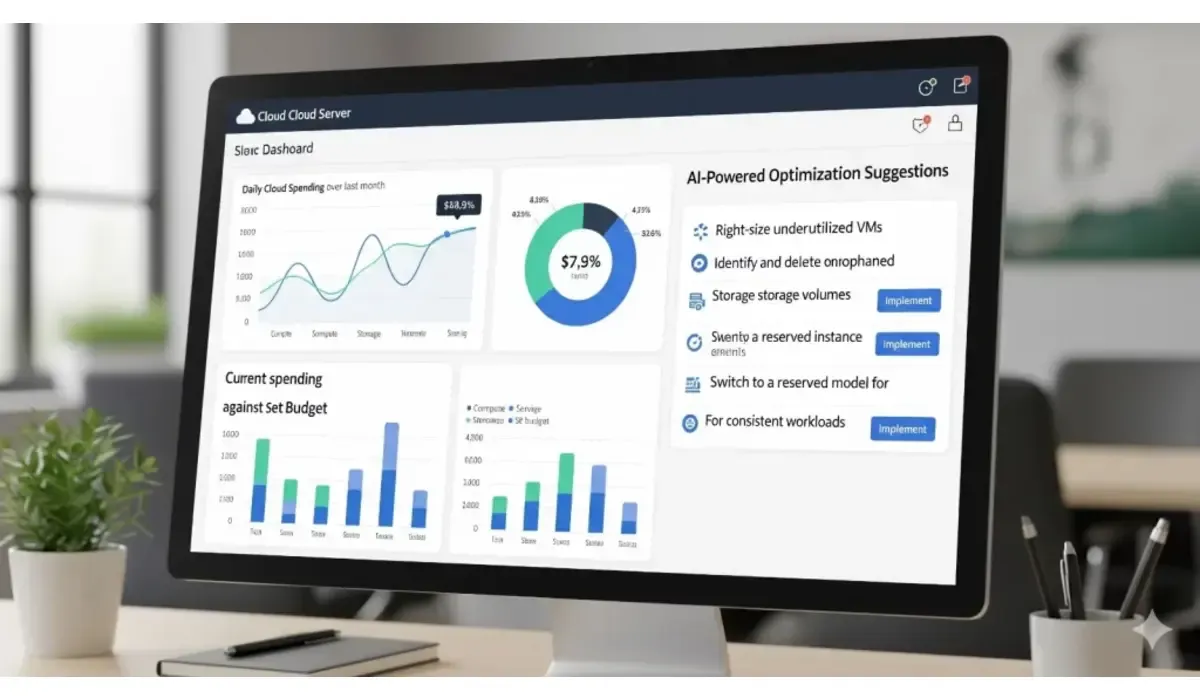
Cloud costs can spiral out of control if left unchecked. But the good news is, there are tools that can help you lower cloud bills without downtime—all while keeping apps and services online. From automated monitoring to AI-driven scaling, these tools save money without adding risk.
Why Lowering Cloud Bills Matters
Cloud providers like AWS, Azure, and Google Cloud offer incredible scalability. But this flexibility often leads to overspending. According to Flexera’s 2024 State of the Cloud Report, 47% of companies overshoot their cloud budgets by 20% or more. The right tools help you cut waste, automate usage, and ensure teams don’t pay for resources they don’t use.

CloudHealth by VMware
A cost and governance platform that gives deep visibility into usage.
Pros:
- Strong reporting and cost allocation
- Works across multiple cloud providers
- Policy-based automation
Cons:
- Premium pricing for large enterprises
- Setup requires onboarding effort
Pricing: Custom enterprise plans
Spot by NetApp
Optimizes workloads by using spare capacity (spot instances) with automation.

$500 Walmart Gift Card
A $500 Walmart gift card may be available to select users. Checking eligibility is quick. You can check if you’re one of them.
Pros:
- AI-driven scaling
- Real-time cost savings
- Works across AWS, Azure, GCP
Cons:
- Learning curve for advanced features
- May need fine-tuning for mission-critical apps
Pricing: Pay-as-you-save model
Kubecost
For Kubernetes-heavy teams, Kubecost gives real-time insights into pod-level spending.
Pros:
- Kubernetes-native
- Granular cost allocation by team/project
- Alerts for budget overshoot
Cons:
- Only useful for Kubernetes workloads
- Requires engineering team adoption
Pricing: Free community edition; paid enterprise version
Cast AI
Automates cost optimization by rightsizing, autoscaling, and shutting down idle resources.
Pros:
- Fully automated optimization
- Works with multi-cloud setups
- Easy onboarding
Cons:
- Limited free features
- Some advanced features require enterprise plan
Pricing: Free tier available; custom pricing for enterprises
nOps
Built for AWS workloads and focuses on continuous cost visibility.
Pros:
- Strong AWS integration
- Auto-detects unused resources
- Budget tracking and forecasting
Cons:
- Less effective outside AWS
- Requires initial configuration
Pricing: Pay-as-you-go and enterprise tiers
Comparison Table of Cloud Cost Optimization Tools
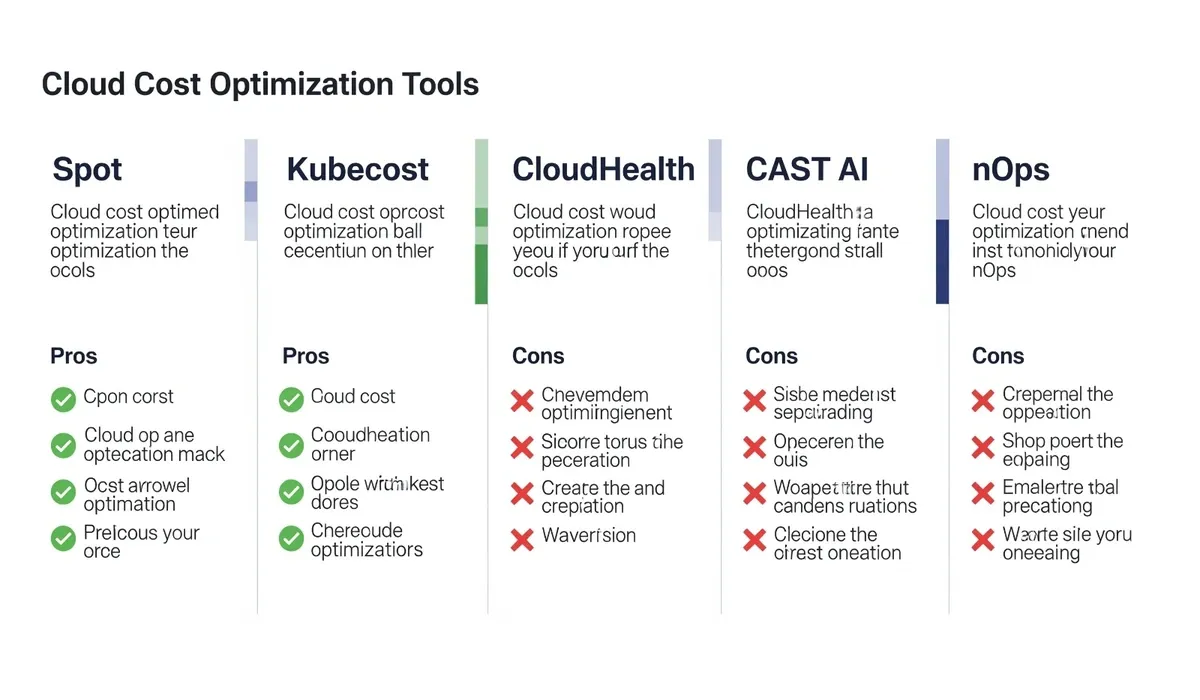
| Tool | Best For | Pros | Cons | Pricing |
| CloudHealth | Multi-cloud enterprises | Governance, detailed reports | Premium pricing | Enterprise plans |
| Spot | Dynamic workloads | AI-driven scaling, auto savings | Learning curve | Pay-as-you-save |
| Kubecost | Kubernetes teams | Pod-level insights | K8s only | Free + enterprise tiers |
| CAST AI | Multi-cloud optimization | Automated rightsizing/scaling | Limited free features | Free + enterprise pricing |
| nOps | AWS workloads | Strong AWS integration | AWS only focus | Pay-as-you-go |
When to Use Free vs Paid Tools
Free tools are enough if:
- You run small workloads
- You want visibility only, not automation
- You’re experimenting with optimization
Paid tools are worth it if:
- Your company spends thousands per month on cloud
- You need automation to avoid manual monitoring
- You manage multi-cloud or large Kubernetes clusters
Closing Thoughts
Managing cloud costs is no longer optional—it’s essential for businesses that want to grow without waste. The best part is, you don’t need to sacrifice uptime to achieve it. Tools like Spot, Kubecost, CAST AI, and Cloud Health show that optimization can run quietly in the background, trimming bills while apps stay live.
If you’re just getting started, experiment with free or low-tier options. But if your cloud bills are in the thousands, investing in a paid tool often pays for itself within months. The bottom line: lowering cloud bills without downtime isn’t just possible—it’s the smarter way to scale.

$750 Cash App Gift Card
Some users qualify for a $750 Cash App gift card. You can check if you qualify.
FAQs About Tools to Lower Cloud Bills
Q: Can I lower cloud bills without downtime?
A: Yes, modern tools like Spot, CAST AI, and nOps automate optimization without disrupting live apps.
Q: Which is the best free tool to lower cloud bills?
A: Kubecost offers a solid free version for Kubernetes users, while CAST AI has a free tier for broader workloads.
Q: Are these tools safe to use with critical workloads?
A: Yes, but always test automation settings before applying them to production.
Q: How much can I save with optimization tools?
A: Depending on workload, savings range from 20% to 60%, especially if you run 24/7 workloads.



