
How to Integrate AI Tools Into Slack and Teams
Learn how to integrate AI tools into Slack and Teams with simple, practical steps that boost productivity instantly. This guide shows you the smartest ways to automate workflows, reduce manual tasks, and upgrade team collaboration.
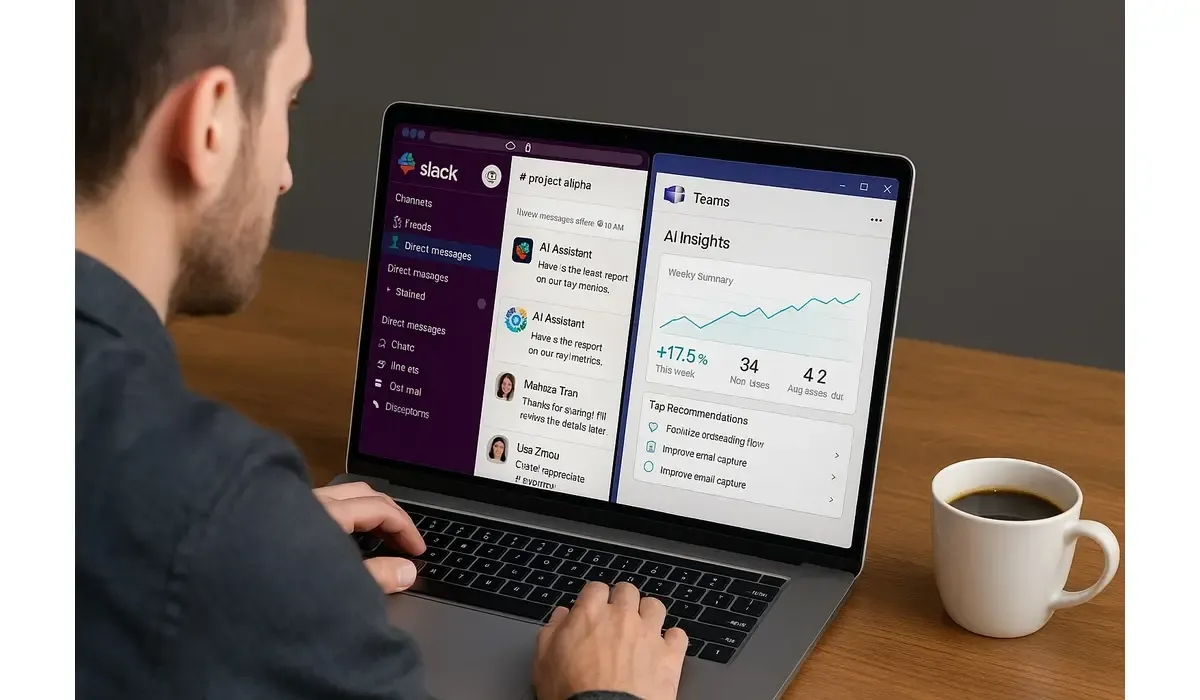
Slack and Microsoft Teams are the go-to platforms for workplace collaboration. But as workloads grow, teams need more than just chat and file sharing. Enter AI.
By learning how to integrate AI tools into Slack and Teams, you can automate repetitive tasks, get real-time insights, and make team collaboration faster and smarter.
Why Integrate AI Tools Into Slack and Teams?
Integrating AI tools directly into collaboration hubs means your team doesn’t have to switch between apps.
Benefits include:
– Automating meeting notes and action items
– Instant responses to FAQs with AI chatbots
– Streamlined workflows with automated triggers
– Real-time data summaries from business tools
According to a 2024 Gartner study, 67% of organizations using AI integrations in workplace chat apps reported a 25% productivity boost.
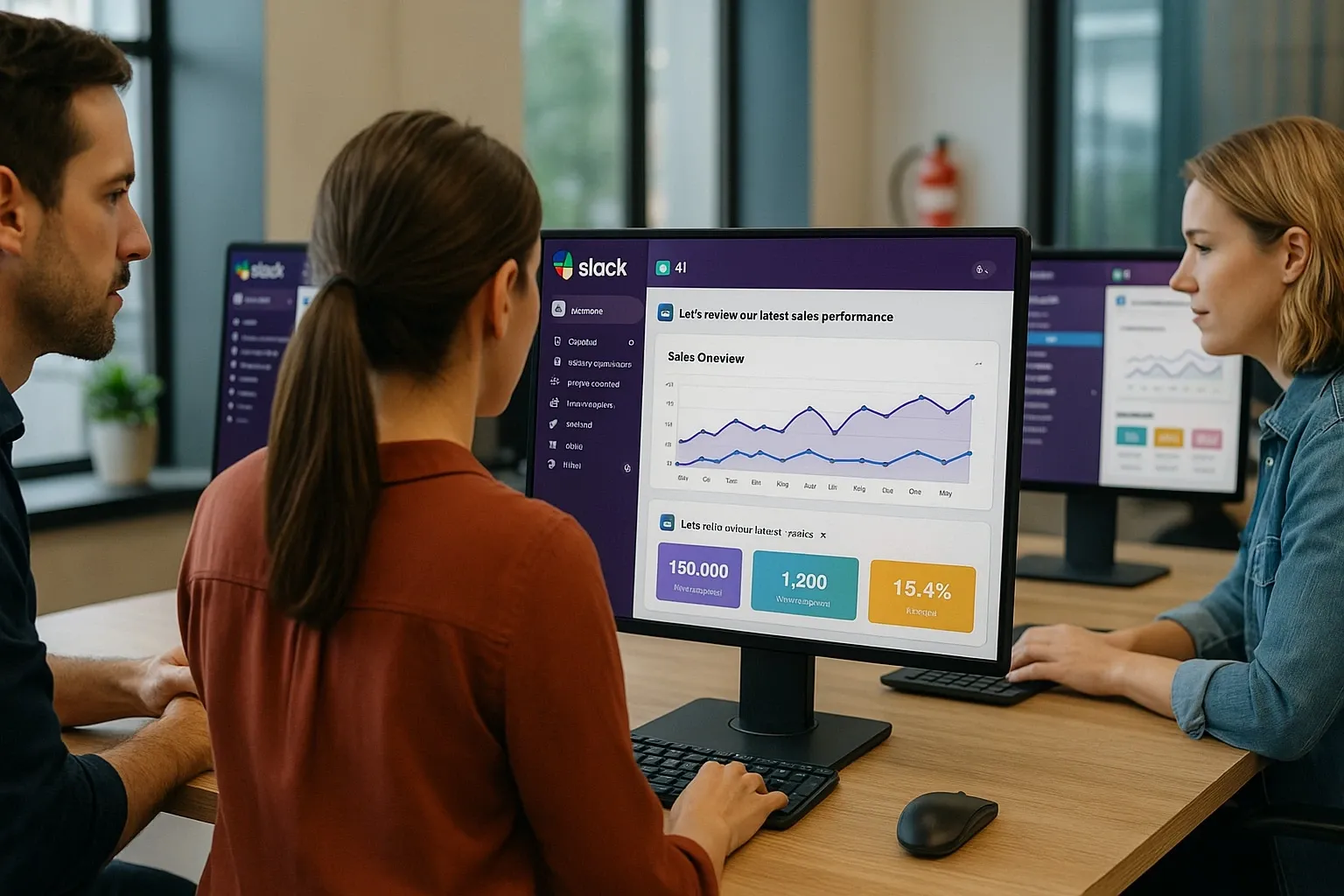
Best Ways to Integrate AI Tools Into Slack and Teams
AI Meeting Assistants
How it works: AI meeting assistants like Otter.ai or Fireflies.ai automatically join your Slack or Teams meetings, transcribe conversations, and create task summaries.
Pros:
- Accurate transcriptions
- Automatic task creation
- Integrates with calendars
Cons:
- Premium features behind paywalls
- May require setup permissions
Workflow Automation with Zapier + AI
How it works: Connect Slack or Teams with Zapier and layer in AI (like ChatGPT or Jasper) to automate responses, content creation, or customer support updates.
Pros:
- Supports hundreds of integrations
- Easy no-code automation
- Customizable triggers
Cons:
- Can get expensive at scale
- Setup time required
AI Chatbots
How it works: Tools like Kore.ai, Talla, or Yellow.ai build chatbots that live inside Slack or Teams, answering employee or customer questions.
Pros:
- 24/7 availability
- Reduces repetitive questions
- Multilingual options
Cons:
- Complex queries still need humans
- Requires proper training data
Summarization and Insights Tools
How it works: AI apps like Notion AI or Mem can be connected to Slack and Teams to summarize long messages, threads, or reports instantly.
Pros:
- Saves time reading long threads
- Generates quick action points
- Boosts team alignment
Cons:
- Sometimes oversimplifies text
- Context may be missed
AI-Powered Analytics
How it works: Tools like Polly and Microsoft’s built-in Copilot can analyze team feedback, poll results, or even project data to deliver insights directly in Slack or Teams.
Pros:
- Real-time insights
- Great for employee engagement
- Visual dashboards
Cons:
- Enterprise pricing
- Requires setup and permissions
Benefits of Integrating AI Tools Into Slack and Teams
1. Time Savings: Automate repetitive tasks.
2. Better Collaboration: AI ensures everyone stays updated.
3. Productivity Boost: Faster access to insights and data.
4. Reduced Errors: Automated notes and workflows reduce mistakes.
5. Scalability: AI grows with your team’s needs.
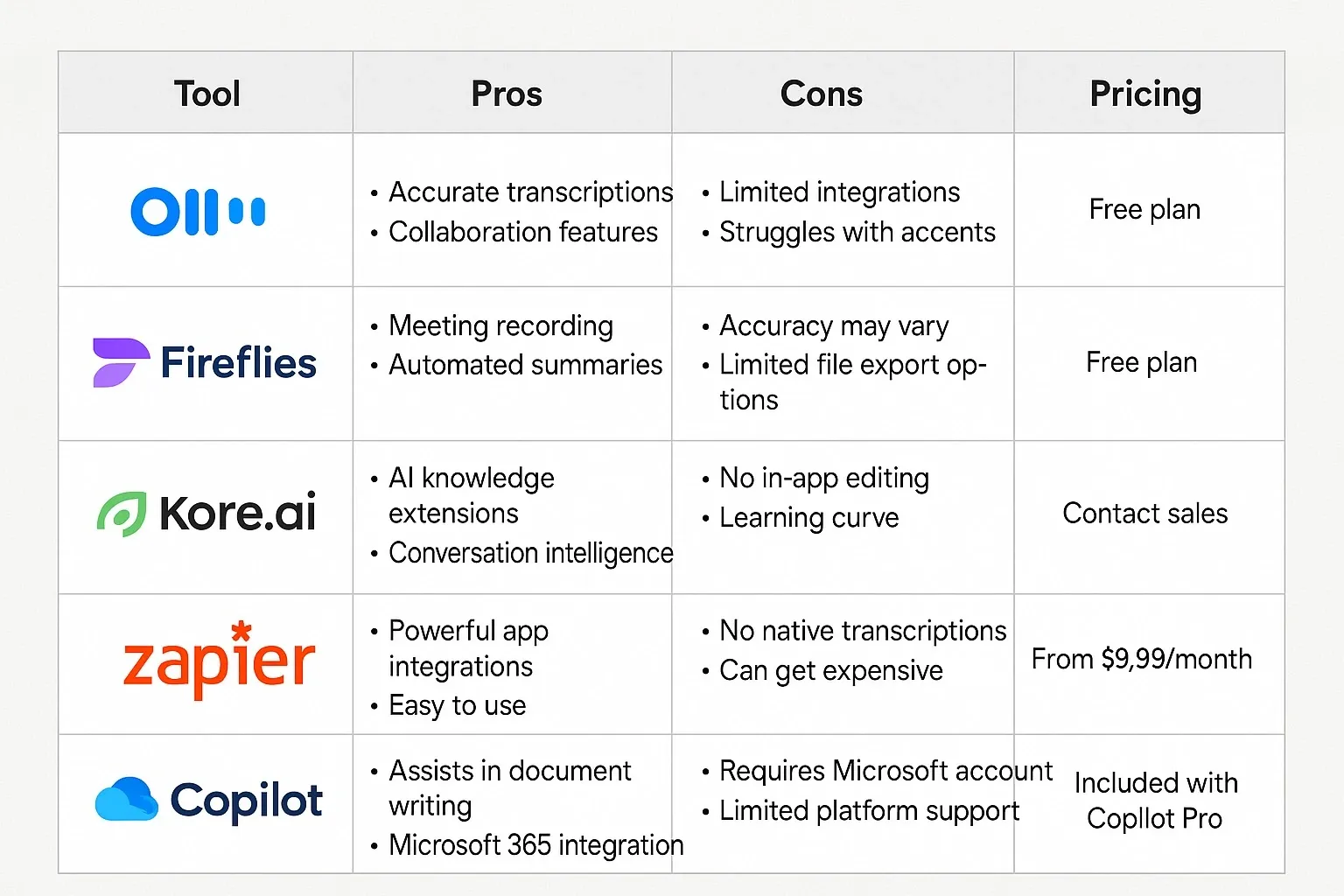
Mini Comparison: Best for Each Use Case
– Best for Meetings: Fireflies.ai
– Best for Workflow Automation: Zapier + AI
– Best for Customer Support: Kore.ai
– Best for Summaries: Notion AI
– Best for Analytics: Microsoft Copilot
FAQs: Integrating AI Tools Into Slack and Teams
Q: Do I need coding skills to integrate AI tools into Slack and Teams?
A: Not always. Tools like Zapier and native integrations make it no-code friendly.
Q: Are AI integrations secure?
A: Yes, but always check compliance with your company’s IT and data policies.
Q: Which is better for AI integrations: Slack or Teams?
A: Both support strong integrations. Slack has more third-party apps, while Teams benefits from Microsoft’s Copilot.
Q: Do AI tools replace employees?
A: No, they assist by automating repetitive tasks, allowing employees to focus on high-value work.
Bottom Line
Learning how to integrate AI tools into Slack and Teams is one of the fastest ways to modernize your workflow.
By choosing the right AI assistants, chatbots, and automation tools, businesses save time, reduce costs, and improve collaboration—all inside the platforms teams already use daily.



