
How to Vet AI Tools: 5 Quick Tests You Should Run
Learn how to vet AI tools with five quick, practical tests that reveal reliability, accuracy, and real-world value. This concise guide helps you choose smarter, safer AI solutions without wasting time or resources.
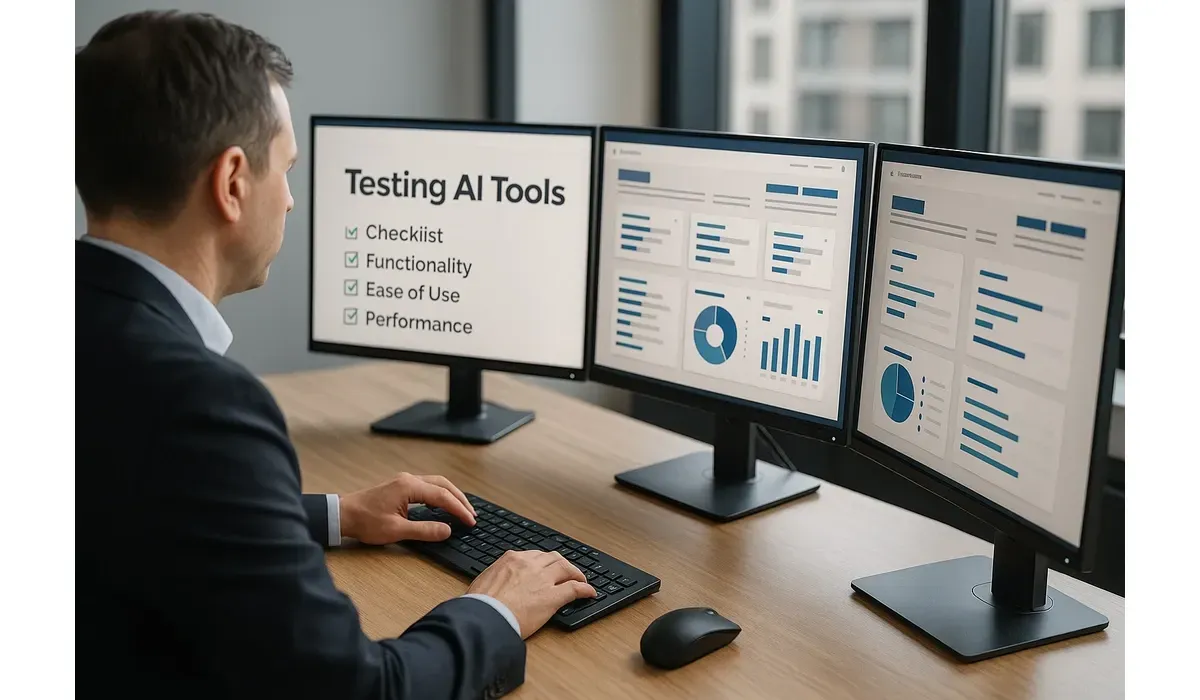
AI tools are everywhere—writing, design, analytics, even customer service. But how do you know which ones are worth your time and safe for your business? Knowing how to vet AI tools ensures you don’t waste money or risk data security.
This guide walks you through five quick tests anyone can run before fully adopting a new AI product.
Why You Should Vet AI Tools First
Not all AI tools are created equal. Some deliver impressive results, while others overpromise and underdeliver. Worse, some may carry risks like poor data privacy policies.
– Cost: Paid tools can get expensive quickly.
– Accuracy: Outputs may be wrong or misleading.
– Trust: You’re sharing sensitive data with a third party.
According to a 2024 McKinsey report, 60% of businesses slowed AI adoption due to security and reliability concerns. Vetting is the first safeguard.

How to Vet AI Tools: 5 Quick Tests
Accuracy Test
Run a simple prompt or query that you already know the answer to.
– Example: Ask a writing AI to summarize a well-known article and check for errors.
– What to look for: Does the tool deliver factually correct and coherent results?
– Pros: Quick to verify.
– Cons: May not reveal deeper biases or limitations.
Ease of Use Test
Try the tool’s free plan or demo.
– Is the interface beginner-friendly?
– Does it integrate with tools you already use (Google Docs, Slack, Notion)?
– How steep is the learning curve?
Hands-on testing often reveals whether the tool is built for professionals or casual users.
Security & Privacy Test
Always check how the tool handles your data.
– Read the privacy policy: Does it store or reuse your inputs?
– Check for compliance: Look for GDPR or SOC 2 certifications.
– Test with dummy data first: Never input confidential data during trials.
This step is crucial if your business handles sensitive customer information.
Cost vs Value Test
AI tools often lure you in with free trials, then lock features behind paywalls.
– Compare pricing with competitors.
– Check what’s included in free vs paid plans.
– Run a quick ROI estimate: Will this tool save enough hours or generate enough revenue to justify its cost?
Mini-comparison example:
– Grammarly Free is fine for individuals, but teams often need Grammarly Business for reporting.
– Copy.ai Free works for short copy, but Jasper’s paid version may scale better for agencies.
Support & Reliability Test
Look for signs that the tool is well-maintained.
– Is there an active support team or knowledge base?
– How often is the product updated?
– Are user communities active on forums or LinkedIn groups?
A neglected AI tool is risky. You don’t want to rely on something that disappears in six months.
Quick Checklist for Vetting AI Tools
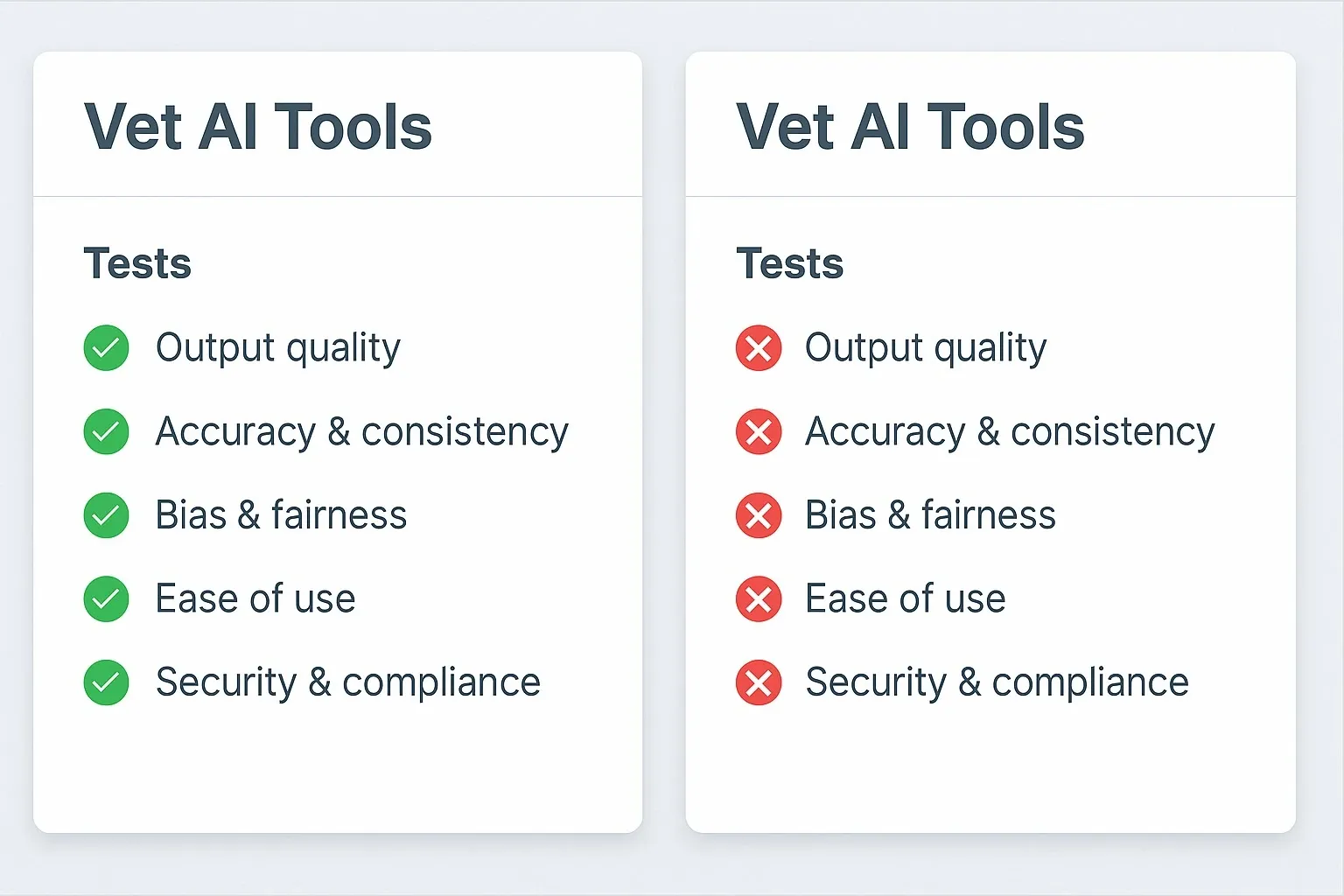
1. Accuracy of outputs.
2. Ease of use for your team.
3. Data security and compliance.
4. Cost vs long-term value.
5. Reliability and support.
If a tool fails more than one of these tests, it’s a red flag.
Free vs Paid Vetting
– Free tools: Good for experimentation but often limited in features and support.
– Paid tools: Usually more secure and reliable, but make sure the ROI justifies the spend.
Tip: Start free, test with real tasks, then upgrade only if it consistently saves you time or money.
Real-World Example
I tested two AI transcription tools for a podcast workflow:
– Tool A (Free): Quick setup, but struggled with accuracy on technical terms.
– Tool B (Paid, $19/month): 95% accuracy, timestamps, and better integrations.
The second tool passed all five vetting tests, while the free one only passed two. The decision was obvious.
Pros and Cons of Vetting AI Tools
Pros:
– Saves money by avoiding bad purchases.
– Protects business data.
– Improves adoption rates among teams.
Cons:
– Takes time to run proper tests.
– Some features only show up after extended use.
FAQ: How to Vet AI Tools
Q1: How long does it take to vet an AI tool?
A: Initial tests can take less than an hour, but ongoing evaluation is recommended.
Q2: Can I trust free AI tools with my data?
A: Only if their privacy policy is clear. Otherwise, use dummy data.
Q3: What’s the biggest red flag in an AI tool?
A: Lack of transparency on data use or no active support system.
Q4: Do I need technical expertise to vet AI tools?
A: No. Anyone can run the five tests outlined here.
Why It Matters
AI can supercharge your productivity, but only if the tools you use are accurate, secure, and reliable. By learning how to vet AI tools with these five quick tests, you’ll protect your business, save money, and avoid costly mistakes.
Don’t just adopt the shiny new tool—test it first.



