
How to Use AI to Speed Up Your Content Workflow
Learn how to use AI to speed up your content workflow with practical strategies that streamline research, writing, and optimization. A clear, actionable guide for creators aiming to produce high-quality content faster.

Write Faster, Publish Smarter
Ever feel like content creation takes forever? From brainstorming ideas to editing drafts, even a short blog post can eat up hours.
Here’s the good news: In 2025, AI tools can automate the slowest parts of your workflow — without sacrificing quality. The result? More content in less time, with less stress.
Let’s explore how to use AI to speed up your content workflow, with real tools, examples, and tips that actually work.
Why AI Belongs in Your Content Workflow
Content marketing is time-consuming. A HubSpot survey found that 47% of marketers spend 5+ hours per week just writing blog posts. That’s before editing, visuals, or publishing.
AI helps by:
– Generating first drafts in seconds.
– Summarizing long research articles.
– Creating SEO titles and meta descriptions.
– Suggesting visuals and layouts.
What most people don’t know: AI isn’t just for writing. It can also manage workflows, schedule posts, and analyze performance.
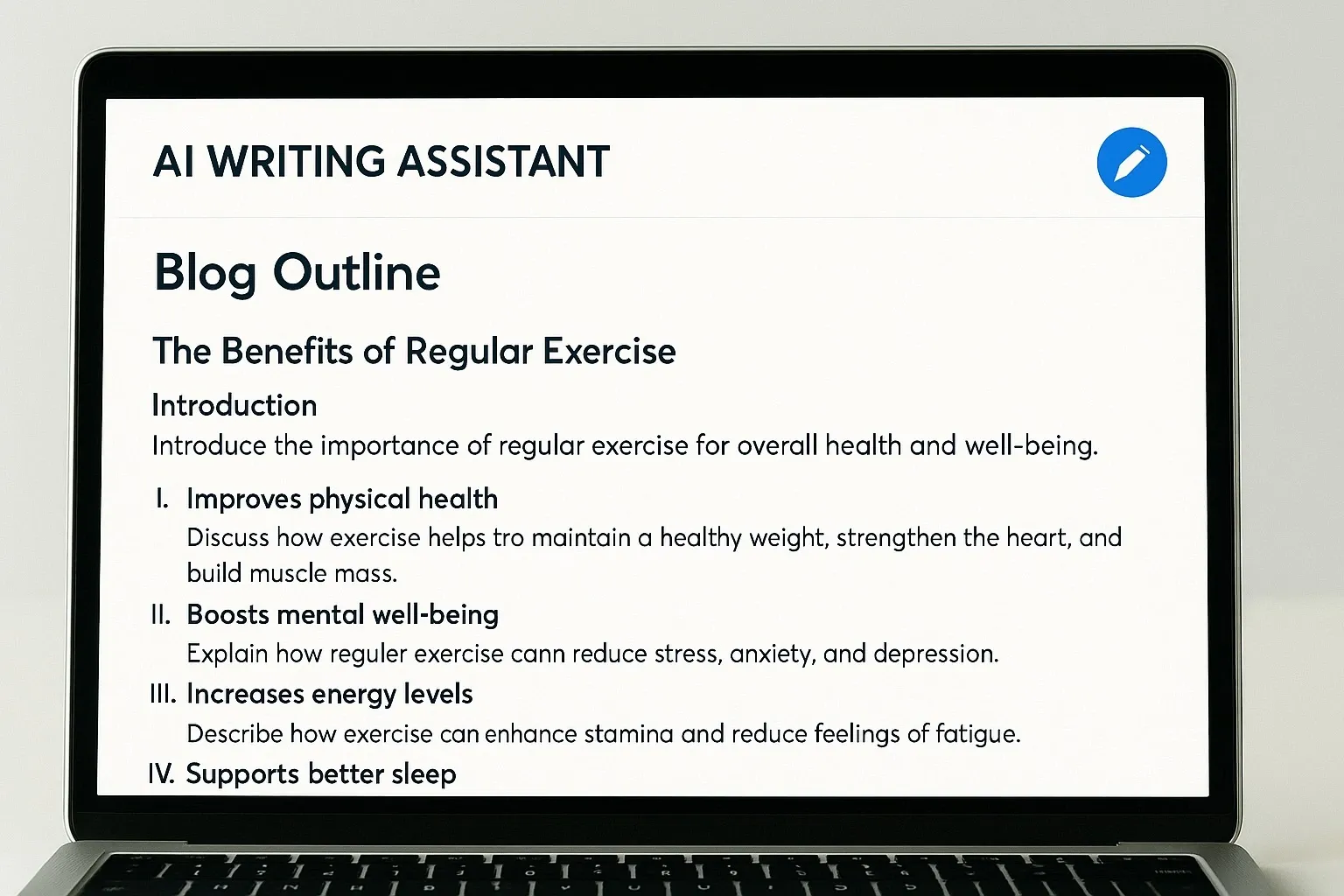
1. Brainstorm Faster with ChatGPT and Jasper AI
How it works: Enter a topic idea, and AI suggests blog outlines, email campaigns, or social media hooks.
Pros:
– Endless idea generation.
– Can adapt tone for blogs, ads, or newsletters.
– Saves hours in the planning phase.
Cons:
– Requires clear prompts for best results.
– Drafts may need human polish.
Free vs Paid:
– ChatGPT Free: Runs on GPT-3.5 for basic writing.
– Jasper: Paid, with advanced templates and brand voice control.
Mini-comparison: Use ChatGPT for general brainstorming, Jasper for brand-specific content.
2. Research and Summarize with Perplexity AI
Research is a hidden time-killer. That’s where Perplexity AI shines.
How it works: Ask a question, and Perplexity searches the web, citing sources directly. It can summarize long reports into key insights.
Pros:
– Built-in citations (boosts credibility).
– Saves hours on background research.
– Great for SEO blog posts that need references.
Cons:
– Depends on data availability.
– May oversimplify complex topics.
Example: Instead of reading a 50-page report, you can ask Perplexity for a 3-paragraph summary with stats.
3. Draft and Edit with GrammarlyGO and Quillbot
Writing is one thing — editing takes just as long.
How they work:
– GrammarlyGO suggests rewrites for tone, clarity, and conciseness.
– Quillbot paraphrases sentences and checks plagiarism.
Pros:
– Perfect for refining AI drafts.
– Helps non-native English speakers write smoothly.
– Instant tone adjustments (casual, formal, persuasive).
Cons:
– Free tiers are limited.
– Can sound too polished if overused.
Stat: Grammarly reports 30 million daily users, proving its role as a trusted editing tool.
4. Visuals on Demand with Canva AI and DALL·E
Content without visuals is invisible on social media.
How they work:
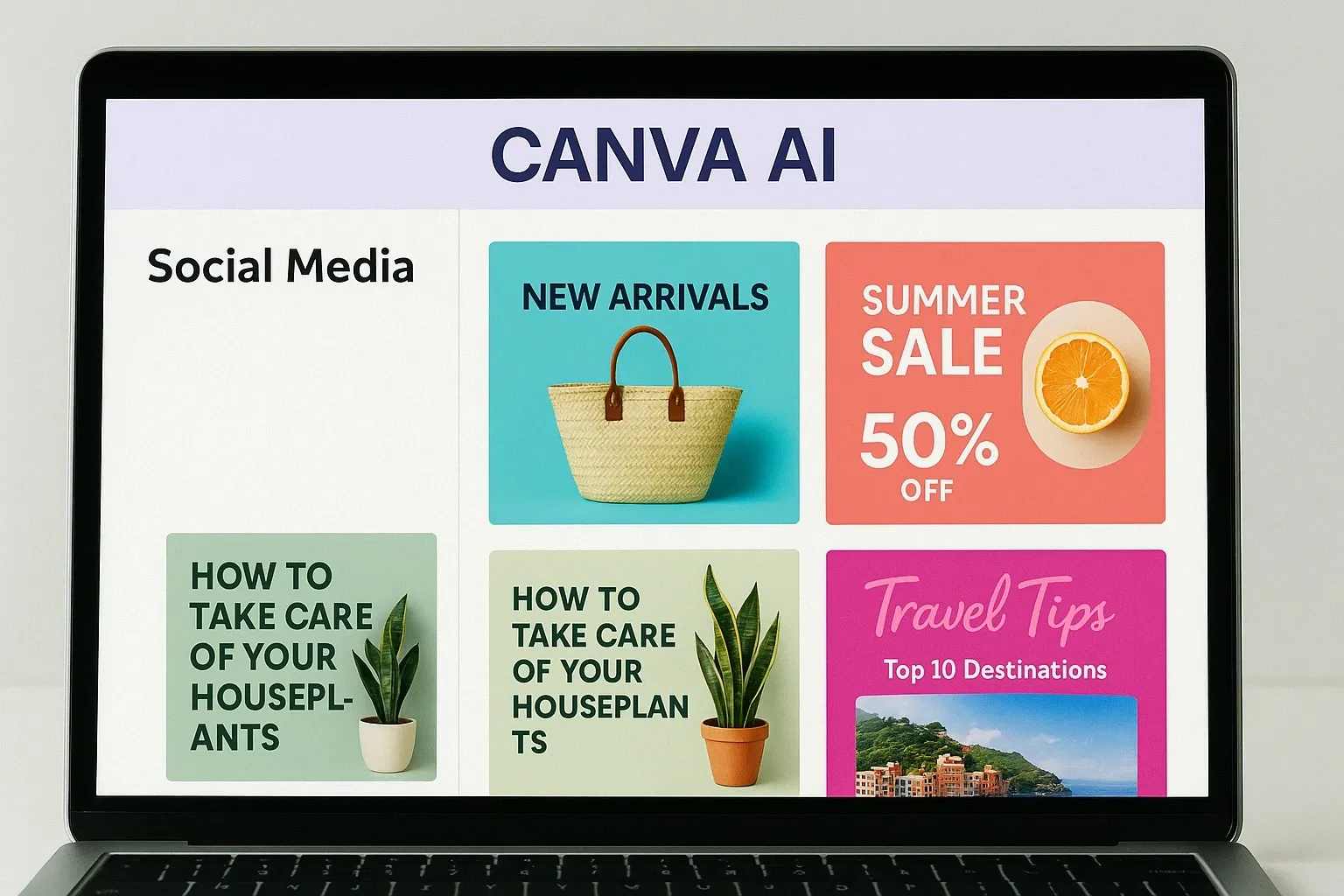
– Canva AI generates templates, social graphics, and even short videos.
– DALL·E creates unique, AI-generated images from text prompts.
Pros:
– Easy for non-designers.
– Creates scroll-stopping visuals.
– Integrates with blogs and social platforms.
Cons:
– Canva free plan is limited.
– AI images may need editing for brand consistency.
Mini-comparison: Canva AI is best for quick branded designs, while DALL·E shines in creative, one-of-a-kind visuals.
5. Automate Publishing with Notion AI and Buffer
The final bottleneck? Getting content live.
How they work:
– Notion AI organizes notes, creates content calendars, and turns brainstorms into action plans.
– Buffer schedules blog shares, tweets, and LinkedIn posts automatically.
Pros:
– Streamlines team workflows.
– Ensures consistent posting.
– Saves time by batching tasks.
Cons:
– AI suggestions need reviewing.
– Buffer free plan is limited to 3 channels.
Real-world tip: A solo creator can plan content in Notion AI, then let Buffer auto-post across platforms — cutting hours from weekly schedules.
Quick List: 5 Ways to Use AI for Faster Content
1. ChatGPT/Jasper → Brainstorm ideas and outlines.
2. Perplexity AI → Research and summarize.
3. GrammarlyGO/Quillbot → Edit and refine drafts.
4. Canva AI/DALL·E → Create visuals instantly.
5. Notion AI/Buffer → Automate publishing.
Why Using AI in Content Workflows Matters in 2025
Content demand is rising, but teams aren’t getting bigger. AI bridges the gap by:
– Saving time → More content in fewer hours.
– Boosting quality → AI editing ensures clarity.
– Improving consistency → Automated schedules reduce gaps.
Bottom line: Small teams now have enterprise-level publishing power thanks to AI. If you’re not using these tools yet, you’re already behind competitors.
FAQs: How to Use AI to Speed Up Your Content Workflow
1. Can AI really replace human writers?
Not entirely. AI creates drafts and summaries, but human creativity ensures originality and emotional connection.
2. Which AI tool is best for beginners?
Start with ChatGPT Free for writing and Canva AI for visuals. Both are user-friendly and free to try.
3. Is AI-generated content good for SEO?
Yes, if it’s fact-checked and edited. Google rewards useful, original content, regardless of how it’s created.
4. How much time can AI save in content creation?
On average, teams save 4–6 hours per week by automating brainstorming, editing, and publishing.



