
Free Tools That Auto-Generate Social Media Calendars — Apps & Software
Discover free tools that auto-generate social media calendars, helping you plan posts, streamline content workflows, and stay consistent. This quick guide reveals the smartest options creators use to save time and boost engagement effortlessly.
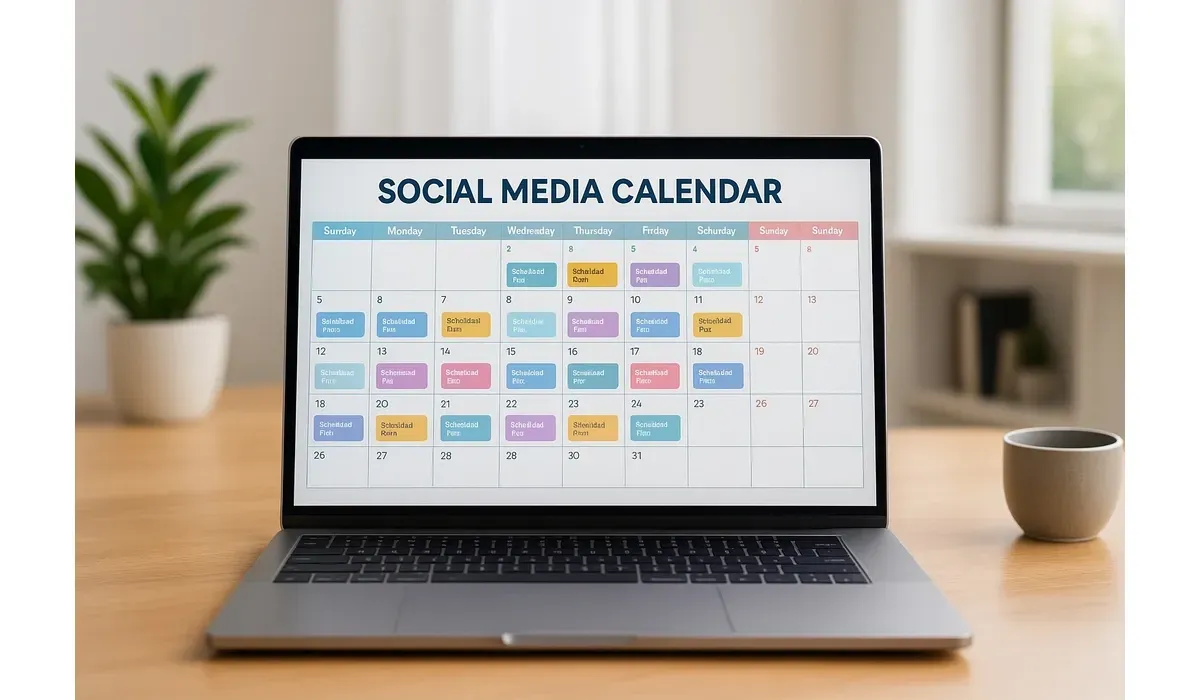
Struggling to keep up with posting consistently on social media? Content planning doesn’t have to be a headache. With free tools that auto-generate social media calendars, you can stay on track, save hours, and keep your brand active without the stress.
Why Use Free Tools to Auto-Generate Social Media Calendars
According to HubSpot, businesses that post consistently on social media see 2x more engagement than those that don’t. But building a calendar manually can take hours every week.
Free tools to auto-generate social media calendars help you: – Plan posts across multiple platforms – Maintain brand consistency – Save time with automation – Get analytics to improve performance
Best Free Tools to Auto-Generate Social Media Calendars
1. Buffer
How It Works: Buffer lets you schedule posts in advance and generates a posting calendar based on your queue.
Pros:
– Simple, clean interface – Auto-scheduling feature – Multi-platform support (Facebook, Instagram, LinkedIn, X)
Cons:
– Free plan limited to 3 channels – No advanced analytics in free tier
Free vs Paid:
Free plan includes 3 channels and 10 posts per channel. Paid plans start at $6/month per channel.
Use Case Example:
Small businesses use Buffer to create consistent weekly posting schedules.
2. Hootsuite Free Plan
How It Works: Hootsuite’s free version allows basic scheduling and a calendar view of your posts.
Pros:
– Trusted platform with robust features – Easy-to-use calendar view – Supports multiple platforms
Cons:
– Free plan only supports 2 social accounts – Advanced features locked behind paid plan
Free vs Paid:
Free plan includes 2 accounts. Paid plans start at $99/month.
Mini-Comparison with Buffer:
Buffer is simpler for beginners, while Hootsuite offers more enterprise-level tools.
3. Later
How It Works: Later specializes in visual content planning. Its auto-generated calendar helps plan Instagram, TikTok, Pinterest, and more.
Pros:
– Drag-and-drop calendar – Strong for visual platforms – Link in bio feature
Cons:
– Free plan limited to 30 posts per profile/month – Analytics limited in free version
Free vs Paid:
Free plan supports 1 profile per platform. Paid plans start at $18/month.
Use Case Example: Content creators use Later to visually plan Instagram feeds in advance.
4. SocialBee (Free Plan)
How It Works: SocialBee offers categorized scheduling, helping you balance content types automatically.
Pros:
– Content categorization – Auto-recycling evergreen posts – Calendar-based scheduling
Cons:
– Free plan limited in integrations – Paid plans more costly
Free vs Paid:
Free plan with limited features. Paid plans start at $29/month.
Mini-Comparison with Later:
Later is better for visual planning, while SocialBee excels in content balance.
5. Trello (with Templates)
How It Works:
Trello isn’t a traditional scheduler but offers free social media calendar templates. Combined with Power-Ups, it auto-generates workflows.
Pros:
– Customizable templates – Great for collaboration – Free plan generous
Cons:
– Doesn’t post directly to platforms (manual step required) – Requires setup
Free vs Paid:
Free with core features. Paid plans start at $5/month per user.
Use Case Example: Teams use Trello to collaborate on social media planning before publishing.
Quick Comparison of Free Tools to Auto-Generate Social Media Calendars
| Tool | Best For | Free Plan Limitations | Paid Plan Starts |
| Buffer | Simple scheduling | 3 channels, 10 posts each | $6/mo per channel |
| Hootsuite | Enterprise features | 2 accounts | $99/mo |
| Later | Visual planning | 30 posts/profile per month | $18/mo |
| SocialBee | Content balance | Limited integrations | $29/mo |
| Trello | Team collaboration | Manual posting | $5/mo per user |
How to Choose the Best Free Tools to Auto-Generate Social Media Calendars
When picking a tool, consider:
- Platforms Supported – Does it work with Instagram, TikTok, LinkedIn, or all of them?
- Post Volume – Free plans limit the number of posts/accounts.
- Ease of Use – Beginners may prefer Buffer or Later, while teams may prefer Trello.
Analytics – Paid tiers often unlock insights to boost performance.
FAQs on Free Tools to Auto-Generate Social Media Calendars
Q1. Which tool is best for Instagram planning?
Later is the strongest for Instagram due to its visual calendar and feed preview.
Q2. Can free tools post automatically?
Yes, tools like Buffer and Hootsuite support auto-posting, while Trello requires manual posting.
Q3. Are free social media calendar tools enough for businesses?
Free tools are great for small businesses and creators, but larger teams may need paid plans.
Q4. Which tool is most beginner-friendly?
Buffer is the easiest to use, while Later is ideal for visual learners.
Bottom Line
Free tools to auto-generate social media calendars can simplify your workflow and keep your brand consistent. Whether you’re a solo creator or part of a small team, platforms like Buffer, Later, and Trello help you stay organized. Choose the one that matches your workflow and scale up as your needs grow.



