
These Free Image Tools Fix Photos in One Click
Explore free image tools that fix photos in one click with features like auto-enhance, noise removal, and color correction. This concise guide helps users upgrade their visuals instantly.

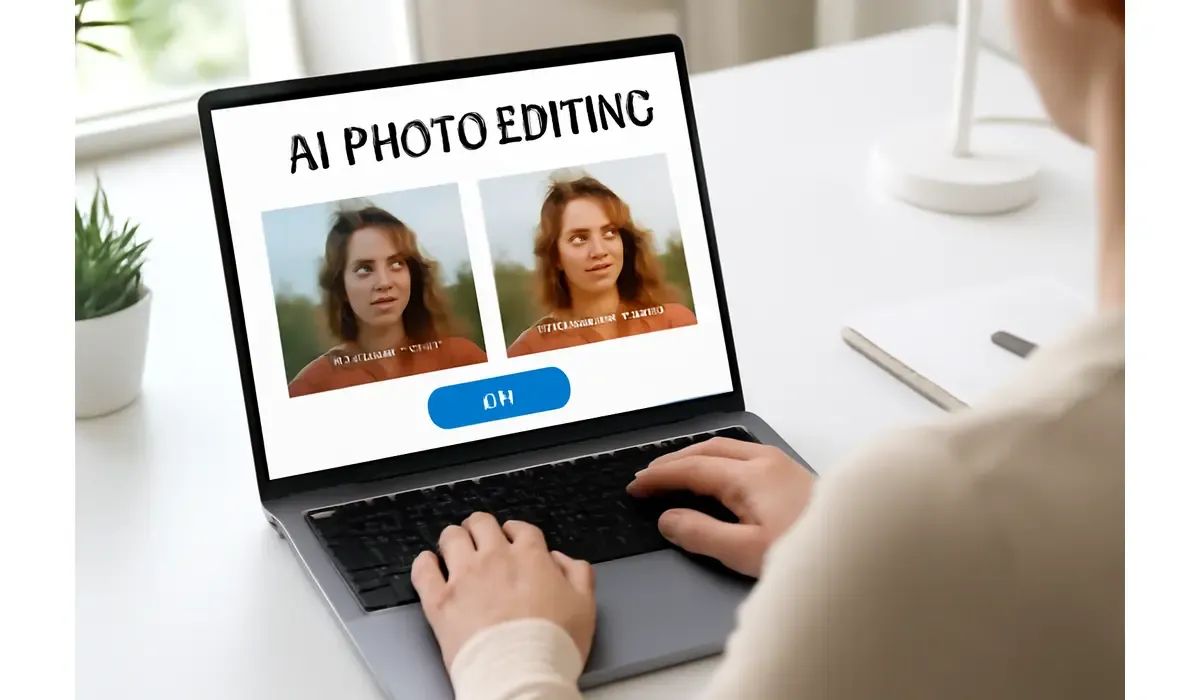
Editing photos used to mean hours in Photoshop. Today, free image tools can fix lighting, remove backgrounds, or sharpen blurry shots with a single click. But which ones actually work best? Let’s break it down.
Why Free Image Tools Matter
Not everyone has the budget or skills for premium editing software. Free image tools give you instant fixes—like one-click background removal or auto-enhance—without needing training.
Best Free Image Tools for Fast Fixes
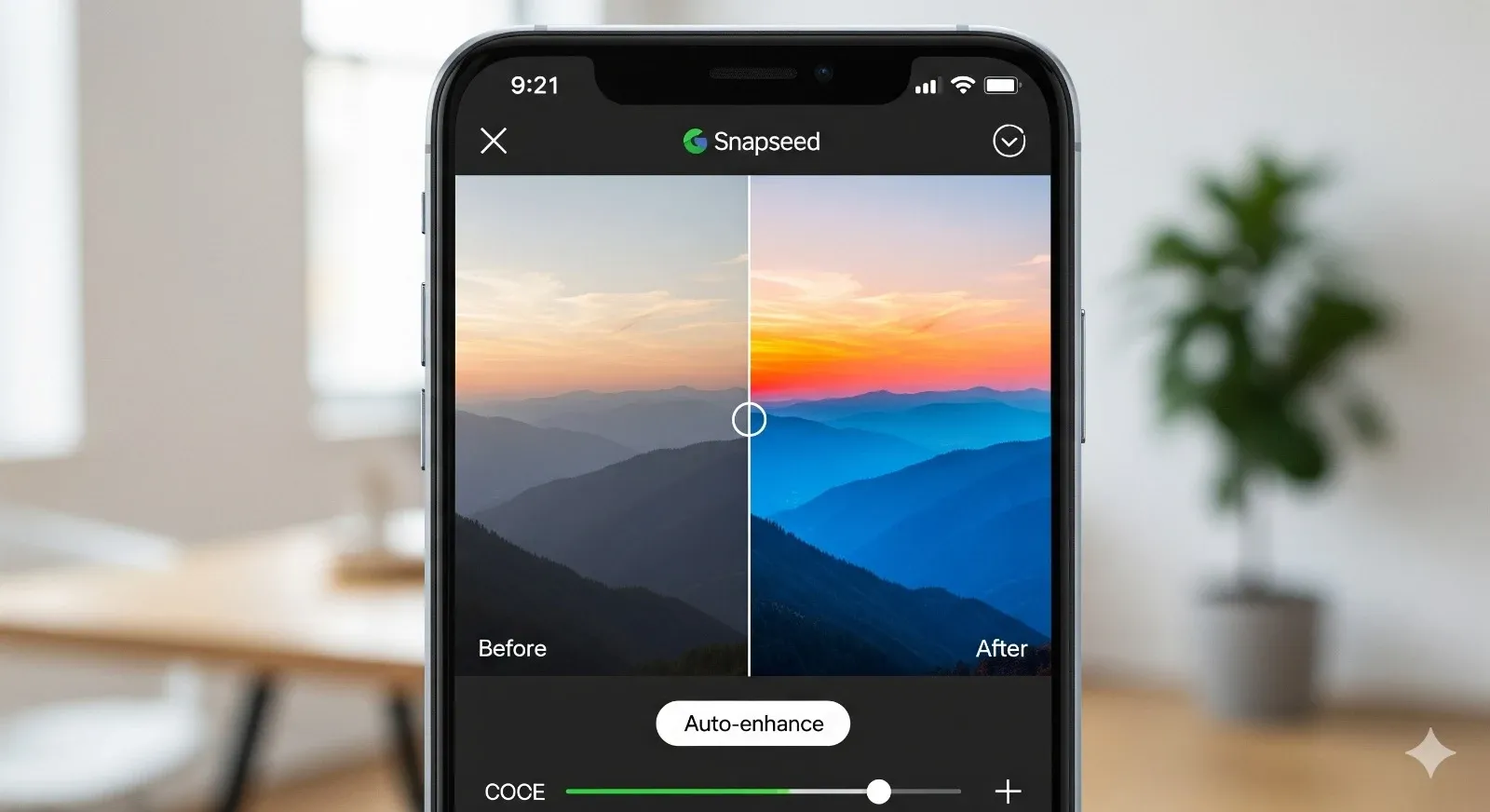
Snapseed:
Google’s mobile app that makes one-click adjustments to brightness, contrast, and colors. Great for quick photo fixes.
Fotor:
AI-powered tool that can smooth skin, sharpen images, and even apply one-click HDR effects.
Canva Free:
More than a design tool—it can remove backgrounds, auto-resize, and enhance images instantly.
Pixlr:
Fast online editor that supports one-click filters, overlays, and blemish fixes.
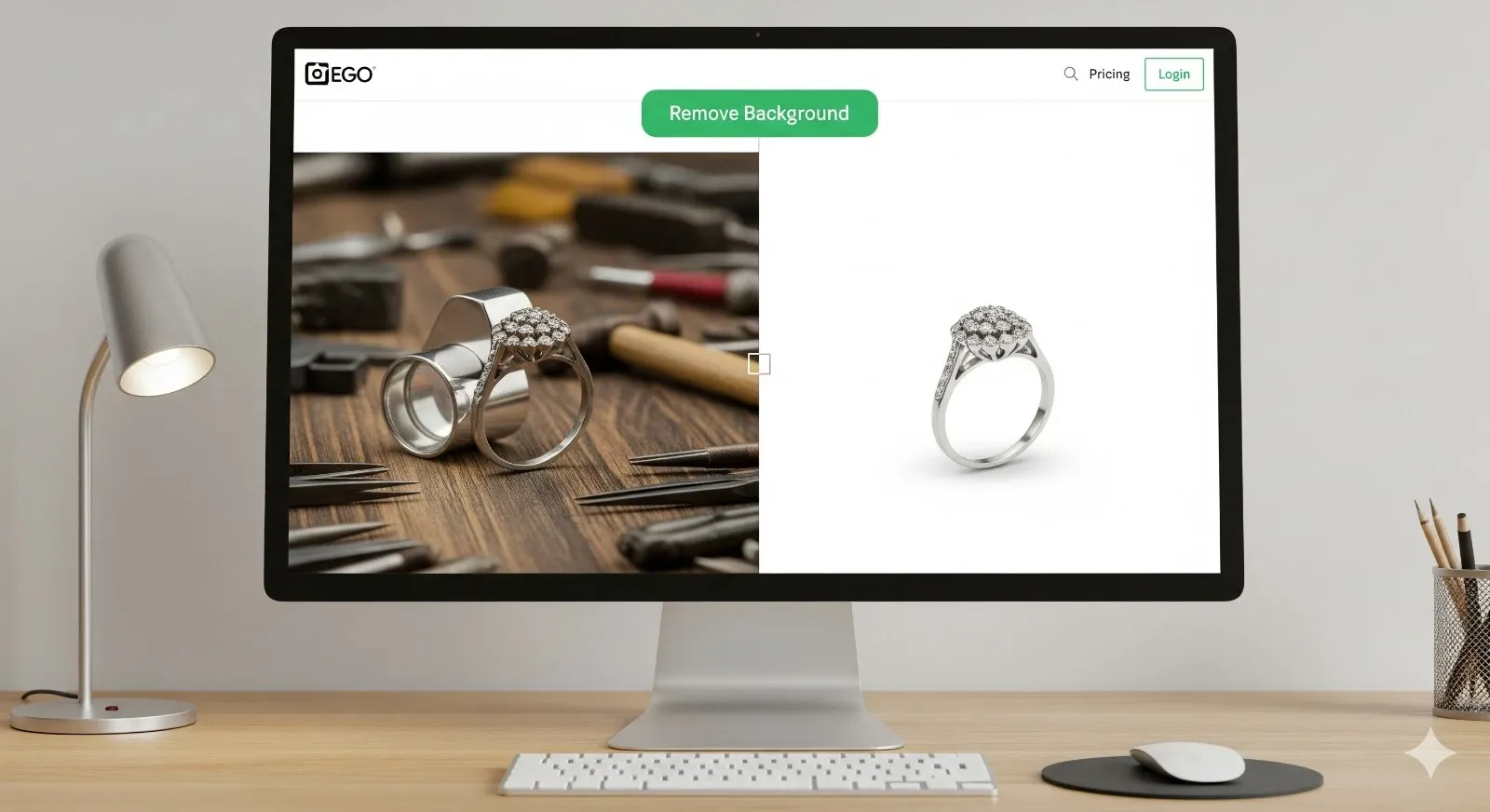
Remove.bg:
Specialized in removing image backgrounds with a single click. Perfect for product photos or profile pictures.
How These Free Image Tools Work
Most of these apps use AI to analyze your photo and automatically correct lighting, sharpness, or distractions. Unlike traditional editing software, they’re built for non-designers.
Pros and Cons of Free Image Tools
Here’s a quick breakdown:
Pros:
- Free to use
- Easy one-click fixes
- Works on mobile and web
- Great for beginners
Cons:
- Limited advanced editing
- Some require sign-up
- Watermarks in free versions
- Internet required for AI tools
Comparison: Free vs Paid Tools
Free tools are best for quick fixes and simple projects. Paid tools like Photoshop or Luminar Neo give more control, but also come with steeper learning curves and costs.
Closing Thoughts
Free image tools are changing how we edit photos. What once required hours of learning Photoshop can now be done in seconds with a single click. Whether you’re fixing a blurry family photo, creating a social media post, or preparing product images for your business, these tools remove the technical barriers.
The best part? You don’t need to spend money to get professional-looking results. Tools like Snapseed and Canva prove that free doesn’t mean low quality. If you need more advanced features, you can always upgrade—but for most users, these free image tools are more than enough to make every photo shine.
FAQs on Free Image Tools
Q: What are the best free image tools?
A: Snapseed, Canva Free, Pixlr, Fotor, and Remove.bg are among the top options.
Q: Do free image tools work as well as Photoshop?
A: For quick fixes, yes. For complex editing, Photoshop is still more powerful.
Q: Can I use free image tools for business?
A: Yes, especially for social media content, product photos, and presentations.
Q: Are free image tools safe to use?
A: Reputable ones like Snapseed, Canva, and Pixlr are safe and widely used.



