
5 Free AI Tools That Can Save You 10+ Hours Every Week
Discover five free AI tools that automate repetitive tasks, speed up your workflow, and help you reclaim hours every week. A practical guide for anyone looking to boost efficiency without spending a rupee.

Why Work Harder When AI Can Work Smarter?
Free AI Tools 2025, workdays are busier than ever. Emails pile up, meetings eat away focus, and endless tasks leave little time for creativity. But here’s the good news — AI can now take over the repetitive work that drains your energy.
Even better? Many of the best tools are completely free. From writing and design to meeting notes and task management, these apps can save you hours every single week — without costing a rupee.
Here are 5 free AI tools that professionals, students, and entrepreneurs are using to reclaim their time.
1. ChatGPT Free — Your Everyday Idea Partner
Why It Saves Time / Key Benefits
- Drafts emails, blog posts, and reports in seconds.
- Summarizes long articles into key points.
- Brainstorms ideas for LinkedIn, blogs, or client pitches.
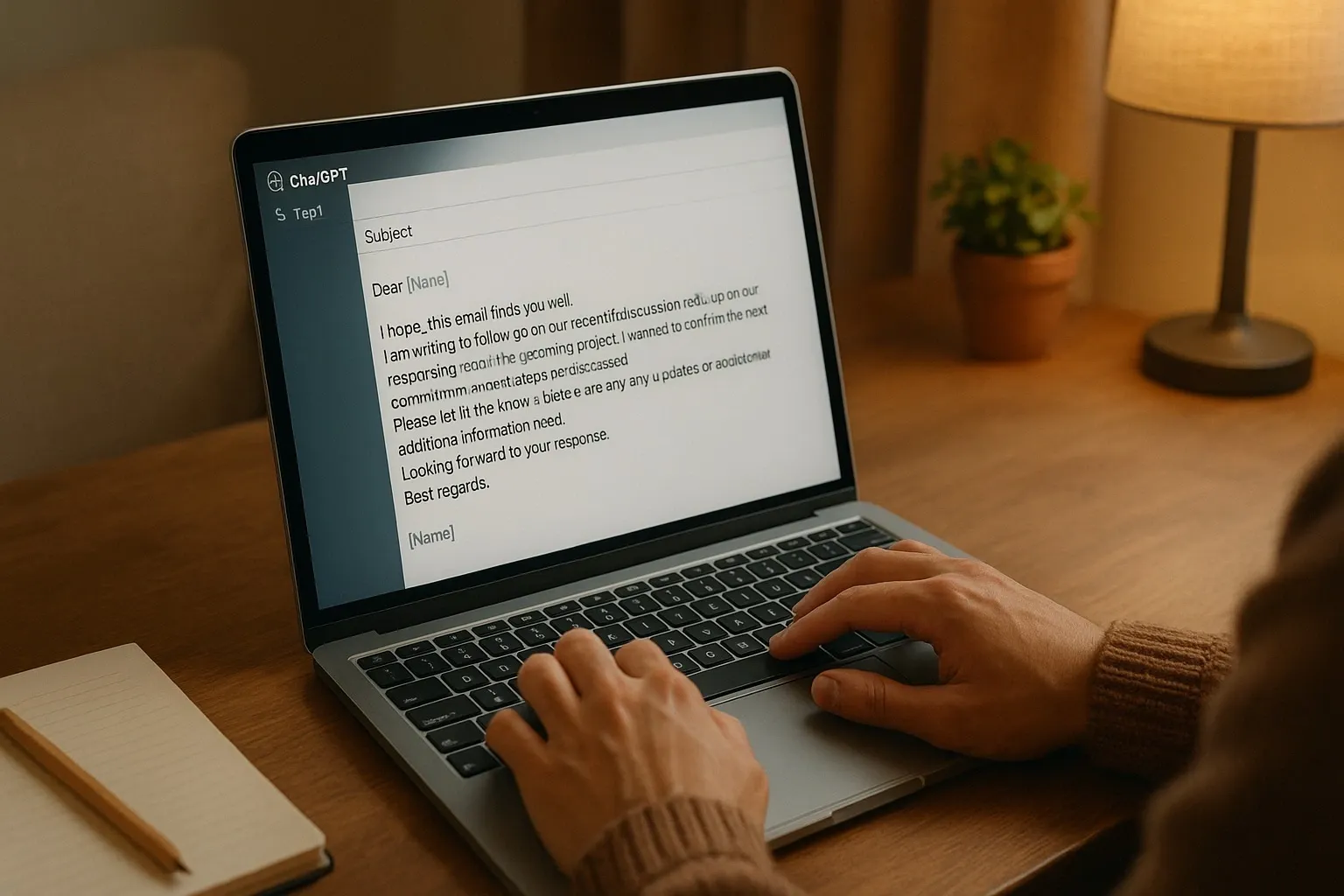
Example: Instead of spending 30 minutes writing a client email, ask ChatGPT to draft a polished version in under a minute.
Free vs Paid: Free plan runs on GPT-3.5 and is strong for daily use. Paid unlocks GPT-4, advanced reasoning, and plugins.
Fact: Over 100 million people use ChatGPT monthly, making it one of the fastest-adopted tools in history.
2. Otter.ai — Meeting Notes Without Lifting a Finger
Why It Saves Time / Key Benefits
- Records and transcribes meetings in real time.
- Identifies speakers and highlights action items.
- Works with Zoom, Google Meet, and Teams.
Example: Instead of scribbling notes, focus fully on the meeting. Otter saves 1–2 hours per session by generating accurate, shareable transcripts.
Free vs Paid: Free users get 300 minutes/month. Paid adds live captions and collaboration.
Stat: A Stanford study found Otter saves knowledge workers an average of 4.2 hours every week.

3. Canva AI Suite — Design Without Designers
Why It Saves Time / Key Benefits
- Removes backgrounds instantly.
- Suggests layouts and generates templates.
- AI “text-to-image” creates visuals from simple descriptions.
Example: A small business owner can design professional social posts in 10 minutes — no designer required.
Free vs Paid: Free handles templates and editing. Pro adds brand kits, AI generators, and unlimited storage.
Fact: Canva free background remover matches 80% of Photoshop-quality results.
4. Grammarly GO — Smarter Writing Assistance
Why It Saves Time / Key Benefits
- Fixes grammar while improving tone and clarity.
- Shortens long sentences into concise versions.
- Suggests better vocabulary for impact.
Example: If your report feels too casual, Grammarly GO can rewrite it into a professional, persuasive version instantly.
Free vs Paid: Free offers basic rewrites. Paid adds full tone control and advanced options.
Trusted by: 30 million daily active users worldwide.
5. Notion AI — Your Second Brain in Action
Why It Saves Time / Key Benefits
Turns messy notes into clean, structured documents.
- Summarizes long projects into key points.
- Creates instant task lists.
Example: Think of it as a secretary that organizes your raw notes into action plans within seconds.
Free vs Paid: Free tier allows limited AI generations. Paid unlocks higher limits and priority support.
Why it matters: Remote-first startups save 6+ hours per week using Notion AI for documentation.
Quick Recap: 5 Free AI Tools That Save Hours Every Week
- ChatGPT – Emails, writing, and brainstorming.
- Otter.ai – Automatic meeting transcripts.
- Canva AI – Fast, professional graphics.
- Grammarly GO – Polished writing in seconds.
- Notion AI – Smart note-taking and planning.
Why It Matters
AI isn’t replacing professionals — it’s empowering them. These free tools cut down wasted time, reduce stress, and help you focus on what truly matters.
While paid plans unlock advanced features, the free versions are already powerful enough to make a real difference in your workweek.
FAQs: Free AI Tools That Save Hours Every Week
1. Are free AI tools really safe to use?
Yes, but always check privacy policies. Established apps like Canva and Grammarly are widely trusted, while newer apps may collect more data.
2. Can free AI tools replace paid software?
For basic tasks, yes. But free plans usually have limits (minutes, word counts, or generations). Paid tiers unlock advanced features.
3. Which AI tool saves the most time overall?
For general productivity, ChatGPT Free is the most versatile. For teams, Otter.ai and Notion AI save the most hours.
4. Do free AI tools have privacy risks?
Like any online service, data security depends on usage. Avoid sharing sensitive information and check each platform’s policy.



