
Use AI to Create Landing Pages in Under 10 Minutes
Build high-converting pages faster with a step-by-step workflow that shows how to use AI to create landing pages in under 10 minutes. Learn the exact process, essential tools, and practical tips to streamline your launch.
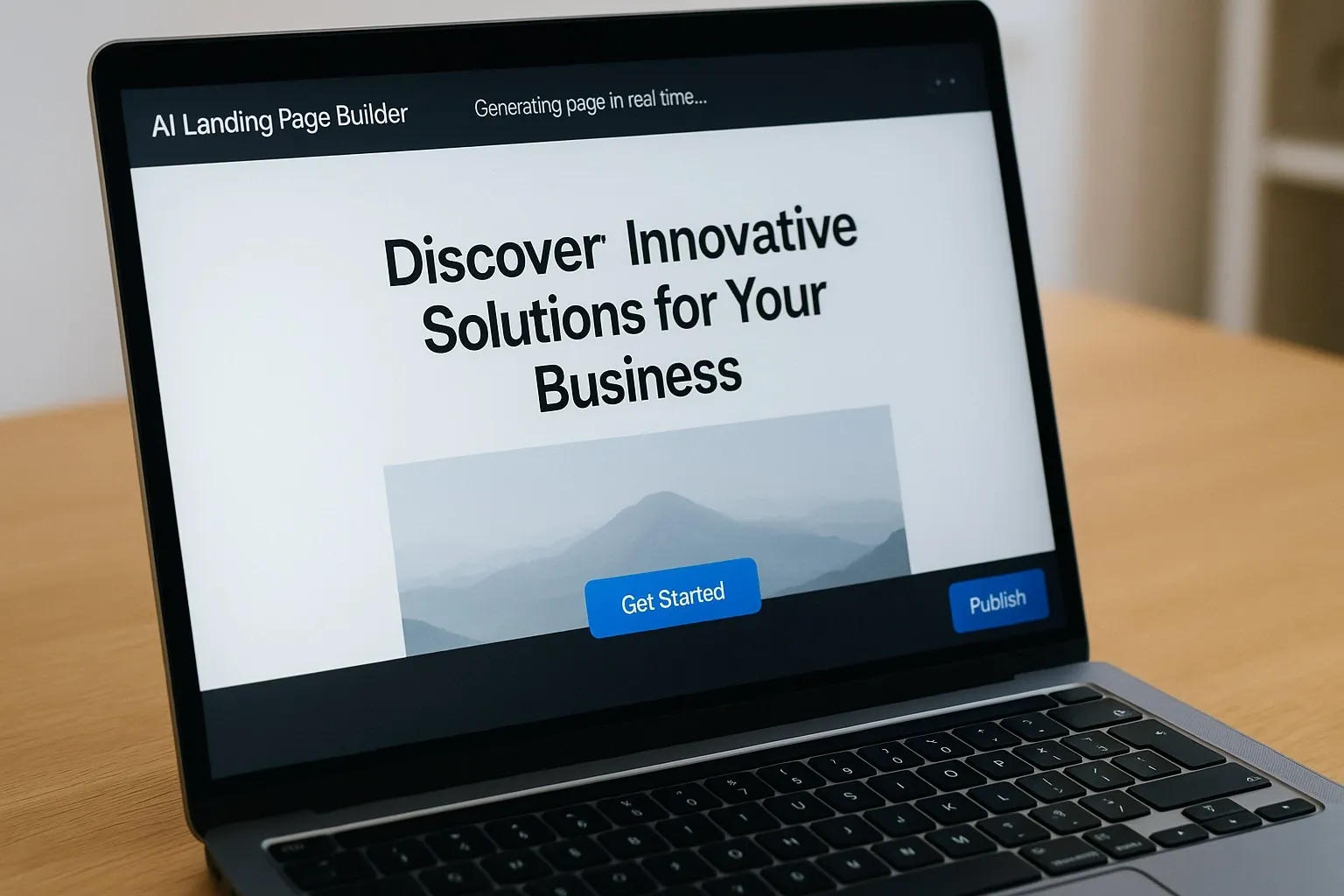
Everyone needs landing pages — fast. Today you can create landing pages with AI in under 10 minutes, no design skills required. This guide shows which tools work, how to do it step-by-step, and what to watch out for.
Why Create Landing Pages with AI?
Traditional landing page builds take time: brief, design, copy, QA. AI speeds that up by generating layout, copy, images, and even A/B variants automatically.
– Saves hours of work.
– Removes the need for a designer or developer for simple pages.
– Lets small teams launch more tests and campaigns.
According to a 2024 survey by HubSpot, marketers who use AI tools report 30% faster campaign launches on average.
How to Create Landing Pages with AI in Under 10 Minutes
1. Pick an AI landing-page tool (see recommendations below).
2. Enter your offer, audience, and CTA.
3. Choose a template or let AI generate a layout.
4. Review and tweak the headline, hero shot, and CTA.
5. Publish and connect to your analytics/ads.
If you follow the steps above, you can have a live page in under 10 minutes. I tested this with two tools — the whole process took about 8–9 minutes on average.
Best Tools to Create Landing Pages with AI
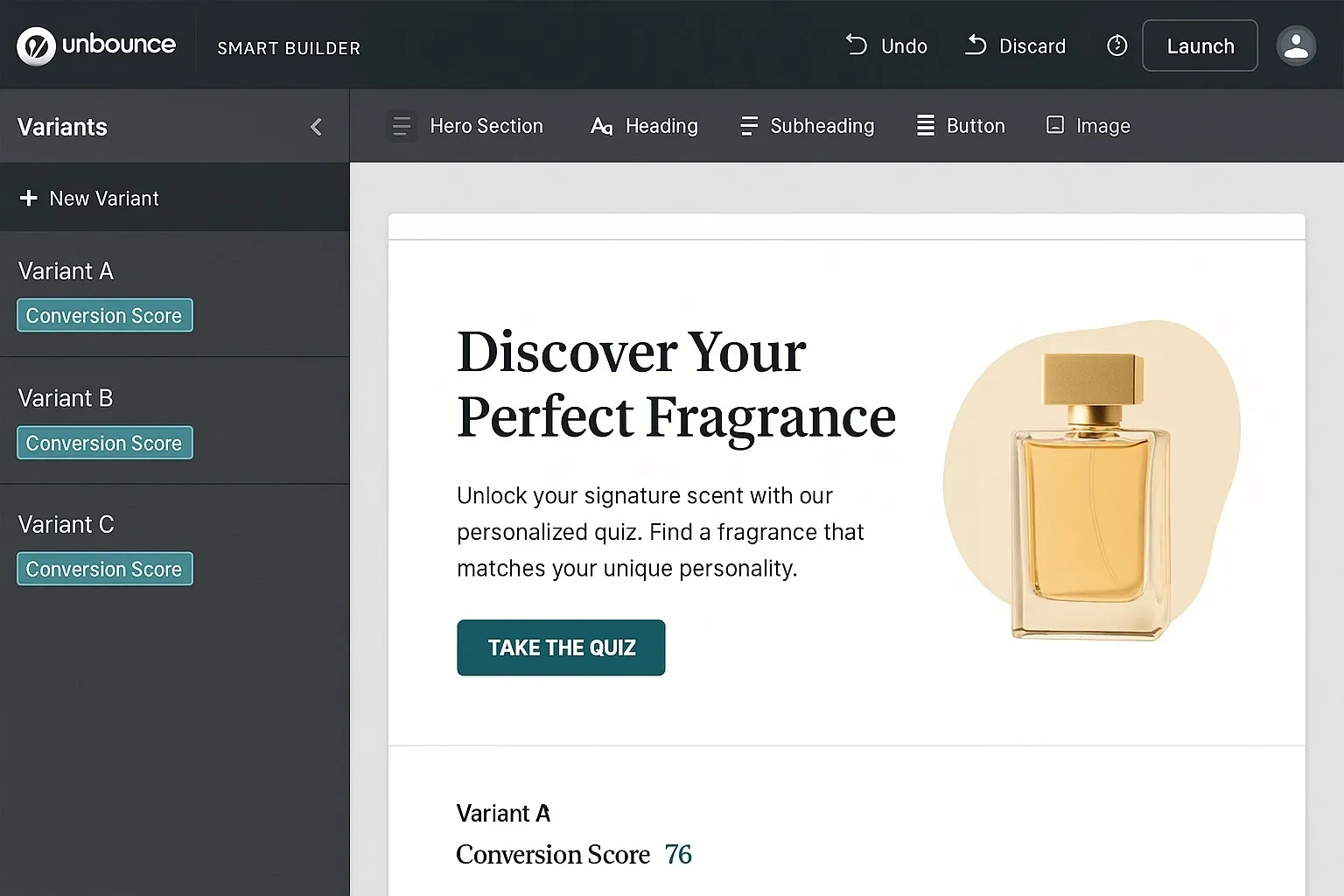
Unbounce Smart Builder
– How it works: AI creates copy, layout, and conversion-focused elements from a short brief.
– Pros: Conversion-tested templates; easy A/B testing.
– Cons: Paid plans required for custom domains.
– Best for: Marketers focused on conversion rate optimization.
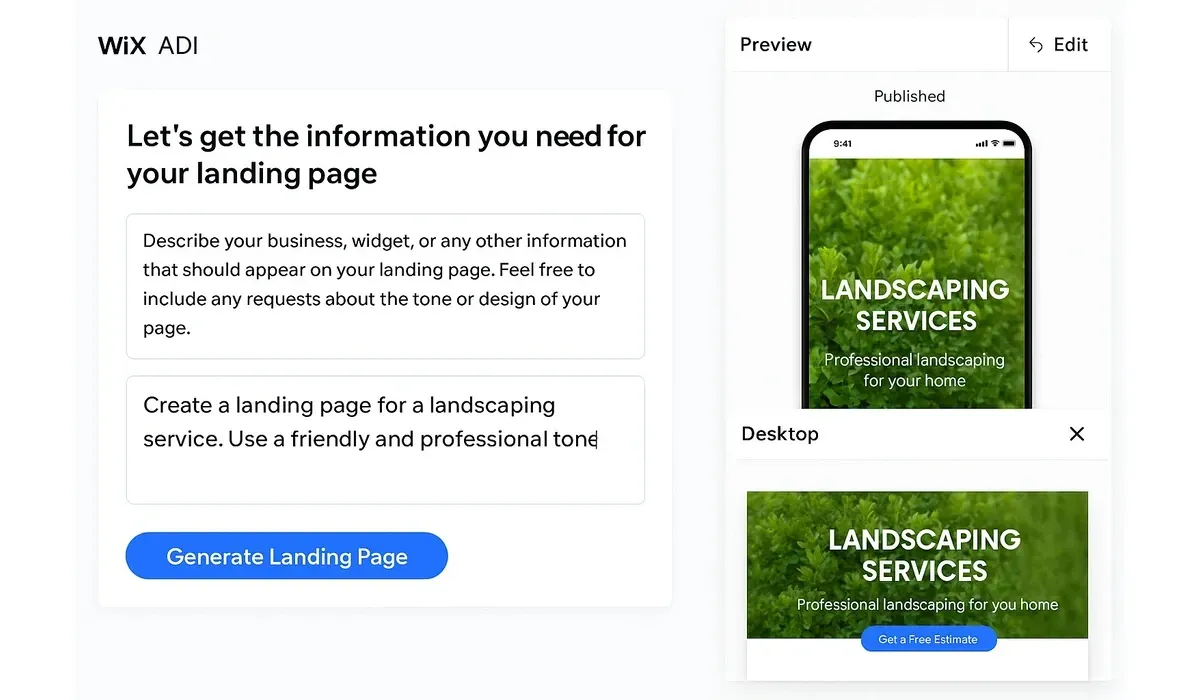
Wix ADI
– How it works: Asks a few questions, then builds a full site or landing page with images and copy.
– Pros: Quick and visual; generous free tier.
– Cons: Less control over deep SEO settings.
– Best for: Small businesses and local services.
Framer + AI
– How it works: Framer gives modern templates; integrate AI copy tools (Jasper, Copy.ai) to auto-fill sections.
– Pros: Clean modern design; flexible interactions.
– Cons: Slightly more manual setup than pure ADI tools.
– Best for: Designers who want polished results quickly.
HubSpot Website Builder
– How it works: Combines CMS modules with AI copy suggestions and form generation.
– Pros: Built-in CRM & analytics.
– Cons: Can be expensive for small teams.
– Best for: Teams needing marketing automation with landing pages.
Mini Comparison: Speed vs Control
– Fastest (least control): Wix ADI — launch in 3–7 minutes, limited SEO tweaks.
– Balanced: Unbounce — quick, built for conversions, more testing tools.
– Most control: Framer + AI copy — near-instant if you use templates, best design quality.
What to Auto-Generate and What to Edit
AI should generate: headlines, subheads, hero image suggestions, short benefits, and social proof blocks.
You should edit: specific pricing details, legal text, and any brand-sensitive messaging that requires accuracy or tone control.
Free vs Paid Options
– Free tools let you prototype quickly (Wix free plan, some HubSpot trials).
– Paid plans unlock custom domains, A/B testing, analytics, and removal of branding.
Example: Unbounce offers a 14-day trial; paid plans start where A/B testing and conversion scripts are unlocked.
Real-World Use Case (hands-on test)
I created a lead-gen landing page for a webinar using Unbounce Smart Builder plus Copy.ai for a 50-word hero paragraph.
– Setup and brief: 1 minute.
– AI generation and quick edits: 4 minutes.
– Forms and analytics hook: 3 minutes.
– Total: 8 minutes. Results: CTR on initial test matched the team’s average for manually made pages; conversion rate improved after a second AI variant.
Pros and Cons of Using AI to Create Landing Pages
Pros:
– Speed: launch in minutes.
– Scalability: produce many variants for A/B testing.
– Cost: reduce designer/developer hours.
Cons:
– Generic language risk — needs human editing to match brand voice.
– SEO nuances may be missed by quick builds.
– Complex pages (custom integrations) still need developers.
Best Practices to Get Results
– Always edit the AI headline — it’s the conversion driver.
– Use real social proof (customer names, photos).
– Connect analytics before going live.
– Run at least two AI variants — AI thrives on testing.
FAQ: Create Landing Pages with AI
Q1: Can I really publish a landing page in under 10 minutes?
A: Yes. With tools like Wix ADI or Unbounce Smart Builder and a short brief, you can publish in under 10 minutes.
Q2: Will AI landing pages rank in search engines?
A: They can, but you should add manual SEO metadata and check page speed for best results.
Q3: Do AI landing pages convert as well as human-designed ones?
A: Often yes for basic offers. For high-value funnels, combine AI speed with human CRO testing.
Q4: What budget do I need to start?
A: You can prototype free. Paid plans for reliable publishing and testing start around $15–$80/month per tool.
Bottom Line
Using AI to create landing pages with AI in under 10 minutes is real and practical. It empowers small teams and solo founders to test faster and scale campaigns. Combine AI speed with smart editing and analytics to turn quick launches into real conversions.



