
Chrome’s New AI Features—Do They Really Help?
Discover how Chrome’s new AI features impact everyday browsing, from productivity boosts to privacy concerns. This quick breakdown helps users understand which tools truly make a difference.

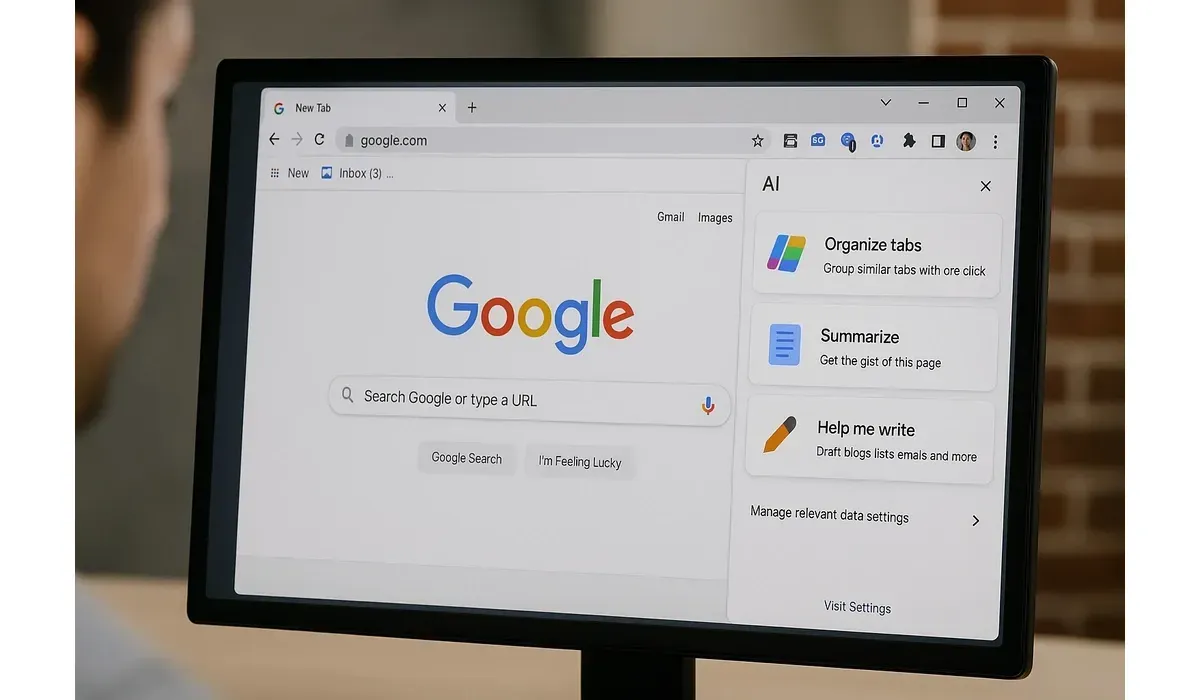
Google Chrome is still the most popular browser in the world, but now it’s getting smarter. With new Chrome AI features rolling out in 2025, the question is: do they really make your browsing better—or are they just hype?
We tested Chrome’s new AI tools for personalization, productivity, and security to see how helpful they really are.

$750 Cash App Gift Card
A $750 Cash App gift card may be available to select users. Checking eligibility is quick. You can check if you’re one of them.
What Are Chrome’s New AI Features?
Google is building AI directly into Chrome, aiming to reduce clutter, speed up tasks, and give users smarter browsing.
Here’s what the new Chrome AI features include:
– AI Tab Organizer: Automatically groups tabs based on topics.
– AI-Powered Writing Help: Suggests and polishes text in web forms and emails.
– Custom Chrome Themes with AI: Generates unique backgrounds and color schemes.
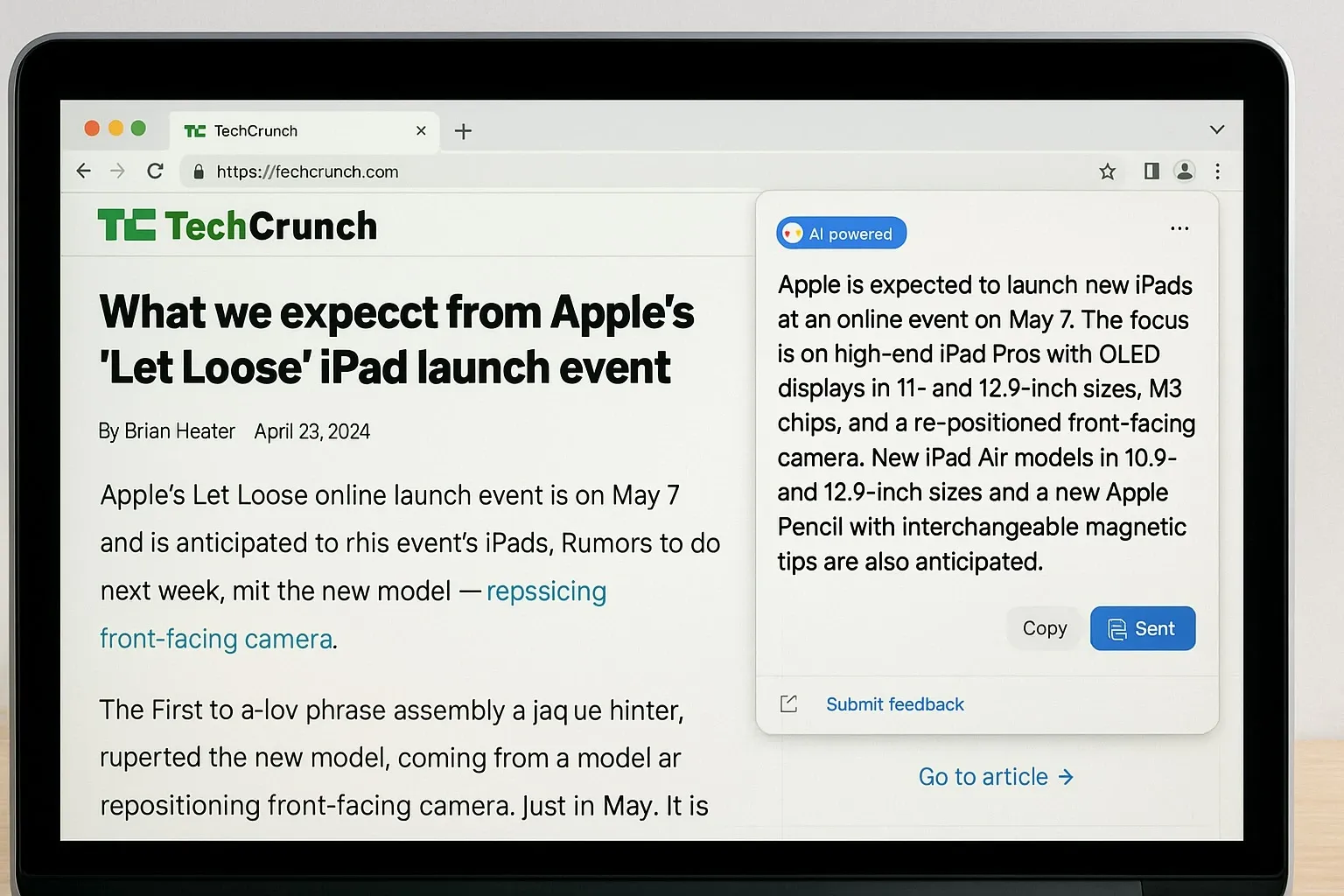
– AI Summaries: Summarizes long articles and PDFs.
– Smart Search Assistance: Improves results based on context.
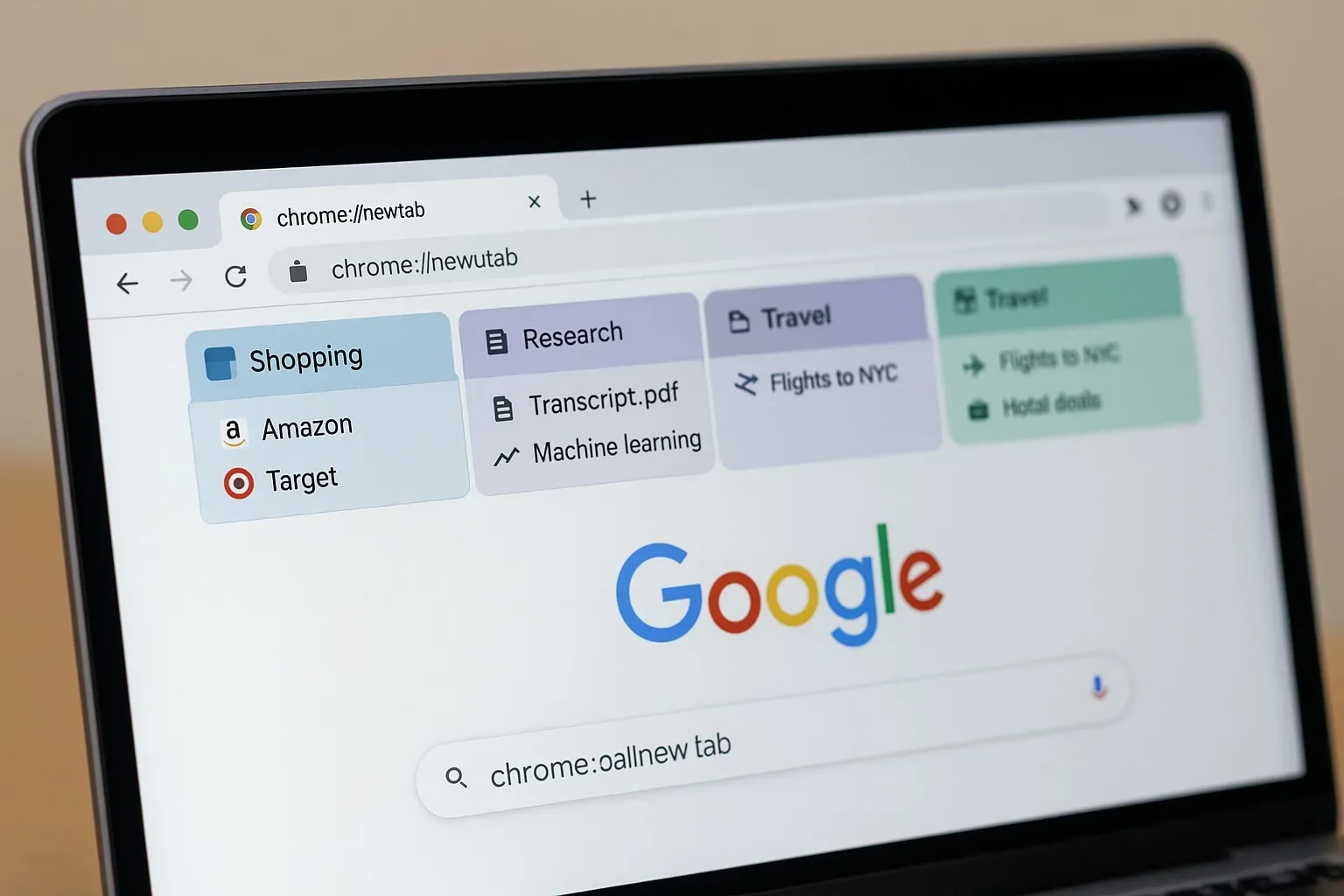
Chrome AI Tab Organizer
How It Works: The AI analyzes open tabs and groups them by project or subject—for example, ‘Travel Planning’ or ‘Work Research.’
Pros:
- Saves time managing dozens of tabs
- Intuitive labeling
- Helps reduce browser clutter
Cons:
- Sometimes mislabels tabs
- Doesn’t always catch mixed-use browsing
Verdict: Helpful for heavy multitaskers, but not perfect.
Chrome AI Writing Help
How It Works: Integrated into forms and text boxes, it offers suggestions, grammar fixes, and tone adjustments—similar to Gmail’s Smart Compose.
Pros:
- Speeds up form filling and emails
- Helps polish casual or professional messages
- Built directly into the browser
Cons:
- Suggestions can feel generic
- Privacy concerns around sensitive text
Verdict: A useful tool, but should be used with caution for private or legal communication.
Chrome AI Themes
How It Works: Users can create personalized Chrome themes by describing styles (e.g., ‘retro neon’ or ‘minimal nature’).
Pros:
- Fun and customizable
- No design skills needed
- Refreshes the browsing experience
Cons:
- Only cosmetic
- Can distract from productivity
Verdict: More for personalization than productivity.
Chrome AI Summaries
How It Works: When reading a long article or PDF, AI generates quick summaries and highlights.
Pros:
- Saves time skimming large documents
- Helps with quick research
- Works across websites
Cons:
- Summaries sometimes oversimplify
- Context can get lost
Verdict: Best for quick overviews, but not a replacement for deep reading.
Chrome AI Smart Search
How It Works: Google’s AI tailors search results in Chrome, prioritizing context like past queries and browsing intent.
Pros:
- More relevant results
- Can reduce search time
- Integrates smoothly with Google Search
Cons:
- Risk of filter bubbles
- Relies heavily on data tracking
Verdict: Convenient but raises questions about personalization vs. privacy.
Benefits of Chrome AI Features
1. Time Savings: Tab organization and summaries reduce clutter and speed up reading.
2. Productivity Boost: Writing assistance improves form completion and communication.
3. Personalization: Themes make browsing feel unique.
4. Smarter Search: AI refines results with less effort.
5. User-Friendly: Features work automatically, no complex setup.
Mini Comparison: Chrome AI Features by Value
– Best for Productivity: AI Tab Organizer
– Best for Quick Research: AI Summaries
– Best for Personalization: AI Themes
– Best for Communication: AI Writing Help
– Most Controversial: Smart Search (privacy trade-offs)

$500 PayPal Gift Card
Not everyone qualifies for this $500 PayPal gift card. Checking only takes a moment. You can check if you’re eligible.
FAQs: Chrome AI Features
Q: Are Chrome AI features free?
A: Yes, they’re built into Chrome and available at no extra cost.
Q: Do Chrome AI features work offline?
A: Most require internet access since they depend on Google’s cloud AI.
Q: Are Chrome AI features safe for sensitive data?
A: Use caution—writing help and summaries may send data to Google servers.
Q: Do all users get Chrome AI features now?
A: Features are rolling out gradually in 2025, so availability may vary by region.
Bottom Line
Chrome AI features make browsing smarter and more efficient—but they’re not without trade-offs. Productivity boosters like the tab organizer and summaries shine, while customization tools like themes add fun.
The real question is whether the convenience outweighs concerns about privacy and accuracy. For most users, the answer is yes—but cautious adoption is wise.



