
ChatGPT Atlas AI Browser for Mac: Download & Key Features Explained
This guide to the ChatGPT Atlas AI browser for Mac explains how to download it and highlights the key features that enhance speed, productivity, and AI-powered browsing for Mac users.

Introduction
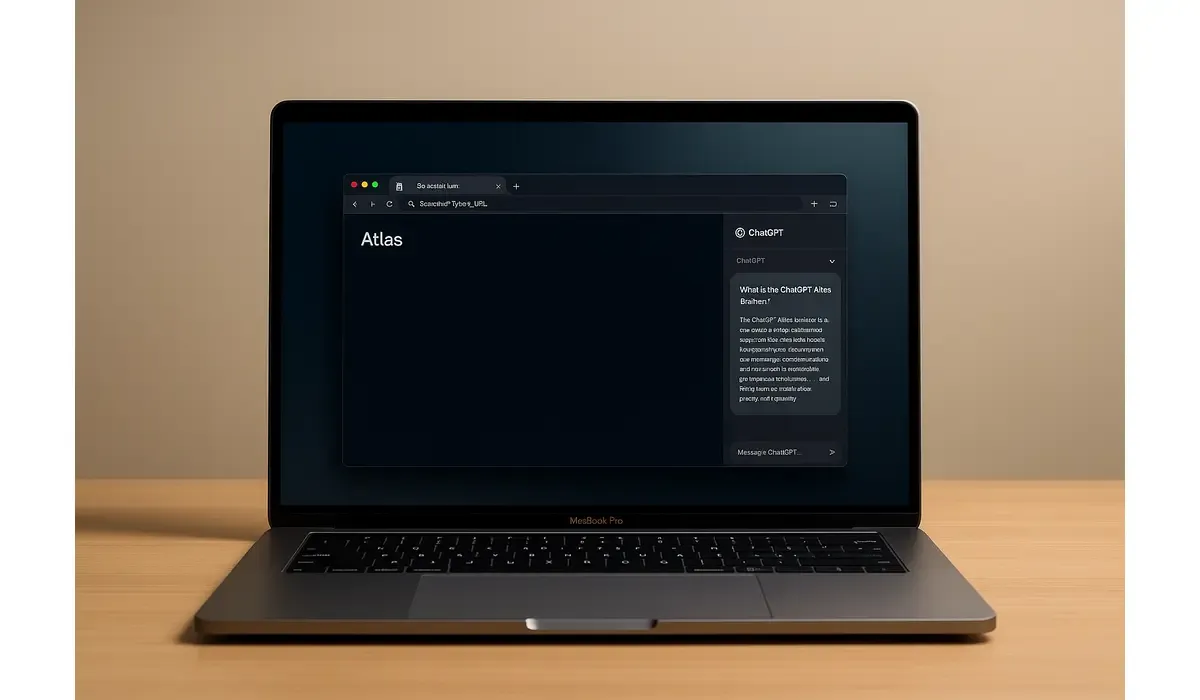
The ChatGPT Atlas AI browser for Mac has finally arrived, blending the power of OpenAI’s intelligence with a full-fledged web-browsing experience. This is not just another browser—it’s designed to think, summarize, and even act on your behalf.
- Available now for macOS users (Apple Silicon).
- Built-in AI assistant: ChatGPT integrated into every tab.
- Downloadable directly from the official OpenAI platform.
What Is the ChatGPT Atlas AI Browser?
The ChatGPT Atlas AI browser is OpenAI’s first dedicated browser that integrates ChatGPT’s capabilities directly into the browsing experience. It combines traditional web navigation with intelligent features like context-aware summaries, smart search, and real-time page interaction—all accessible through an on-screen chat sidebar.
Unlike Chrome or Safari, Atlas isn’t just about browsing pages—it’s about understanding them.

$500 Walmart Gift Card
A $500 Walmart gift card may be available to select users. Checking eligibility is quick. You can check if you’re one of them.
Latest Update: Release Date & Download Info
OpenAI announced the ChatGPT Atlas AI browser for Mac in October 2025, marking its first step into desktop productivity tools. The browser is currently available exclusively for macOS (version 12 or later) and Apple Silicon devices, with Windows and mobile releases coming soon.
How to Download (Summary):
- Visit the official OpenAI ChatGPT Atlas page.
- Download the macOS installer (.dmg file).
- Drag the app to your Applications folder.
- Sign in using your ChatGPT or OpenAI account.
- Start browsing with AI assistance built in.
Once installed, Atlas offers an onboarding wizard to import bookmarks and sync settings from your existing browser.
Core Features and Capabilities
1. Built-in ChatGPT Assistant
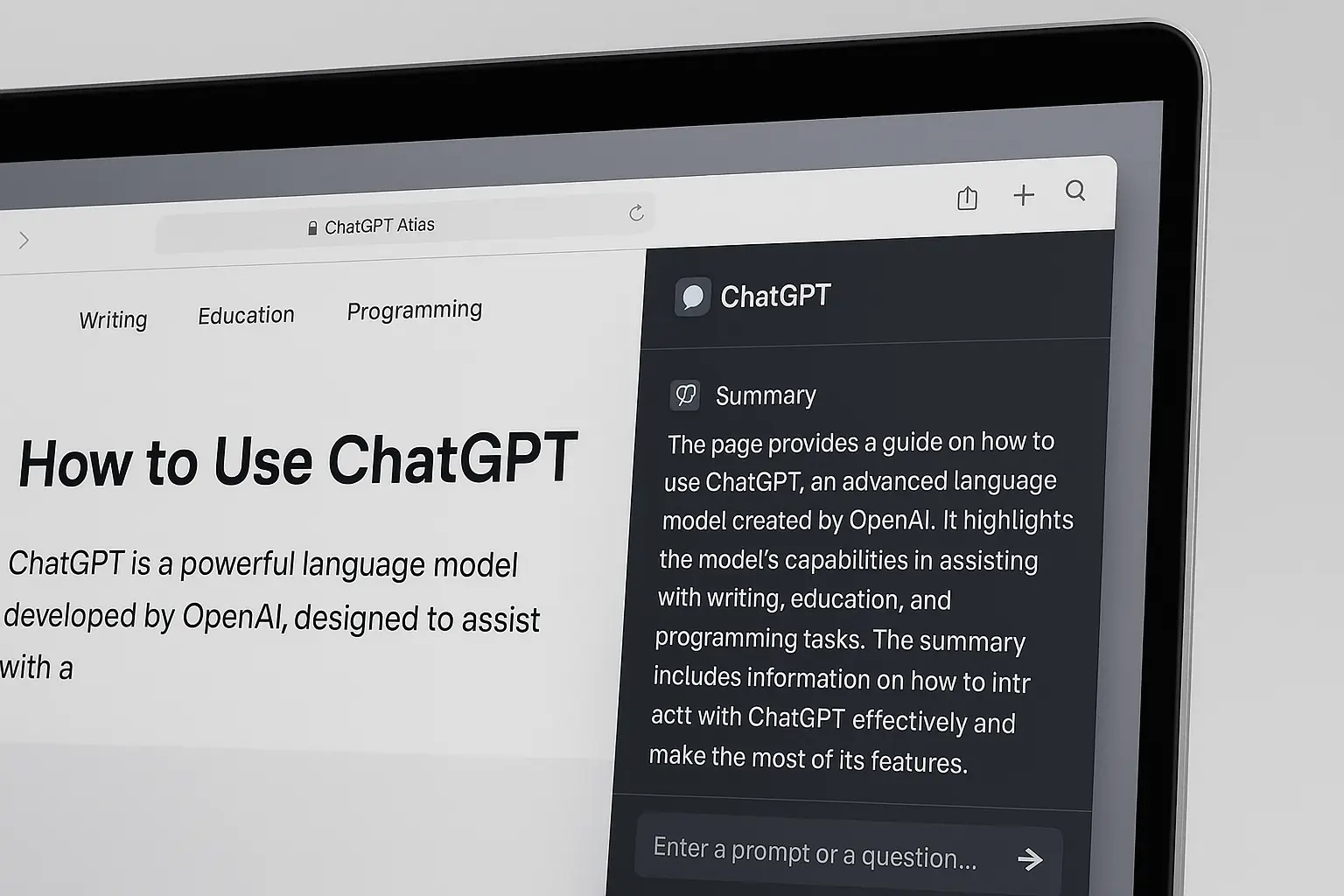
The Atlas browser includes a ChatGPT sidebar that can summarize web pages, explain complex text, or even generate responses related to what’s on your screen.
2. AI-Driven Context Memory
Atlas remembers your browsing context for smoother, more personalized answers. You can turn this memory feature on or off anytime, maintaining full privacy control.
3. Agent Mode (Early Access)
This mode allows ChatGPT to perform simple actions on your behalf—such as searching multiple pages, collecting research snippets, or preparing quick reports based on the data you view.
4. Chromium-Based Compatibility
Atlas supports Chromium extensions, enabling users to use their favorite Chrome add-ons without sacrificing AI functionality.
5. Clean macOS Optimization
The interface matches Apple’s minimalist design aesthetic—fast startup, battery optimization, and native integration with macOS gestures.
Latest Post
Why the ChatGPT Atlas Browser Matters
Atlas is more than just a new AI tool—it represents a paradigm shift in browsing. Instead of switching between search engines, AI chats, and browser tabs, you can now:
- Ask follow-up questions directly about web pages.
- Generate summaries, citations, or reports instantly.
- Use AI while you browse—without extra extensions or third-party apps.
For content creators, researchers, and students, it could become the go-to environment for productivity and ideation.
Comparison: ChatGPT Atlas vs Other Browsers
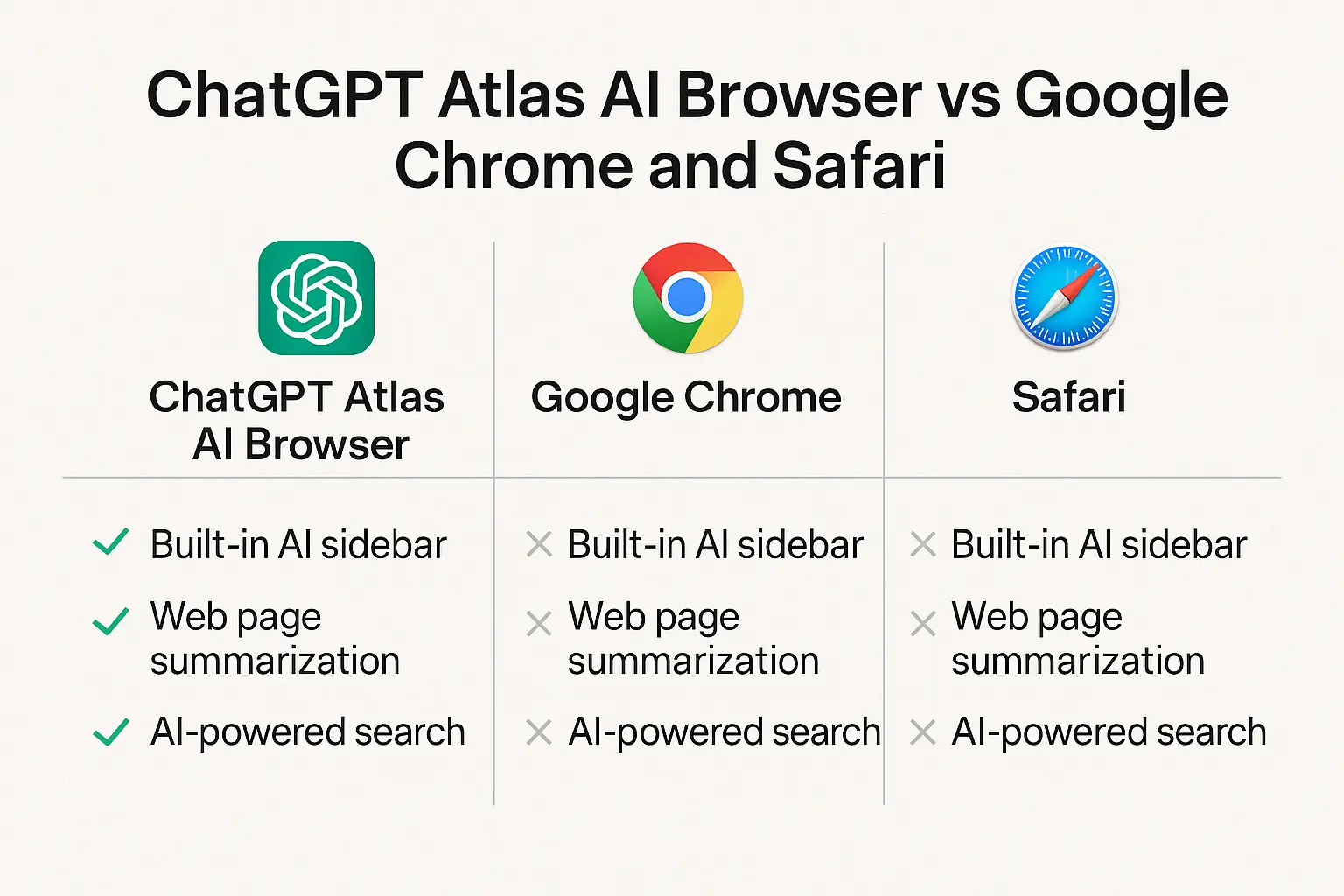
| Feature | ChatGPT Atlas AI Browser | Google Chrome | Apple Safari |
|---|---|---|---|
| Built-in AI Assistant | Yes (ChatGPT integrated) | No | No |
| Platform | macOS (Windows soon) | Cross-platform | macOS only |
| Memory Feature | Optional browsing memory | No | No |
| Agent Mode | Available (preview) | No | No |
| Extensions Support | Yes (Chromium based) | Yes | Limited |
Atlas stands out by turning AI into the core browsing engine, not just an add-on.
Practical Takeaways for Readers
- Try it firsthand: Download Atlas on your Mac and explore its built-in ChatGPT features.
- Experiment with Agent Mode: Great for research, summarizing, or automating repetitive searches.
- Compare with your current browser: Evaluate speed, privacy, and ease of use.
- Stay updated: Windows and mobile versions are expected later this year.

$750 Cash App Gift Card
A $750 Cash App gift card may be available to select users. Checking eligibility is quick. You can check if you’re one of them.
FAQs
Q1. What is the ChatGPT Atlas AI browser for Mac?
It’s a full-featured browser by OpenAI that integrates ChatGPT directly into web browsing.
Q2. Is ChatGPT Atlas free to use?
Yes, the base browser is free. However, advanced AI features like Agent Mode may require a ChatGPT Plus or Pro plan.
Q3. How big is the download file?
The installation file is approximately 300 MB and installs within minutes on most Apple Silicon Macs.
Q4. Will it be available for Windows or mobile soon?
Yes, OpenAI plans to launch versions for Windows, iOS, and Android later in 2025.
Key Takeaways
- The ChatGPT Atlas AI browser is OpenAI’s official AI-powered browser for Mac.
- It allows users to chat, summarize, and automate tasks directly inside tabs.
- Features like memory and Agent Mode make it stand out from traditional browsers.
- Windows and mobile releases are expected later this year.
Conclusion
The ChatGPT Atlas AI browser for Mac is setting a new benchmark in how humans interact with information. It blends the simplicity of a modern browser with the intelligence of an AI assistant, all while respecting privacy and user control.



