
Best Budget Video Conferencing Tools for Teams
Explore the best budget video conferencing tools for teams with insights on call quality, collaboration features, and ease of use. This concise guide helps businesses choose cost-effective solutions that work.


Video conferencing is no longer optional—it’s the backbone of remote and hybrid teams. But not every company can afford enterprise-level pricing. That’s where budget video conferencing tools come in.
We tested the top affordable apps and software to see which deliver reliable video calls, team collaboration, and integrations—without breaking the budget.
Why Budget Video Conferencing Tools Matter
The right conferencing tool makes teamwork smoother. For smaller teams or startups, affordability is key. Budget-friendly apps often still offer:
- HD video and audio quality
- Screen sharing and recording
- Breakout rooms for collaboration
- Integration with calendars and project tools
According to a Gartner report, companies that optimize video collaboration can reduce meeting costs by up to 30%.
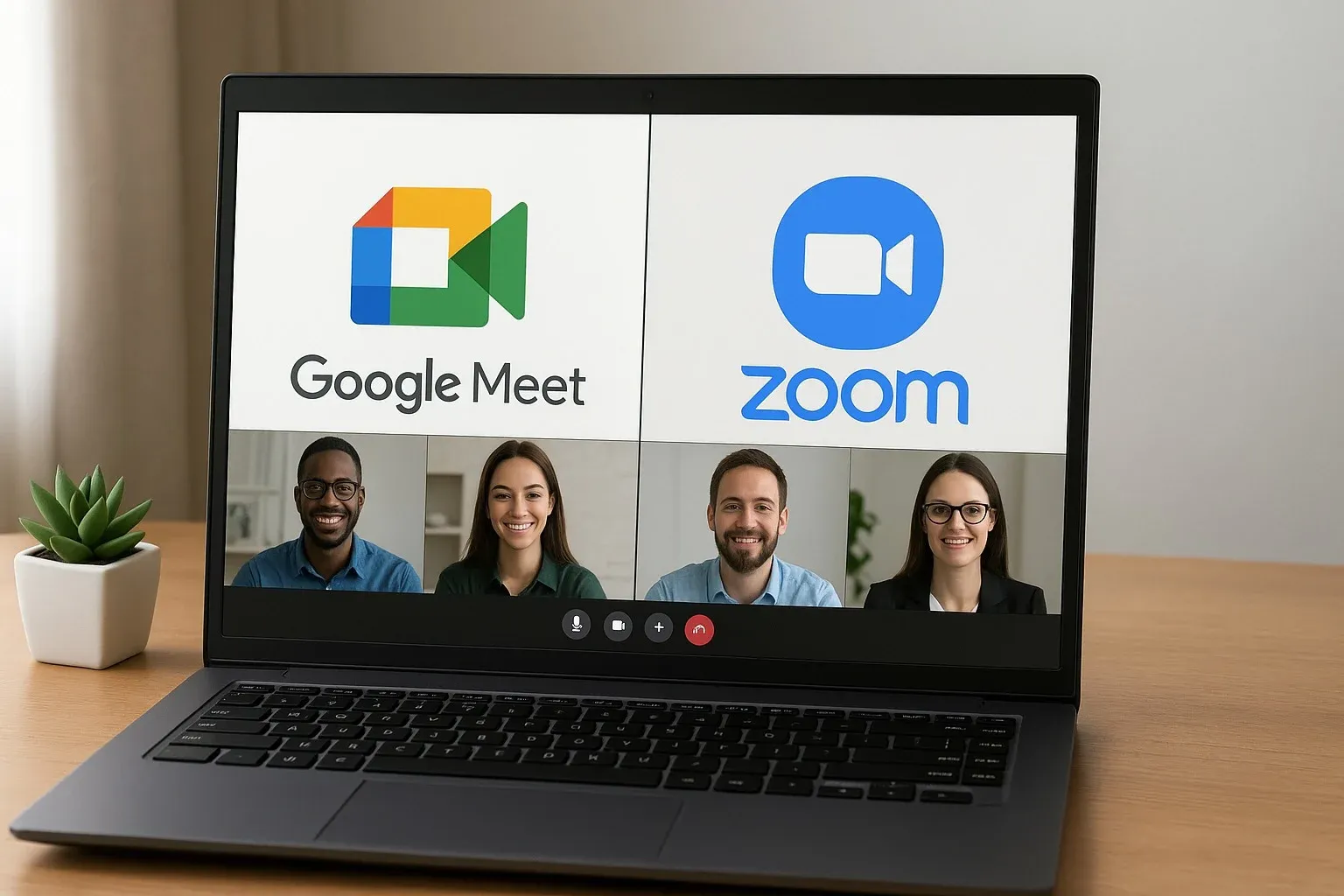
Best Budget Video Conferencing Tools for Teams in 2025
Zoom Basic
How It Works: Free plan with group calls up to 40 minutes.
Pros:
- Reliable video quality
- Large user base
- Works across devices
Cons:
- 40-minute limit on free calls
- Can feel complex for new users
Best For: Teams needing flexible, free video calls.
Google Meet
How It Works: Integrated with Google Workspace, runs in browser with no extra installs.
Pros:
- Simple interface
- Strong integration with Gmail & Calendar
- Free with Google account
Cons:
- Free version limits features
- Requires strong internet for HD
Best For: Teams already using Google Workspace.
Microsoft Teams Free
How It Works: Built into Microsoft 365 with free chat and video conferencing features.
Pros:
- Chat + video + file sharing
- Strong Office integration
- Good security features
Cons:
- Interface can feel cluttered
- Best with full Microsoft ecosystem
Best For: Teams using Office apps daily.
Jitsi Meet
How It Works: Open-source, free browser-based video conferencing.
Pros:
- 100% free
- No account needed
- End-to-end encryption
Cons:
- Limited advanced features
- Can lag with very large meetings
Best For: Privacy-conscious users and small teams.
Zoho Meeting
How It Works: Affordable conferencing tool with webinar features.
Pros:
- Budget-friendly paid plans
- Webinar hosting included
- Good integration with Zoho apps
Cons:
- Fewer templates than competitors
- Interface not as polished
Best For: Small businesses looking for video + webinar solution.
Benefits of Budget Video Conferencing Tools
1. Cost Savings: Avoid enterprise-level pricing.
2. Accessibility: Easy setup for non-technical users.
3. Flexibility: Free or low-cost plans for small teams.
4. Collaboration: Screen sharing, chat, and recording included.
5. Scalability: Paid upgrades available when needed.

Mini Comparison: Budget Video Conferencing Tools by Use Case
- Best Free Option: Jitsi Meet
- Best for Google Users: Google Meet
- Best for Microsoft Teams: Teams Free
- Best for Webinars: Zoho Meeting
- Best Overall: Zoom Basic
FAQs: Budget Video Conferencing Tools
Q: Which is the best free video conferencing tool?
A: Zoom Basic and Jitsi Meet are the top free options.
Q: Do budget tools have recording options?
A: Yes, most include recording, but free tiers may have limits.
Q: Can free tools handle large team meetings?
A: Zoom and Google Meet work well for small-to-medium teams, but paid tiers handle bigger groups better.
Q: Are budget tools secure?
A: Yes, but open-source options like Jitsi offer more transparency.
Bottom Line
The best budget video conferencing tools make it easy for teams to connect without overspending. Whether you want the simplicity of Google Meet, the flexibility of Zoom, or the privacy of Jitsi, there’s a tool for every budget.
For startups, freelancers, and small businesses, these apps prove you don’t need enterprise budgets to run smooth virtual meetings.



