
Best Project Management Apps for Fast-Growing Teams
Discover the best project management apps designed to help fast-growing teams streamline workflows, boost collaboration, and avoid bottlenecks. Learn which tools truly support scale without slowing productivity.

As teams grow quickly, keeping projects on track becomes challenging. Spreadsheets and endless email threads just don’t cut it anymore. That’s where the best project management apps step in—helping fast-growing teams stay organized, collaborate better, and deliver faster.
Why Fast-Growing Teams Need Project Management Apps
When your team doubles in size, communication often breaks down. Projects become harder to track, and deadlines slip. According to a McKinsey study, employees spend up to 28% of their workweek on email alone—time that could be reduced with structured project management apps.
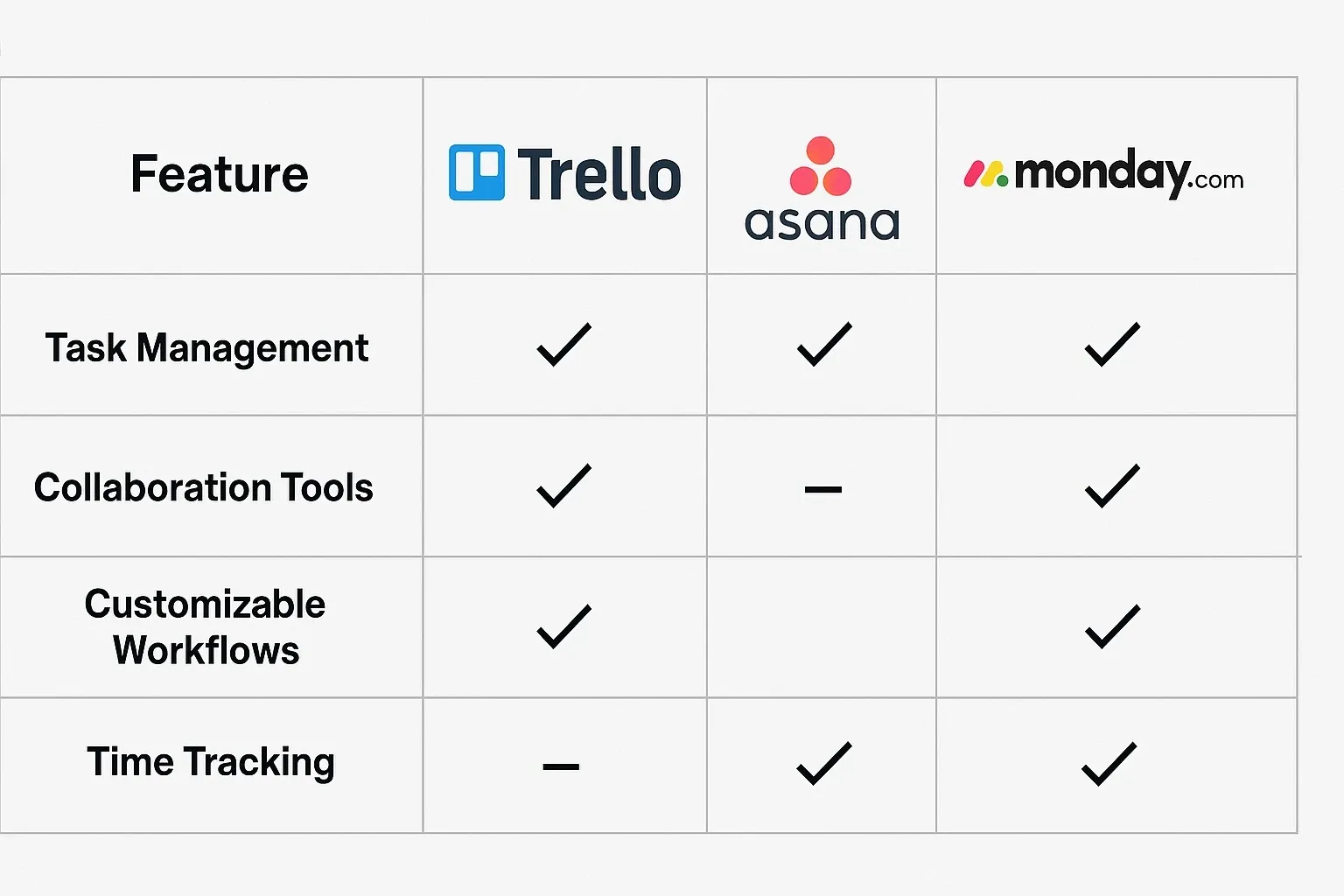
Best Project Management Apps for Fast-Growing Teams
Trello – Best for Visual Task Management
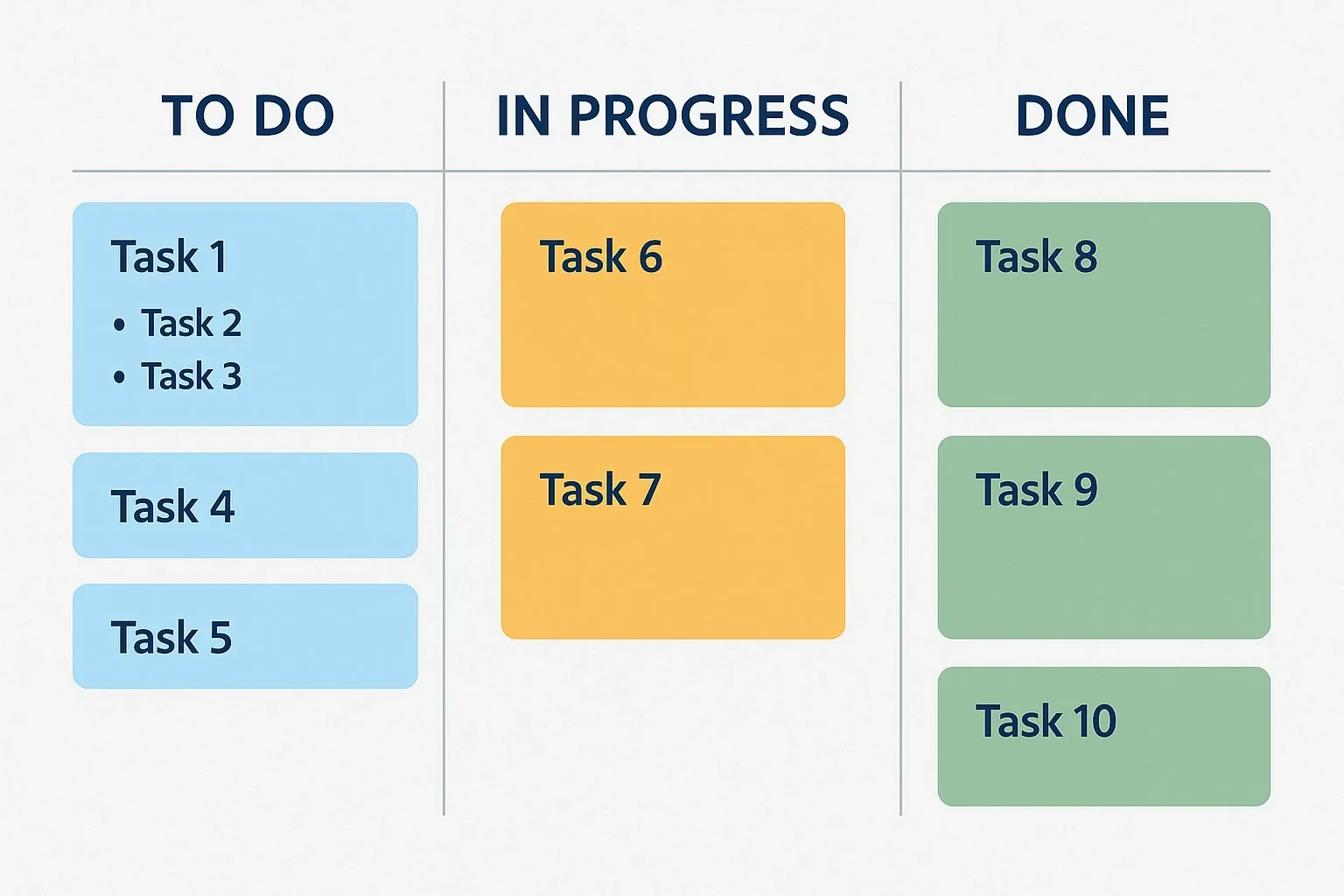
Trello is famous for its simple Kanban boards. You can create boards, lists, and cards to move tasks across stages.
How it works:
– Drag-and-drop cards across lists.
– Add deadlines, checklists, and attachments.
– Integrates with Slack, Google Drive, and more.
Pros:
– Intuitive and beginner-friendly.
– Strong free plan.
– Great for visual thinkers.
Cons:
– Limited reporting features.
– Not ideal for complex projects.
Pricing: Free plan available; paid plans start at $5 per user/month.
Asana – Best for Growing Teams with Multiple Projects
Asana is a powerhouse for managing multiple projects at once. Its timeline and workload features make it popular among scaling startups.
Key features:
– Timeline view for Gantt-style planning.
– Task dependencies to avoid bottlenecks.
– Workload management for balanced assignments.
Pros:
– Excellent for cross-team collaboration.
– Great integrations (Slack, Zoom, Salesforce).
– Strong automation features.
Cons:
– Steeper learning curve.
– Premium features locked behind paywall.
Pricing: Free plan available; Premium starts at $10.99 per user/month.
Monday.com – Best All-in-One Dashboard
Monday.com offers colorful, customizable dashboards. It’s ideal for fast-growing teams that need both flexibility and structure.
Features:
– Custom workflows with drag-and-drop.
– Automations for repetitive tasks.
– Time tracking and reporting built-in.
Pros:
– Highly visual interface.
– Suitable for any industry.
– Great scalability.
Cons:
– Can feel overwhelming at first.
– Pricing adds up for larger teams.
Pricing: Basic starts at $8 per user/month.
ClickUp – Best Value for Money
ClickUp markets itself as the “one app to replace them all.” It combines tasks, docs, goals, and chat in one place.
Highlights:
– Multiple views: Kanban, List, Calendar, Timeline.
– Goal tracking with progress dashboards.
– Built-in docs for wikis and notes.
Pros:
– Feature-rich even in the free plan.
– Highly customizable.
– Replaces multiple tools.
Cons:
– Overwhelming for beginners.
– Some features feel bloated.
Pricing: Free forever plan; paid from $7 per user/month.
Jira – Best for Software Development Teams
Jira is the go-to tool for agile teams, especially in software development. It’s built around Scrum and Kanban boards.
Features:
– Sprint planning and backlog tracking.
– Bug and issue tracking system.
– Roadmaps for product planning.
Pros:
– Perfect for agile workflows.
– Strong reporting and analytics.
– Deep integrations with dev tools (GitHub, Bitbucket).
Cons:
– Complex for non-technical teams.
– Steeper setup process.
Pricing: Free plan up to 10 users; Standard from $7.75 per user/month.
Quick Comparison: Best Project Management Apps
Here’s a snapshot of which app fits which type of team:1. Trello – Best for small, visual teams.
2. Asana – Best for managing multiple projects.
3. Monday.com – Best for customizable dashboards.
4. ClickUp – Best for budget-conscious teams.
5. Jira – Best for software development.
FAQs on the Best Project Management Apps
Q1: What are the best project management apps for startups?
For startups, Trello and ClickUp are excellent due to their free plans and easy setup.
Q2: Which project management app is best for remote teams?
Asana and Monday.com excel at remote collaboration with strong integrations and timelines.
Q3: Are free project management apps enough for fast-growing teams?
Free versions are good for small teams, but scaling often requires premium features like automation and reporting.
Q4: How do I choose the best project management app for my team?
Free versions are good for small teams, but scaling often requires premium features like automation and reporting.
Bottom Line
The best project management apps are not one-size-fits-all. Fast-growing teams should evaluate tools based on scalability, usability, and integrations. Start with free plans, test features, and upgrade when your team’s workflow demands it.



