
Best Password Managers for Busy Professionals
Discover the best password managers for busy professionals with insights on security, ease of use, and cross-device syncing. This concise guide highlights tools that simplify logins and strengthen digital protection.

Between work emails, cloud apps, and personal logins, professionals juggle dozens of passwords daily. Remembering them all is nearly impossible. That’s why the best password managers are must-have tools—offering convenience, security, and peace of mind.
Why Busy Professionals Need the Best Password Managers
According to a 2024 NordPass report, the average person has over 100 online accounts—a number that keeps rising. Busy professionals can’t afford wasted time on forgotten logins or the risk of weak, reused passwords.
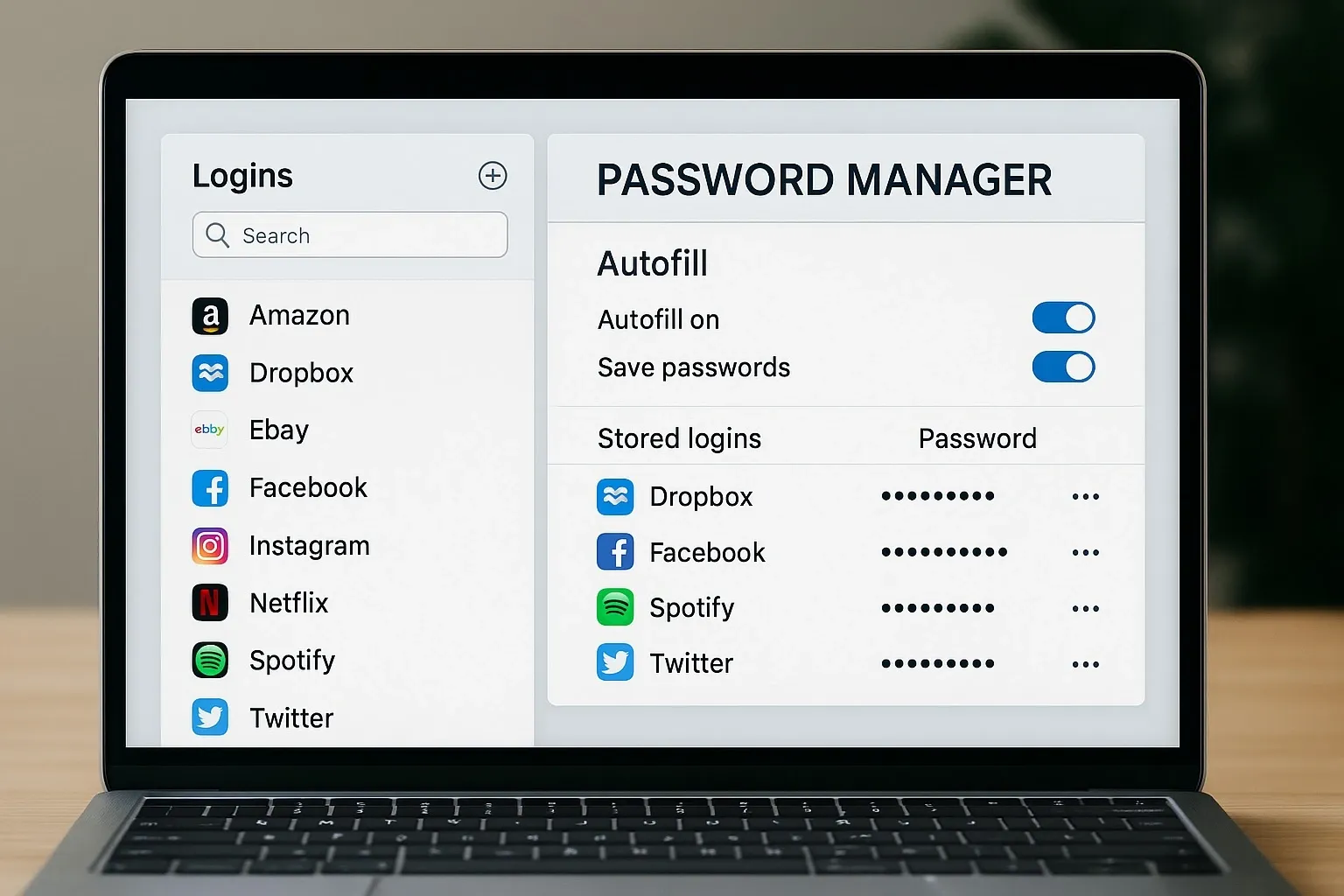
Password managers solve this by:
Storing logins securely.
Auto-filling forms quickly.
Generating strong, unique passwords.
Best Password Managers for Busy Professionals
LastPass – Best for Simplicity
How it works:
LastPass stores passwords in a secure vault and auto-fills them across devices. Setup is straightforward, making it ideal for non-technical professionals.
Pros:
– Easy to set up and use.
– Strong autofill features.
– Works across browsers and mobile apps.
Cons:
– Free plan is limited to one device type.
– Past security breaches raise concerns.
Pricing: Free plan available; Premium starts at $3/month.
1Password – Best for Business Teams
How it works:
1Password provides shared vaults for teams, biometric logins, and a “watchtower” feature that alerts users about weak or compromised passwords.
Pros:
– Excellent for workplace collaboration.
– Travel Mode hides sensitive data when crossing borders.
– Strong security record.
Cons:
– No free plan.
– Can feel feature-heavy for solo users.
Pricing: Starts at $2.99/month for individuals; $7.99/month for teams.
Dashlane – Best for Premium Features
How it works:
Dashlane goes beyond password storage with a built-in VPN and dark web monitoring. Its sleek interface makes it easy to manage digital security.
Pros:
– VPN included in premium plan.
– Excellent autofill and password changer tool.
– Dark web monitoring for breached accounts.
Cons:
– Pricier than alternatives.
– Limited features in the free version.
Pricing: Free plan available; Premium starts at $4.99/month.
Bitwarden – Best Free Option
How it works:
Bitwarden is open-source and highly trusted. It offers unlimited passwords, cross-device sync, and strong encryption even in the free version.
Pros:
– Generous free plan.
– Open-source for transparency.
– Affordable premium upgrade.
Cons:
– Interface feels basic.
– Fewer extras compared to Dashlane.
Pricing: Free forever; Premium starts at $1/month.
Keeper – Best for Extra Security
How it works:
Keeper emphasizes enterprise-grade security with features like biometric logins, encrypted file storage, and role-based access for businesses.
Pros:
– Very strong encryption.
– Secure file storage included.
– Biometric authentication available.
Cons:
– Pricier for teams.
– Learning curve for advanced features.
Pricing: Personal plan starts at $2.92/month; Business plans higher.
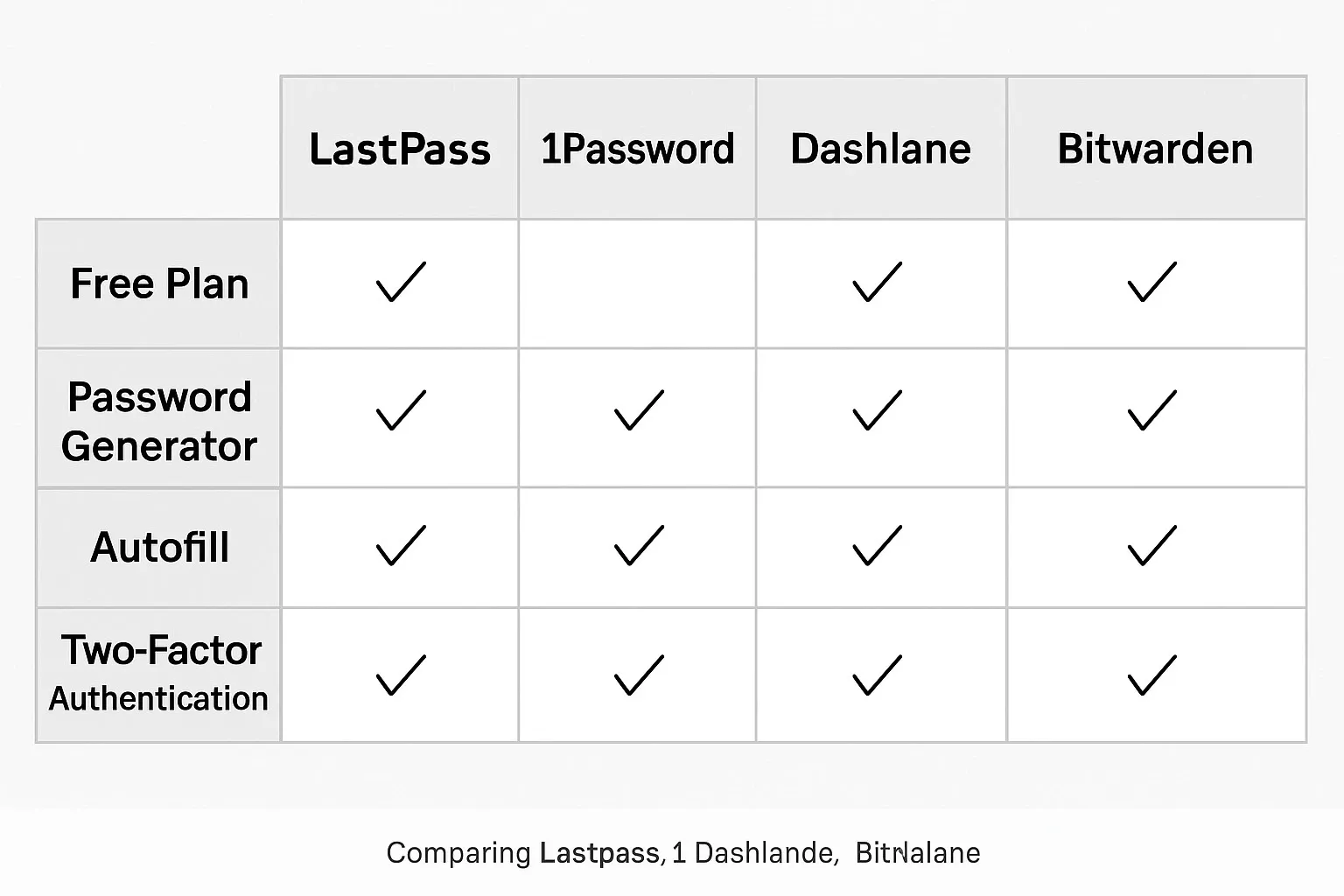
Quick Comparison: Best Password Managers
– LastPass – Best for simplicity and solo professionals.
– 1Password – Best for workplace teams and collaboration.
– Dashlane – Best for premium extras like VPN.
– Bitwarden – Best free option with transparency.
– Keeper – Best for advanced security needs.
FAQs on the Best Password Managers
Q1: Are free password managers safe for professionals?
Yes, if you pick trusted ones like Bitwarden. Free tools from unknown developers may be risky.
Q2: Which password manager is best for teams?
1Password is excellent for business teams thanks to shared vaults and admin controls.
Q3: Can password managers be hacked?
While no tool is 100% hack-proof, reputable password managers use strong encryption. Your vault is nearly impossible to access without your master password.
Q4: Do password managers work on mobile devices?
Yes, most top managers like LastPass, Dashlane, and Bitwarden work seamlessly on iOS and Android.
Bottom Line
For busy professionals, the best password managers aren’t just about convenience—they’re about safeguarding your digital life. If you want simplicity, go with LastPass. For teams, choose 1Password. Need extra security? Keeper shines. And if you’re budget-conscious, Bitwarden offers unbeatable value.



