
Top Tools to Build Landing Pages That Convert
Discover the top tools to build landing pages that convert, with insights on templates, A/B testing, and real-time analytics. This concise guide helps marketers create high-performing pages quickly.

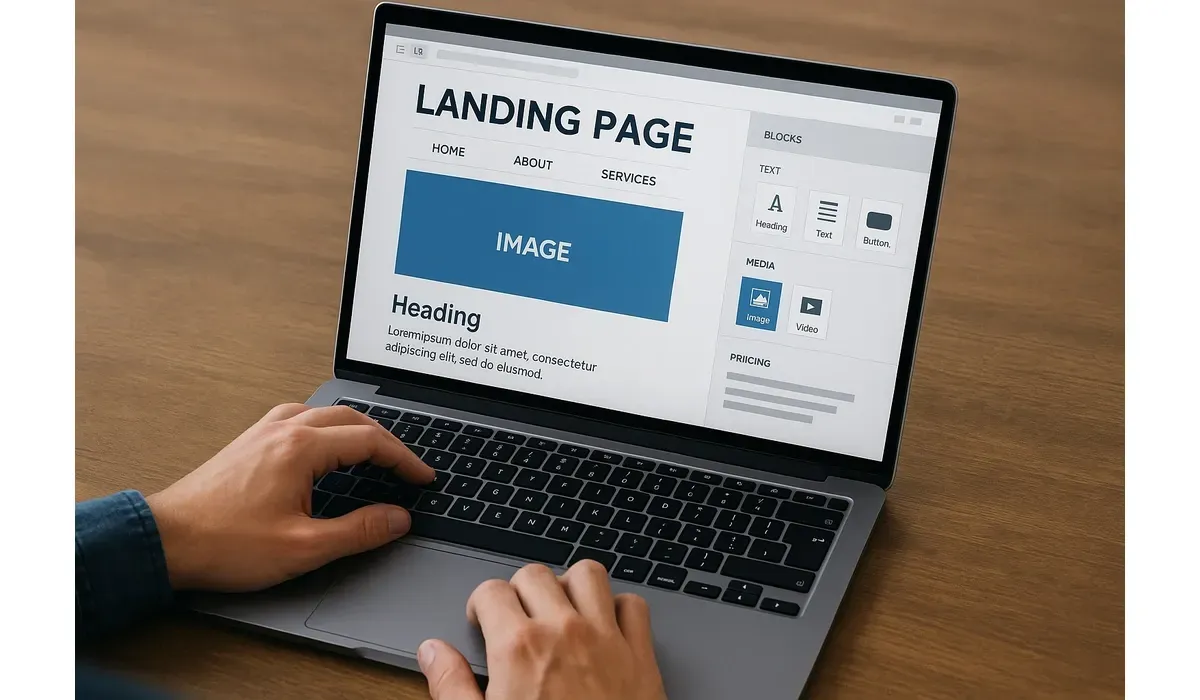
If your landing page doesn’t convert, all your marketing efforts fall flat. A strong landing page isn’t about design alone—it’s about psychology, speed, and tools that simplify the process.
We tested the top landing page tools in 2025 to find out which apps and software actually help you build pages that convert clicks into customers.
Why Landing Page Tools Matter for Conversions
A good landing page tool goes beyond drag-and-drop editing. It helps you:
- Create optimized layouts without coding
- A/B test headlines and calls-to-action
- Integrate with email and CRM platforms
- Analyze visitor behavior in real-time
According to Unbounce, conversion-focused landing pages can boost conversions by up to 300% compared to generic website pages.
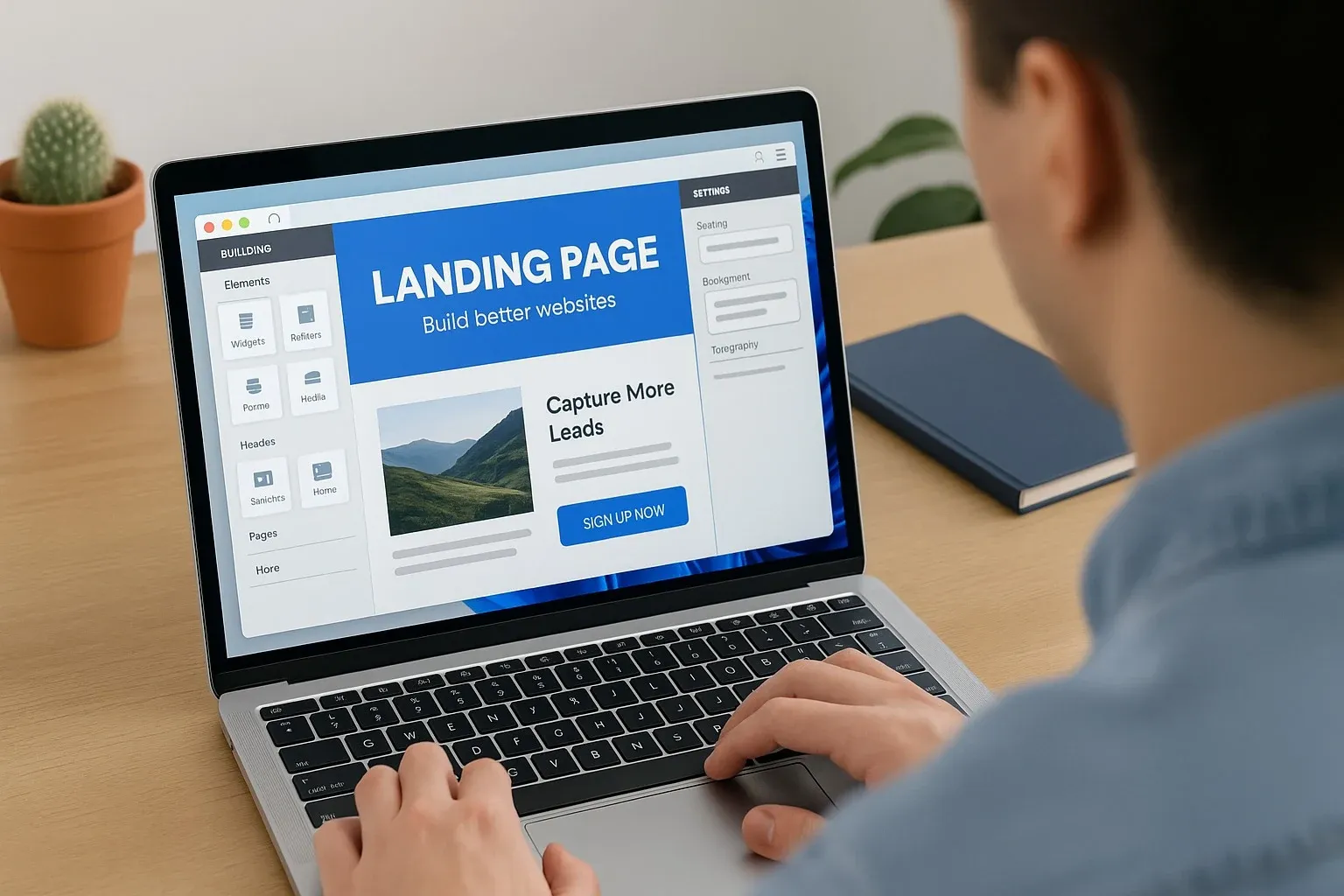
The Best Landing Page Tools in 2025
Unbounce
How It Works: Drag-and-drop builder with smart AI optimization.
Pros:
- AI-powered copy suggestions
- Advanced A/B testing
- 100+ templates
Cons:
- Higher price point
- Learning curve for beginners
Best For: Marketers focused on data-driven conversion optimization.
Instapage
How It Works: Full-featured platform for landing page design and personalization.
Pros:
- Collaboration tools for teams
- Heatmaps and analytics
- Dynamic content personalization
Cons:
- Premium pricing
- May be overkill for small businesses
Best For: Agencies and enterprises running multiple campaigns.
Leadpages
How It Works: Simplifies building landing pages with affordable templates.
Pros:
- Budget-friendly
- Simple drag-and-drop editor
- Good for small businesses
Cons:
- Limited advanced features
- Templates less customizable
Best For: Entrepreneurs and startups wanting quick pages without spending big.
Carrd
How It Works: Ultra-simple landing page builder for one-page sites.
Pros:
- Extremely affordable
- Minimalist, fast setup
- Great for personal projects
Cons:
- Limited integrations
- Not ideal for complex funnels
Best For: Freelancers, portfolios, and single-offer campaigns.
HubSpot Landing Pages
How It Works: Integrated within HubSpot’s CRM and marketing platform.
Pros:
- CRM and automation built-in
- Great analytics and tracking
- Seamless with HubSpot ecosystem
Cons:
- Expensive for advanced features
- Best only if you use HubSpot suite
Best For: Businesses already using HubSpot for marketing and sales.
Benefits of Using Landing Page Tools
1. Higher Conversions: Tools optimize design for results.
2. Faster Launch: Build pages in hours, not weeks.
3. Data Insights: Track visitor behavior and performance.
4. Scalability: Create and manage multiple campaigns easily.
5. Integration: Connect with email, ads, and analytics platforms.
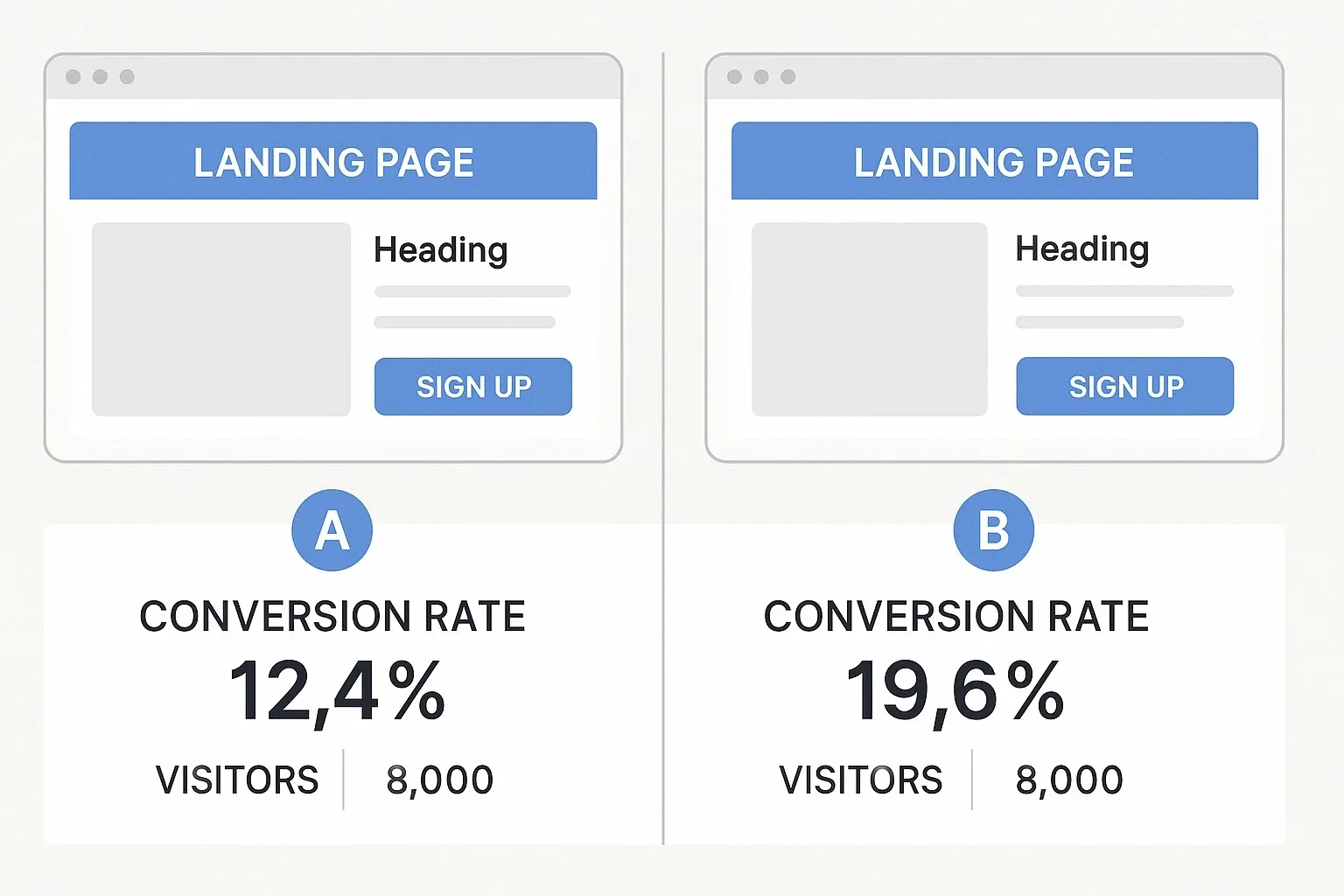
Mini Comparison: Landing Page Tools by Use Case
- Best for AI Optimization: Unbounce
- Best for Enterprises: Instapage
- Best for Budget Users: Leadpages
- Best for Simplicity: Carrd
- Best for CRM Integration: HubSpot
FAQs: Landing Page Tools
Q: Do I need coding skills to use landing page tools?
A: No. Most tools are drag-and-drop, designed for non-technical users.
Q: Which landing page tool is best for small businesses?
A: Leadpages and Carrd are affordable, easy-to-use options.
Q: Are AI landing page builders better than manual design?
A: AI tools like Unbounce can optimize faster, but manual tweaks still matter.
Q: Can free tools work for landing pages?
A: Free versions exist but usually limit features. Paid tools provide better optimization and integrations.
Bottom Line
The best landing page tools in 2025 prove that you don’t need coding skills to create pages that convert. Whether you want budget-friendly simplicity, AI-powered optimization, or CRM integration, there’s a tool for every marketer.
The right tool depends on your budget, campaign size, and conversion goals. Choose wisely, and you’ll see more clicks turning into customers.



