
The Best Free OCR Tools for Scanning Documents — Apps & Software
Explore the best free OCR tools for scanning documents with accuracy, speed, and clean text extraction. This concise guide helps users choose reliable options for digitizing paperwork effortlessly.

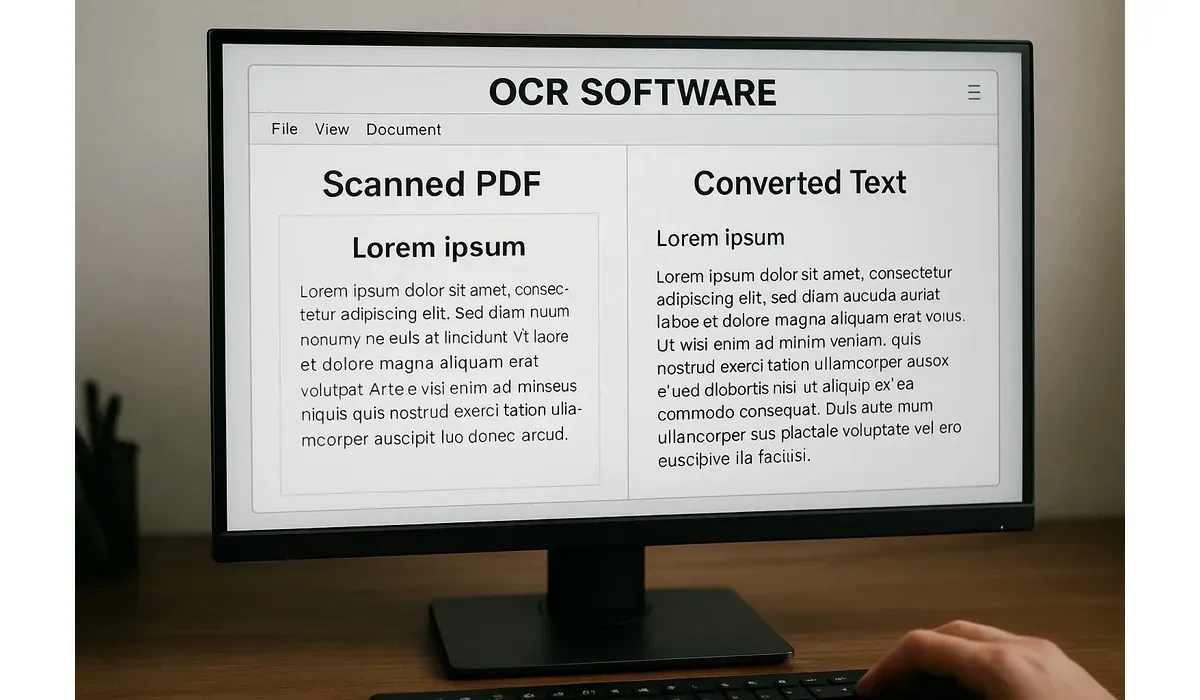
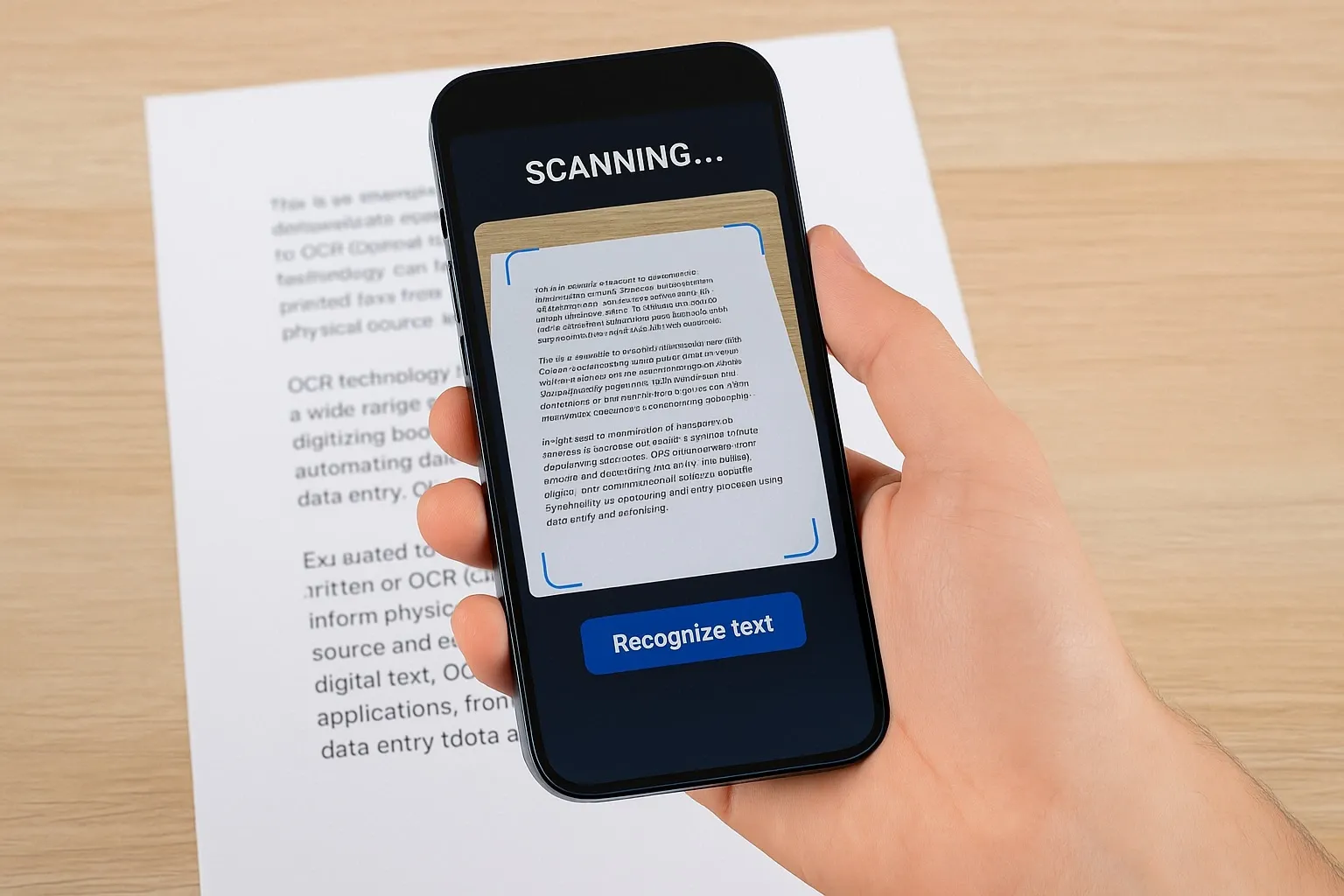
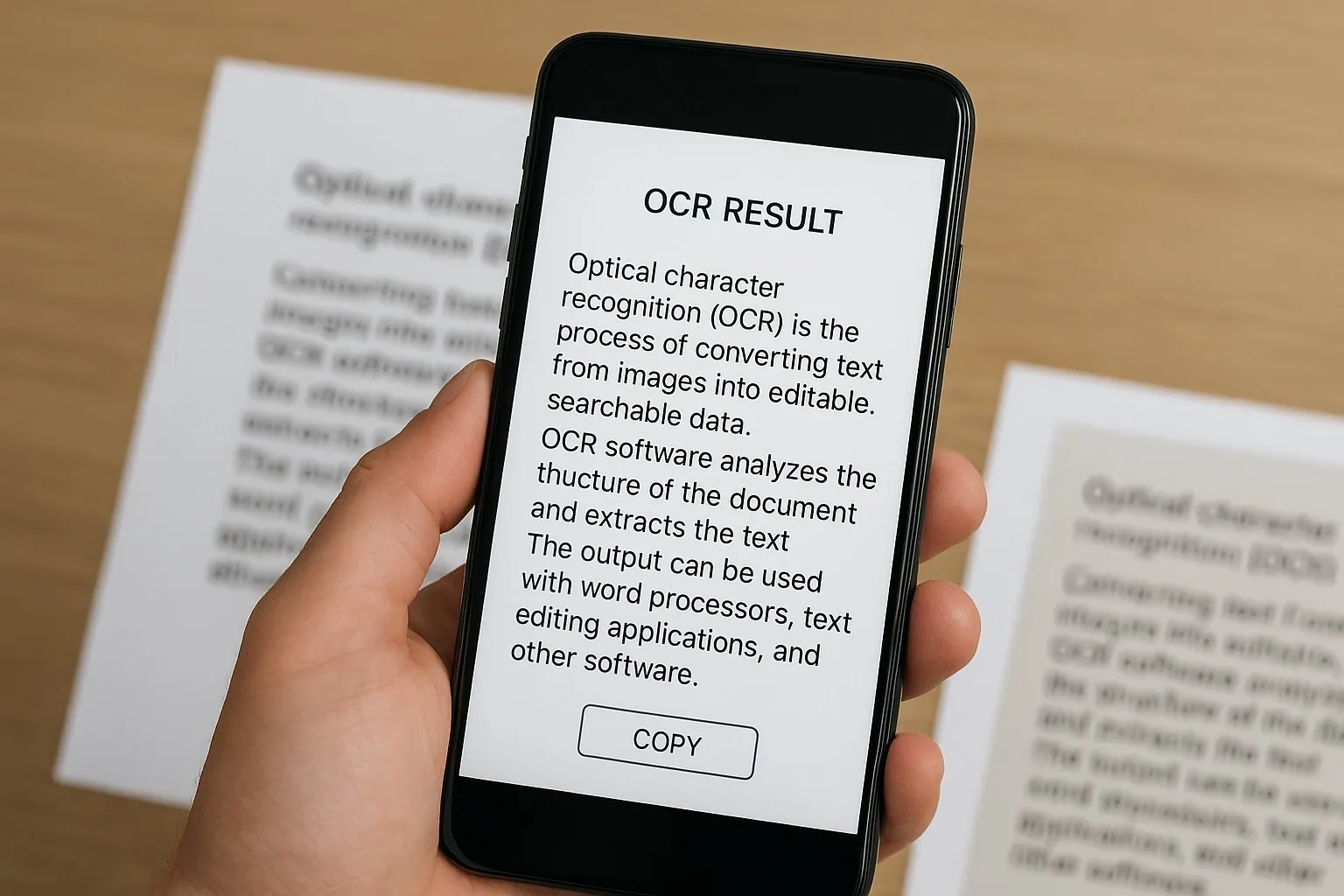
Ever had to retype a full page of text from an image or PDF? That’s where OCR comes in. Optical Character Recognition (OCR) software scans documents and converts them into editable, searchable text.
We tested the best free OCR tools in 2025—from mobile apps to desktop software—to help you pick the right one for scanning, extracting, and editing text.
Why Use the Best Free OCR Tools?
OCR is no longer just for big enterprises. Today, free apps and software can:
– Convert scanned PDFs into editable text
– Extract text from photos or screenshots
– Recognize multiple languages
– Make documents searchable in seconds
According to a report by Markets and Markets, the OCR software market is expected to reach $33 billion by 2030, showing just how valuable this technology has become.
The Best Free OCR Tools in 2025
Google Keep OCR
How It Works: Take a picture in Google Keep, and it extracts text instantly.
Pros:
- Works on mobile and desktop
- Free with Google account
- Simple and fast
Cons:
- Limited formatting options
- Not great for large documents
Best For: Quick text extraction from notes or images.
Microsoft OneNote OCR
How It Works: Insert an image into OneNote, right-click, and select ‘Copy Text from Picture.’
Pros:
- Built into Microsoft 365
- High accuracy with printed text
- Free for OneNote users
Cons:
- Struggles with handwriting
- Requires Microsoft account
Best For: Students and professionals already using Microsoft tools.
Adobe Scan
How It Works: A mobile app that scans paper documents and turns them into searchable PDFs.
Pros:
- Clean PDF output
- Auto-enhances scanned images
- Works on both Android and iOS
Cons:
- Requires Adobe account
- Some features locked behind paid plan
Best For: Scanning and archiving receipts, contracts, and documents.
Tesseract OCR (Open Source)
How It Works: An open-source OCR engine supported by Google, available for developers.
Pros:
- Free and open-source
- Supports 100+ languages
- Highly customizable
Cons:
- Requires technical setup
- Not beginner-friendly
Best For: Developers and advanced users building OCR into workflows.
OnlineOCR.net
How It Works: Upload a PDF or image, and it converts it into Word, Excel, or plain text.
Pros:
- No installation required
- Supports multiple file formats
- Quick and easy for one-off tasks
Cons:
- Limited free conversions per day
- Privacy concerns with sensitive files
Best For: Occasional OCR tasks without installing software.
Benefits of Using Free OCR Tools
1. Save Time: No more retyping long documents.
2. Boost Productivity: Make PDFs searchable and editable.
3. Reduce Paper Clutter: Digitize and archive documents.
4. Multi-Language Support: Extract text in different languages.
5. Accessibility: Helps visually impaired users access text content.
Mini Comparison: Best Free OCR Tools by Use Case
– Best for Quick Notes: Google Keep OCR
– Best for Office Users: Microsoft OneNote OCR
– Best Mobile Scanner: Adobe Scan
– Best for Developers: Tesseract OCR
– Best Online Option: OnlineOCR.net
FAQs: Best Free OCR Tools
Q: Are free OCR tools accurate?
A: Yes, most free OCR tools handle printed text well, though accuracy drops with poor image quality or handwriting.
Q: Do OCR tools support handwriting?
A: Some do, like Google Lens, but accuracy varies. Handwriting recognition is still challenging.
Q: Are online OCR tools safe?
A: For sensitive documents, avoid free online tools since uploaded data may not be secure.u003cbru003e
Q: Which OCR tool is best for large documents?
A: Adobe Scan and Microsoft OneNote handle larger files better than quick note-taking apps.u003cbru003e
Bottom Line
The best free OCR tools in 2025 prove you don’t need to pay for high-quality scanning and text recognition. Whether you want quick note extraction, searchable PDFs, or open-source flexibility, there’s a tool for every use case.
The key is matching the right tool to your workflow—whether it’s students digitizing notes, businesses archiving files, or developers building OCR into apps.



