
Best Free AI Writing Tools for Non-Writers
A clear guide to the best free AI writing tools for non-writers, helping beginners create polished content effortlessly. Discover user-friendly options that improve writing quality, speed, and confidence without any learning curve.
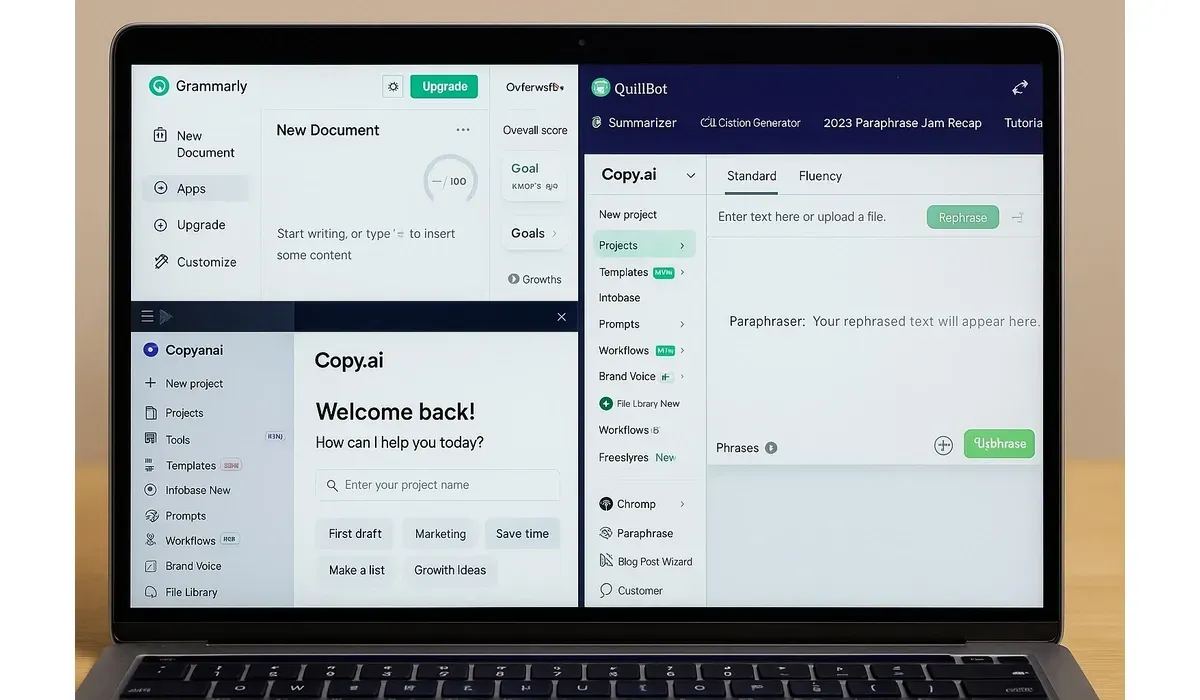
Writing doesn’t come easy for everyone. Whether you’re a student, small business owner, or startup founder, staring at a blank page can feel overwhelming. Luckily, the best free AI writing tools make it possible to create clear, polished content—even if you’re not a writer.
These tools save time, generate ideas, and help you sound professional without hiring a copywriter.
Why Use the Best Free AI Writing Tools?
Non-writers often struggle with three things: starting, structuring, and polishing content. AI tools remove these roadblocks by:
– Suggesting blog outlines and headlines.
– Writing drafts in simple, readable language.
– Improving grammar, tone, and clarity instantly.
A report from Forbes in 2024 noted that over 60% of small businesses now use AI writing assistants to handle emails, blogs, and social posts.
Best Free AI Writing Tools for Non-Writers
Grammarly
– How it works: Beyond grammar checks, Grammarly suggests rewrites for clarity and tone.
– Pros: Polishes writing, free browser extension, beginner-friendly.
– Cons: Limited creative generation; better for editing than drafting.
– Best for: Emails, resumes, professional documents.
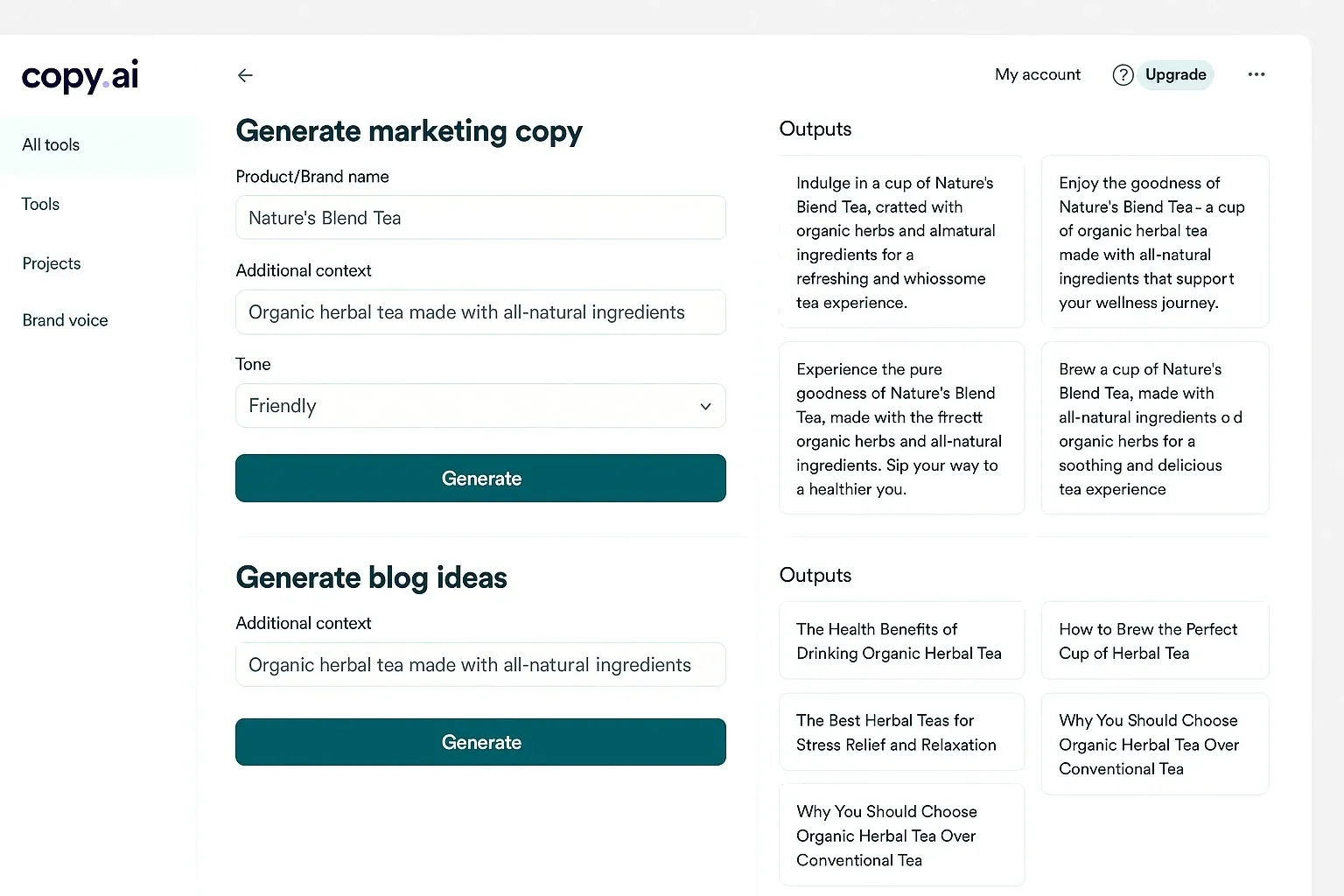
Copy.ai
– How it works: Enter a short prompt, and Copy.ai generates marketing copy, blog ideas, or product descriptions.
– Pros: Multiple formats, quick idea generation, free plan with monthly credits.
– Cons: Outputs can feel generic without editing.
– Best for: Small businesses and entrepreneurs needing ad copy.
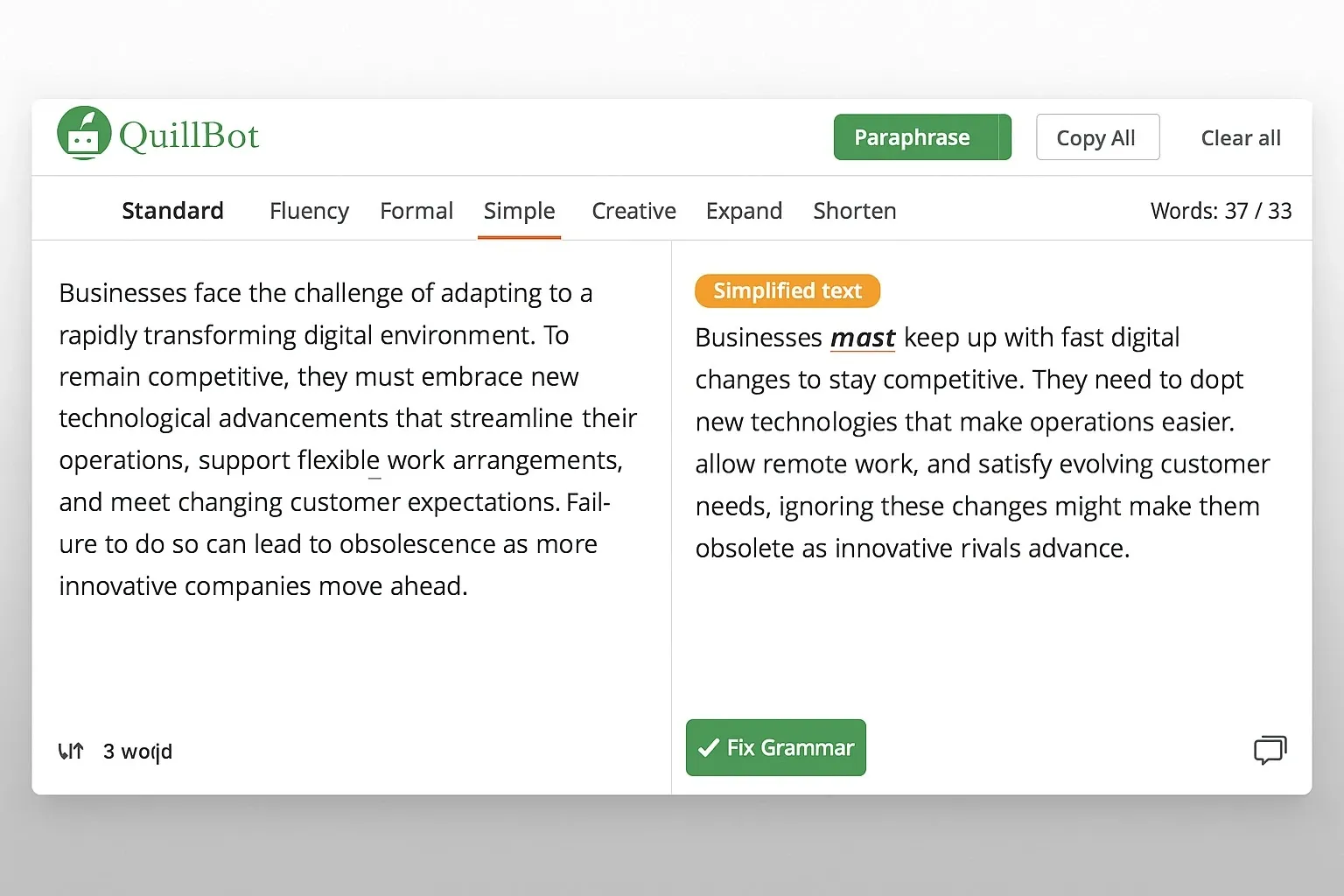
QuillBot
– How it works: Paraphrases and summarizes text into simpler versions.
– Pros: Great for non-writers struggling with sentence structure, strong free plan.
– Cons: Limited features without premium; may change tone too much.
– Best for: Students and bloggers rewriting or simplifying content.
Jasper AI (Free Trial)
– How it works: Generates long-form content like blog posts and social media captions.
– Pros: Creative tone options, easy to use templates.
– Cons: Free trial only; paid after initial use.
– Best for: Testing professional-grade AI writing without upfront cost.
ChatGPT Free Version
– How it works: Responds to prompts by drafting emails, blogs, and more.
– Pros: Versatile, conversational, and free to start.
– Cons: Needs clear instructions to avoid generic outputs.
– Best for: Brainstorming ideas and creating first drafts.
Quick Comparison: Best Free AI Writing Tools
| Tool | Best For | Pros | Cons |
|---|
| Grammarly | Polishing text | Improves clarity, tone, and grammar | Limited content generation |
| Copy.ai | Marketing copy | Fast results, multiple ready-made templates | Outputs can feel generic |
| QuillBot | Rewriting/paraphrasing | Easy simplification, quick rewording | May alter tone or nuance |
| Jasper AI | Creative blogs | Strong long-form & creative writing support | Free trial only, costly plans |
| ChatGPT | General use (all-rounder) | Versatile, free version available | Requires detailed prompts for best results |
Free vs Paid: What Non-Writers Should Know
– Free Plans: Perfect for drafting, checking grammar, or generating short content.
– Paid Plans: Unlock long-form generation, SEO tools, and advanced personalization.
Example: Copy.ai’s free plan includes 2,000 words monthly, while premium unlocks unlimited copy generation.
Real-World Example
I tested QuillBot to rewrite a 500-word blog draft. In under 2 minutes, it condensed confusing sentences into clear, easy-to-read paragraphs. For non-writers, this means you can produce content without stressing about grammar or flow.
Pros and Cons of AI Writing Tools
Pros:
– Speeds up writing for beginners.
– Improves grammar and tone instantly.
– Free options make them accessible to anyone.
Cons:
– Generic content if not edited.
– Free versions often have word limits.
– Lack deep creativity without human touch.
Best Practices for Non-Writers Using AI
– Start with a simple prompt (topic + tone).
– Use AI for drafts, but add your own voice in revisions.
– Rely on Grammarly or QuillBot to polish final content.
– Test 2–3 tools before committing to a premium plan.
FAQ: Best Free AI Writing Tools
Q1: What is the easiest AI writing tool for beginners?
A: Grammarly and Copy.ai are the simplest for non-writers.
Q2: Can free AI writing tools replace human writers?
A: Not fully. They’re best for drafting and editing, but human input keeps content authentic.
Q3: Are these tools safe to use for business content?
A: Yes, but always fact-check AI-generated outputs.
Q4: Which free tool works best for students?
A: QuillBot is highly recommended for paraphrasing and summaries.
Bottom Line
The best free AI writing tools empower non-writers to create polished, professional content quickly. From Grammarly for editing to Copy.ai for marketing copy, these tools simplify the writing process.
Start with free versions, experiment, and choose the one that best fits your workflow. With AI support, even non-writers can publish with confidence.



