
Best Email Automation Tools That Don’t Feel Spammy — Apps & Software
Discover the best email automation tools that streamline outreach without feeling spammy. Learn which smart apps improve engagement, save time, and deliver personalized results your audience will actually appreciate.
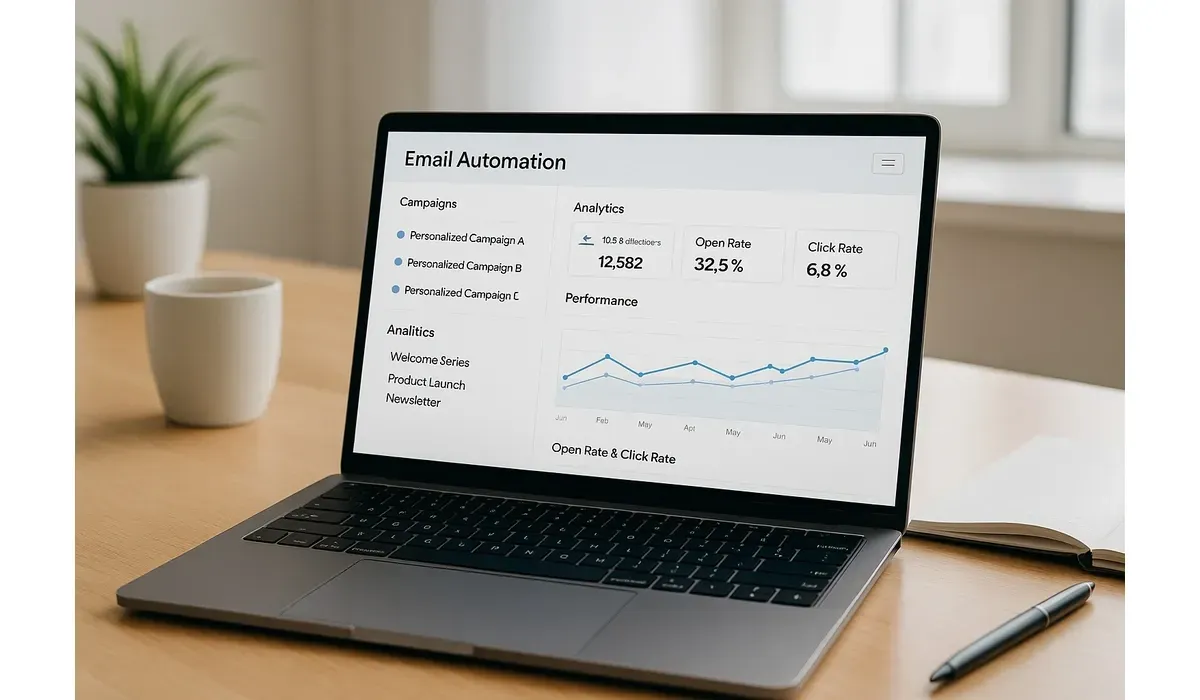
Nobody likes spammy emails that feel robotic and pushy. The good news? Email automation has evolved. The best email automation tools today focus on personalization and building real relationships—not just filling inboxes. In this guide, we’ll explore the best email automation tools that don’t feel spammy.
Why Choose the Best Email Automation Tools
According to Statista, global email users will hit 4.8 billion by 2026. With so many messages landing daily, your emails need to stand out. The best email automation tools help craft campaigns that are timely, relevant, and authentic.
Instead of spamming, they help you: – Segment audiences for targeted messaging – Personalize campaigns with real data – Automate follow-ups without sounding robotic
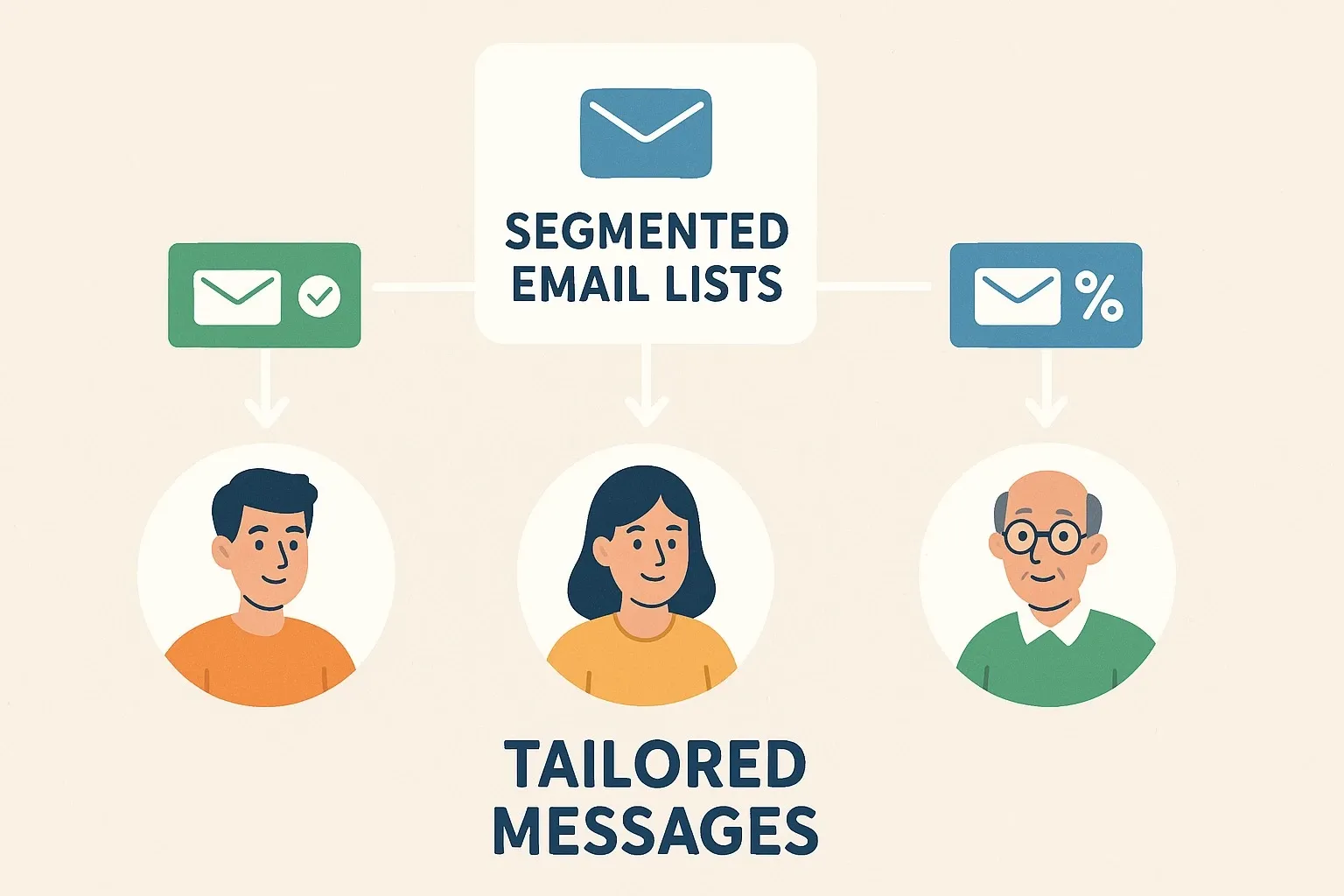
Best Email Automation Tools That Don’t Feel Spammy
1. Mailchimp
How It Works:
Mailchimp is one of the most popular email marketing platforms. It offers automation features like welcome sequences, cart reminders, and behavior-based targeting.
Pros:
– Easy drag-and-drop editor – Strong analytics and A/B testing – Free plan for beginners
Cons:
– Limited advanced automation in free tier – Paid plans can get expensive with large lists
Free vs Paid:
Free plan includes 500 contacts. Paid plans start at $13/month.
Use Case Example: Small businesses use Mailchimp to send personalized onboarding emails that increase engagement.
2. ActiveCampaign
How It Works:
Active Campaign combines email marketing with advanced CRM features. It excels in segmentation and automation workflows.
Pros:
– Powerful automation builder – Built-in CRM tools – Strong personalization features
Cons:
– Learning curve for new users – No free plan
Free vs Paid:
Plans start at $29/month.
Mini-Comparison with Mailchimp:
While Mailchimp is easier for beginners, ActiveCampaign is better for businesses that need deep automation.
3. ConvertKit
How It Works: ConvertKit is designed for creators, bloggers, and online educators. It makes automation simple with visual workflows and tagging.
Pros:
– Easy-to-use automation builder – Great for lead magnets and sign-ups – Strong focus on creators
Cons:
– Fewer templates than competitors – Limited reporting features
Free vs Paid:
Free plan available for up to 1,000 subscribers. Paid plans start at $9/month.
Use Case Example:A blogger uses ConvertKit to send automated sequences that nurture readers into course buyers.
4. HubSpot Email Marketing
How It Works:
HubSpot’s free email marketing tool integrates with its CRM, making automation highly personalized and data-driven.
Pros:
– Free CRM integration – Advanced personalization – High deliverability rates
Cons:
- Limited automation in the free version – Paid HubSpot plans can be costly
Free vs Paid: Free plan with basic features. Paid Marketing Hub plans start at $45/month.
Mini-Comparison with Active Campaign:
HubSpot offers stronger CRM integration.
but Active Campaign has more flexible automation.
5. Brevo (formerly Sendinblue)
How It Works:
Brevo offers email and SMS marketing automation. It’s affordable and strong in transactional emails.
Pros:
– Multi-channel (email + SMS) – Easy contact segmentation – Generous free plan (300 emails/day)
Cons:
– Limited templates – Reporting not as advanced as competitors
Free vs Paid:
Free plan with 300 emails/day. Paid plans start at $25/month.
Use Case Example: E-commerce shops use Brevo for order confirmations and abandoned cart reminders.
Quick Comparison of the Best Email Automation Tools
| Tool | Best For | Free Plan | Starting Price |
| Mailchimp | Beginners & small biz | Yes | $13/mo |
| ActiveCampaign | Advanced automation | No | $29/mo |
| ConvertKit | Creators & bloggers | Yes | $9/mo |
| HubSpot | CRM + email integration | Yes | $45/mo |
| Brevo | Multi-channel marketing | Yes | $25/mo |
How to Choose the Best Email Automation Tools
When selecting the right tool, consider:
- Audience Size – Do you need a tool for a small list or a large enterprise database?
- Budget – Free plans work for small teams, but advanced automation requires paid tiers.
- Ease of Use – Beginners may prefer simple builders, while pros need advanced workflows.
- Integration Needs – Does it connect with your CRM, e-commerce, or analytics tools?
FAQs on the Best Email Automation Tools
Q1. Which is the best email automation tool for beginners?
Mailchimp is beginner-friendly with an intuitive editor and free plan.
Q2. What’s the most advanced email automation tool?
ActiveCampaign offers the most powerful automation workflows for businesses.
Q3. Can I automate emails without sounding spammy?
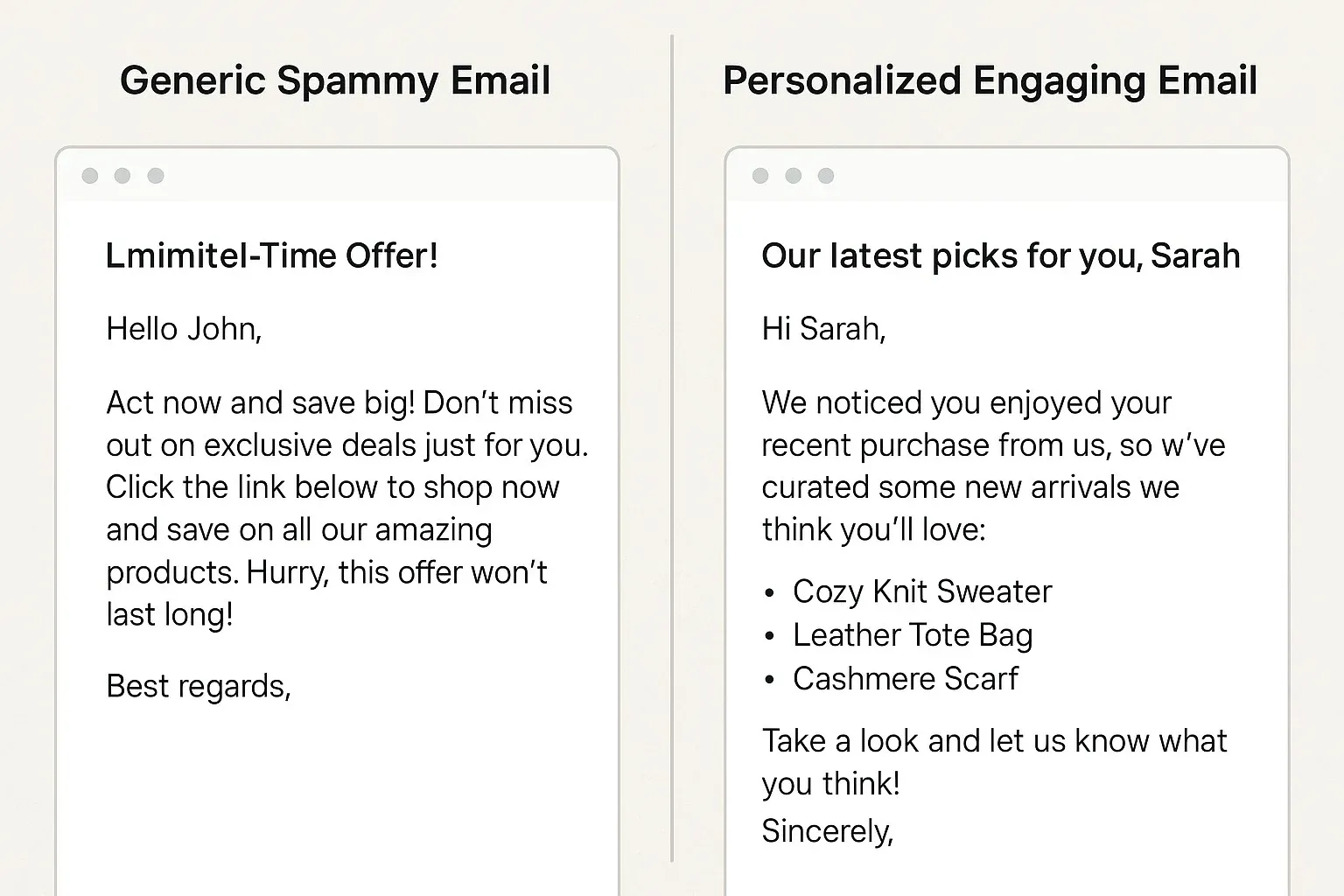
Yes—by using personalization, segmentation, and value-driven content.
Q4. Are free email automation tools enough for business growth?
Free tools are good for starting out, but scaling usually requires paid features.
Bottom Line
The best email automation tools help you connect with customers without feeling intrusive. From Mailchimp’s simplicity to ActiveCampaign’s power, there’s a solution for every need. The key is to focus on personalization and value—because that’s what makes automation feel authentic.



