
Best Tools to Auto-Transcribe Your Meetings Accurately — Apps & Software
Explore the best tools to auto-transcribe your meetings accurately, with insights on speed, language support, and real-time features. This concise guide helps teams choose reliable transcription solutions.

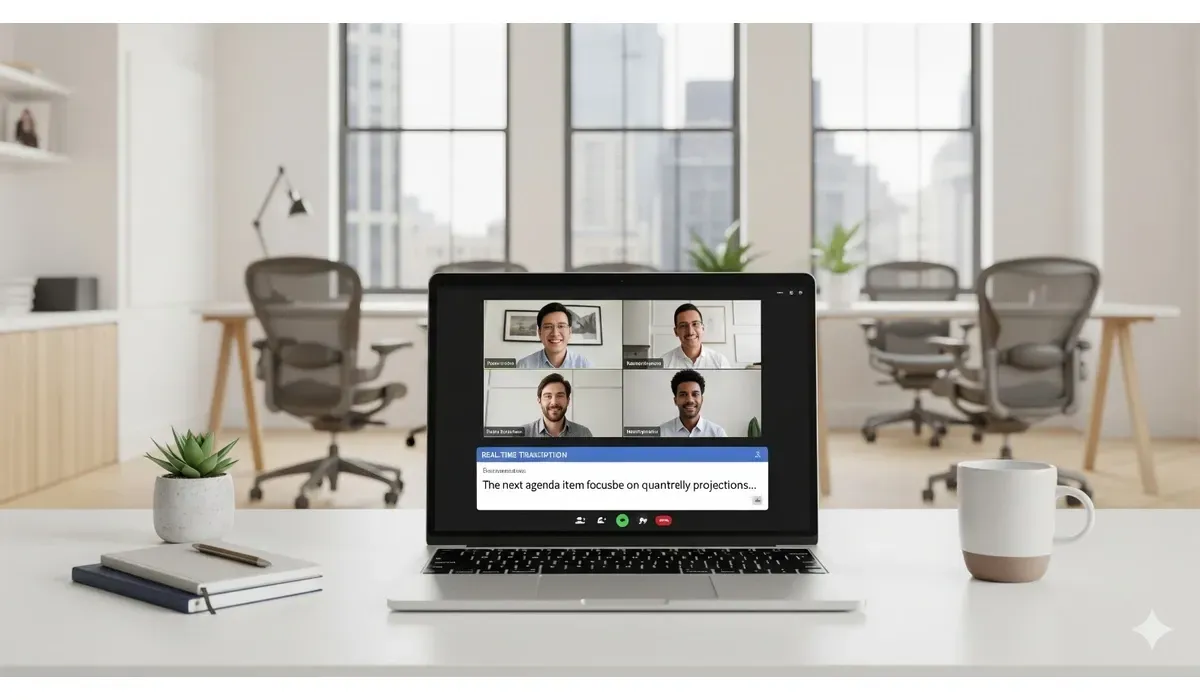
Tired of scribbling notes during meetings or losing track of important discussions? Automatic transcription tools can turn your spoken conversations into written text within minutes. In this guide, we explore the best tools to auto transcribe meetings accurately, helping you save time and focus on what matters most.
Why Use the Best Tools to Auto Transcribe Meetings
According to a report by Gartner, employees spend nearly 30% of their workweek in meetings. Manually writing notes can be error-prone and time-consuming. Auto-transcription tools ensure accuracy, speed, and searchable records of every conversation.
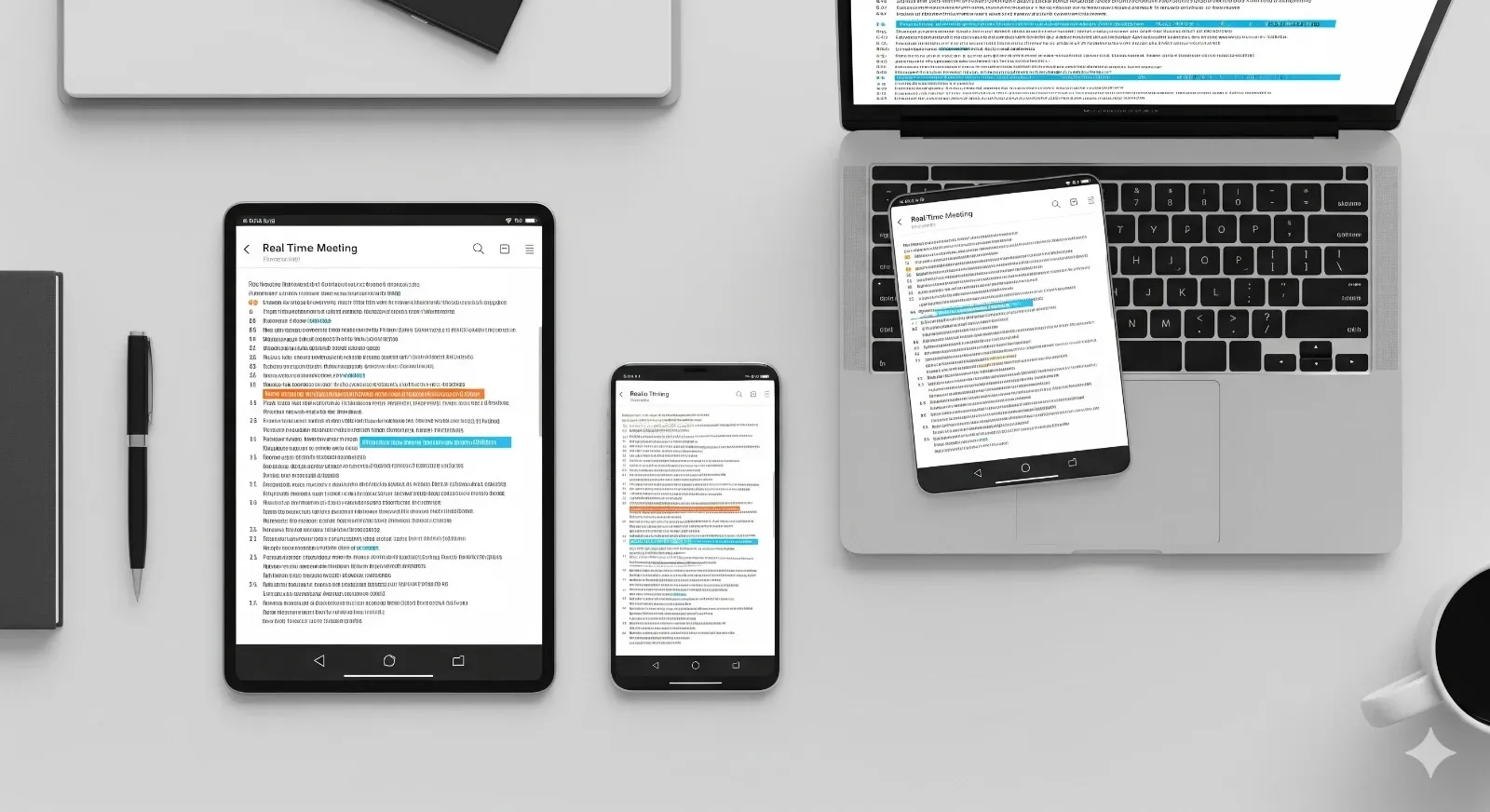
Best Tools to Auto Transcribe Meetings
1. Otter.ai
How It Works: Otter.ai uses AI-powered speech recognition to capture conversations in real-time. It syncs across devices and integrates with Zoom, Google Meet, and Microsoft Teams.
Pros:
– Real-time transcription – Speaker identification – Searchable transcripts
Cons:
– Accuracy drops with background noise – Free version has limited transcription minutes
Free vs Paid:
Free plan includes 300 minutes/month. Paid plans start at $16.99/month with advanced features like team collaboration.
Use Case Example: A marketing team uses Otter.ai during brainstorming sessions to create instant, searchable notes.
2. Rev
How It Works: Rev combines AI transcription with human editors for higher accuracy. You can upload meeting recordings, and Rev delivers transcripts within minutes or hours.
Pros:
– High accuracy (over 90%) – Option for human review – Supports multiple file formats
Cons:
– No free version – Costs can add up for frequent users
Free vs Paid:
Pricing starts at $0.25 per minute for AI transcription and $1.50 per minute for human-edited transcripts.
Mini-Comparison with Otter.ai:
While Otter offers real-time transcription, Rev is more accurate for official documentation.
3. Sonix
How It Works: Sonix is a cloud-based transcription platform with multilingual support. It automatically timestamps text and provides a built-in editor.
Pros:
– Multilingual support – Advanced editing tools – Integrations with Dropbox and Google Drive
Cons:
– No free plan – Steeper learning curve for beginners
Free vs Paid:
Pay-as-you-go pricing at $10 per hour of audio.
Use Case Example: Global teams use Sonix to transcribe multilingual meetings for better collaboration.
4. Trint
How It Works:
Trint uses AI transcription plus a powerful editing dashboard. It allows collaborative editing, making it ideal for teams.
Pros:
– Easy collaboration – Interactive transcript editing – Export options (Word, CSV, etc.)
Cons:
– Occasional word errors with accents – Pricing higher than average
Free vs Paid:
Starts at $48/month with 7-day free trial.
Mini-Comparison with Sonix:
Trint is better for team collaboration, while Sonix excels in multilingual transcription.
5. Descript
How It Works:
Descript is both a transcription tool and an audio/video editor. It turns speech into text and lets you edit the recording by editing the transcript.
Pros:
– Combines transcription + editing – Overdub feature (AI voice cloning) – Strong collaboration tools
Cons:
– Requires good internet – May be overwhelming for beginners
Free vs Paid:
Free tier with limited transcription. Paid plans start at $15/month.
Use Case Example: Podcasters and content creators use Descript to edit transcripts and repurpose content.
Quick Comparison of the Best Tools to Auto Transcribe Meetings
| Tool | Best For | Free Plan | Pricing |
| Otter.ai | Real-time transcription | Yes | $16.99+/mo |
| Rev | Highest accuracy | No | $0.25/min+ |
| Sonix | Multilingual support | No | $10/hr audio |
| Trint | Team collaboration | Trial | $48+/mo |
| Descript | Editing + transcription | Yes | $15+/mo |
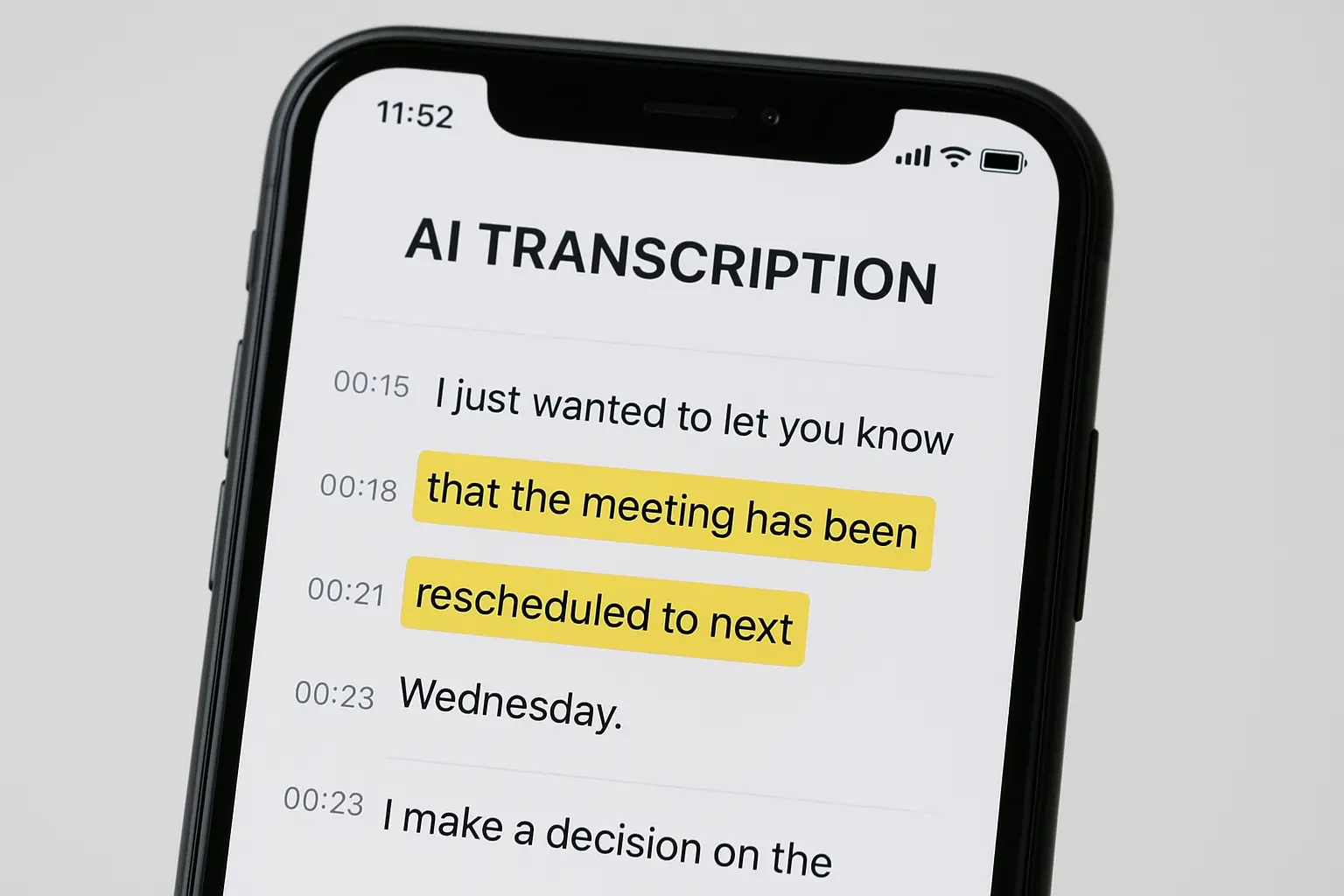
How to Choose the Best Tools to Auto Transcribe Meetings
When deciding which tool to use, consider:
- Accuracy – Do you need human-reviewed transcripts or quick AI-generated text?
- Budget – Free plans may suffice for small teams, but enterprise users need premium plans.
- Integrations – Check if it works with Zoom, Teams, or Google Meet.
- Collaboration Needs – If multiple team members edit transcripts, choose a collaborative platform.
FAQs on the Best Tools to Auto Transcribe Meetings
Q1. What is the most accurate tool to auto transcribe meetings?
Rev is considered the most accurate, especially with its human-edited transcripts.
Q2. Can I use free transcription tools for professional use?
Yes, but free versions usually have limits. For professional settings, paid plans are more reliable.
Q3. Which transcription tool works best with Zoom?
Otter.ai and Trint integrate smoothly with Zoom for live transcription.
Q4. Are transcription tools safe for confidential meetings?
Most tools follow data encryption protocols, but always review their privacy policies before uploading sensitive data.
Bottom Line
The best tools to auto transcribe meetings are transforming the way professionals document and share knowledge. Whether you value speed, multilingual support, or human-level accuracy, there’s a solution for every team. Choosing the right one will help you save time, improve collaboration, and capture every word with confidence.



