
Best AI Tools for Video Editing Without Experience
Discover the best AI tools for video editing without experience, offering fast, beginner-friendly features that simplify cutting, styling, and enhancing your footage so you can produce professional-quality videos with minimal effort.
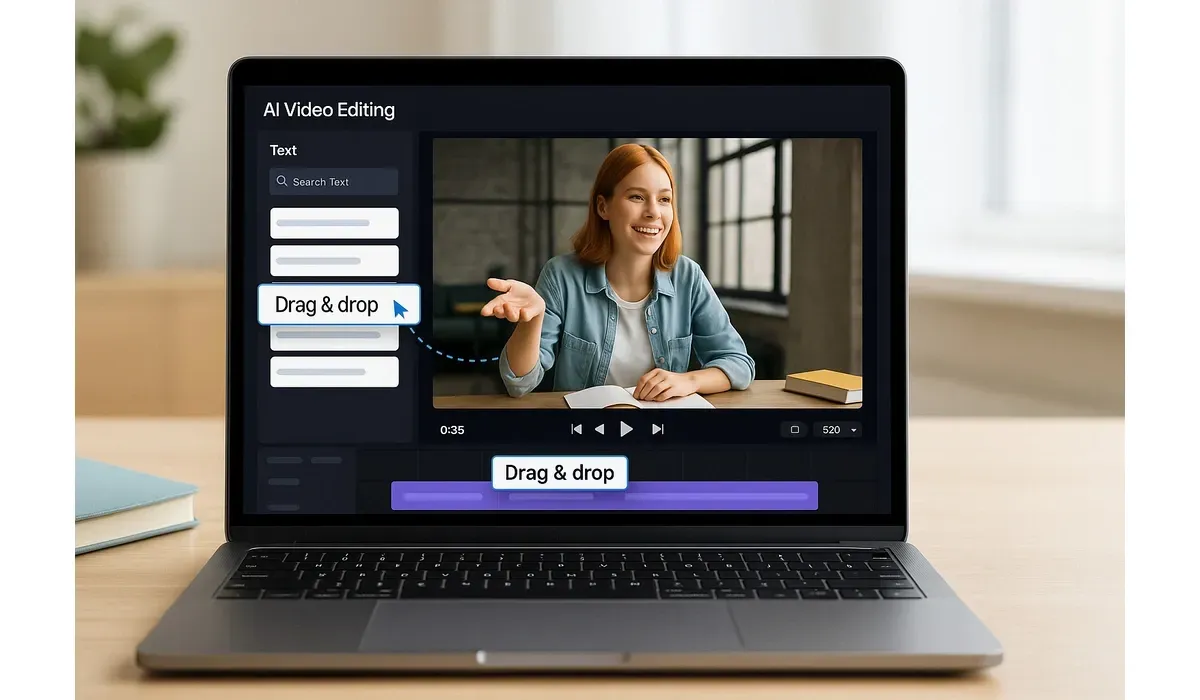
Video editing used to take hours of training and complicated software. Today, anyone can create professional-looking videos in minutes. The secret? The best AI tools for video editing that are designed for beginners.
Let’s explore the top picks and how they make editing easier than ever.
Why Use the Best AI Tools for Video Editing?
Traditional video editing requires skills in timeline management, transitions, and effects. For many beginners, that feels overwhelming.
AI video editors simplify everything by:
– Automating cuts, transitions, and captions.
– Suggesting music and visuals based on content.
– Offering drag-and-drop interfaces with templates.
According to a 2024 Statista report, 75% of marketers use AI-based tools for video content creation because it saves time and boosts quality.
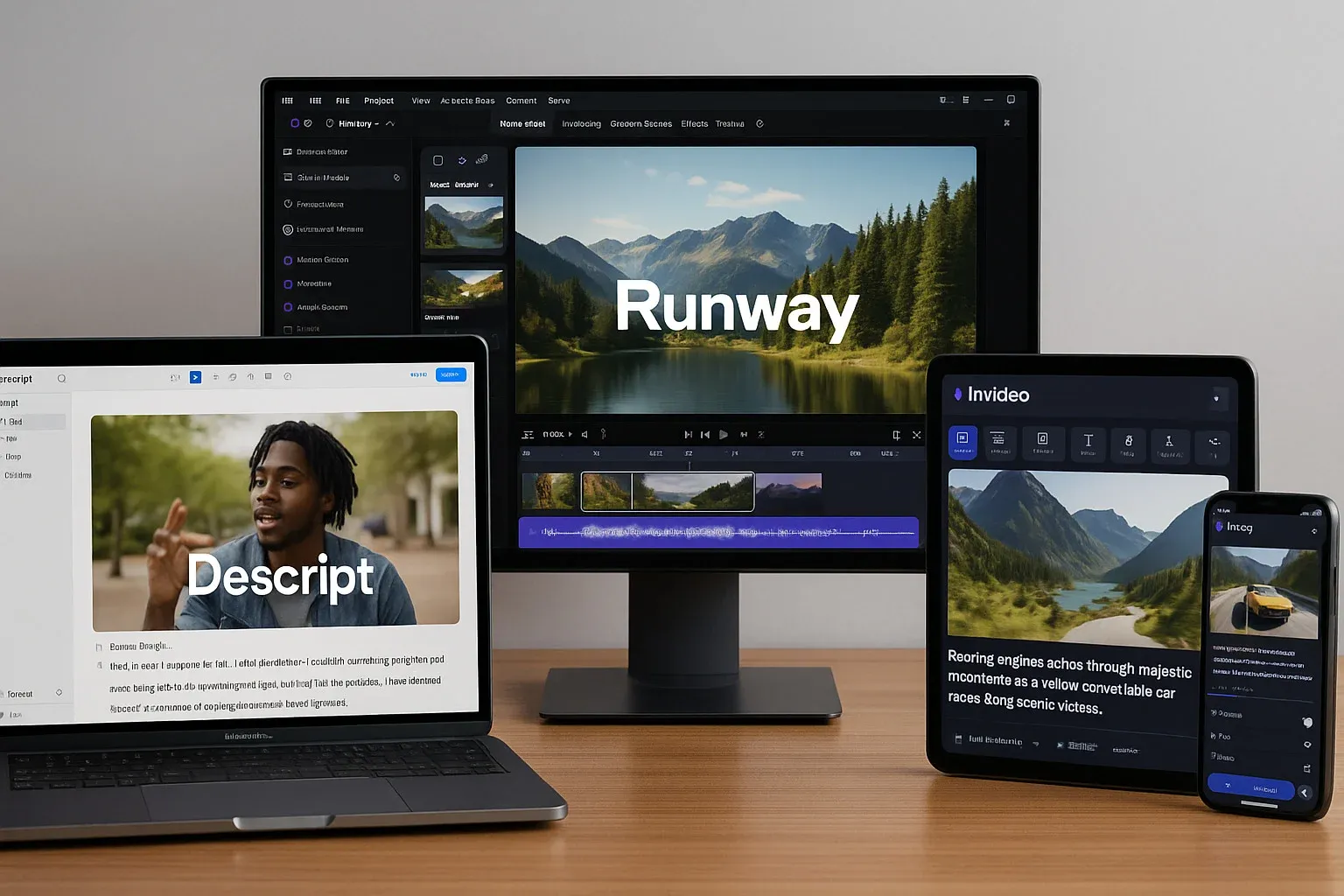
Top 5 Best AI Tools for Video Editing Without Experience
Descript
Descript is more than a video editor — it’s an audio and text editor combined. You can edit a video simply by editing its transcript.
– How it works: Upload a video, and AI generates a transcript. Delete or move words, and the video changes with it.
– Pros: Easy text-based editing, overdub voice feature, collaborative tools.
– Cons: Internet required, free plan has limits.
– Best for: Podcasters, educators, and content creators.
Runway
Runway AI is famous for its advanced generative tools.
– How it works: AI handles background removal, text-to-video, and motion tracking.
– Pros: Cutting-edge features, fast processing.
– Cons: Complex for beginners, premium plans expensive.
– Best for: Creators experimenting with AI visuals and effects.
InVideo
InVideo is designed for absolute beginners who want quick results.
– How it works: Offers 5,000+ templates, AI script-to-video generation, and drag-and-drop editor.
– Pros: User-friendly, cloud-based, works on any device.
– Cons: Watermark on free plan, fewer advanced effects.
– Best for: Social media marketers and small businesses.
Pictory
Pictory is great for turning long-form content into short clips.
– How it works: Paste a blog or script, and AI auto-generates a video.
– Pros: Saves time, automatic captions, text-to-video feature.
– Cons: Limited customization, robotic free-plan voiceovers.
– Best for: Repurposing blogs, podcasts, or webinars.
Kapwing
Kapwing offers a balance of simplicity and advanced features.
– How it works: Drag-and-drop interface with AI-powered captioning, resizing, and meme templates.
– Pros: Team collaboration, easy sharing, free plan available.
– Cons: Premium needed for advanced features.
– Best for: Teams, students, and meme creators.
Quick Comparison of the Best AI Tools for Video Editing
| Tool | Best For | Pros | Cons |
|---|
| Descript | Text-based editing | Transcript editing, overdub feature | Limited offline use |
| Runway | Creative effects | Background removal, AI visuals | Expensive |
| InVideo | Beginners | Templates, easy drag-and-drop | Watermark on free version |
| Pictory | Content repurposing | Auto captions, script-to-video | Limited customization |
| Kapwing | Teams & social media | Collaboration, easy sharing | Premium needed |
Free vs Paid AI Video Editing Tools
- Free Plans: Great for beginners to test tools, but often include watermarks, export limits, or fewer templates.
- Paid Plans: Unlock advanced features like HD exports, stock libraries, and professional effects.
Example: InVideo’s free plan has watermarks, but the paid plan ($15/month) removes them and adds premium templates.

Why the Best AI Tools for Video Editing Matter
– They democratize content creation — anyone can produce high-quality videos.
– They save time — tasks that used to take hours now take minutes.
– They open new creative possibilities with text-to-video, AI visuals, and auto-captions.
FAQ: Best AI Tools for Video Editing
Q1: What is the best AI tool for video editing if I have zero experience?
A: InVideo and Pictory are the most beginner-friendly.
Q2: Are AI video editing tools free?
A: Many offer free plans, but watermark removal and HD exports require paid upgrades.
Q3: Can AI tools replace professional video editors?
A: Not completely. AI tools are great for speed, but pros deliver custom work.
Q4: Which AI tool is best for social media?
A: Kapwing and InVideo are top choices for quick, shareable videos.
Bottom Line
The best AI tools for video editing make it possible for beginners to create stunning videos without technical knowledge. Whether you want social clips, presentations, or repurposed content, there’s a tool for you.
start with free versions, test a few, and upgrade when you find the one that fits your style.



