
AI Voice Tools That Transcribe and Summarize Meetings
Discover how AI voice tools that transcribe and summarize meetings can streamline workflows, improve accuracy, and turn conversations into actionable insights. A concise guide to choosing smarter solutions for faster, more productive collaboration.

The End of Messy Meeting Notes
How many hours have you wasted re-listening to meeting recordings or cleaning up half-finished notes? You’re not alone.
In 2025, AI voice tools can transcribe and summarize meetings automatically, turning conversations into clear action items. The result? No more missed details, and no more wasted hours writing summaries.
Let’s explore the best AI voice tools that transcribe and summarize meetings — and why they’re becoming must-haves for teams of all sizes.
Why AI Voice Tools Are Game-Changers
A Harvard Business Review study found that professionals spend 31 hours per month in meetings — and much of that time is wasted on follow-ups.
AI voice tools change the game by:
– Providing real-time transcription.
– Creating automatic summaries.
– Highlighting decisions and action items.
– Integrating with apps like Slack, Trello, and Asana.
What most people don’t know: Some AI tools even track speaking time per participant, helping managers run more efficient meetings.
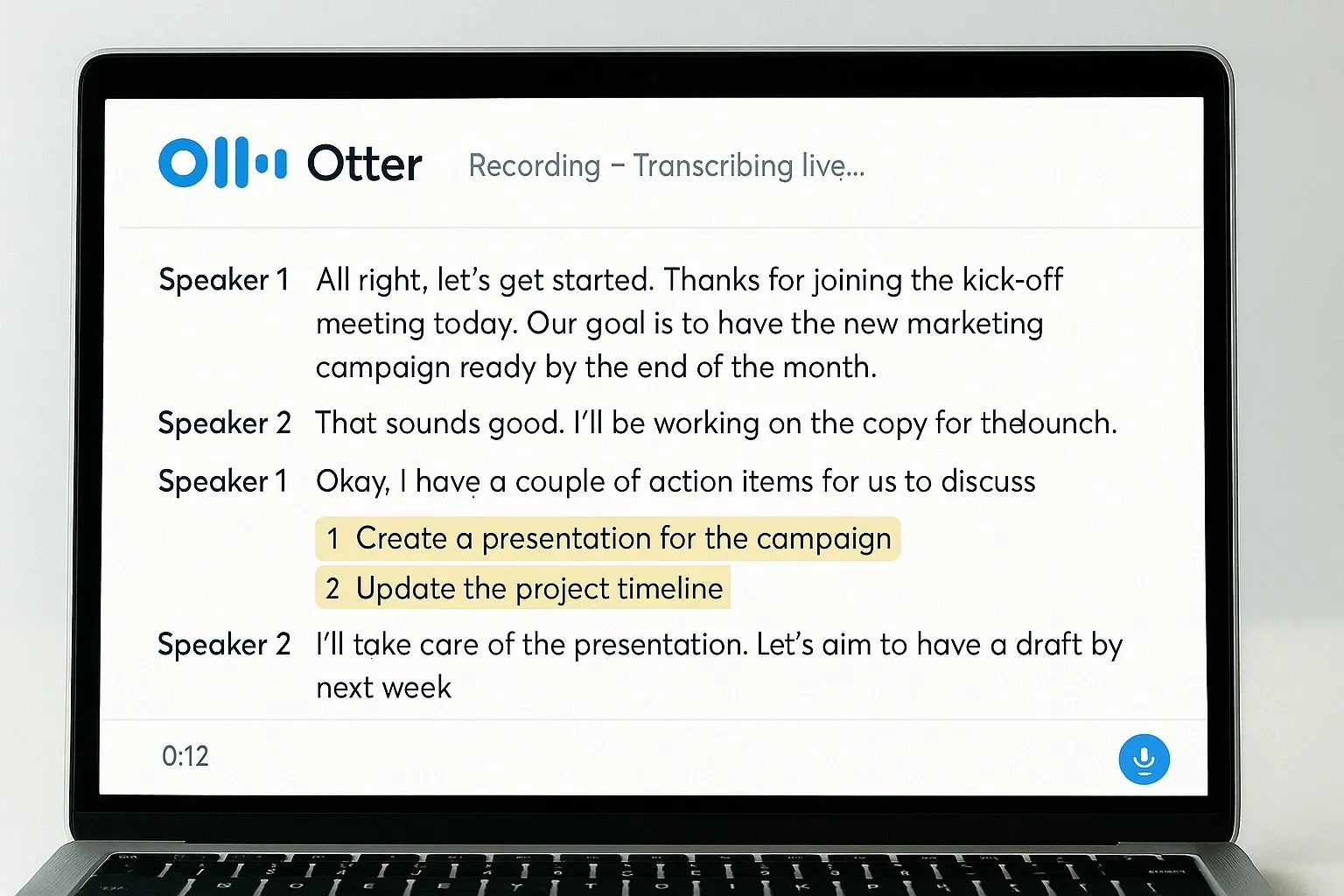
1. Otter.ai: The Popular Choice for Real-Time Notes
Otter.ai has become a go-to AI meeting assistant for teams worldwide.
How it works:
– Joins meetings on Zoom, Teams, or Google Meet.
– Transcribes conversations in real time.
– Automatically highlights action items and decisions.
Pros:
– High transcription accuracy.
– Speaker identification.
– Easy to share transcripts and summaries.
Cons:
– Free plan is limited.
– Can struggle with poor audio quality.
Free vs Paid:
– Free: 300 transcription minutes/month.
– Paid: Unlimited minutes, team features, advanced summaries.
Stat: A Stanford study showed Otter users save an average of 4.2 hours per week by avoiding manual note-taking.
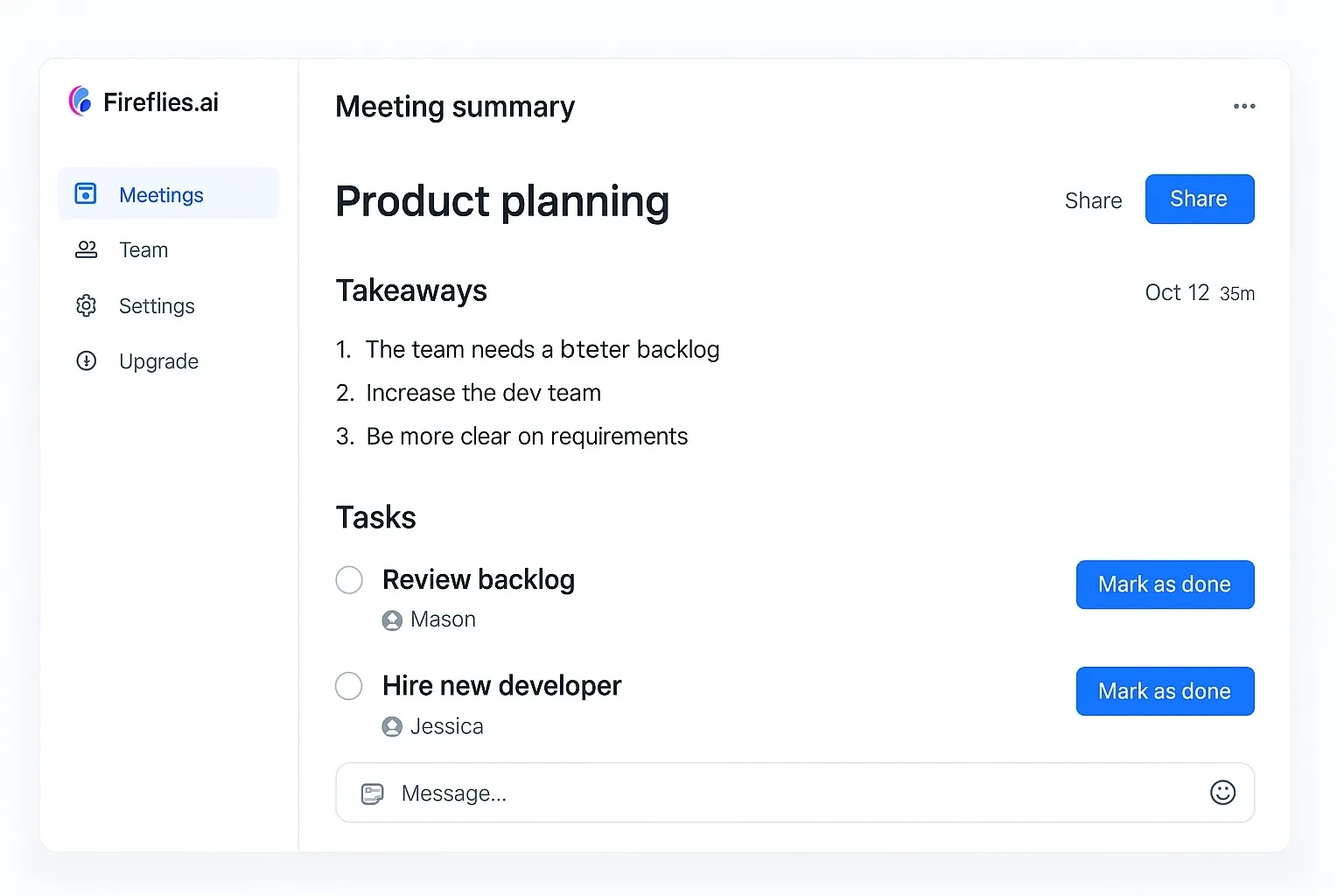
2. Fireflies.ai: Beyond Transcription
Fireflies.ai isn’t just a transcription tool — it’s a meeting intelligence assistant.
How it works:
– Records and transcribes calls.
– Summarizes discussions into bullet points.
– Syncs tasks to CRMs and project management platforms.
Pros:
– Supports 40+ platforms.
– AI highlights keywords like “budget” or “deadline.”
– Smart integrations with Salesforce, HubSpot, and Slack.
Cons:
– Accuracy depends on audio clarity.
– Full features only on paid plans.
Free vs Paid:
– Free: 3 transcription credits/month.
– Paid: Unlimited recordings, smart search, CRM sync.
What most don’t know: Fireflies can even auto-generate task lists for your project tools, skipping manual updates.
3. Microsoft Teams + Copilot: The Enterprise Option
For companies already in Microsoft’s ecosystem, Copilot in Teams is a natural fit.
How it works:
– Provides live transcription during Teams calls.
– Summarizes discussions into structured notes.
– Suggests follow-up emails and tasks in Outlook.
Pros:
– Seamless integration with Microsoft 365 apps.
– Enterprise-grade security.
– Saves time by linking meetings with email follow-ups.
Cons:
– Requires Microsoft 365 Copilot plan.
– Costly for small teams.
Free vs Paid:
– Free: Teams transcription only.
– Paid: Copilot adds summaries, follow-ups, and advanced AI.
Mini-comparison: Fireflies offers cross-platform flexibility, while Microsoft Copilot wins on deep Office integration.
4. MeetGeek: The AI Meeting Analyst
MeetGeek is designed for teams that want both summaries and insights.
How it works:
– Automatically records meetings.
– Generates summaries with key timestamps.
– Tracks analytics like participation and speaking time.
Pros:
– Affordable pricing.
– Shareable highlights with time markers.
– Helps managers measure meeting efficiency.
Cons:
– Less known compared to Otter/Fireflies.
– Works best with structured meetings.
Free vs Paid:
– Free: 5 hours/month.
– Paid: Unlimited hours, advanced analytics, integrations.
Real-world example: A team leader uses MeetGeek to spot when meetings drift off-topic, saving hours every month.
5. Rev AI: Accuracy Meets Scale
Rev is famous for human transcription, but Rev AI brings fast, automated transcription.
How it works:
– Upload recordings or connect APIs.
– AI delivers fast transcripts.
– Human review available for near-perfect accuracy.
Pros:
– Extremely accurate with human option.
– Scalable for large organizations.
– Ideal for compliance-heavy industries (legal, medical).
Cons:
– Pay-per-minute pricing.
– No built-in task integration.
Free vs Paid:
– Free: Demo only.
– Paid: AI transcription from $0.25/min; human edits $1.50/min.
Fact: Rev processes millions of minutes of transcription monthly, making it one of the most trusted names in the industry.
Quick Comparison: Best AI Voice Tools for Meetings
1. Otter.ai → Best for real-time transcription.
2. Fireflies.ai → Best for smart summaries + CRM sync.
3. Microsoft Teams + Copilot → Best for enterprises.
4. MeetGeek → Best for meeting analytics.
5. Rev AI → Best for accuracy + compliance.
Why These AI Voice Tools Matter in 2025
Remote and hybrid work are here to stay. Manual note-taking is outdated and slows teams down.
With AI voice tools, you get:
– Speed → instant notes and summaries.
– Clarity → fewer miscommunications.
– Accountability → action items assigned automatically.
Bottom line: Teams that adopt AI meeting tools will outpace those still stuck with old note-taking habits.
FAQs: AI Voice Tools That Transcribe and Summarize Meetings
1. Are AI meeting transcription tools accurate?
Yes, most achieve 85–95% accuracy. Rev provides near-perfect accuracy with human review.
2. Can I use AI voice tools for free?
Yes. Otter, Fireflies, and MeetGeek all offer free tiers with limited minutes.
3. Do these tools integrate with project management apps?
Yes. Fireflies and MeetGeek sync with tools like Slack, Trello, and Asana.
4. Which AI tool is best overall?
For individuals: Otter.ai or MeetGeek.
For teams: Fireflies.ai.
For enterprises: Microsoft Copilot.



