
AI Video Tools That Make Short Clips for Socials
Explore the top AI video tools that make short clips for socials, with insights on automation, editing quality, and ease of use. This concise guide helps creators produce engaging content in minutes.


Scrolling through Instagram Reels or TikTok, have you ever wondered how some creators pump out high-quality clips so fast? The secret isn’t always a big team—it’s AI Video Tools That Make Short Clips for Socials. These platforms now help anyone, from marketers to freelancers, churn out short, polished clips in minutes.
Why AI Video Tools for Short Clips Matter
Short-form video rules today’s social media. A 2024 Wyzowl report found that 91% of marketers consider video an essential part of their strategy, with short clips outperforming longer formats in engagement. AI bridges the gap by turning long videos, podcasts, or even text into bite-sized content ready for TikTok, Instagram, YouTube Shorts, or LinkedIn.
Best AI Video Tools That Make Short Clips for Socials
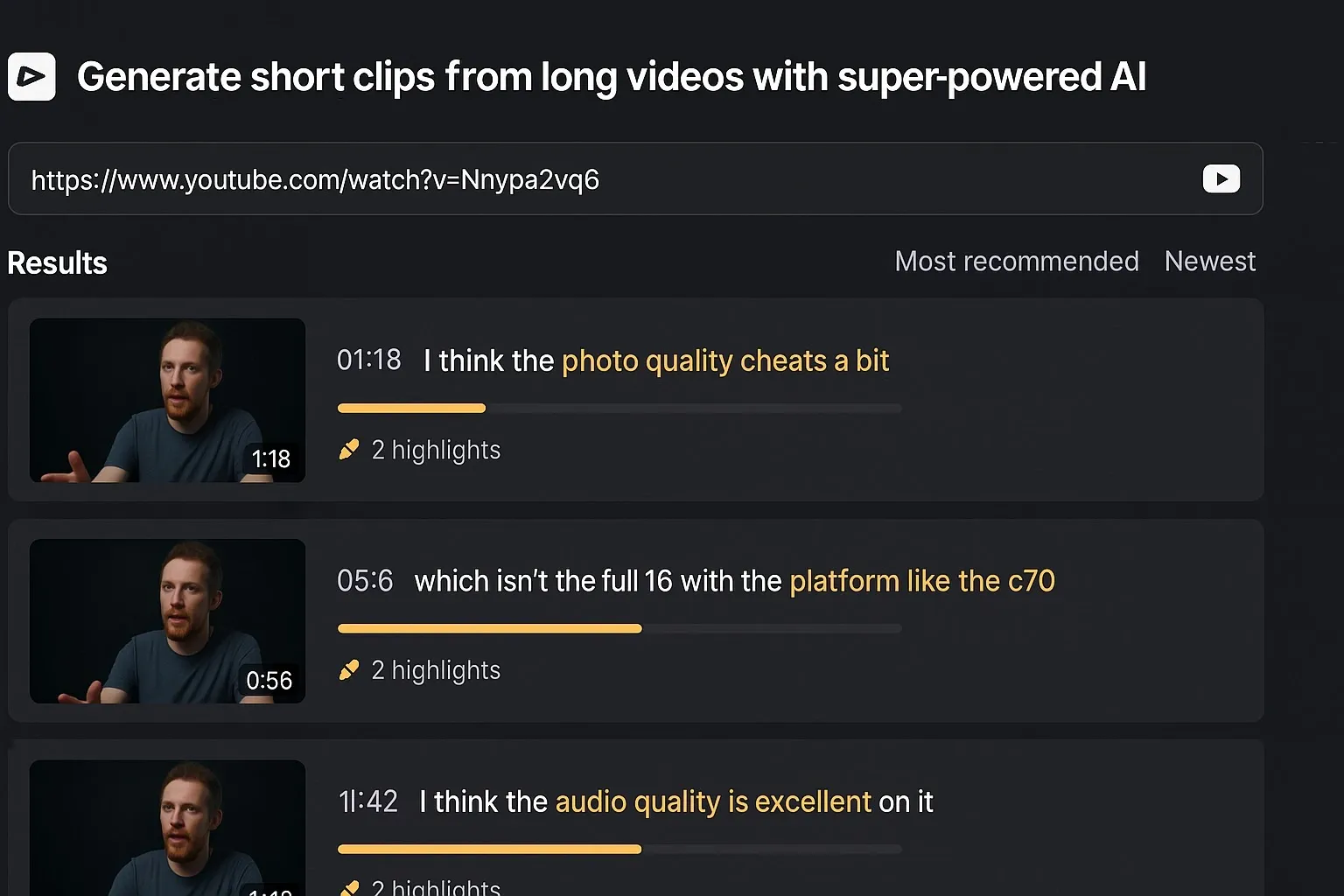
Opus Clip
Opus Clip uses AI to repurpose long videos into viral-ready shorts. Just upload a YouTube or Zoom recording, and the tool automatically identifies the best highlights.
- Pros: Saves hours of editing, strong auto-captioning.
- Cons: Free version limits exports.
Best for: Podcasters and YouTubers who want multiple clips from a single recording.
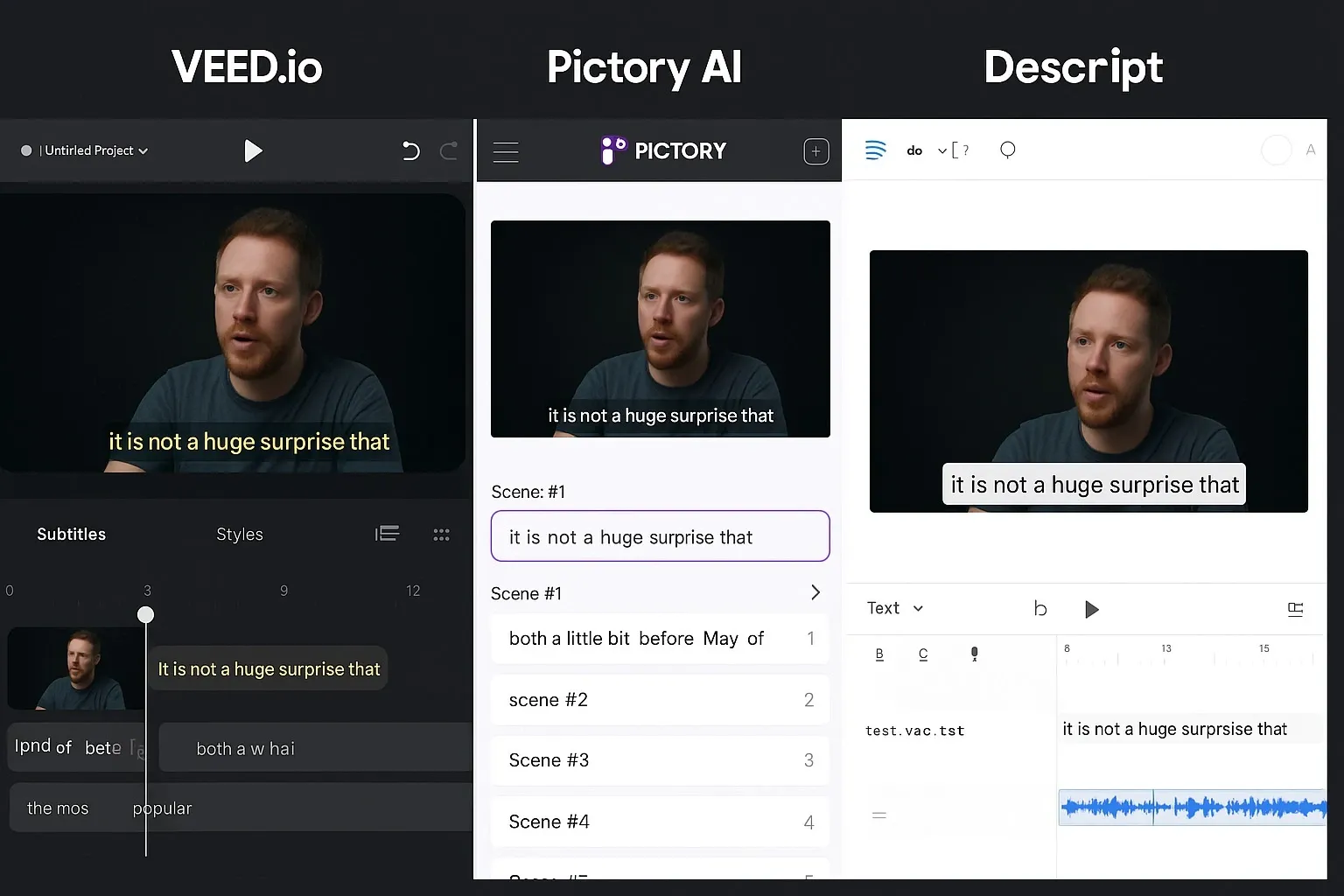
Veed.io
Veed.io is a browser-based editor that mixes AI with manual controls, giving you flexibility while speeding up workflows.
- Pros: Intuitive interface, strong social media export presets.
- Cons: Advanced features require paid plans.
- Best for: Social media managers juggling multiple accounts.
Pictory AI
Pictory turns text and long-form content into engaging video snippets. It’s widely used by brands to recycle blog posts into TikTok or LinkedIn clips.
- Pros: Great for content marketers, easy integration.
- Cons: Limited customization of templates.
- Best for: Businesses that want consistent brand-aligned short clips.
Descript
Known as an audio-first tool, Descript now doubles as an AI-powered video editor. It’s especially popular with creators who work across podcasts and YouTube.
Best for: Podcasters, educators, and hybrid creators.
- Pros: Extremely easy for beginners, doubles as podcast editor.
- Cons: Heavy exports may lag.
Quick Comparison of AI Video Tools
– Opus Clip → Best for YouTubers repurposing long-form content.
– Veed.io → Best for social media managers.
– Pictory AI → Best for marketers turning blogs into video.
– Descript → Best for podcasters and educators.
Benefits of Using AI Video Tools for Social Media
1. Time-saving – Hours of editing cut down to minutes.
2. Consistency – Maintain a steady posting schedule.
3. Platform-optimized – Auto-resizing for TikTok, Instagram, and Shorts.
4. Engagement boost – Clips designed around hooks keep viewers watching.
5. Cost-effective – No need for expensive editors for every short video.
Why It Matters
Short-form video isn’t just a trend—it’s the main driver of engagement across platforms. With AI tools, even small creators or businesses can keep pace with bigger brands, making content creation more accessible than ever.
FAQs About AI Video Tools That Make Short Clips for Socials
Q1: What are the best free AI video tools for making short clips?
A: Tools like Veed.io (basic plan), Pictory (trial), and Opus Clip (limited exports) offer free options.
Q2: Can AI video tools replace human editors?
A: Not fully—AI speeds up clipping and captions, but complex storytelling still benefits from human editing.
Q3: Do AI video tools work for all platforms?
A: Yes. Most support presets for TikTok, Instagram Reels, YouTube Shorts, and LinkedIn.
Q4: Are AI video tools safe for brand use?
A: Yes, reputable tools ensure copyright-safe features like licensed stock footage and music.



