
AI Tools to Auto-Generate Video Captions and Subtitles
See how the AI tools to auto-generate video captions and subtitles improve accuracy, speed, and accessibility. A concise, insight-driven preview for creators seeking smarter, streamlined post-production workflows.

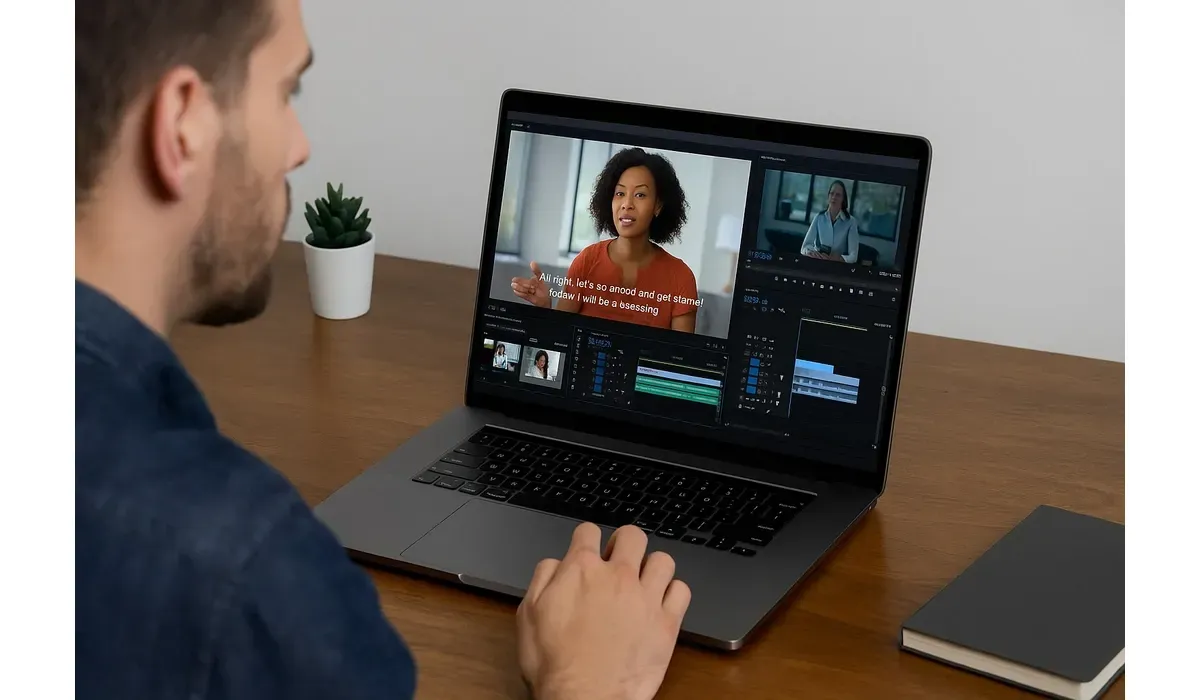
Ever watched a video without sound and felt lost? You’re not alone. In fact, 80% of viewers are more likely to finish a video when captions are available (source: Verizon Media).
That’s where AI video captions tools come in. They instantly create subtitles, making content more accessible and engaging—without hours of manual work.
What Are AI Video Captions?
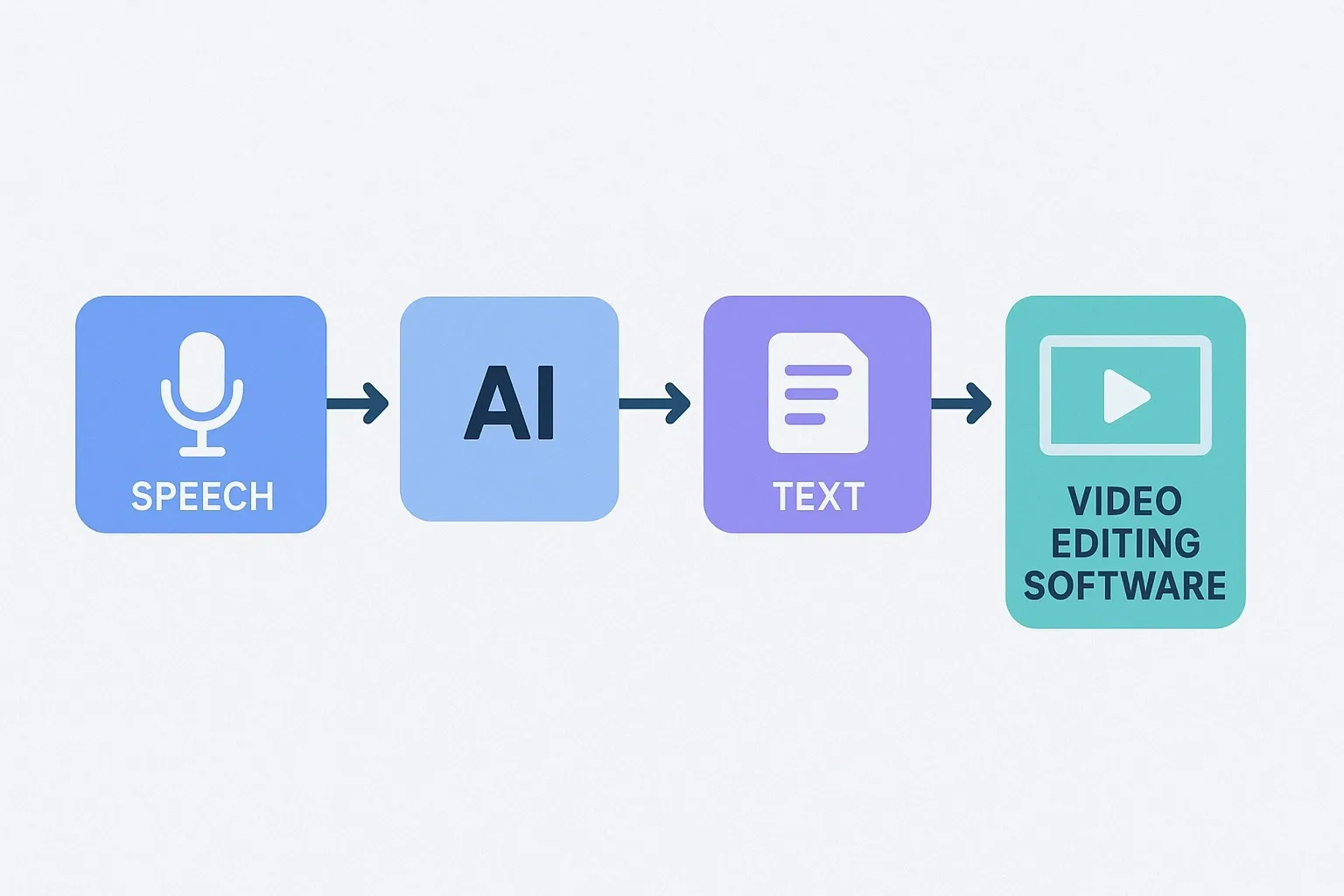
AI video captions are subtitles generated automatically by artificial intelligence. Instead of manually typing every word, AI listens to the audio, converts it into text, and syncs it with the video.
These tools use speech recognition and natural language processing (NLP) to ensure accuracy, often supporting multiple languages.
The result? Faster editing, higher accessibility, and better SEO for video content.
Best AI Tools to Auto-Generate Video Captions and Subtitles
Otter.ai
How it works: Otter.ai transcribes spoken words in real time and syncs them as captions for meetings, webinars, and recorded videos.

$500 Walmart Gift Card
Not everyone qualifies for this $500 Walmart gift card. Checking only takes a moment. You can check if you’re eligible.
Pros:
- Real-time transcription
- Integrates with Zoom and Google Meet
- Easy export to caption formats
Cons:
- Struggles with heavy accents
- Limited customization options
Free vs Paid: Free basic plan; Pro starts at $16.99/month.
Descript
How it works: Descript auto-generates captions while also offering powerful video editing features. You can edit video by editing text.
Pros:
- Highly accurate transcription
- Edit video and audio like a document
- Customizable subtitle styles
Cons:
- Learning curve for beginners
- Paid plans needed for advanced features
Free vs Paid: Free version available; Creator plan starts at $12/month.
Rev.ai
How it works: Rev’s AI tool automatically transcribes audio and generates captions at scale, with an option for human review.
Pros:
- Fast turnaround
- Integrates with major platforms
- High accuracy with human add-on
Cons:
- Human review costs extra
- Subscription can get expensive
Free vs Paid: AI captions start at $0.25 per minute; human captions at $1.50 per minute.
Kapwing
How it works: Kapwing is an online editor with AI-powered captioning that supports over 70 languages.
Pros:
- User-friendly
- Multi-language support
- Great for social media videos
Cons:
- Requires stable internet connection
- Watermark in free version
Free vs Paid: Free version with limitations; Pro costs $16/month.
VEED.io
How it works: VEED.io offers AI-generated subtitles with easy editing and brand customization options.
Pros:
- Fast subtitle generation
- Custom fonts and colors
- Great for teams and businesses
Cons:
- Limited free tier
- Occasional sync issues
Free vs Paid: Free plan available; Basic plan starts at $18/month.
Benefits of Using AI Video Captions
1. Accessibility: Makes content inclusive for deaf and hard-of-hearing audiences.
2. Engagement: Viewers stay longer with captions on muted videos.
3. SEO Boost: Search engines can index captions, improving visibility.
4. Multi-Language Reach: AI tools support translation for global audiences.
5. Time-Saving: Hours saved compared to manual captioning.
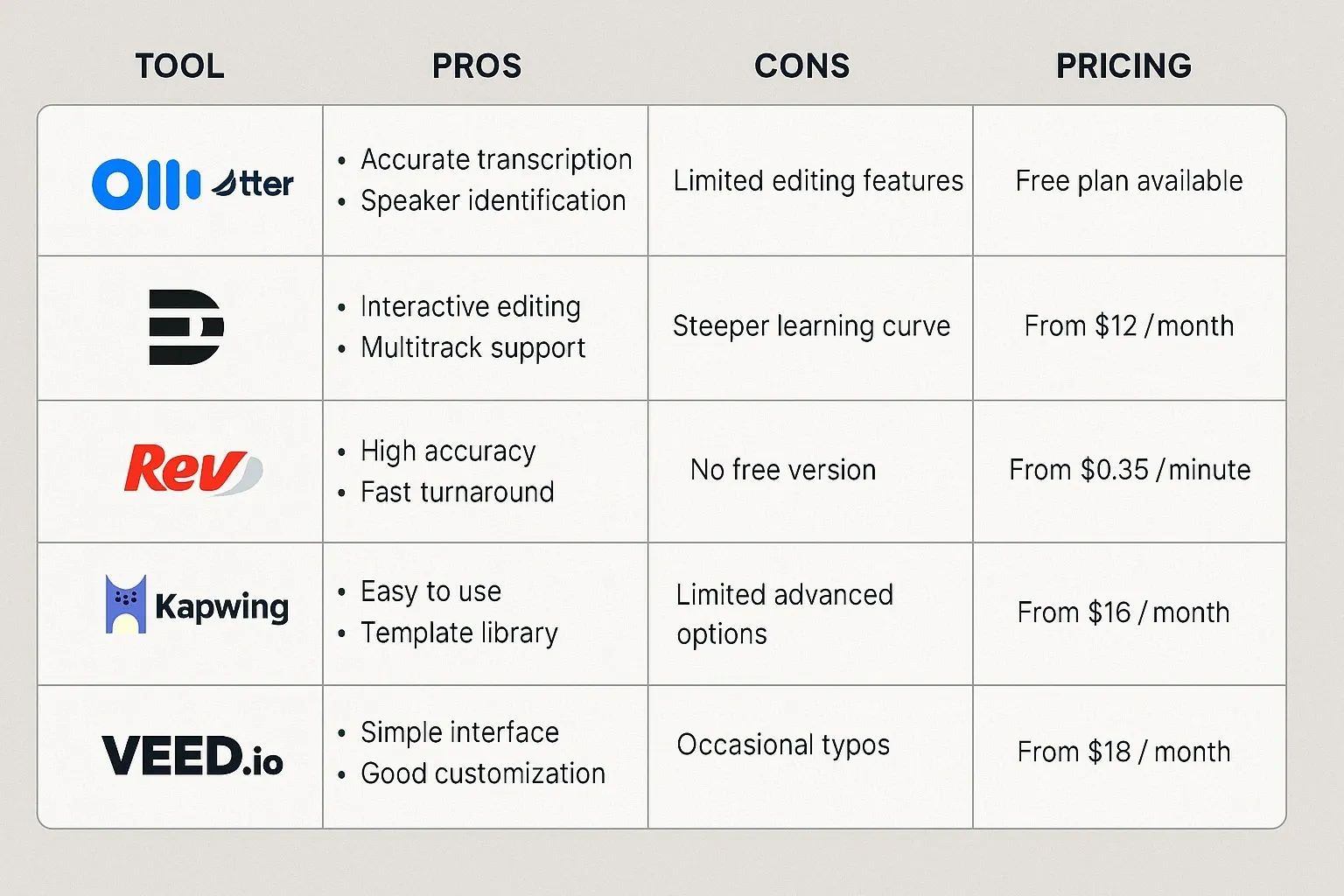
Mini Comparison: Best for Each Use Case
– Best for Real-Time Meetings: Otter.ai
– Best for Video Editing: Descript
– Best for Scale: Rev.ai
– Best for Social Media: Kapwing
– Best for Branding Needs: VEED.io

$750 Amazon Gift Card
Not everyone qualifies for this $750 Amazon gift card. Checking only takes a moment. You can check if you’re eligible.
FAQs: AI Video Captions
Q: Are AI video captions accurate?
A: Yes, most tools reach 80–95% accuracy, though complex accents or noisy audio may reduce quality.
Q: Can AI video captions improve SEO?
A: Yes, captions make video content searchable, increasing visibility in Google and YouTube.
Q: Do these tools support multiple languages?
A: Yes, tools like Kapwing and VEED.io support over 70 languages.
Q: Are AI video caption tools free?
A: Some have free plans, but most advanced features (branding, exporting) require paid versions.
Bottom Line
AI video captions are revolutionizing how we create and consume video content. They save time, improve accessibility, and boost engagement across platforms.
Whether you’re a content creator, business owner, or educator, investing in these tools is a smart move in today’s video-first world.



