
AI Tools That Turn Notes into Action Items Automatically
Discover how AI tools that turn notes into action items automatically can streamline workflows, eliminate manual sorting, and help teams move from information to execution faster with smarter, context-aware automation.
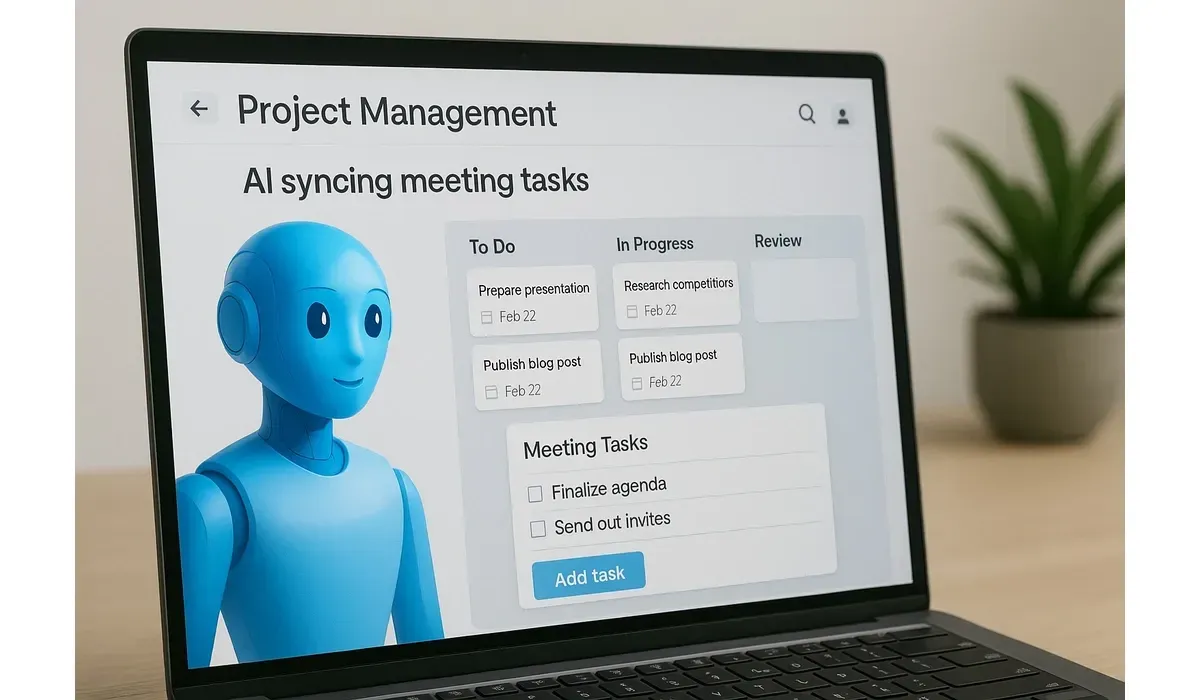
From Messy Notes to Done Tasks
We’ve all been there. You leave a meeting with pages of notes — but no clear action plan. Hours later, you’re still untangling what needs to be done.
Here’s the good news: In 2025, AI Tools That Turn Notes into Action Items Automatically Instead of rereading, copying, and pasting, these assistants instantly convert discussions into to-do lists. The result? More productivity, less chaos.
Why AI Tools That Turn Notes into Action Items Matter
Most professionals spend over 5 hours a week just processing meeting notes (Microsoft Work Trend Index). That’s time you could spend executing instead of organizing.
These AI tools bridge that gap:
These AI tools bridge that gap:
– They summarize key points.
– Highlight decisions made.
– Assign action items with deadlines.
What most people don’t know: Some AI assistants even sync directly with project management apps, so tasks land in your team’s workflow automatically.
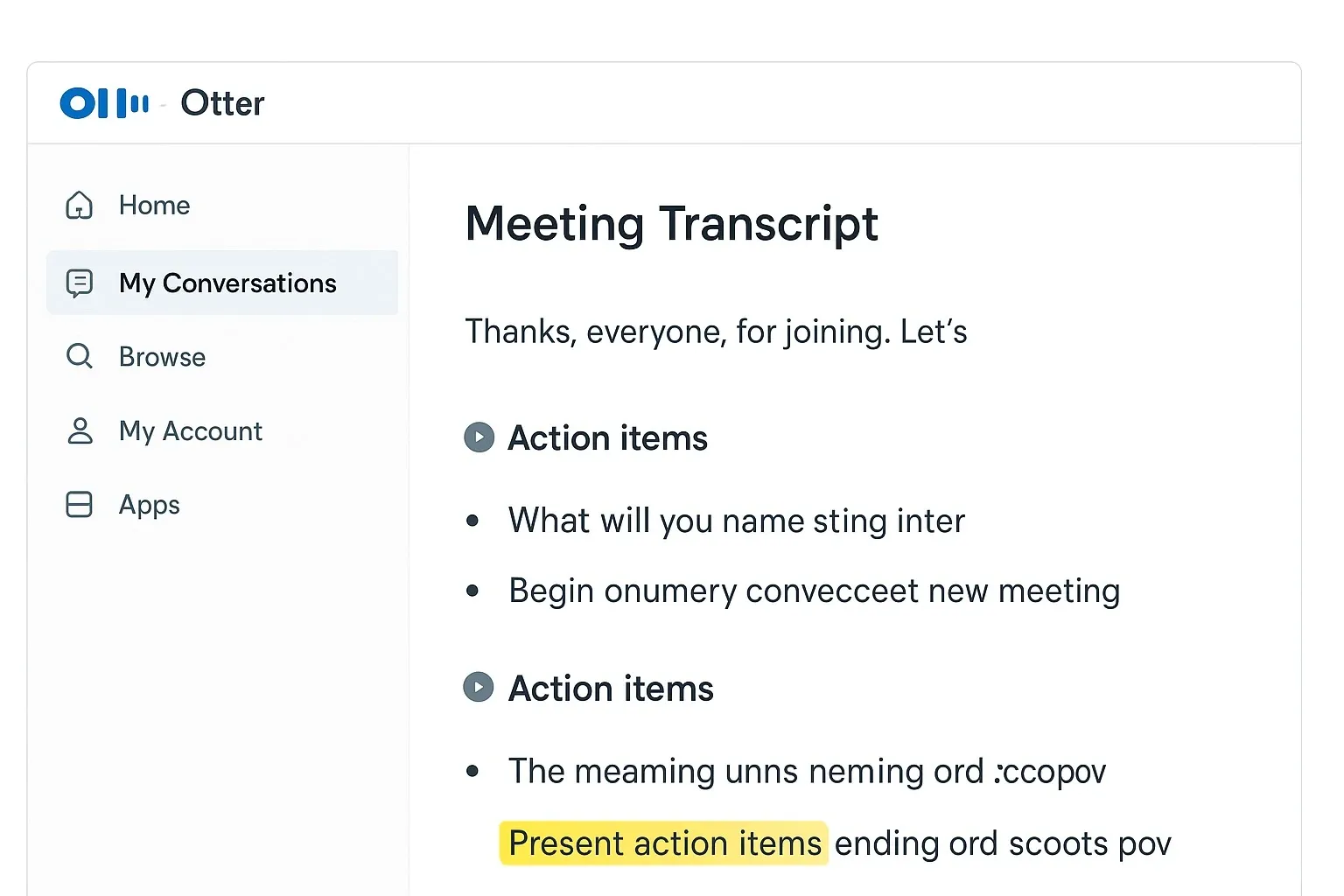
1. Otter.ai: From Meeting Transcripts to To-Dos
Otter.ai started as a transcription tool but has evolved into a meeting productivity assistant.
How it works:
How it works:
– Records your meeting (Zoom, Google Meet, Teams).
– Generates a transcript in real time.
– Highlights decisions and action items automatically.
Pros:
– Accurate transcription with speaker ID.
– Action items highlighted for easy review.
– Integrates with calendars and collaboration apps.
Cons:
– Limited free minutes per month.
– Sometimes misses context for nuanced tasks.
Free vs Paid:
– Free: 300 minutes of transcription monthly.
– Paid: More minutes, live captions, and team collaboration features.
Surprise stat: A Stanford study showed Otter saves workers 4.2 hours weekly by replacing manual note-taking.
2. Notion AI: Notes That Organize Themselves
If you’re already using Notion, adding Notion AI makes your workspace smarter.
How it works:
– Converts raw meeting notes into structured task lists.
– Summarizes lengthy brainstorms into bullet points.
– Suggests follow-up actions and categorizes them.
Pros:
– Works natively inside your Notion workspace.
– Great for teams already collaborating in Notion.
– Flexible — can organize notes, docs, and tasks.
Cons:
– Limited AI calls on free plans.
– Sometimes too generic in task phrasing.
Free vs Paid
– Free: Limited AI generations.
– Paid: Higher usage limits and priority access.
Mini-comparison: Notion AI is best for flexible documentation, while Otter is best for real-time transcription + actions.

3. Fireflies.ai: Meeting Assistant That Assigns Tasks
Think of Fireflies.ai as a “team listener.”
How it works:
– Joins your calls (Zoom, Teams, Meet).
– Transcribes the conversation.
– Extracts action items and even assigns them to team members.
Pros:
– Integrates with CRM and project management tools.
– AI-powered summaries delivered to your inbox.
– Multi-language support.
Cons:
– Audio quality affects accuracy.
– Action items may need manual review for precision.
Free vs Paid:
– Free: Limited transcription.
– Paid: Unlimited meetings, CRM integrations.
What most people don’t know: Fireflies can auto-sync tasks into Trello, Asana, or Slack, skipping manual entry.
4. Mem.ai: Your Personal Knowledge + Task Assistant
Mem.ai is more than note-taking — it’s like having a second brain that organizes tasks automatically.
How it works:
– Captures notes from meetings, emails, or Slack.
– AI suggests next steps and organizes them by priority.
– Tasks show up in a timeline for easy follow-up.
Pros:
– Intuitive design, perfect for solo professionals.
– Learns your writing and context over time.
– Smart search makes old notes instantly usable.
Cons:
– Less robust for large teams.
– Still evolving features compared to Otter/Notion.
Free vs Paid:
– Free: Limited AI generations.
– Paid: Unlimited AI + integrations.
Real-world example: A freelancer can jot quick notes after a client call, and Mem turns them into a task list with deadlines.
5. Fellow.app: AI Meeting Notes + Action Tracker
Fellow is known for structured meeting notes, but its AI assistant now extracts action items automatically.
How it works:
– Records meeting notes in templates.
– AI highlights next steps, assigns owners.
– Syncs tasks with Jira, Asana, or Trello.
Pros:
– Built specifically for meetings.
– Strong integrations with team tools.
– Encourages accountability by assigning tasks.
Cons:
– Works best in structured meetings, less so for free-flowing brainstorms.
– AI features only on paid plans.
Free vs Paid:
– Free: Basic meeting templates.
– Paid: AI summaries, task extraction, and integrations.
What most people don’t know: Fellow helps track recurring action items so nothing slips through across weekly meetings.
Quick Comparison: Best AI Tools for Turning Notes into Action Items
1. Otter.ai → Best for real-time transcription + highlights.
2. Notion AI → Best for flexible documentation + tasks.
3. Fireflies.ai → Best for syncing action items with team tools.
4. Mem.ai → Best for freelancers and solo pros.
5. Fellow.app → Best for structured team meetings.
Why These Tools Matter in 2025
Meetings aren’t going away — in fact, they’ve increased by 13% since 2020 (Harvard Business Review). But wasting time turning notes into tasks is avoidable.
AI assistants mean:
– Faster execution → notes become tasks instantly.
– Fewer dropped balls → assigned owners increase accountability.
– Less stress → no one has to be the “note-taker” anymore.
Bottom line: These tools don’t just save time. They turn conversations into action — the very thing most teams struggle with.
FAQs: AI Tools That Turn Notes into Action Items Automatically
1. Are AI note-to-action tools accurate?
Mostly yes, but they sometimes miss context. It’s best to review extracted tasks quickly before assigning.
2. Can I use these AI tools for free?
Yes. Most have free tiers (Otter, Notion, Fireflies) with limited usage. Paid plans unlock unlimited meetings and integrations.
3. Do these tools work with remote teams?
Absolutely. In fact, they’re most useful for remote-first teams, where meetings happen across time zones.
4. Which tool is best overall?
For individuals → Mem.ai or Notion AI.
For teams → Otter.ai, Fireflies, or Fellow.



