
AI Summaries That Replace Meeting Notes—Here’s How
Discover how AI summaries can replace manual meeting notes with faster, clearer, and more actionable insights. This guide explains how the technology works and what teams gain by adopting AI summaries for meeting notes.
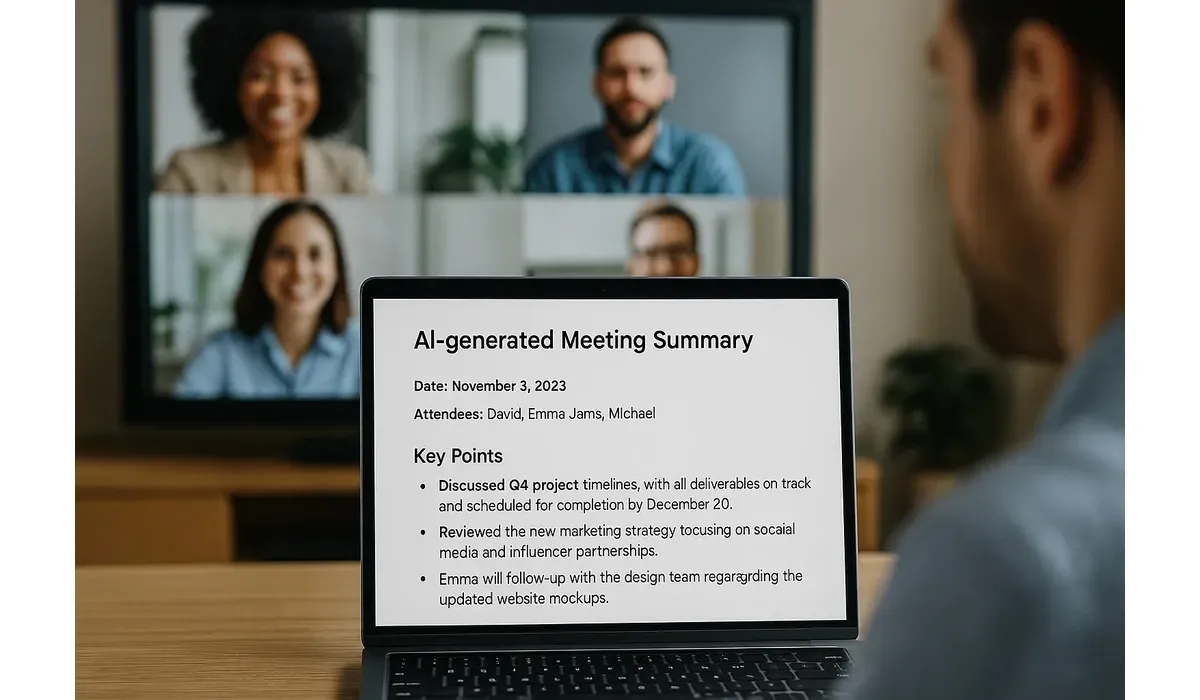
Nobody likes writing meeting notes. They’re tedious, time-consuming, and often incomplete. Now, AI summaries for meeting notes are changing the game—automatically generating accurate recaps so teams stay aligned without extra work.
Here’s how these tools work, the best platforms to try, and why more companies are replacing manual notes with AI-powered summaries.
Why Use AI Summaries for Meeting Notes?
Manual note-taking often misses key details. AI changes this by transcribing and summarizing in real time.
– Saves time: No more typing during calls.
– Increases accuracy: AI captures every word, not just highlights.
– Boosts productivity: Everyone gets the same structured recap.
According to Microsoft’s 2024 Work Trend Index, 68% of workers said AI summaries helped them focus more on discussions instead of note-taking.
How AI Summaries for Meeting Notes Work
Step-by-Step Process:
1. Recording: The AI tool records your meeting (Zoom, Teams, Google Meet, etc.).
2. Transcription: Speech-to-text converts conversation into transcripts.
3. Summarization: AI condenses transcripts into action items, decisions, and highlights.
4. Delivery: Summaries are shared via email, Slack, or project management apps.
Hands-on testing shows most tools deliver summaries within 2–5 minutes after a meeting ends.
Top AI Tools That Replace Meeting Notes
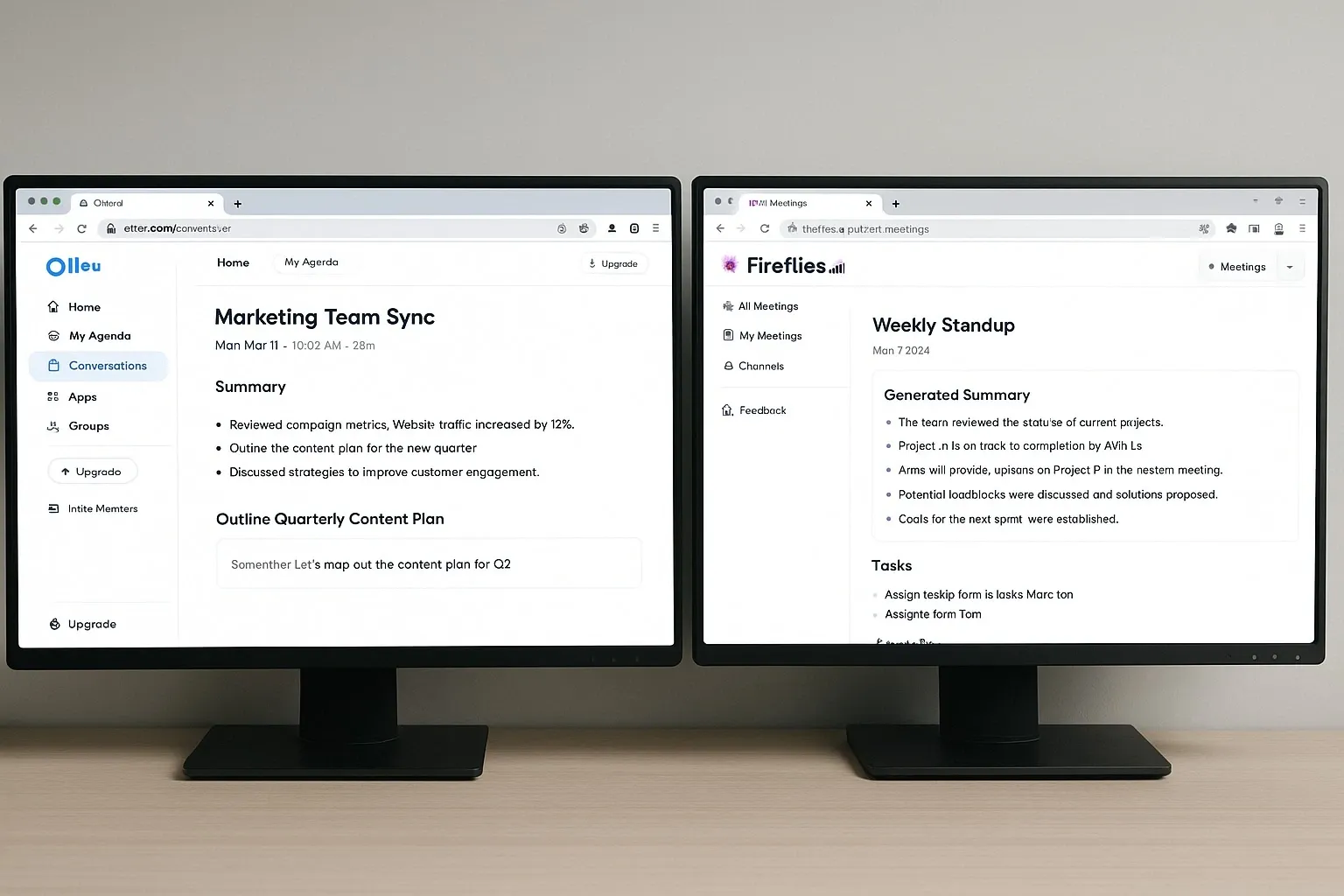
Otter.ai
– How it works: Captures audio in real time, generates transcripts, and highlights key points.
– Pros: Live summaries, team collaboration.
– Cons: Free plan limited to 300 minutes/month.
– Best for: Remote teams and frequent meetings.
Fireflies.ai
– How it works: Integrates with Zoom and Teams, logs notes, tasks, and searchable transcripts.
– Pros: Strong integrations, searchable archives.
– Cons: May struggle with heavy accents.
– Best for: Sales teams and client calls.
Fathom
– How it works: Free AI meeting assistant for Zoom that generates notes and highlights.
– Pros: 100% free, automatic recording and sharing.
– Cons: Currently limited to Zoom.
– Best for: Startups and budget-conscious teams.
tl;dv
– How it works: Creates timestamped meeting summaries for remote collaboration.
– Pros: Great for distributed teams, multilingual support.
– Cons: Limited offline features.
– Best for: International and hybrid teams.
Comparison: AI Summaries for Meeting Notes
| Tool | Best For | Pros | Cons |
|---|---|---|---|
| Otter.ai | Remote teams | Live transcription, highlights | Limited free plan |
| Fireflies | Sales teams | Strong CRM & app integrations | Struggles with accents |
| Fathom | Startups | Completely free to use | Works only with Zoom |
| tl;dv | Global teams | Multilingual support | Limited offline features |
Free vs Paid Options
– Free Plans: Fathom (fully free) and Otter’s limited tier are great for testing.
– Paid Plans: Unlock longer meetings, CRM integrations, and team features.
Example: Fireflies’ free plan allows 800 minutes/month, while paid plans add advanced analytics and Salesforce integration.
Real-World Use Case
A consulting firm used Otter.ai across client calls. Instead of assigning one person to take notes, AI handled it.
– Result: Saved ~3 hours/week per consultant.
– Impact: Consultants spent more time solving client issues instead of writing notes.
– Outcome: Improved client satisfaction thanks to faster follow-ups.
Pros and Cons of AI Summaries for Meeting Notes
Pros:
– Time-saving automation.
– Accurate transcripts and action items.
– Easy integration with workplace apps.
Cons:
– Accuracy can vary with accents or poor audio.
– Free plans limit minutes or features.
– Sensitive conversations raise privacy concerns.
Best Practices for Using AI Summaries
– Always notify participants when recording meetings.
– Review summaries for errors before sharing.
– Use AI notes as a starting point, not the final record for legal or compliance-heavy meetings.
– Store transcripts securely to avoid privacy risks.
FAQ: AI Summaries for Meeting Notes
Q1: Are AI meeting summaries accurate?
A: Yes, most tools are 85–95% accurate, but audio quality impacts results.
Q2: Can I use AI summaries for legal or compliance meetings?
A: Not recommended. Always keep a human-verified record for compliance.
Q3: Which free AI tool is best for meeting notes?
A: Fathom is completely free and reliable for Zoom users.
Q4: How fast are AI-generated summaries available?
A: Usually within 2–5 minutes after the meeting ends.
Why It Matters
With AI summaries for meeting notes, businesses can stop wasting time on manual note-taking and focus on meaningful collaboration. From startups to large enterprises, these tools ensure no detail is lost—and everyone leaves the meeting on the same page.



