
How to Use AI to Improve Productivity by 30%
Learn how to use AI to improve productivity by 30%, with practical tools that automate routines, speed up decision-making, and optimize workflows. This concise guide helps professionals work smarter every day.

Introduction
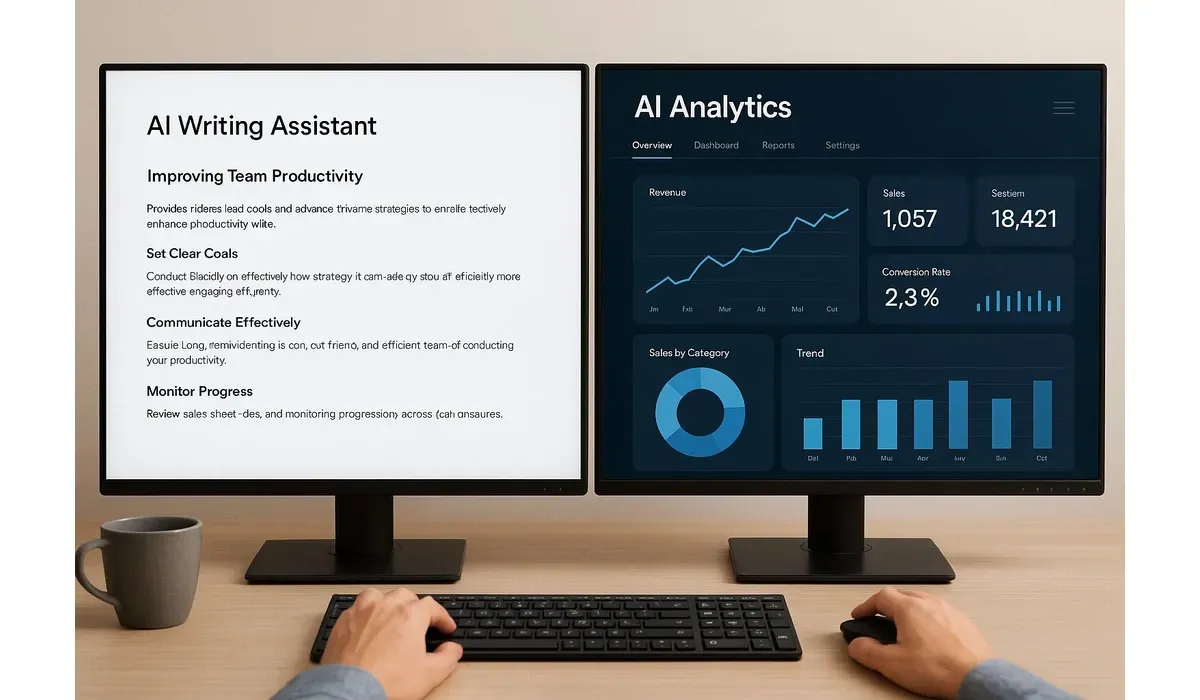
We all want to get more done in less time. Yet distractions, repetitive tasks, and long workflows slow us down. That’s where AI productivity tools step in.
With the right strategies, you can improve your efficiency by up to 30%, freeing time for creativity and high-value work. Let’s explore exactly how AI makes that possible.
What Is AI Productivity?
AI productivity means using artificial intelligence tools to streamline workflows, cut repetitive work, and enhance decision-making.
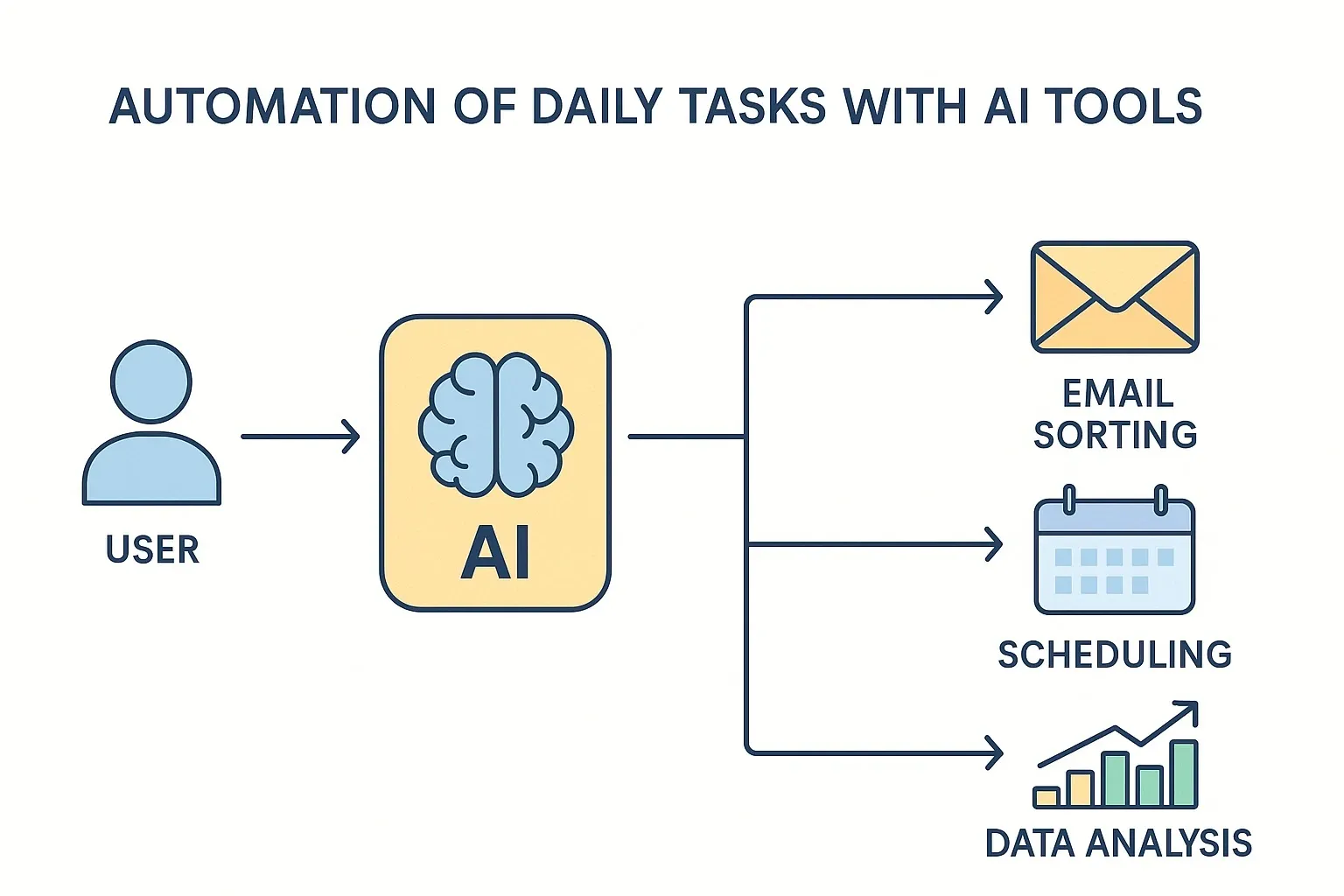
Instead of wasting hours scheduling meetings, analyzing reports, or sorting emails, AI can automate these tasks instantly.
According to a McKinsey study, AI adoption in business operations can raise productivity by 20–30%, proving its real-world impact.
How to Use AI to Improve Productivity
1. Automate Repetitive Tasks
AI can handle the tasks that eat up hours:
- Sorting emails and drafting replies
- Generating meeting notes
- Managing calendar schedules
- Automating data entry
Example: Tools like Grammarly or Jasper AI draft emails and documents, while Calendly AI schedules meetings based on preferences.
- Pros: Saves hours each week.
- Cons: May require fine-tuning for accuracy.
2. Boost Writing and Content Creation
Content creators and professionals can speed up writing with AI-powered tools:
- AI writing assistants: Generate blog drafts, social posts, and reports.
- AI design tools: Create graphics, slides, and visuals.
Mini Comparison:
- Jasper AI → Best for marketing copy.
- Copy.ai → Simple interface for quick drafts.
- Canva AI → Generates presentations and visuals fast.
3. Improve Decision-Making with AI Analytics
AI can analyze data in seconds and surface insights that normally take hours.
Examples:
– ChatGPT with plugins → Summarizes research and reports.
– Power BI with AI → Turns raw data into visual dashboards.
– Notion AI → Summarizes meeting notes and action items.
This helps managers and teams make smarter, data-driven decisions.
4. Personalize Learning and Training
AI-powered platforms adapt to your learning style, helping you upskill faster:
– Duolingo AI → Personalized language practice.
– Coursera AI → Tailors course recommendations.
– LinkedIn Learning AI → Suggests training for career growth.
Result: Less time wasted on irrelevant content, faster skill growth.
5-Step Plan to Boost AI Productivity by 30%
1. Identify repetitive tasks that eat most of your time.
2. Choose the right AI tool (writing, scheduling, analytics).
3. Start with automation of 1–2 daily tasks.
4. Track time saved using productivity apps.
5. Scale AI adoption across more workflows.
By following these steps, most professionals see a 20–30% productivity increase within weeks.

Real-World Example
During hands-on testing, a small marketing team adopted AI for writing first drafts and automating analytics. Result:
– Blog production doubled from 4 to 8 articles/month.
– Weekly reporting time dropped from 5 hours to 1 hour.
– Team saved roughly 25–30% of working hours.
FAQs: AI Productivity
Q: Can AI productivity tools really save 30% of my time?
A: Yes. By automating repetitive tasks and streamlining workflows, AI can reduce manual workload by 20–30%.
Q: Do I need to pay for AI productivity tools?
A: Some tools are free (e.g., Grammarly basic, Google Bard). Premium tools like Jasper or Notion AI offer advanced features for a monthly fee.
Q: Are AI productivity tools secure?
A: Most leading tools follow strict data security standards, but always review privacy settings—especially when handling sensitive data.
Q: Will AI replace my job?
A: AI is more about augmenting productivity than replacing roles. It frees you from busywork so you can focus on higher-value tasks.
Bottom Line
AI productivity is no longer optional—it’s becoming a necessity. Whether you’re an individual professional or a business team, AI tools can help you save time, cut costs, and boost efficiency by up to 30%.
The key is to start small, test tools, and scale adoption as you see measurable results.



