
AI Tools That Make Presentations From a Bulleted List
Explore AI tools that make presentations from a bulleted list in seconds, transforming simple notes into polished slides. This concise guide helps teams speed up workflows and improve presentation quality.


Presentations are powerful for communication—but building them often takes hours of formatting and design.
What if you could simply paste a bulleted list and let technology do the heavy lifting? That’s exactly what AI presentation tools do. They convert rough ideas into professional slides in minutes.
What Are AI Presentation Tools?
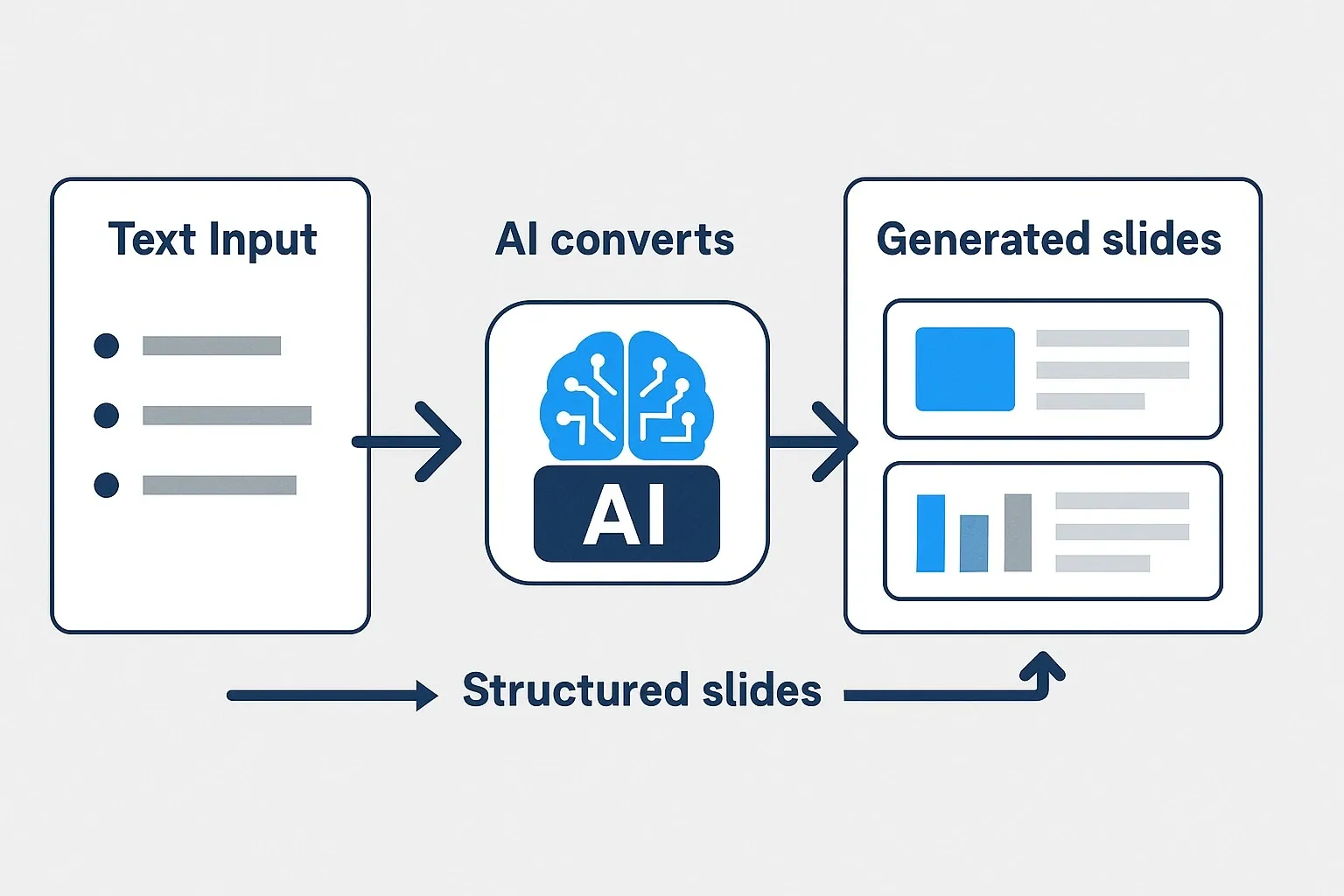
AI presentation tools are software platforms powered by artificial intelligence that transform text prompts or bullet points into ready-to-use slide decks.
They analyze your input, suggest layouts, and even recommend visuals. Many integrate directly with PowerPoint or Google Slides for quick exporting.
A 2023 Canva report found that 65% of users said AI helped them speed up design work, including presentations.
Top AI Presentation Tools That Make Slides From Bullet Points
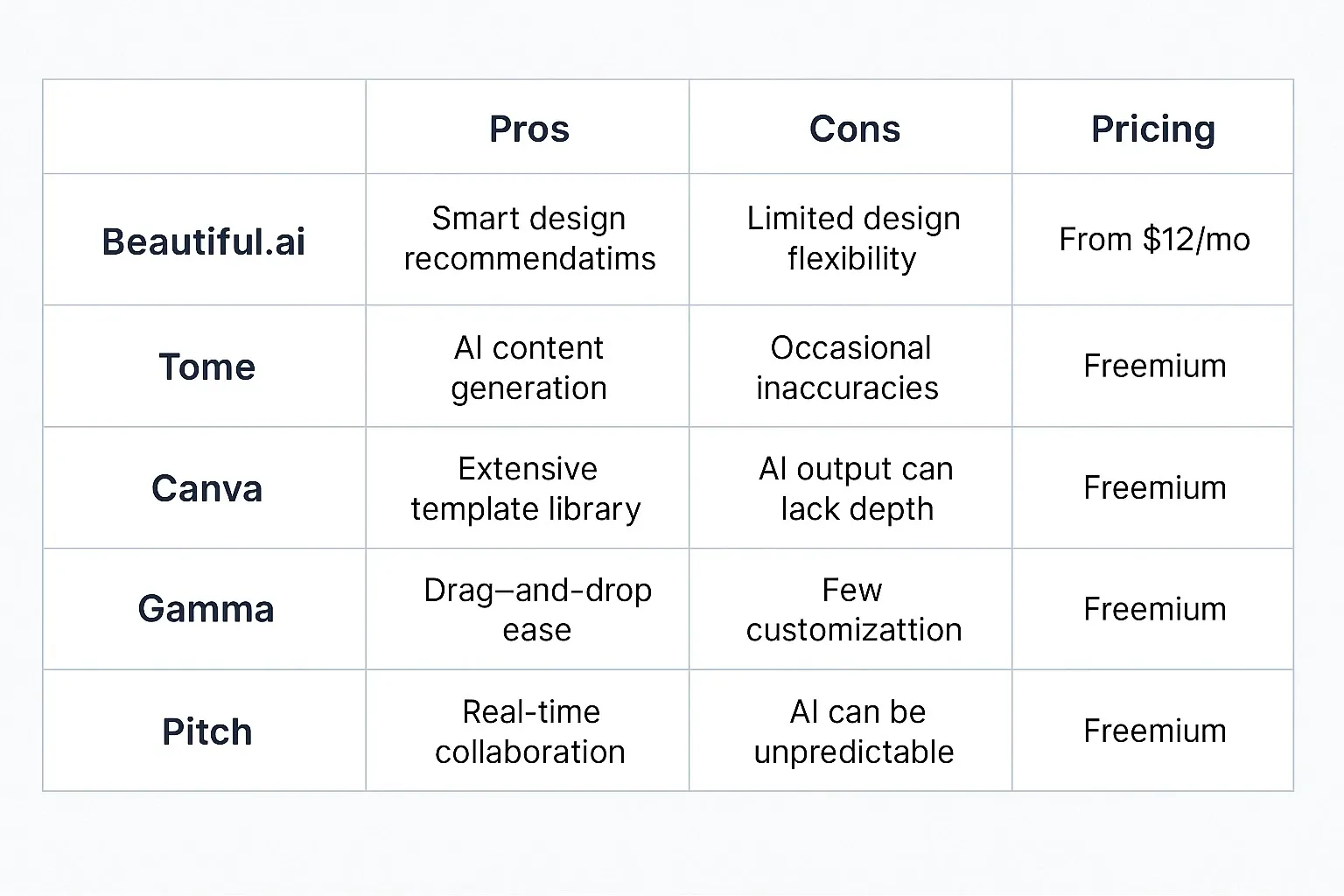
Beautiful.ai
How it works: Type your bullet points, and Beautiful.ai generates clean, structured slides instantly.
Pros:
- Smart templates adapt automatically
- Sleek, modern design
- Great for teams with collaboration features
Cons:
- Limited offline functionality
- Premium templates locked behind paywall
Free vs Paid: Free version available; Pro starts at $12/month.
Tome
How it works: Tome uses AI storytelling to create a narrative around your bullet points, adding visuals and context.
Pros:
- AI generates text and images
- Great for pitches and reports
- Quick export to PDF
Cons:
- Less customizable
- Internet required
Free vs Paid: Free plan; Pro starts at $10/month.
Canva Magic Design
How it works: Paste your outline into Magic Design, and Canva suggests templates, images, and slide structures.
Pros:
- Huge template library
- User-friendly drag-and-drop editor
- Supports brand kits for businesses
Cons:
- Free version has watermarks
- Premium visuals require Pro plan
Free vs Paid: Free plan available; Pro is $14.99/month.
Gamma
How it works: Gamma creates decks directly from text or bullet points, focusing on simplicity and interactivity.
Pros:
- Clean, minimal designs
- Supports embedding videos and links
- Exports to PowerPoint or PDF
Cons:
- Limited design customization
- Best suited for startups and educators
Free vs Paid: Free version available; paid plans start at $8/month.
Pitch
How it works: Pitch blends collaboration and AI-assisted design to turn bullet points into team-ready slides.
Pros:
- Designed for teams
- Analytics for engagement tracking
- Professional, business-focused templates
Cons:
- Learning curve for new users
- Fewer templates compared to Canva
Free vs Paid: Free tier; Pro starts at $10/month per user.
Benefits of Using AI Presentation Tools
1. Save Time: Build decks in minutes.
2. Consistency: Polished, professional designs every time.
3. Accessibility: Perfect for non-designers.
4. Collaboration: Real-time editing for teams.
5. Productivity: Focus on ideas instead of slide layouts.
Mini Comparison: Best for Each Category
– Best for Beginners: Canva
– Best for Pitches: Tome
– Best for Teams: Pitch
– Best for Minimalist Design: Gamma
– Best for Visual Appeal: Beautiful.ai
FAQs: AI Presentation Tools
Q: What are AI presentation tools used for?
A: They turn outlines or bullet points into professional slides automatically.
Q: Are AI presentation tools free?
A: Yes, most offer free plans, but advanced templates or branding need subscriptions.
Q: Can I export AI-generated slides to PowerPoint?
A: Yes, many tools allow exporting to PowerPoint, Google Slides, or PDF.
Q: How accurate are AI-generated designs?
A: Most decks are 80–90% presentation-ready, though fine-tuning may be needed.
Bottom Line
AI presentation tools are game-changers for professionals, students, and teams. By converting bullet points into polished slides, they cut hours of design work while improving consistency and impact. If you want to impress your audience without stressing over design, these tools are worth trying.



