
Top AI Image Tools for Marketers in 2025 — AI
Discover how the top AI image tools for marketers in 2025 are transforming content creation. This guide highlights the standout platforms that boost productivity, enhance visuals, and simplify campaign workflows.

Images That Sell Themselves
AI Image Tools for Marketers 2025 isn’t just about words. It’s about visuals that stop the scroll. But here’s the twist: you don’t need Photoshop skills anymore. AI image tools can now generate, edit, and optimize graphics in seconds.
The best part? Many of these tools are free or affordable — and marketers who use them report up to 40% higher engagement on campaigns (HubSpot). Curious which ones are worth your time? Let’s explore the top AI image tools for marketers in 2025.
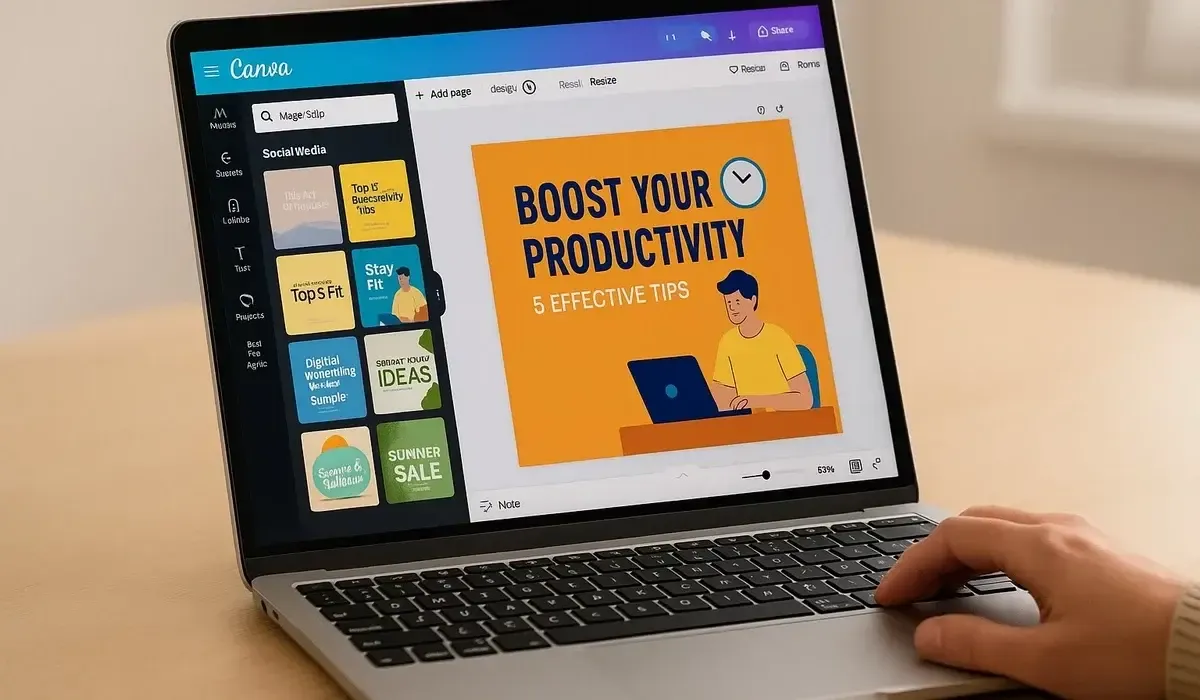
1. Canva AI: Design Without Designers
Canva has been a marketer’s favorite for years, but in 2025 its AI suite is a game-changer.
How it works: You type “create a LinkedIn banner about productivity,” and Canva instantly generates design options. Its AI can also remove backgrounds, resize for different platforms, and suggest layouts.
Pros:
- Beginner-friendly interface.
- Thousands of ready-to-use templates.
- AI text-to-image included.
Cons:
- Free plan has watermarks on some assets.
- Not as customizable as Photoshop.
Free vs Paid:
- Free: Basic AI tools, templates, and background remover.
- Paid: Brand kits, advanced AI generators, unlimited storage.
Surprising fact: Canva’s AI background remover now matches 80% of Photoshop’s accuracy — for free.
2. Adobe Firefly: The Enterprise Favorite
Adobe couldn’t ignore the AI wave. Enter Adobe Firefly, now integrated into Photoshop and Illustrator.
How it works: Marketers can type prompts like “Add a modern office background behind this product shot.” Firefly generates results directly in your design file.
Pros:
- Professional-grade quality.
- Seamless integration with Adobe Creative Cloud.
- Trained on licensed images (safer for commercial use).
Cons:
- Paid subscription required for full use.
- Steeper learning curve for beginners.
Free vs Paid:
- Free: Limited generations per month.
- Paid: Unlimited usage with Creative Cloud subscription.
Mini-comparison: Canva is faster for social media posts. Firefly is better for brand campaigns and high-end visuals.
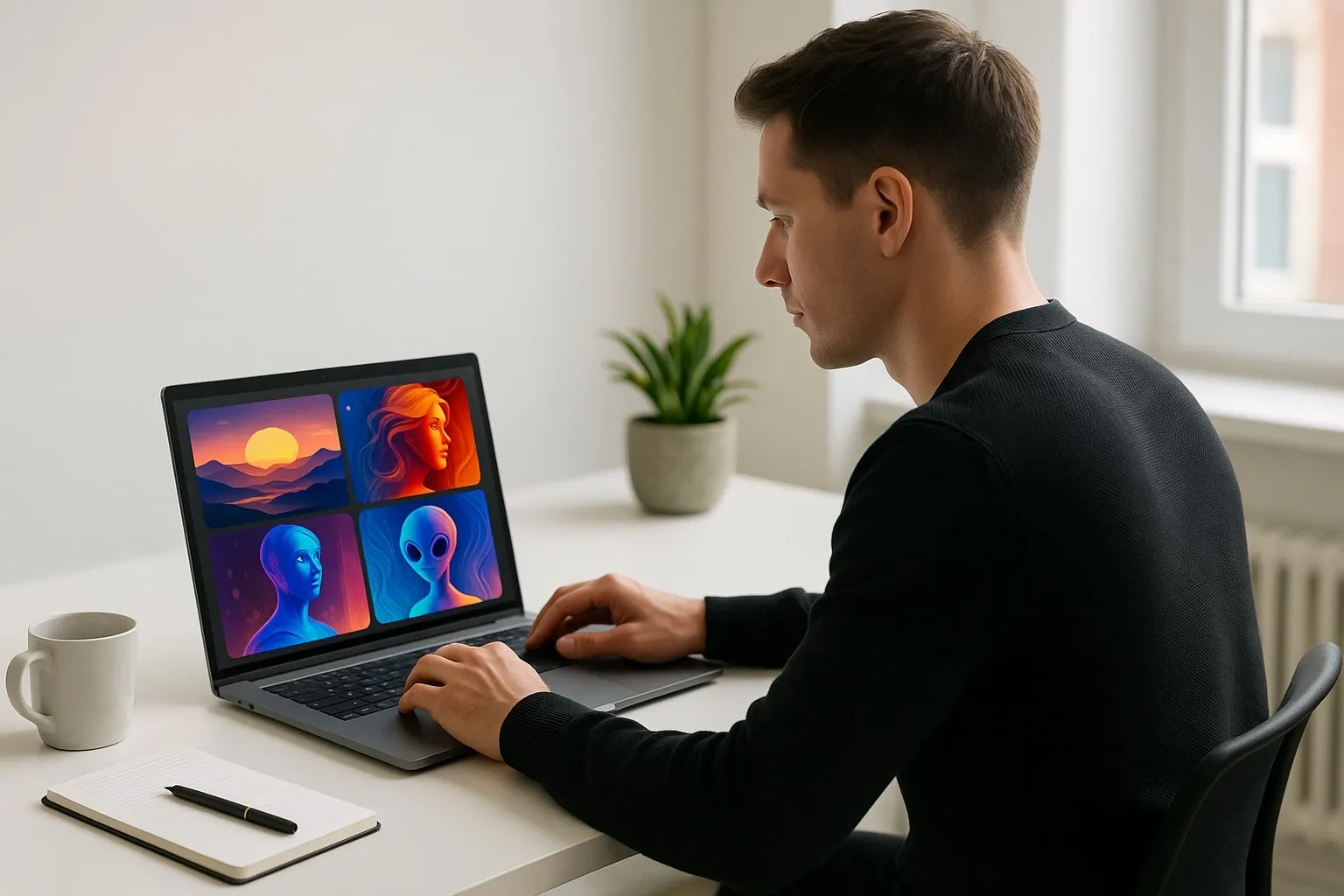
Best AI Image Tools for Marketers in 2025
3. DALL·E 3: Original Creative Concept Generator
For marketers who need never-seen-before visuals, DALL·E 3 is a standout choice.
How it works: You describe exactly what you want, and the AI generates realistic or artistic images.
Example: “A futuristic city skyline in neon colors for an ad campaign.”
Pros
- Extremely flexible for creative concepts.
- Integrates with ChatGPT for prompt refinement.
- Great for brainstorming ad visuals.
Cons
- Sometimes inconsistent in detail quality.
- Requires strong prompts for best results.
Free vs Paid:
- Free: Limited monthly credits.
- Paid (ChatGPT Plus): More generations, higher quality.
Insider Tip: DALL·E can now edit existing images — perfect for updating old campaign graphics.
4. MidJourney: Viral Social Media Maker
If your goal is eye-catching, viral-ready visuals, MidJourney delivers.
How it works: Running on Discord, MidJourney produces ultra-stylized images from prompts.
Example: “A cinematic product shot of sneakers on Mars.”
Pros
- Gorgeous, unique visuals.
- Perfect for campaigns needing “wow” factor.
- Strong community for inspiration.
Cons
- No traditional interface (Discord-only).
- Stylized results can be less brand-consistent.
Free vs Paid:
- Free: No free plan anymore.
- Paid: Starts at $10/month for limited generations.
📊 Stat: According to Social Media Today, Instagram posts using MidJourney-style visuals saw 25% higher engagement in 2024.
5. Remove.bg & Cleanup.pictures: The Hidden Time-Savers
Not all AI image tools are flashy. Some simply save hours of editing.
- Remove.bg → Instantly deletes image backgrounds.
- Cleanup.pictures → Erases unwanted objects from photos.
Why marketers love them: Quick edits mean faster campaign launches. Instead of waiting for designers, anyone on the team can polish visuals in seconds.
Free vs Paid:
- Free: Low-resolution exports.
- Paid: High-resolution, unlimited use.
Mini-comparison:
- Use Canva for design,
- DALL·E/MidJourney for creation,
- Remove.bg/Cleanup for polish.
Quick Comparison: Best AI Image Tools for Marketers
- Canva AI → Best all-rounder for quick designs.
- Adobe Firefly → Best for brand-safe, pro-quality images.
- DALL·E 3 → Best for original creative concepts.
- MidJourney → Best for viral, artistic visuals.
- Remove.bg / Cleanup.pictures → Best for fast touch-ups.
Why These AI Tools Matter for Marketers in 2025
Visuals are no longer optional. According to HubSpot, 68% of consumers prefer ads with visuals over plain text.
With AI, marketers can now:
- Test multiple ad creatives in a single afternoon.
- Repurpose old assets with AI cleanup.
- Create platform-specific designs without extra cost.
In short: AI gives small teams big-agency power. And in competitive digital marketing, speed + creativity = conversions.
FAQs: Top AI Image Tools for Marketers in 2025
2. Can free AI image tools replace paid design software?
For simple campaigns, yes. But for high-resolution, brand-safe projects, paid tools (Adobe, MidJourney) are better.
3. Which AI image tool saves the most time?
Remove.bg and Canva AI are the biggest time-savers for everyday marketing tasks.
4. Do AI-generated images rank better in SEO or social media?
Not directly — but they increase engagement and click-throughs, which indirectly boosts reach.



