
AI-First Web Browsers Agentic Mode Comparison: The Future of Web Freedom or the Beginning of Digital Dependence?
Explore the AI-first web browsers agentic mode comparison and what it reveals about the future of online freedom—or rising digital dependence. This concise, research-driven analysis highlights key features, risks, and shifts shaping the next era of browsing.

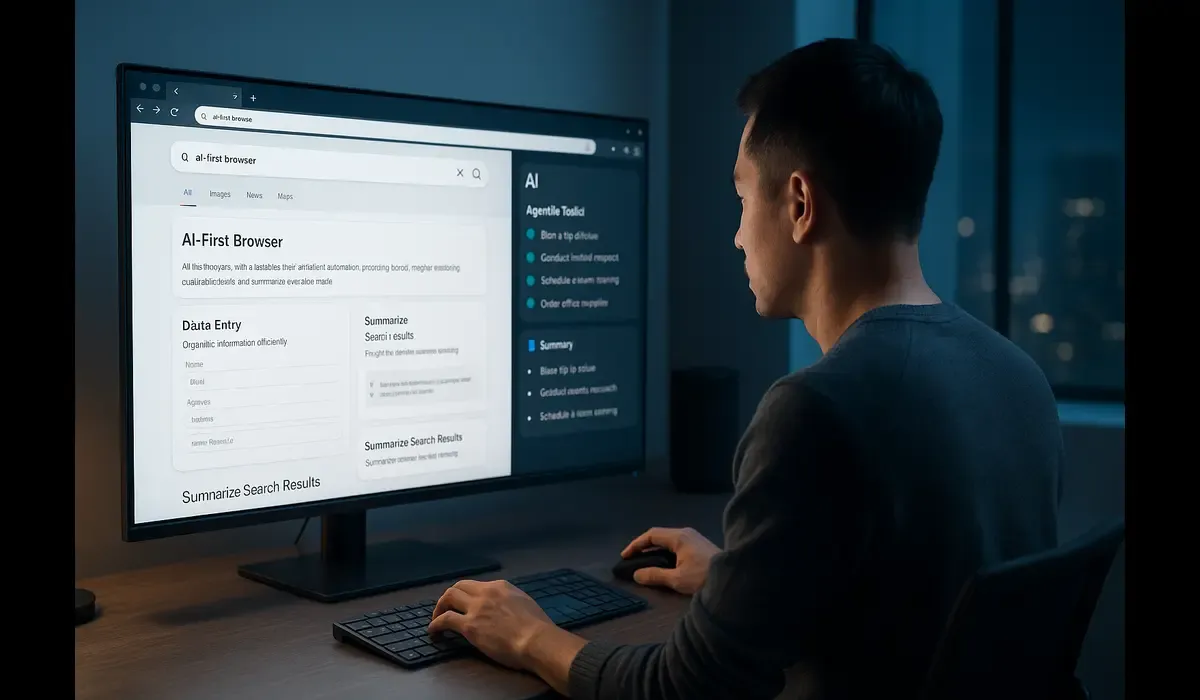
AI-first web browsers agentic mode comparison is reshaping how users think about browsing. Instead of manually navigating tabs or typing queries, modern browsers now act like intelligent assistants — capable of understanding intent, performing tasks, and automating workflows.
- AI-first web browsers Agentic browsers automate repetitive web actions.
- Popular AI-first browsers include ChatGPT Atlas, Opera Neon, and Comet.
- They merge browsing, productivity, and into one intelligent system.
Quick Context
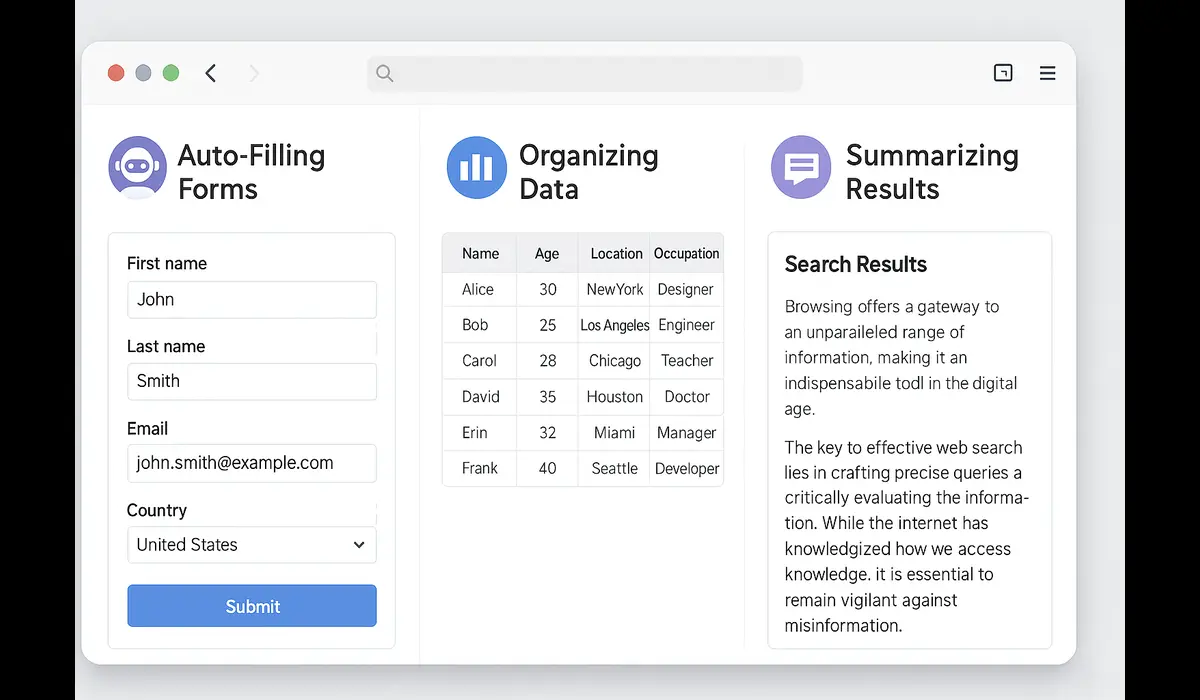
The term AI-first web browsers agentic mode comparison refers to evaluating next-generation browsers designed around artificial intelligence as the core engine — not just an add-on. Agentic mode allows these browsers to act on behalf of users — booking meetings, summarizing pages, or auto-filling forms using contextual understanding.

$750 Amazon Gift Card$750 Amazon Gift Card
Some users qualify for a $750 Amazon gift card. You can check if you qualify.
Latest Post
Latest Development in AI-First Browsers
2025 marks the rise of AI-first browsers — purpose-built platforms integrating real-time reasoning and automation. Unlike legacy browsers, they feature an “agentic mode,” a system that allows the browser to plan and execute multi-step web actions autonomously.
Some leading AI-first browsers include:
- ChatGPT Atlas — AI agent built into the browser environment for research and workflow tasks.
- Opera Neon — Prioritizes privacy, with AI running locally to manage automation.
- Comet Browser — Targets professionals and teams for cross-tab, cross-task automation.
- Edge Copilot Mode — A hybrid AI browser that embeds generative assistance across all tabs.
Core Features and Design Philosophy
1. Agentic Mode Automation
Agentic mode enables the browser to interpret user goals and complete them without direct input. For example, you could say, “Find the top three digital marketing tools and summarize reviews,” and the browser performs the search, reads sources, and produces an answer automatically.
2. Persistent Context Memory
Unlike traditional browsers, AI-first browsers maintain context across sessions. This helps them remember preferences, recent projects, and web journeys — forming the backbone of personalized automation.
3. Multimodal Intelligence
These browsers handle text, images, and structured data simultaneously, integrating visual understanding and content reasoning directly within tabs.
4. Enhanced Security and Privacy
Modern agentic browsers use local storage or encrypted cloud memory for session data, ensuring personal information stays protected while still allowing AI functionality.
5. Seamless Productivity Integration
Agentic browsers connect directly to calendars, task managers, and file systems. They can create reports, schedule meetings, and send summaries without switching between apps.
Why AI-first web browsers agentic mode comparison Matter
The AI-first web browsers agentic mode comparison showcases the biggest shift in web interaction since the introduction of tabs. Browsers are now intelligent agents rather than passive tools.
- For Professionals: They reduce time spent switching between tools. Research, summarization, and data entry can now be done natively within the browser.
- For Developers: They enable AI workflows with integrated APIs and context retention.
- For Businesses: They open doors to efficiency and cost-saving via automation and delegated digital labor.
The result is a web experience that’s proactive — your browser no longer waits for commands but anticipates them.
Feature Comparison Table
| Feature | ChatGPT Atlas | Opera Neon | Comet Browser | Edge Copilot Mode |
|---|---|---|---|---|
| Core AI Engine | ChatGPT Agent | Local Neural Module | Comet Task AI | Microsoft Copilot |
| Agentic Mode | Fully autonomous | Semi-local task control | Workflow-focused | Hybrid AI |
| Privacy Level | Cloud encrypted | Local first | Professional-grade | Cloud dependent |
| Context Memory | Persistent | Temporary | Persistent | Partial |
| Best For | Researchers & creators | Privacy users | Productivity teams | General users |
Each of these browsers interprets agentic behavior differently — some emphasize autonomy, others focus on security or cross-platform collaboration.
Expert Insight and Industry Perspective
AI-first browsers represent a paradigm shift in how we engage with the web. They merge traditional browsing, large language models, and automation into a unified interface. Instead of visiting ten websites, users simply issue an intent — and the browser completes the workflow.
However, experts caution that agentic functionality must balance efficiency with transparency. Browsers acting autonomously must still allow user oversight, ethical data handling, and opt-out options for sensitive actions.
The consensus: agentic browsers will define the “post-search” era, where intent replaces input and results replace navigation.
Advantages and Limitations
Advantages
- Time-saving through automated research and execution.
- Consistent context retention across sessions.
- Unified workspace for writing, planning, and web browsing.
- Customizable AI personality and memory settings.
Limitations
- High computational demand for local models.
- Privacy risks if data management is unclear.
- Learning curve for new automation features.
- Limited availability of developer APIs in early releases.
Practical Takeaways for Users
- Adopt Incrementally: Start using agentic features for low-risk tasks like summarization or bookmarking.
- Review Permissions: Always check browser settings for AI memory, cloud syncing, and data retention.
- Integrate Workflows: Connect calendars, notes, or CRM tools for seamless productivity automation.
- Stay Updated: These browsers evolve rapidly — watch for new builds offering improved privacy or speed.

$500 Walmart Gift Card$500 Walmart Gift Card
Not everyone qualifies for this $500 Walmart gift card. Checking only takes a moment. You can check if you’re eligible.
FAQs about AI-first web browsers agentic mode comparison
Q1. What is AI-first web browsers agentic mode comparison?
It’s the evaluation of next-generation AI-driven browsers that automate navigation, form-filling, and online workflows autonomously.
Q2. Which AI-first browsers currently support agentic mode?
ChatGPT Atlas, Opera Neon, and Comet Browser are the key players offering active agentic modes.
Q3. How is agentic mode different from AI extensions?
Extensions react to specific triggers; agentic mode operates continuously, learning from your intent and acting across tabs and tasks.
Q4. Are agentic browsers safe for professional use?
Yes, but users should manage memory settings carefully and prefer local or encrypted environments for sensitive data.
Key Takeaways
- AI-first web browsers agentic mode comparison reveals how the browser is evolving into an intelligent assistant.
- Agentic mode automates multi-step actions using natural intent understanding.
- Top AI browsers vary by focus: Atlas emphasizes autonomy, Neon privacy, Comet productivity.
- Adoption brings efficiency but requires mindful data management.
Conclusion : AI-first web browsers agentic mode comparison
The AI-first web browsers agentic mode comparison proves that browsing is entering an era of intelligent collaboration. From automating workflows to predicting user needs, these browsers redefine how we use the internet. The transformation isn’t about adding AI—it’s about making AI the foundation of the browsing experience.



