
AI Email Assistants That Actually Write for You
Discover how modern AI email assistants streamline your workflow by turning rough notes into polished messages and actionable follow-ups—helping you save time, improve clarity, and manage communication effortlessly with tools built for 2025 productivity demands.
AI Email Assistants 2025 That Write Themselves
Imagine opening your inbox tomorrow morning and seeing half your replies already drafted — smart, personalized, and ready to send.
Sounds futuristic? In 2025, AI email assistants are no longer just grammar checkers. They actually write for you. From polite client follow-ups to persuasive sales emails, these tools can turn your messy thoughts into professional messages in seconds.
But which AI assistants are worth trusting with your inbox? Let’s dive in.
What Are AI Email Assistants?
An AI email assistant is more than spellcheck. These tools use natural language processing to:
– Draft new emails based on your instructions.
– Reply automatically in the right tone.
– Summarize long threads into key points.
– Suggest subject lines that get more clicks.
The surprising part? Some free versions are already powerful enough to replace hours of daily email work.
1. Gmail + Gemini: Google’s Built-In AI Email Writer
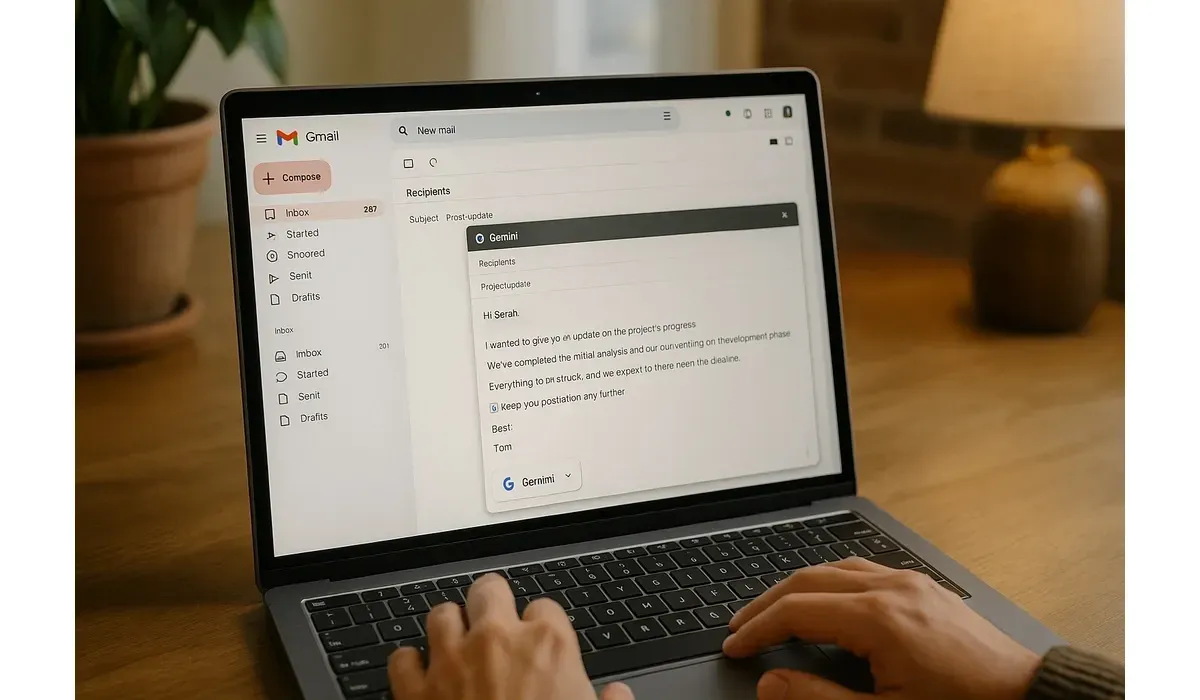
Google quietly rolled out its Gemini-powered writing assistant inside Gmail.
How it works: Type a short prompt like “Thank my client for their patience and confirm delivery next week.” Gemini instantly drafts a full professional email.
Pros:
– Built directly into Gmail (no installs).
– Learns your tone over time.
– Excellent at short, polite replies.
Cons:
– Sometimes “too formal” for casual messages.
– Free access is limited to simple drafts.
Free vs Paid:
– Free: Basic drafting suggestions.
– Paid (Google Workspace AI add-on): Smarter personalization + advanced editing.
Surprise stat: According to Google’s Workspace blog, users testing Gemini inside Gmail saved an average of 45 minutes per day.
2. GrammarlyGO: Beyond Grammar, Into Full Drafting
Grammarly was once “just a grammar checker.” Now, GrammarlyGO writes entire emails for you.
How it works: Highlight a sentence, choose your tone (formal, friendly, persuasive), and Grammarly rewrites it. Or start with a prompt like “Write a persuasive email offering a discount.”
Pros:
– Tone control is unmatched.
– Polishes awkward sentences.
– Works across Gmail, Outlook, and LinkedIn.
Cons:
– Can feel repetitive in phrasing.
– Not ideal for very creative writing.
Free vs Paid:
– Free: Basic rewrites and short drafts.
– Paid: Full tone customization, unlimited prompts.
Mini-comparison: GrammarlyGO beats Gmail Gemini in tone flexibility, but Gemini wins in native integration.
3. Superhuman AI: The Premium Speed Machine
If Gmail feels slow, Superhuman AI is like email on steroids.
How it works: The app suggests full replies, auto-summarizes threads, and even reminds you if you’ve forgotten to reply. AI predictions appear as you type.
Pros:
– Blazing fast interface.
– Smart follow-up reminders.
– Polished replies that save time.
Cons:
– Pricey ($30/month).
– Overkill if you only send a few emails daily.
Free vs Paid:
– No free tier. Only paid with AI included.
Fact: TechCrunch reports Superhuman users reply to emails 2x faster on average compared to Gmail users.
4. Flowrite: The “Prompt-to-Email” Specialist
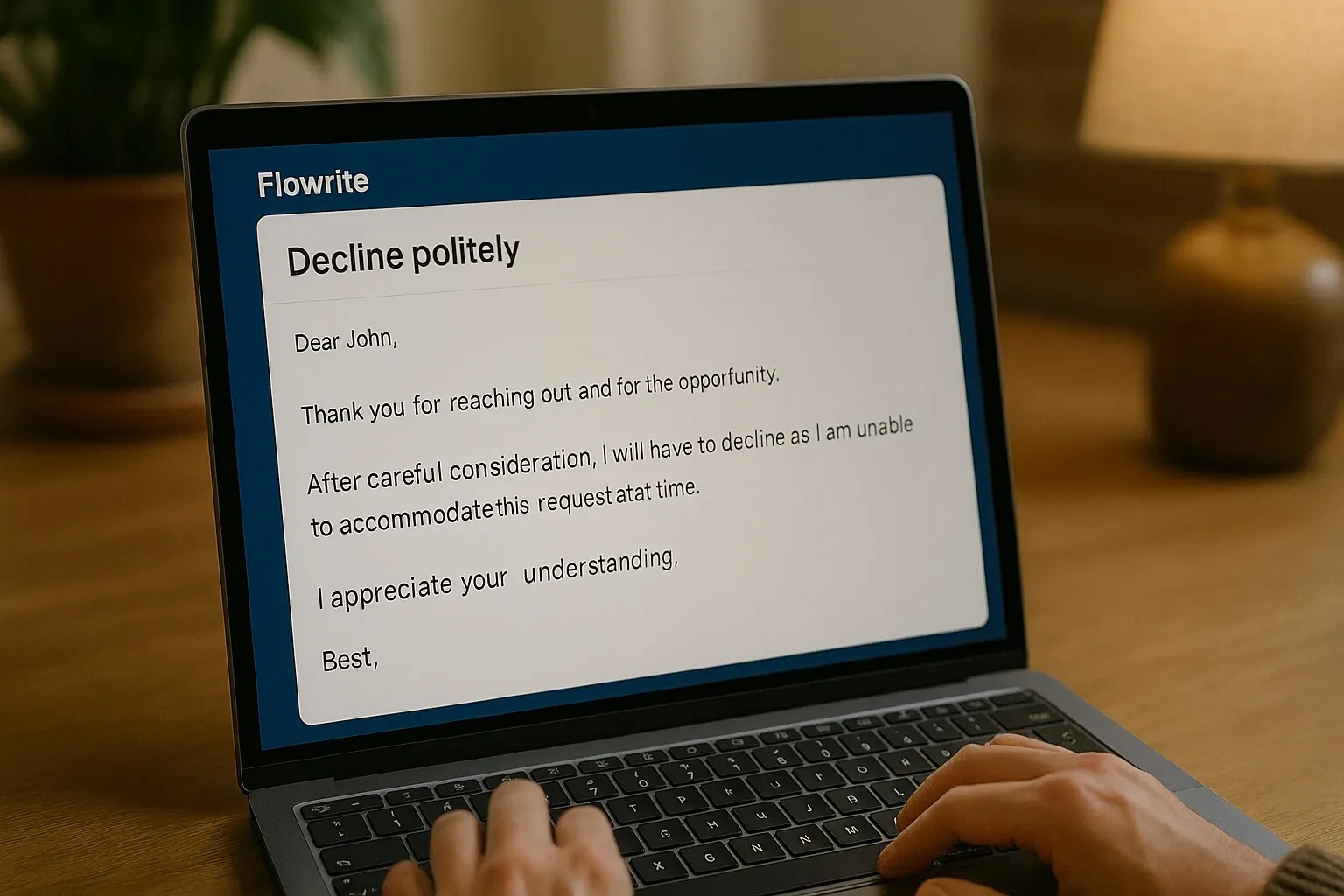
If you hate writing, Flowrite might be your best friend.
How it works: You type a short command like “Decline politely” or “Schedule a meeting for next Thursday.” Flowrite instantly expands it into a professional full email.
Pros:
– Lightning-fast drafts.
– Dozens of pre-made templates (job offers, support replies, networking).
– Integrates with Gmail and Outlook.
Cons:
– Limited free usage.
– Drafts sometimes feel generic if you don’t tweak them.
Free vs Paid:
– Free: 15 messages per month.
– Paid: Unlimited messages + custom templates.
What most people don’t know: Flowrite has a “personal voice” beta that learns your style after analyzing just 10 emails.
5. Microsoft Copilot in Outlook: Enterprise-Grade AI
For business users, Microsoft’s Copilot in Outlook is a game-changer.
How it works: It doesn’t just draft emails — it can summarize entire meetings (via Teams) and suggest follow-ups directly in Outlook.
Pros:
– Deep integration with Office apps.
– Meeting-to-email flow saves hours.
– Enterprise-level security.
Cons:
– Only available with Microsoft 365 Copilot plan ($30/month).
– Best for teams, not solo users.
Free vs Paid:
– Free: Outlook’s normal “Suggested Replies.”
– Paid: Full Copilot with drafting + meeting summaries.
Real-world example: A project manager can instantly turn a Teams transcript into a client-ready update email — without typing a word.
Mini Comparison: Which AI Email Assistant Fits You?
Here’s a quick breakdown:
1. Best Free Option → Gmail + Gemini (simple drafts).
2. Best for Tone Control → GrammarlyGO.
3. Best for Speed & Productivity → Superhuman AI.
4. Best for Non-Writers → Flowrite.
5. Best for Teams → Microsoft Copilot in Outlook.
Why AI Email Assistants Matter in 2025
On average, professionals spend 28% of their workweek on email (McKinsey report). That’s over 11 hours per week.
AI assistants cut that down dramatically. Even saving 30 minutes daily equals 11+ hours freed every month. That’s time you could use for strategy, creativity, or even just leaving work on time.
And while free versions are powerful, paid plans add serious value for teams and heavy users. The future inbox isn’t just smarter — it’s self-writing.
FAQs: AI Email Assistants That Actually Write for You
1. Are AI email assistants safe to use?
Yes, but privacy depends on the provider. Established brands like Google, Microsoft, and Grammarly have strong security policies.
2. Can free AI email assistants replace paid ones?
For light use, yes. But if you send 50+ emails daily, paid plans (like Superhuman or Copilot) will save more time.
3. Do AI email assistants sound robotic?
Not anymore. Most tools let you adjust tone — from casual to formal — to match your style.
4. Which AI email assistant is best overall?
For most people: Gmail Gemini (free). For businesses: Microsoft Copilot. For solo professionals: GrammarlyGO or Flowrite.



