
AI Tools That Replace Design Tasks — No Skill Needed
Explore AI tools that replace design tasks with instant, high-quality results—no expertise required. This concise guide shows how teams can speed up creative work and reduce manual effort.

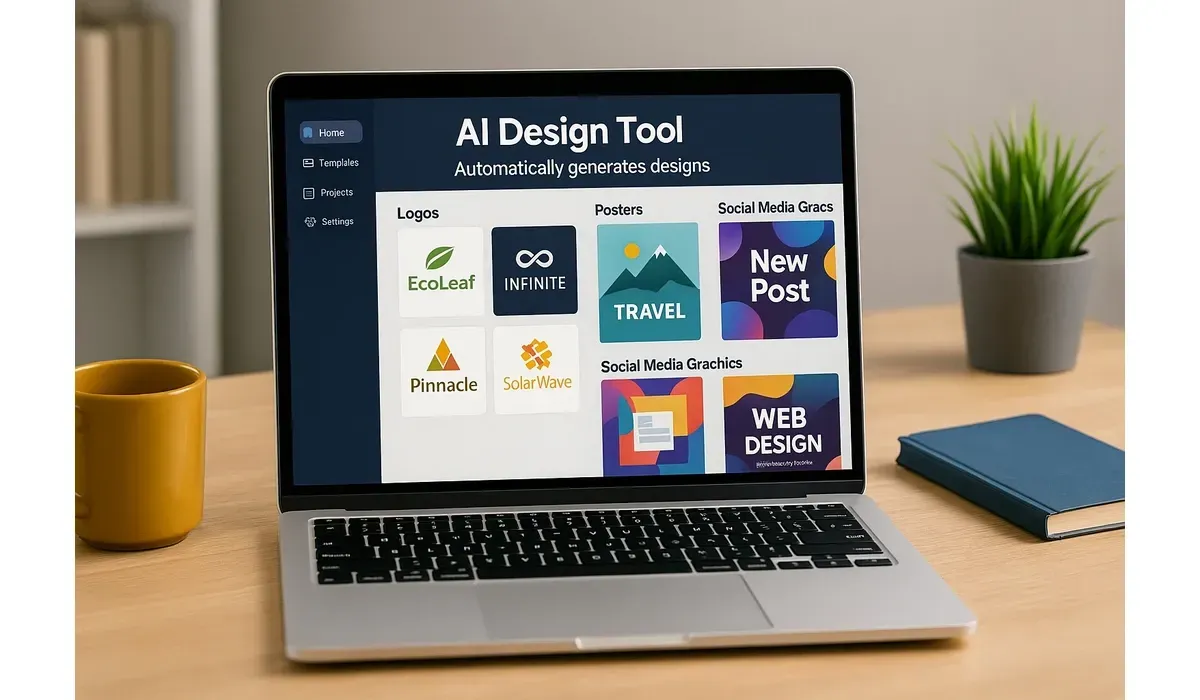
Not everyone has the time or skill to master design software. Yet in today’s world, eye-catching visuals are essential for businesses, content creators, and marketers.
This is where AI design tools step in. They promise to replace tedious design tasks, even for people with zero graphic design background. But do they really work? Let’s find out.
What Are AI Design Tools?
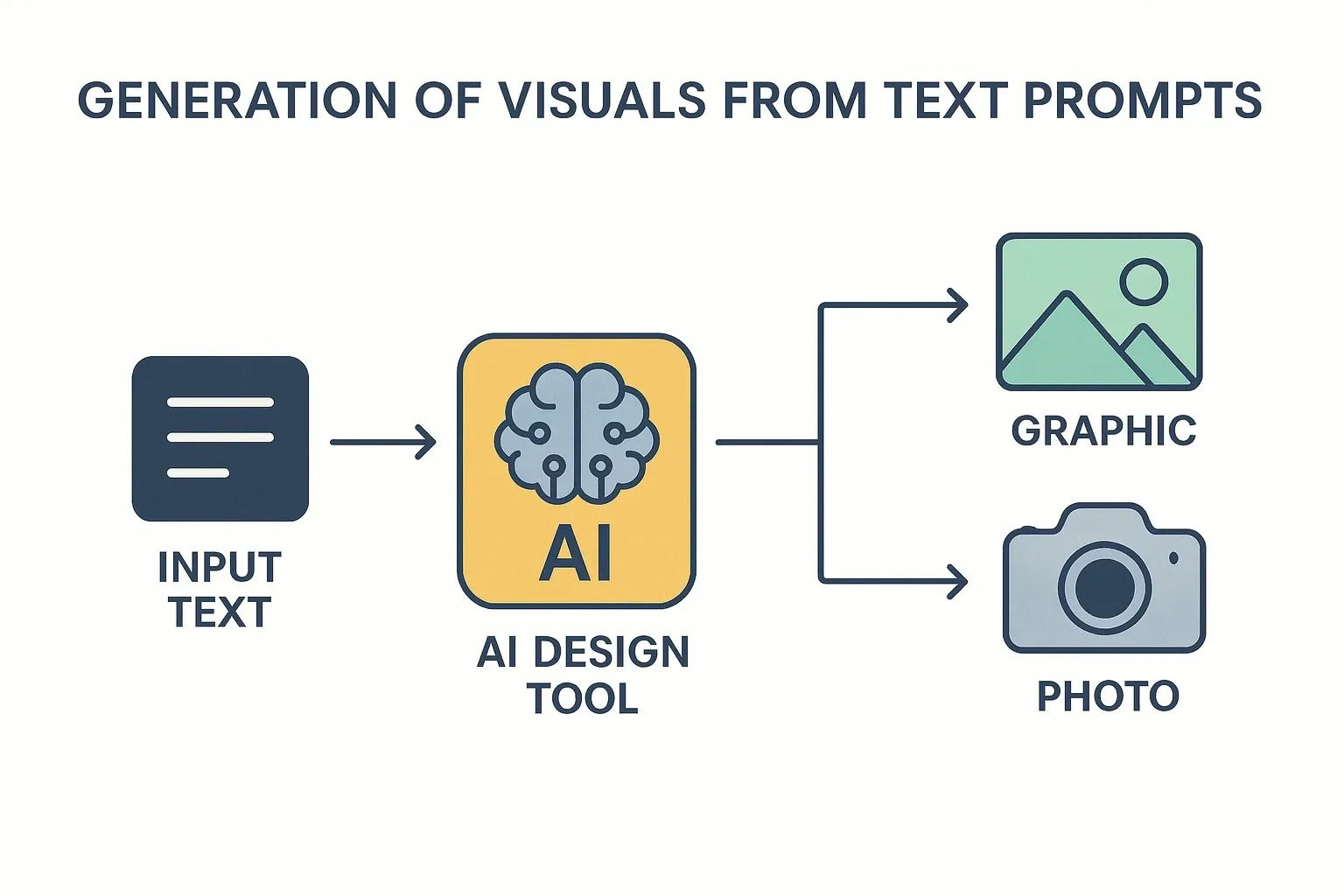
AI design tools use artificial intelligence to automate the process of creating visuals like logos, presentations, social media graphics, and even product mockups.
Instead of dragging elements manually in Photoshop or Illustrator, you just describe what you need—or pick from a few prompts—and the AI handles the rest.
According to Canva’s 2024 report, AI-driven design features have cut design time for users by up to 40%, proving their growing role in everyday creative work.
AI Design Tools That Replace Tasks Easily
Canva AI
How it works: Canva’s AI tools include Magic Design, which creates presentations, posters, and posts from just a text description.
Pros:
- Extremely beginner-friendly
- Large template library
- Works for social media, branding, and ads
Cons:
- Designs can feel repetitive if not customized
- Free tier has limitations
- Free vs Paid: Free plan available; Pro version costs around $12.99/month with full AI features.
Looka (AI Logo Maker)
How it works: Looka generates brand logos in seconds. Users answer a few questions about style, colors, and industry, and AI delivers ready-to-use logos.
Pros:
- Instant branding solutions
- Affordable one-time pricing
- Easy export for multiple formats
Cons:
- Logos may look generic without edits
- Not ideal for complex brand identity
- Free vs Paid: Preview is free; paid packages start at $20 per logo.
Designs.ai
How it works: This all-in-one platform creates logos, videos, social graphics, and even voiceovers using AI.
Pros:
- Covers multiple creative needs
- Great for small businesses
- Saves time by integrating design + video
Cons:
- Quality varies across outputs
- Subscription required for most features
- Free vs Paid: Limited free trials; pricing starts at $19/month.
Microsoft Designer
How it works: Powered by OpenAI, Microsoft Designer creates custom graphics from text prompts, making it a strong competitor to Canva.
Pros:
- Deep AI integration with Microsoft ecosystem
- Professional-quality graphics
- User-friendly for non-designers
Cons:
- Still in preview, limited global rollout
- Works best with Microsoft 365 subscription
Free vs Paid: Currently free in beta; premium features will tie into Microsoft 365.
Khroma (AI Color Tool)
How it works: Khroma uses AI to generate personalized color palettes based on your preferences.
Pros:
- Great for web and app design
- Learns from your choices
- Free to use
Cons:
- Free vs Paid: Completely free.
- Only focused on colors
- Doesn’t create full designs
When Should You Use AI Design Tools?
AI design tools work best for:
– Small businesses needing fast branding
– Social media creators posting daily
– Startups without a design budget
– Professionals needing quick mockups or presentations
However, for high-end creative campaigns or detailed illustrations, traditional designers still deliver the edge.
FAQs: AI Design Tools
Q: Can AI design tools fully replace designers?
A: Not yet. AI design tools are great for basic and mid-level tasks, but professional designers bring strategy, originality, and brand depth.
Q: Are AI design tools free to use?
A: Some offer free versions (like Canva and Khroma), but advanced features are usually paid.
Q: Do AI design tools create unique results?
A: Yes, but since they pull from templates and patterns, designs can sometimes look generic if not customized.
Q: Are AI design tools good for businesses?
A: Absolutely. They save money and time, making them ideal for small businesses and startups without design teams.
Bottom Line
AI design tools are changing how we approach visual creation. From logos to presentations, these platforms make professional-looking designs accessible to everyone—no skills required.
They’re not here to replace human creativity but to save time, reduce costs, and make design more accessible.



