
This AI Tool Writes Code Explanations for Non-Devs
Discover how this AI tool writes code explanations for non-devs, turning complex snippets into clear, understandable insights. This concise guide shows how teams can improve learning and collaboration instantly.

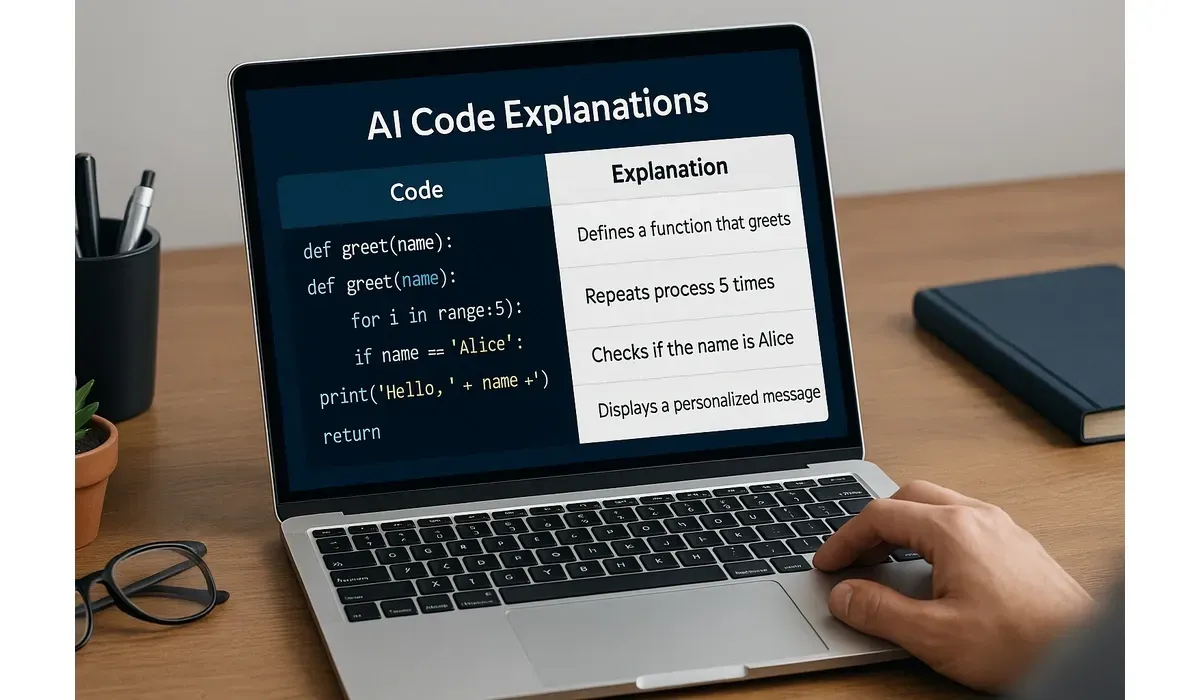
Coding has always seemed like a secret language reserved for developers. But what if anyone—marketers, managers, or students—could understand code instantly?
That’s exactly what AI code explanations tools promise. They break down complex lines of code into simple, plain English that even non-technical users can grasp.
What Are AI Code Explanations?
AI code explanations use natural language processing (NLP) to analyze code and describe what it does in everyday terms.
Instead of seeing confusing syntax like `for i in range(10)`, users get an explanation: “This loop runs ten times, counting from 0 to 9.”
A GitHub survey revealed that 60% of non-technical professionals feel blocked when working with code snippets. Tools like these aim to bridge that gap.
How AI Code Explanations Work
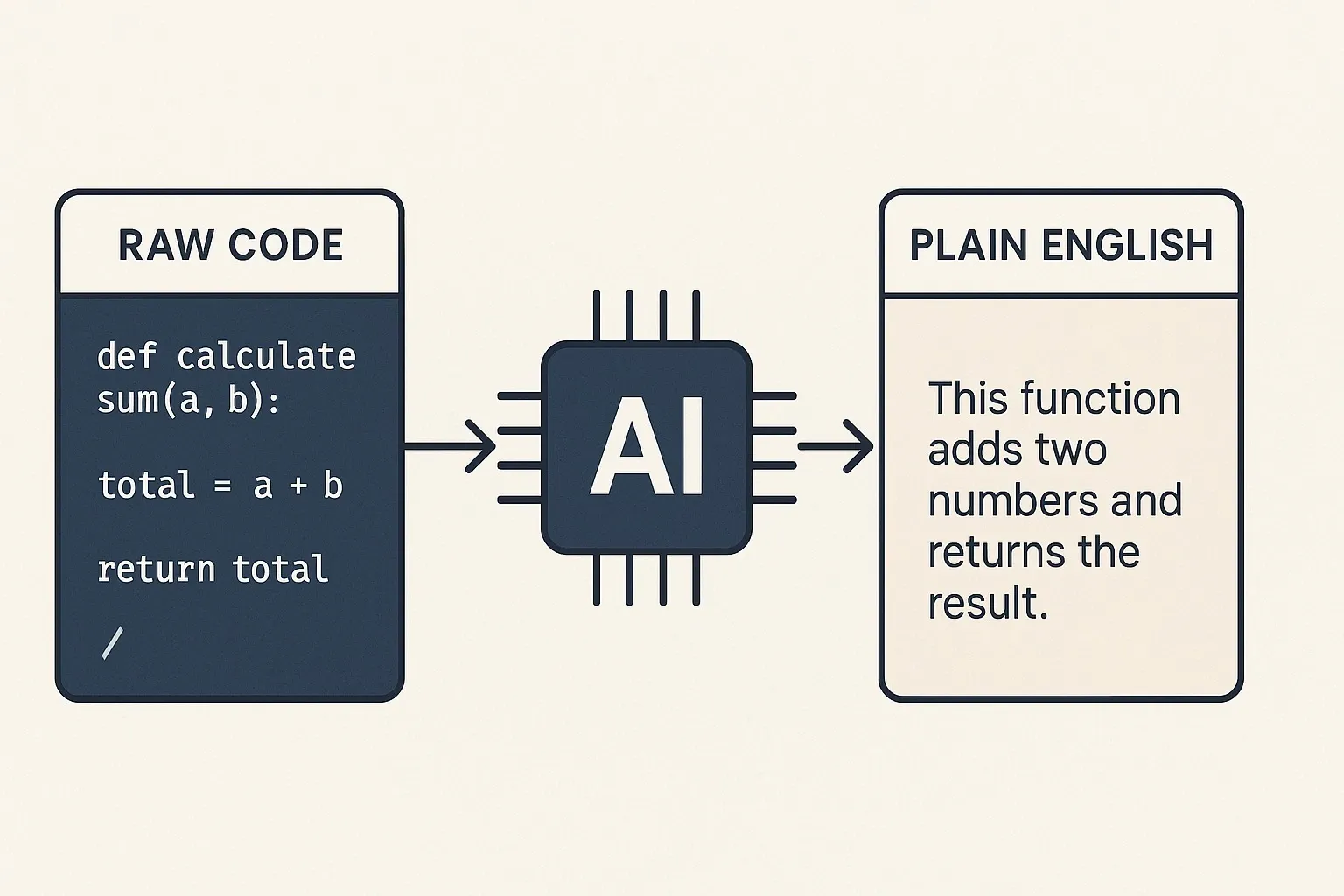
These tools follow a three-step process:
1. Input: User pastes or uploads code.
2. AI Analysis: The model identifies language, structure, and logic.
3. Output: It generates a human-friendly explanation in plain English.
Some even add context—like what the code is used for or potential risks.
Best AI Code Explanations Tools
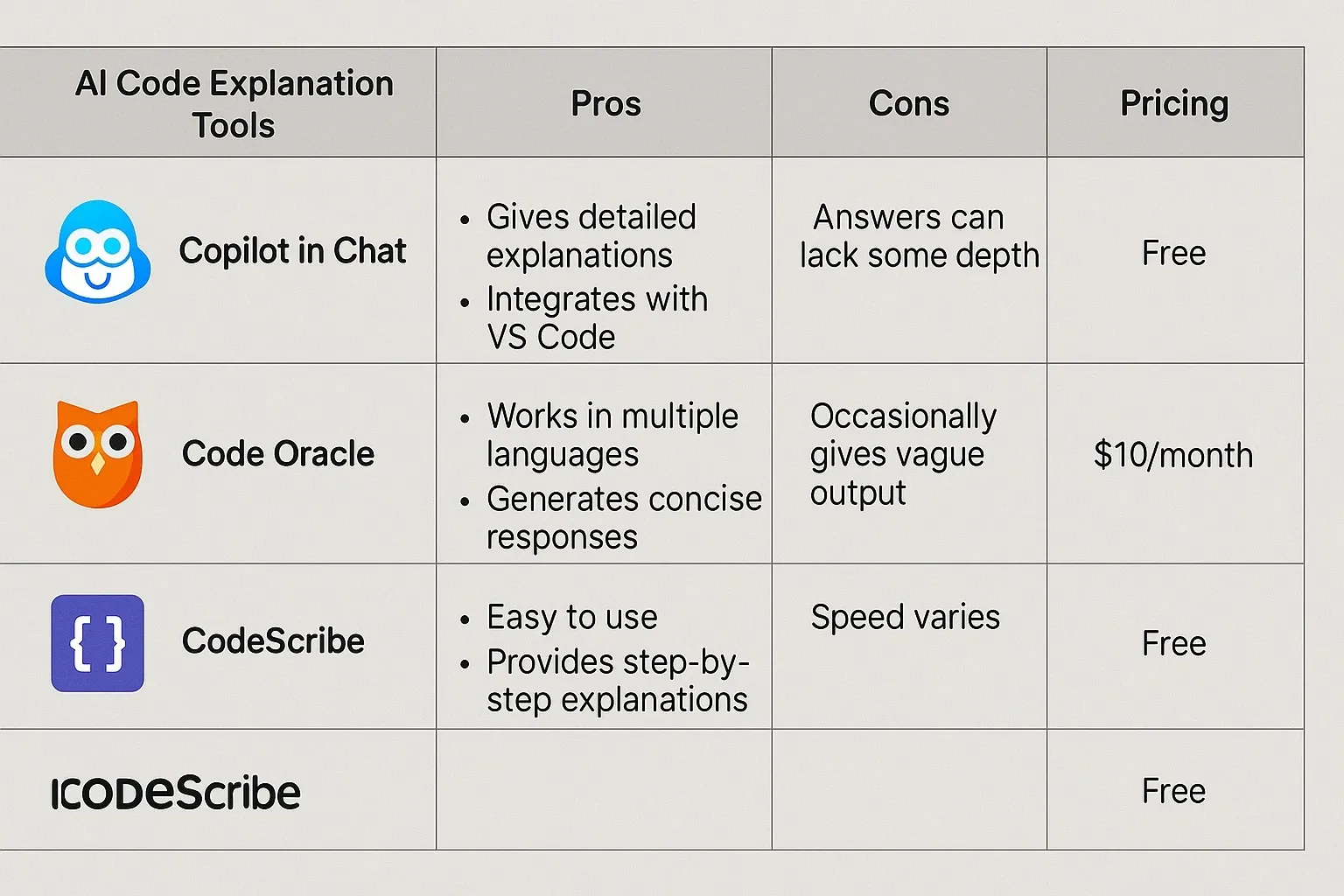
GitHub Copilot Labs
How it works: An extension of GitHub Copilot, Labs includes an “Explain” feature that rewrites code into plain English.
Pros:
- Integrated into VS Code
- Great for learning developers
- Supports multiple languages
Cons:
- Best for smaller code snippets
- Requires GitHub subscription
Free vs Paid: Available with Copilot subscription at $10/month.
ChatGPT (Code Interpreter Mode)
How it works: With its natural language strength, ChatGPT explains code across languages. You can paste code and ask for line-by-line breakdowns.
Pros:
- Handles multiple languages
- Flexible explanations
- Supports debugging context
Cons:
- Requires clear prompts
- Free tier has limits
Free vs Paid: Free plan available; GPT-4 tier costs $20/month.
ExplainThisCode
How it works: A lightweight online tool where users paste code and get instant explanations.
Pros:
- Quick and simple
- No login needed
- Good for beginners
Cons:
- Limited detail for complex projects
- Fewer integrations
Free vs Paid: Free to use; premium features for educators coming soon.
CodeSquire
How it works: Geared towards data scientists, CodeSquire explains Python, SQL, and R code for analytics workflows.
Pros:
- Tailored for data tasks
- Easy to use in Jupyter Notebooks
- Good for non-coders in business
Cons:
- Niche focus
- Paid after trial
Free vs Paid: 7-day trial; starts at $9/month.
Who Benefits from AI Code Explanations?
– Project managers: To understand developer progress.
– Students: Learning programming basics without frustration.
– Marketers: Decoding analytics scripts.
– Executives: Making sense of tech team discussions.
By translating code into simple terms, these tools create transparency across teams.
FAQs: AI Code Explanations
Q: What are AI code explanations used for?
A: They help non-developers understand programming logic without needing coding skills.
Q: Are AI code explanations always accurate?
A: Mostly yes, but explanations can oversimplify complex logic. Developers should still verify.
Q: Can students use AI code explanations to learn coding?
A: Absolutely. These tools are great for breaking down concepts into digestible parts.
Q: Do AI code explanations support all programming languages?
A: Most cover common languages like Python, JavaScript, and SQL, but support may vary.
Bottom Line
AI code explanations are transforming how people interact with software. By removing the barrier of jargon, they empower non-developers to understand and participate in tech conversations.
Whether you’re a student, manager, or entrepreneur, these tools make code less intimidating—and more collaborative.



