
14-inch MacBook Pro M5 vs M3 Speed Comparison
Compare the 14-inch MacBook Pro M5 vs M3 with a clear look at real-world speed gains and performance differences. This quick analysis highlights what users can expect before upgrading.

Introduction
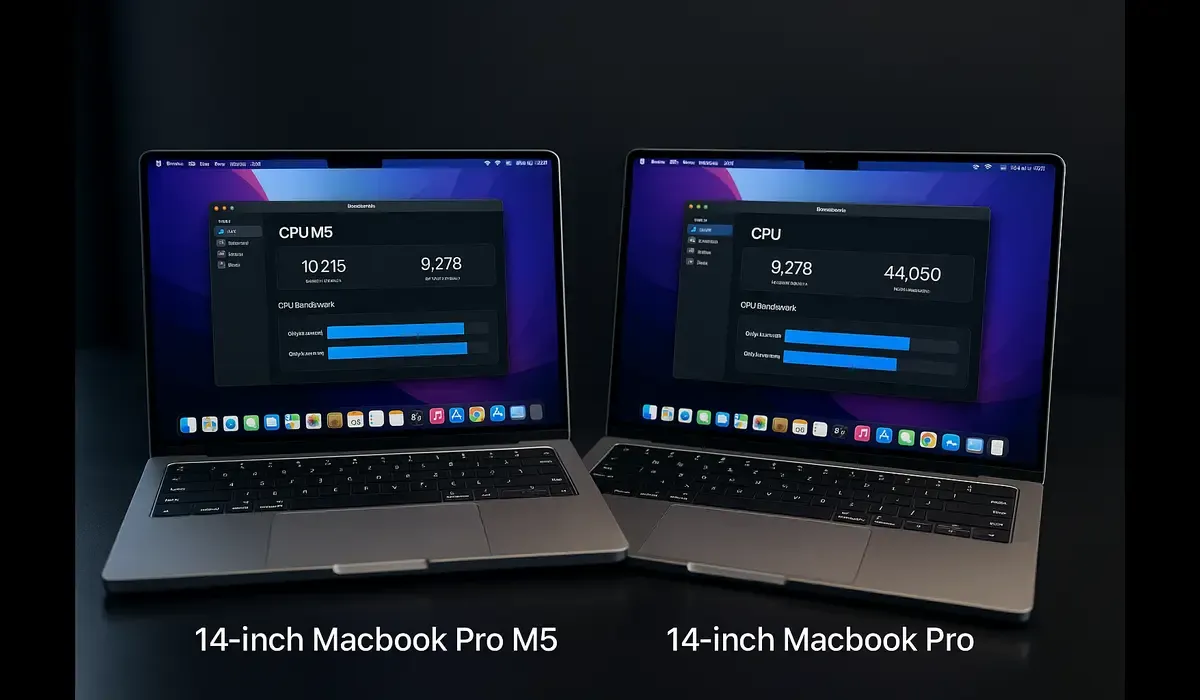
The 14-inch MacBook Pro M5 vs M3 speed comparison reveals whether the latest Apple silicon leap justifies an upgrade. With the M5 chip now officially in the 14-inch MacBook Pro, users and professionals alike want to know: how much faster is it in real-world use?
- The M5 chip delivers meaningful performance gains over the M3.
- For everyday tasks, many users may not feel a dramatic difference.
- If you edit video, run heavy workflows or future-proof, M5 offers clear advantages.
What is the 14-inch MacBook Pro and its chips?
The 14-inch MacBook Pro is Apple’s professional-oriented portable, combining power, display quality, ports, and build. In its current lifecycle, Apple offers models powered by the M3 family and now the newly introduced M5 chip. The comparison focuses on the base 14-inch MacBook Pro models configured with M3 and M5.
| Apple MacBook |
|---|
| Apple MacBook Pro M5 chip AI performance review Apple MacBook Pro 2025 M5 benchmarks and specs |
Latest Update: M5 Launch & Key Specs
Apple officially announced the 14-inch MacBook Pro with the M5 chip on October 15, 2025. Key headline specs:
- M5 chip built on advanced 3nm process, with 10-core CPU (4 performance + 6 efficiency cores) and 10-core GPU with Neural Accelerators.
- Claimed up to 3.5× faster AI performance and up to 1.6× faster graphics compared to previous generation.
- SSD option up to 4TB, faster unified memory bandwidth (~153 GB/s vs 120 GB/s) in certain configurations.
- Starting price remains at US$1,599 for base 14-inch model.
Meanwhile, the M3-based 14-inch MacBook Pro models continue to offer strong performance; the upgrade to M5 represents the next iterative step.
Details & Features: M5 vs M3 Performance Breakdown
Chip architecture & cores
- The 14‑inch MacBook Pro M3 uses Apple’s M3 generation architecture (various cores, efficient, good for many tasks).
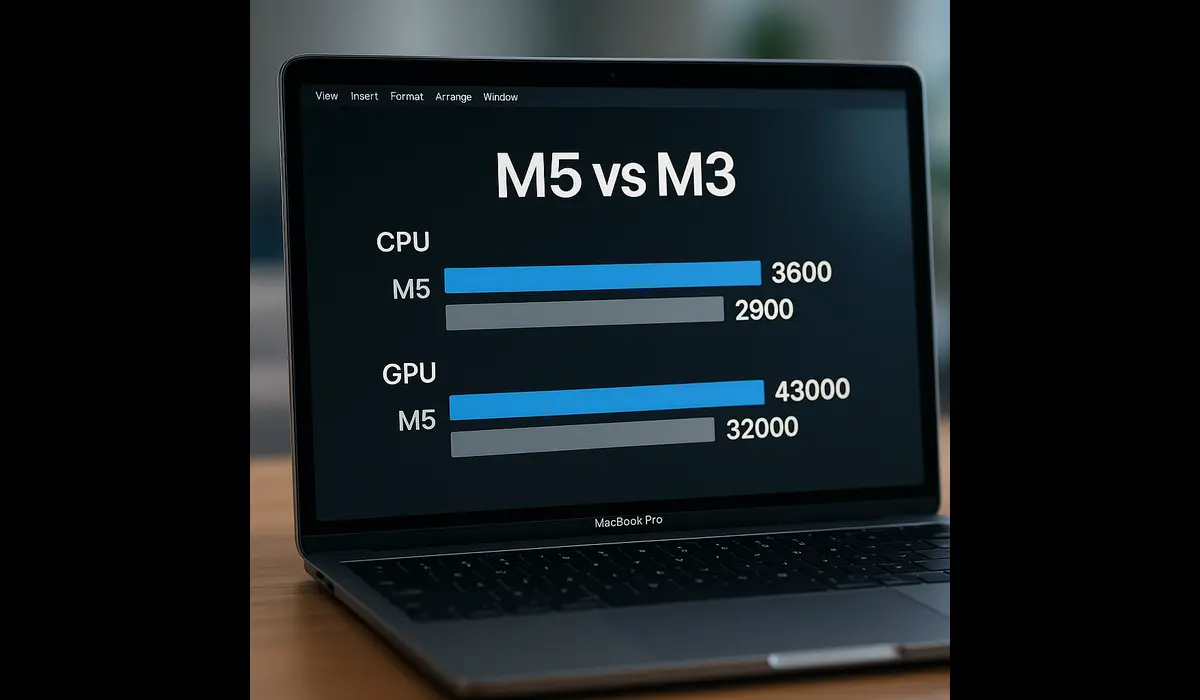
- The 14‑inch MacBook Pro M5 brings the M5 chip. According to early benchmarks, the M5 in the 14-inch MacBook Pro achieved a multi-core score of ~17,862 on Geekbench 6 vs ~15,257 for the M3 Pro variant.
- That translates to approximately 15-20% multi-core performance improvement in real benchmarks (though actual user experience may vary).
Graphics & AI/ML workloads
- The M5 brings “Neural Accelerators” integrated in each GPU core, boosting AI-related tasks (on-device machine learning, image-or video-editing AI features) significantly.
- Graphics performance claims: up to 1.6× faster than prior M4 model; in turn, better than M3 baseline in many workflows.
Storage, memory bandwidth & real-world workflow speed
- The M5 model allows for faster SSD speeds and larger storage capacity (up to 4TB) on base model list.
- Memory bandwidth improvements: from ~120 GB/s (older) up to ~153 GB/s in M5. This helps heavy data workflows (video editing, 3D renders).
Everyday performance & real-world use
From testing and reviews, users find:
- General productivity tasks (browsing, documents, spreadsheets) feel “very fast” on either model. Difference is less dramatic.
- Heavy workflows (4K/8K video editing, compiling code, running simulations) show more noticeable gains on M5.
- Thermal and battery characteristics remain similar between models; Apple claims up to 24 hours battery life for M5 model under video playback.
Price and upgrade justification
With the starting price unchanged, choosing the M5 model doesn’t cost more at base level. The question becomes: is the performance delta worth it? If you’ll keep the machine 3-5 years, yes. If you use lightly, maybe not urgent.
Comparisons / Alternatives
Here’s a quick side-by-side view of M5 vs M3 models for the 14-inch MacBook Pro:
| Feature | M3 Model | M5 Model |
|---|---|---|
| CPU multi-core benchmark | ~15,000 range (M3 Pro variant) | ~17,862 (M5) |
| Graphics & AI boost | Strong, but fewer neural accelerators | Larger GPU + Neural Accelerators per core |
| SSD and storage options | Up to 2TB typical | Up to 4TB and faster SSD speeds |
| Memory bandwidth | ~120 GB/s | ~153 GB/s in M5 model |
| Everyday difference | Minimal for light use | More headroom for pro workflows |
| Price | Starting US$1,599 | Same starting price |
Bottom line: If you are mainly doing standard work (emails, web, light editing), the M3 model remains highly capable. But if you regularly use pro apps, the M5 gives you meaningful extra margin.
Practical Takeaways / What Readers Should Do
- Assess your workflows honestly. If you frequently edit high-resolution video, use AI tools, compile code or run heavy multitasking – go for M5.
- Consider longevity. The M5 model gives more headroom for future years. If you keep a laptop 4-5 years, it makes sense.
- If budget is tight or use is light, the M3 model is still excellent. You’ll save money and have more than enough performance.
- Look at storage and spec configuration. Even with the same base chip, storage size, memory, and thermal headroom matter.
- Wait for deals if you’re not in urgent need. The M3 model may drop in price with the M5 launch, giving additional value.
FAQs
Q: In the 14-inch MacBook Pro M5 vs M3 speed comparison, how big is the difference?
In benchmarks, the M5 shows roughly a 15-20% boost in multi-core performance and more substantial gains in AI/graphics tasks.
Q: Will everyday tasks feel much faster on the 14-inch MacBook Pro M5 than M3?
For typical tasks—browsing, writing, spreadsheets—you’ll notice fast performance on both models. The extra speed in M5 shows more under heavy loads.
Q: Does the M5 version cost more than M3 for the 14-inch MacBook Pro?
No. At launch, Apple kept the same base price of US$1,599 for the 14-inch MacBook Pro, whether M5 or previous chip
Q: Should I upgrade from an M3 model to an M5 based 14-inch MacBook Pro?
Only if you are feeling performance limitations now or anticipate heavy workflows. Otherwise, the M3 remains very capable and an upgrade may be less urgent.
Key Takeaways
- The 14-inch MacBook Pro M5 vs M3 speed comparison shows meaningful gains—especially in multi-core, graphics and AI workloads.
- For everyday work the difference is smaller; the M3 remains a strong performer.
- If you’re a pro user, creator or plan to keep the system long-term, the M5 offers better value.
- Budget conscious or light-use buyers can buy the M3 and still get excellent performance.
Conclusion
In this detailed 14-inch MacBook Pro M5 vs M3 speed comparison, the M5 version emerges as the stronger choice for demanding users and long-term value. That said, the M3 model still stands tall for most everyday workflows. Choose based on your use case, workflow intensity and upgrade timeline. What’s your take? Share below.



